CATEGORY
4月 21ST, 2026

Unit 42 Threat Bulletin - April 2026

April's edition of the Unit 42 Threat Bulletin is live, bringing you real-time insights on the latest trends and developments within cybersecurity.

This month, I’m looking at two sides of the same problem: AI as a tool attackers are already exploiting, and AI as a surface most organizations don’t yet know how to defend.

Frontier AI models are now demonstrating the ability to perform complex, multi-step reasoning, which has significant implications for both offensive and defensive cybersecurity. This evolution is the core of a new announcement regarding how AI can be used to help find and even fix vulnerabilities before attackers can exploit them, while acknowledging that this technology can also be used to discover and exploit vulnerabilities at a scale and speed that was previously impossible. Read the full analysis on AI-driven vulnerability research here.

This macro shift is exactly what we are seeing on the ground. In Intel and Insights, Unit 42’s Shresta Bellary Seetharam and Nabeel Mohamed show how browser extensions now operate with privileges that can exceed traditional malware, with AI-generated variants already outpacing block-list defenses. In Behind the Research, Unit 42 researcher Beliz Kaleli breaks down indirect prompt injection, where the assumption that AI inputs are passive data no longer holds.

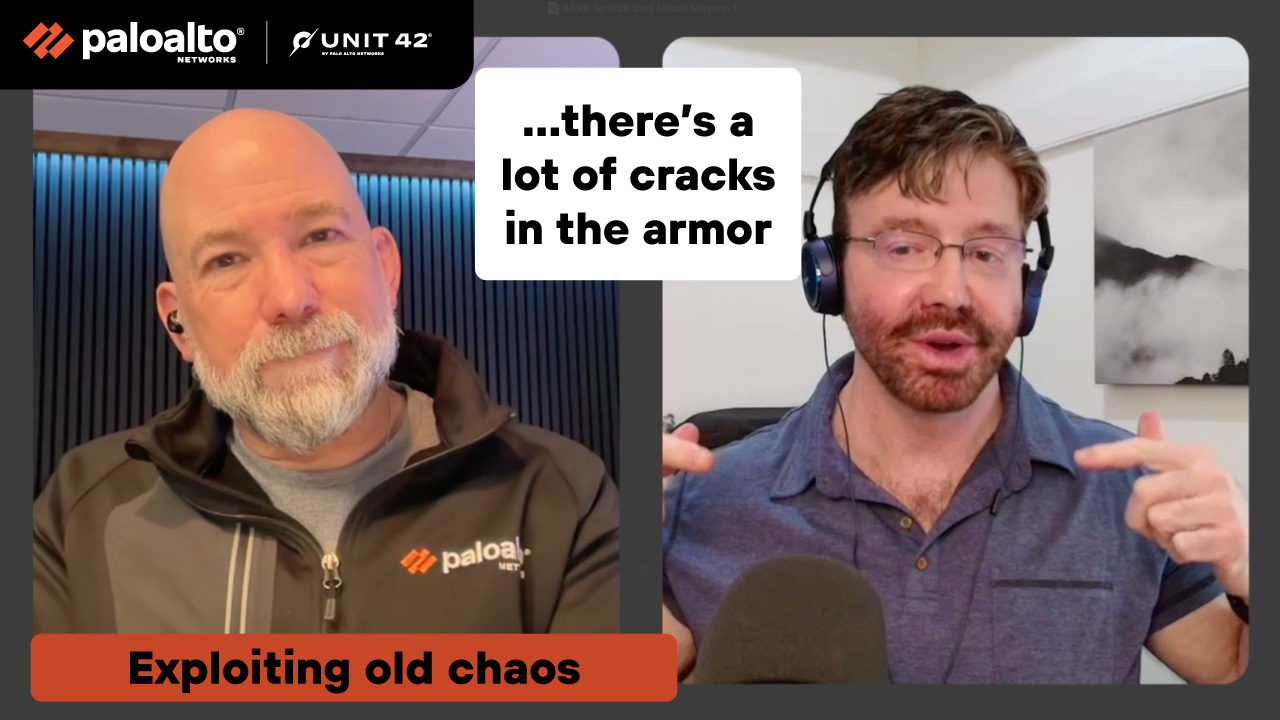
I also sat down with Mike Spisak, Head of Cybersecurity R&D at Unit 42, to talk through what we’re seeing in incidents. Across the conversations this month, one thing is clear: AI is accelerating execution and expanding the paths attackers can take.

author image
Mitch Mayne, Principal, Security Research

Intel and Insights

That AI Extension Helping You Write Emails? It's Reading Them First

The browser is no longer just a user interface. It’s an identity-bearing execution layer where unvetted code can access business data by design. Browser extensions are widely used across enterprises, but they operate with privileges traditional malware typically can’t reach without deeper access. They can quietly exfiltrate identity and content.

Unit 42 research shows these extensions are increasingly being generated using AI and operate across Chromium-based browsers, which represent roughly 95% of enterprise usage.


Mitch Mayne: What’s changed that makes the browser a more dangerous threat vector than it was five years ago?

Shresta Bellary Seetharam: Most enterprise work, including payroll, cloud access and collaboration, now happens in the browser. Extensions help users move faster, so they install them freely. But they run in a privileged layer with access to content, credentials and identity in ways traditional software does not have. Hundreds of GenAI-focused extensions are already in use across enterprise environments. The exposure is there. Most organizations just have not mapped it.

MM: How does a malicious extension operate once installed?

Nabeel Mohamed: The moment it’s installed, an extension can inherit the user’s identity, including access to authenticated sessions in the browser. A summarization tool, for example, can appear to perform exactly as advertised while exfiltrating everything it reads to an attacker-controlled endpoint. These extensions often request access to all URLs visited, not just selected pages, and emit signals benign enough to bypass endpoint controls and firewalls. Users have no mechanism to identify whether an extension is using permissions it shouldn’t, or whether it has undocumented backdoor functionality.

MM: What makes AI-generated extensions harder to detect than conventional malware?

NM: AI has driven the cost of generating new variants close to zero. Attackers can create many different-looking extensions that all perform the same malicious function, which breaks traditional blocklist approaches.

They also build in anti-detection. Extensions can recognize when they are running in a sandbox and stay dormant, only activating in real user environments. And because extensions update automatically, they can shift from benign to malicious over time without users noticing.

We’ve also seen legitimate extensions with large user bases get hijacked, with malicious code introduced in later updates.

MM: What guardrails should CISOs implement?

SBS: Three priorities. First, treat extensions like any other third-party software. Default to deny, and only allow them after they’ve been vetted through an automated process. Manual review does not scale.

Second, don’t rely on a simple allow or block model. The same tool may be acceptable on public websites but not on internal systems like payroll or collaboration platforms. Controls need to reflect that.

Third, monitor continuously. With AI accelerating how quickly these extensions can be deployed and changed, the gap between install and compromise is no longer measured in days. It can happen almost immediately.


author
Shresta Bellary Seetharam, Senior Staff Researcher
Read more by Shresta Bellary Seetharam
author
Nabeel Mohamed, Senior Principal Researcher
Read more by Nabeel Mohamed
Video

CISO Unscripted

AI is already showing up inside real incidents, changing how real attacks unfold. In this CISO Unscripted conversation, I sit down with Unit 42’s Mike Spisak to break down what we’re seeing on the ground. We talk about how AI reduces friction for attackers, increasing speed, scale, and consistency. More importantly, we get into what that means for how security leaders need to rethink their approach to defense. If attackers are moving faster, your operating model has to keep up.

poster image
"LLMs don’t separate a control plane with a data plane. They can’t distinguish between instructions that you gave them and things that they’ve read. It all gets mixed up in there. And if it follows a malicious message thinking it came from you, it can now be taken over and do things you didn’t want it to."
Aaron Isaksen, VP of AI Research and Engineering, Palo Alto Networks
Podcast

Threat Vector

podcast default icon

Is Your AI Well-Engineered Enough to Be Trusted?

00:00 00:00

Behind the Research

Unit 42 researcher Beliz Kaleli dug into an attack that breaks a core assumption behind AI systems: that the content an AI reads is just data. It isn’t. The implications reach any organization deploying agentic AI.

Mitch Mayne: What core security assumption breaks with indirect prompt injection?

Beliz Kaleli: We’ve always treated user input as untrusted, but assumed web pages, documents, and database content were safe, passive data.

That breaks with AI agents. Anything they read can act as an instruction. The attack surface is no longer just user input. It’s everything the agent processes. You can’t validate only what users send. You have to treat all accessible data as potentially untrusted.

MM: How is this different from a data breach, and why does agent privilege level change the risk calculation?

BK: Traditional breaches focus on stealing data. Indirect prompt injection changes behavior. It can cause an AI agent to take real actions and manipulate the AI agent’s decision-making.

If the agent has access to payments, databases, or APIs, a single malicious instruction can trigger actions across systems. And because those actions use the AI’s legitimate permissions, they often look normal and slip past existing controls.

The question shifts from “what data could be stolen?” to “what could be done using our system’s access?”

MM: What’s the “trust tax,” and what does it mean practically for organizations deploying AI?

BK: The trust tax is what you pay to make AI safe. Adding human checks reduces the efficiency that made AI attractive in the first place.

In practice, it means slower rollouts, less autonomy, and more oversight. Lower-risk tasks can still be automated. But for high-stakes use cases, you need human checkpoints, which limits full autonomy.

That trade-off is real, and organizations need to be clear about it before they deploy.

MM: What guardrails and vendor questions should CISOs prioritize?

BK: Start with least privilege. Agents should only have access to what they actually need. For high-impact actions, require an extra layer of approval.

You also need to validate what the agent produces before it executes. Look for outputs that fall outside expected patterns. And design the system so agents don’t directly interact with critical systems without controls in place. Logging matters too. You need to be able to trace what the agent saw and why it acted.

On the vendor side, focus on three things. How does the model handle instructions embedded in external data? What visibility do you have into its decision-making? And can you detect when behavior starts to drift?

author
Beliz Kaleli, Senior Staff Researcher
Read more by Beliz Kaleli

Editor's Outlook

The common thread this month is simple: the tools driving productivity are expanding the attack surface faster than most organizations are accounting for.

Browser extensions operate with privileged access and can quietly exfiltrate data. AI is accelerating how quickly those capabilities can be weaponized. And AI agents blur the line between data and instructions, turning everything they read into potential input. The attack surface is no longer just user input. It’s everything these systems touch.

The implication is operational: apply least privilege everywhere. Treat extensions as untrusted software. Treat AI agents as untrusted actors. Move beyond allow or block controls and enforce context, restricting behavior on sensitive systems and requiring approval for high-impact actions. Continuous monitoring is not optional.

The window between deployment and compromise is shrinking. The organizations that get ahead of this won’t slow AI adoption. They’ll build the controls to govern it in real time.

author